
⚡ Quick Answer
The Andrej Karpathy second brain approach works because plain markdown files plus Claude Code can deliver fast, editable, low-overhead knowledge retrieval for personal workflows. It beats heavier RAG stacks when your note base is modest, your file hygiene is strong, and you value control over infrastructure.
Andrej Karpathy’s second-brain idea almost sounds too plain to matter. That’s why it grabs attention. No vector database. No retrieval pipeline. No dashboard packed with knobs. Just markdown files, plus Claude Code to read them. In a market obsessed with infrastructure theater, that plain-file setup feels a little defiant. And for the right person, it isn’t a compromise at all. It may be the sharper pick.
What is the Andrej Karpathy second brain approach really optimizing for?

The Andrej Karpathy second brain approach favors simplicity, inspectability, and fast setup over maximum retrieval sophistication. That split matters. A markdown knowledge base with AI works because files stay easy to edit, easy to sync with Git, easy to back up, and easy for people and models to parse when the structure stays steady. Simple enough. Karpathy has long leaned toward workflows that trim tooling drag, and this setup matches that instinct well. Fewer moving parts mean fewer break points and less maintenance debt. We’d argue a lot of second-brain demos miss that. They treat markdown-only systems like starter kits for “real” AI knowledge management. Not quite. For personal research, writing archives, meeting notes, and code memory, plain files can beat bloated systems for one unglamorous reason: people actually keep them up to date. That’s a bigger shift than it sounds. Think of a solo developer keeping a docs folder in GitHub; the habit sticks because the system doesn’t fight back.
Why a second brain without RAG can work surprisingly well
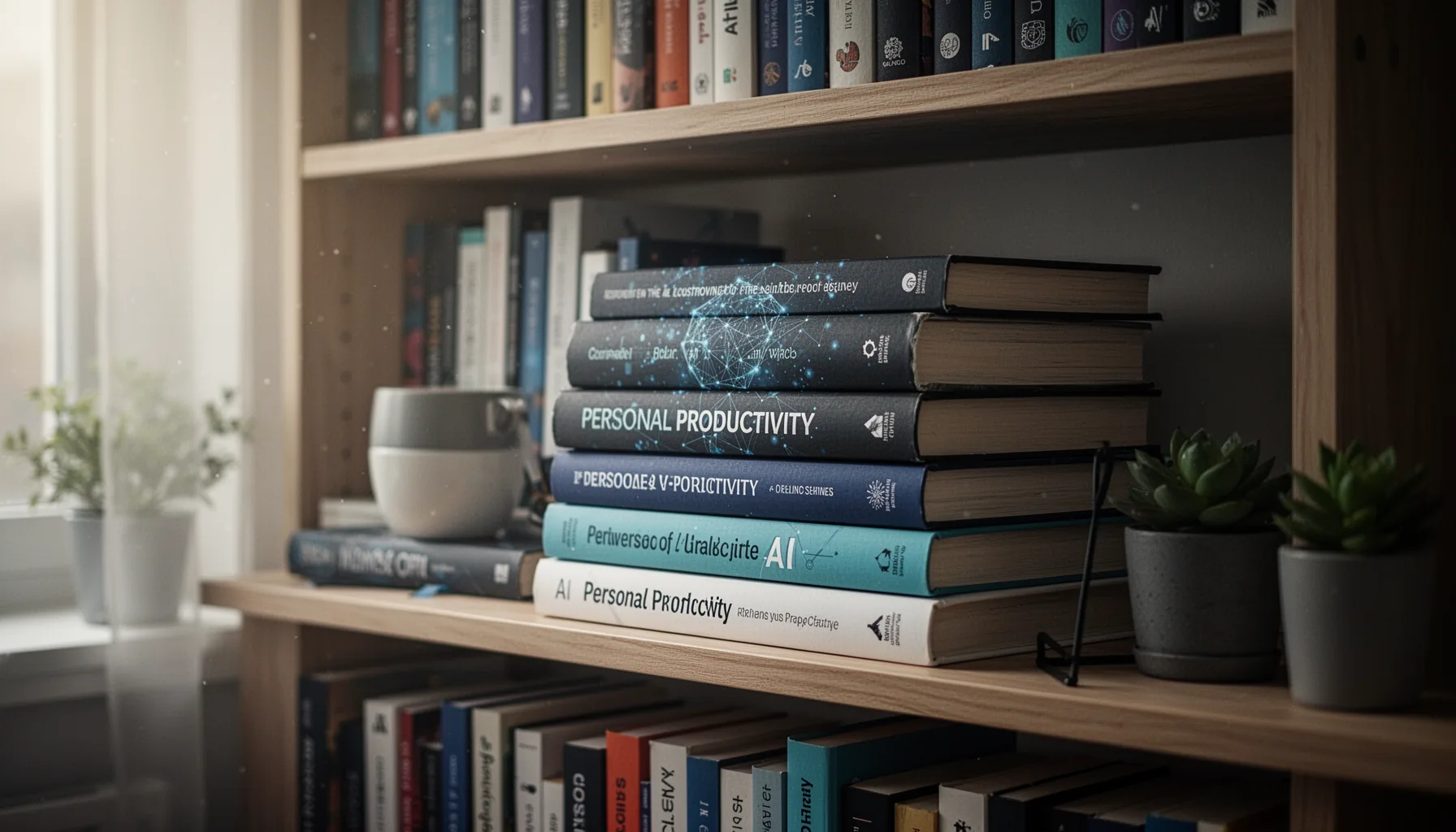
A second brain without RAG can work very well when the collection stays small to medium, semantically coherent, and written in a form the model can navigate directly. That’s the sweet spot. If your note base holds a few hundred well-named markdown files with clear headings, dates, and cross-links, Claude Code can often find useful context by scanning files or target folders without embedding everything into a vector index. It’s a cleaner path. This sidesteps chunking mistakes, stale indexes, and retrieval mismatches that often trip up rushed RAG builds. GitHub developers already work with markdown-heavy repositories for docs, changelogs, and design notes, so this style feels natural inside coding workflows. Worth noting. But we should be blunt here. Retrieval quality in plain files depends a lot on naming discipline and information architecture. If your notes resemble a junk drawer, no model will rescue them on a steady basis. Think of a repo named with files like final-notes2.md and misc-thoughts.md. That falls apart fast.
When markdown knowledge base with AI beats vector search

A markdown knowledge base with AI can beat vector search when the user wants transparency, direct file control, and quick iteration more than broad semantic retrieval at scale. That’s the real tradeoff. With plain markdown, you can inspect every source document, edit it in seconds, run it through Claude Code locally or semi-locally, and avoid the hidden oddities that often show up in vector ranking. That matters more than people admit. Writers make the case well. A journalist tracking interview notes, research snippets, outlines, and draft fragments may prefer deterministic folders over embedding pipelines that add cost and delay. We’ve seen the same pattern in software teams using docs repositories, where one clean search through a handful of canonical markdown files beats querying a complex RAG stack built on fragmented notes. According to GitHub’s 2024 Octoverse reporting, markdown remains one of the most common documentation formats in active repositories, which suggests why file-centered AI tools feel intuitive to developers. Here’s the thing. Vector search still wins when recall needs turn broad, fuzzy, or deeply cross-document at scale. That’s not trivial. Picture a newsroom archive versus one reporter’s working folder; those are very different jobs.
What are the scaling limits of the Claude Code second brain setup?

The Claude Code second brain setup starts to strain when note volume, duplication, and context-window pressure rise faster than your organizational discipline. That’s where the honeymoon ends. Models can read a lot, but they still operate inside token budgets, and messy folders make them burn context on irrelevant material before they ever reach the useful passage. That gets expensive. Duplicate notes, long daily journals, weak titles, and inconsistent metadata all make retrieval less dependable in a markdown-only system. Anthropic has expanded Claude context windows aggressively, yet even large context doesn’t fix bad file hygiene; it just lets you include more disorder in one shot. We’d argue that’s the hidden catch. A concrete example makes it plain. A developer with six months of architecture notes and issue retrospectives may get strong answers, but that same setup can wobble after three years of mixed personal, work, and reading logs unless the archive gets pruned. So “no RAG” should be a design choice, not a belief system. Not quite a religion. That distinction is worth watching.
Step-by-Step Guide
- 1
Create a clean markdown folder
Start with one root folder for your notes and keep the structure boring. Use a handful of subfolders such as meetings, projects, writing, ideas, and references. Boring wins here because Claude Code performs better when paths and topics are obvious.
- 2
Name files with intent
Use file names that tell you what the note contains before you open it. Dates, project names, and short descriptive phrases work well, like 2025-04-product-review.md or api-auth-decisions.md. That gives the model stronger retrieval cues and saves you time too.
- 3
Standardize each note format
Use the same internal structure across notes: title, date, summary, key points, and next actions. Consistency matters more than elegance. When headings repeat across files, Claude Code can skim and compare them far more reliably.
- 4
Connect Claude Code to the folder
Point Claude Code at the directory so it can inspect, summarize, and compare your markdown files. Keep permissions narrow at first, especially if the archive mixes personal and work material. You want usefulness, not accidental oversharing.
- 5
Ask retrieval-friendly questions
Prompt for specific tasks such as finding recurring themes, comparing meeting decisions, or drafting a memo from selected files. Broad prompts waste context. Queries like “summarize all launch blockers from project notes in March” usually perform far better than “what do I know about this project?”
- 6
Prune and refactor the archive weekly
Review duplicate notes, merge fragments, and rewrite vague titles once a week. This habit is the hidden engine of a markdown second brain. A small, tidy archive often beats a giant chaotic one, even with weaker tooling.
Key Statistics
Frequently Asked Questions
Key Takeaways
- ✓Andrej Karpathy second brain works best when notes stay clean, named well, and consistently structured
- ✓Markdown plus Claude Code can outshine RAG for personal speed, transparency, and setup ease
- ✓Second brain without RAG has real limits once files sprawl or context turns messy
- ✓Developers can rely on this setup for meetings, writing, code memory, and synthesis
- ✓The main edge is maintainability and direct control, not magical retrieval quality