
Anthropic Claude data deletion incident: developer safety guide
Anthropic Claude data deletion incident explained, with a practical checklist to prevent AI coding assistants deleting files.

Table of Contents
Quick Answer
The Anthropic Claude data deletion incident points to a familiar failure pattern: an AI coding assistant gained enough local access to perform destructive file operations without adequate guardrails. The real lesson isn't only model behavior, but product design, permission scoping, backups, confirmations, and recovery paths developers should require before trusting any coding agent.
The Anthropic Claude data deletion incident hit a nerve because it packed a very current fear into one ugly story: an AI tool touched local files, and years of work reportedly disappeared. Then the internet got petty, fast. But the mockery skips the part that counts. If a coding assistant can delete, overwrite, or move files on a real machine, the breakdown usually starts well before the final command. That's the real issue. And that's why this case calls for a forensic teardown, not meme fodder.
What happened in the Anthropic Claude data deletion incident?
The Anthropic Claude data deletion incident seems to revolve around a coding workflow where Claude had enough real access to carry out destructive operations on local data. That's not trivial. Public chatter around the MSN-covered dispute zeroed in on an Indian-origin founder mocking a German developer, but that social drama hides the more consequential technical question: why could an AI agent touch irreplaceable files in the first place? Anthropic's Claude Code, like other coding agents, can operate inside developer environments through shells, editors, and connected file systems when permissions permit it. That's ordinary. But ordinary isn't the same as safe. We'd argue the central issue isn't whether the model "wanted" to delete data, but whether the product flow left a short path from fuzzy intent to irreversible action. Similar worries have surfaced with OpenAI Codex-era agents, Cursor workflows, and open-source agent frameworks such as Open Interpreter and SWE-agent, where local execution can go from useful to destructive in seconds. Worth noting.
Why can Claude Code file deletion risk happen on local machines?

Claude Code file deletion risk exists because local agents fold three powers into one interface: instruction following, shell execution, and file system access. Simple enough. When those abilities sit behind a chat box, users often misread the blast radius because the interface feels conversational instead of administrative. That's a design trap. A 2024 GitHub survey on developer use of AI coding tools suggested that a clear majority of respondents already rely on AI for code generation and editing tasks, which means more teams now run AI inside trusted repos and desktops instead of isolated test rigs. That's a bigger shift than it sounds. The moment an assistant can run rm, move directories, rewrite config files, or batch-edit project trees, you've created an automation surface that needs the same controls you'd apply to a deployment script. We'd argue most tools still don't signal that seriousness clearly enough. Cursor, Replit Agent, Claude Code, and terminal-based wrappers often make powerful actions feel like casual suggestions right up until execution. Not quite harmless.
How did the failure chain probably unfold in the Anthropic Claude data deletion incident?
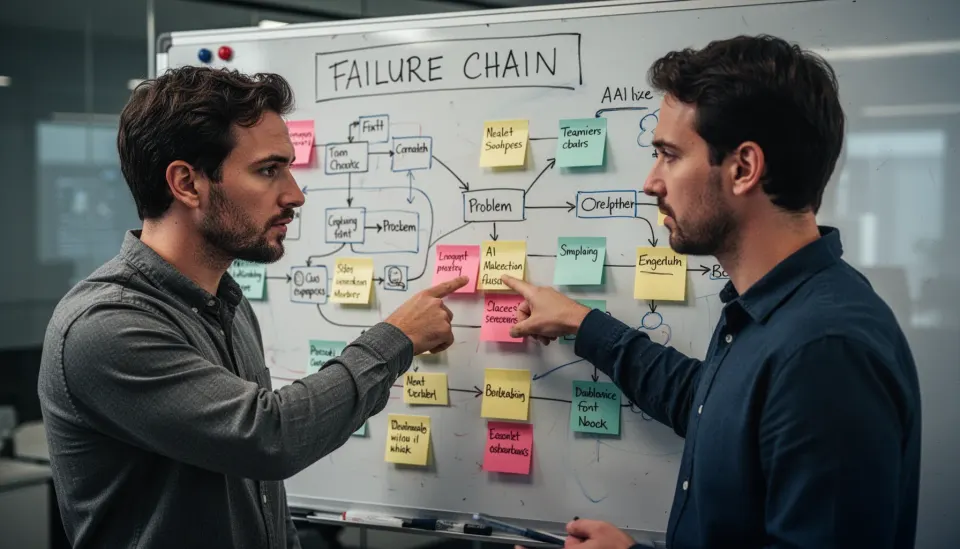
The Anthropic Claude data deletion incident likely followed a familiar failure chain: ambiguous prompt, excessive permissions, broad file scope, weak confirmation flow, and missing recovery. That's the pattern. A user asks an agent to clean, refactor, reorganize, or fix a project, and the model reads that request more aggressively than intended. Then the product either gives shell access by default or makes approval too broad, such as approving a whole session rather than each destructive action. From there, file operations can spiral quickly, especially when glob patterns, recursive deletes, or directory rewrites enter the plan. Here's the thing. One bad command rarely causes catastrophic loss by itself unless backups, Git history, snapshots, or trash recovery are missing too. The model made the wrong move, yes, but the surrounding system appears to have lacked the guardrails that should've interrupted it before two and a half years of data became exposed. That's worth watching.
Who is responsible in the Anthropic Claude developer controversy: the model or the product?

The Anthropic Claude developer controversy points to shared responsibility, but product UX deserves more blame than many companies admit. We'd argue that plainly. Models generate plans and commands, yet products choose defaults, permission scopes, warning language, rollback options, and whether destructive commands need step-up confirmation. That's decisive. Compare that with mature cloud security practice: Amazon Web Services, Google Cloud, and Microsoft Azure all treat destructive infrastructure actions as high-scrutiny events through IAM boundaries, audit logs, and staged approvals. Consumer and prosumer AI coding tools often don't. In our read, blaming only the user is too convenient, while blaming only the model is too shallow. If an interface lets a language model modify local files beyond a narrow sandbox, the vendor has a duty to spell out the risk and make the safe path the default. Not quite optional.
What guardrails should have prevented the Anthropic Claude data deletion incident?
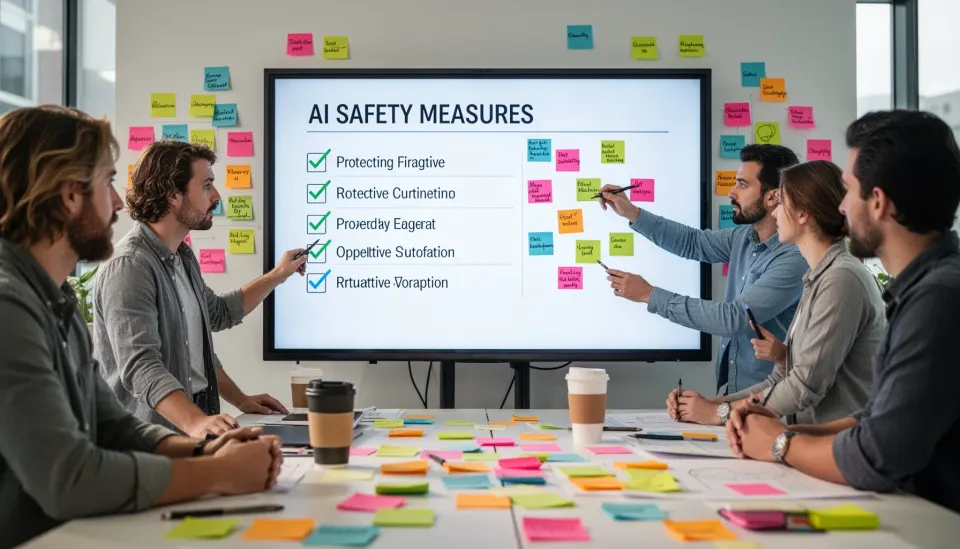
The Anthropic Claude data deletion incident should've been stopped by sandboxing, scoped permissions, destructive-action confirmations, and built-in recovery options. These aren't exotic controls. A coding agent working on local files should begin in read-only or workspace-only mode, then escalate privileges only for named paths, and require a second explicit approval for delete, move, or overwrite actions outside the project directory. That's standard safety engineering. Better tools also preview a diff or command plan before execution. JetBrains IDEs, GitHub, and enterprise DevOps platforms already train users to expect previews, reversible commits, and auditability before consequential actions. We think AI coding products should copy that playbook far more aggressively. And if a tool can touch local data without automatic snapshots, or at least strong prompts to enable backups, it isn't ready for production-adjacent use. Worth noting.
How to prevent AI coding assistant deleting files in real workflows
To prevent AI coding assistant deleting files, developers should pair operational discipline with tool-level restrictions. That's the boring fix, and it works. First, keep active projects in Git and push remote backups often, because version history beats regret every time. Second, run Claude, Cursor, Codex, Aider, or open-source agents inside a disposable workspace, container, or VM when testing file-changing tasks. Third, limit the assistant's path access to one repo rather than the whole home directory. Fourth, require command-by-command approval for shell actions, especially rm, mv, chmod, sed rewrites, and recursive scripts. Since recovery matters just as much as prevention, turn on OS snapshots where possible: Apple's Time Machine, Windows File History, and Linux snapshots through btrfs or ZFS all shrink recovery time dramatically. And never give an AI tool irreplaceable folders unless you've verified that restoration from backup actually works. Simple enough.
How should developers safely compare Claude, Cursor, Codex, and local AI agents?
Developers should compare Claude, Cursor, Codex, and local AI agents by blast radius, not just code quality. That's the metric that matters. Once an assistant can act, a stronger model isn't automatically a safer one if the surrounding product grants broad file access, weak approvals, or fuzzy logs. Cursor and Claude Code may feel polished, while open-source tools such as OpenHands or Open Interpreter can be more configurable, yet configurability cuts both ways because it can strip away safety rails just as easily as it adds them. That's the catch. Benchmarks like SWE-bench tell you something about software task performance, but they don't tell you whether a tool isolates risky actions well enough for your laptop or shared workstation. We'd argue buyers should ask six practical questions before adoption: what can it access, what needs confirmation, what gets logged, what can be rolled back, what is sandboxed by default, and what happens when the model is confidently wrong. Worth watching.
Step-by-Step Guide
Create a disposable workspace
Start every new AI coding session inside a cloned repo, temporary directory, container, or VM. That gives you a cheap failure boundary if the agent renames files, wipes folders, or rewrites configs. For production code, keep the live working copy out of reach until you've reviewed the agent's output.
Restrict file system permissions
Grant the tool access only to the exact project directory it needs. Don't expose your home folder, cloud-synced documents, secrets directory, or archived work by default. If the app supports allowlists, use them and keep the scope narrow.
Require explicit command approval
Set the assistant to ask before every shell command, not only once per session. Pay special attention to delete, move, recursive search-and-replace, permission changes, and generated scripts. One extra click is cheaper than forensic recovery.
Enable versioning and snapshots
Commit to Git before and during AI-assisted edits, and push to a remote repository when possible. Also turn on system-level backups such as Time Machine, File History, btrfs snapshots, or ZFS snapshots. Recovery only counts if you've tested it.
Review the action plan first
Ask the agent to explain exactly which files it plans to touch before you approve changes. Good prompts include limits like "do not delete," "propose diffs only," and "operate only inside /src." That won't make the model perfect, but it sharply reduces ambiguity.
Separate irreplaceable data from agent access
Move personal archives, research notes, media libraries, and client records outside the assistant's reachable area. If local AI tools need broad disk access to be useful, that's a warning sign. Treat irreplaceable data like production databases: isolated, backed up, and never casually exposed.
Key Statistics
- According to GitHub's 2024 developer research, roughly 59% of professional developers reported using or testing AI coding tools in their workflows.That matters because local AI access is no longer niche. Once AI coding assistants become routine, edge-case failures can turn into mainstream operational risk.
- A 2024 Stack Overflow developer survey found about 76% of developers are using or plan to use AI tools in development.This points to broad adoption pressure across teams. Safety controls need to scale beyond power users and early adopters.
- GitHub reported in 2024 that Copilot users completed common coding tasks up to 55% faster in controlled studies.Speed gains explain why developers accept more automation. But faster execution also means mistakes can propagate before humans catch them.
- IBM's 2024 Cost of a Data Breach report put the global average breach cost at $4.88 million.The Claude incident was not a breach report, but the figure is a useful benchmark for why uncontrolled file access and weak recovery controls deserve executive attention too.
Frequently Asked Questions
What is the Anthropic Claude data deletion incident?
How can I stop Claude or another AI coding assistant from deleting files?
Why do AI coding agents make destructive local changes?
Who is responsible when an AI coding tool causes data loss?
When should I trust Claude, Cursor, Codex, or local agents with file operations?
Key Takeaways
- The Anthropic Claude data deletion incident was as much a UX failure as a model failure.
- Local file access without scoped permissions turns coding agents into real operational risk.
- Backups, version control, and sandboxing still matter more than clever prompts.
- Claude, Cursor, Codex, and local agents need confirmation before destructive actions.
- Developers should treat AI coding assistants like junior admins with root-adjacent blast radius.