
Handyman pricing automation starts with true hourly cost
Handyman pricing automation works only when your true hourly cost is right. Learn how AI quote tools should price jobs correctly.

Table of Contents
Quick Answer
Handyman pricing automation only works when every quote starts with your true hourly cost, not a generic labor rate. If AI ignores overhead, admin time, travel, callbacks, and non-billable hours, it can produce fast estimates that still lose money.
Handyman pricing automation sounds like the answer every small service shop wants. And at first glance, it kind of is. You drop in a job description, an AI handyman estimate calculator kicks back a tidy quote, and you're done in minutes instead of spending 45 on every lead. But here's the thing. If the system doesn't know your true hourly cost handyman business math, it just speeds up the wrong price.
Why handyman pricing automation fails without true hourly cost

Handyman pricing automation breaks down when it starts with market averages instead of your real cost to operate for one billable hour. That's where a lot of software still misses the plot. A handyman can charge $95 an hour and still bleed money once fuel, insurance, tools, software, payroll tax, and unpaid quote time enter the picture. According to U.S. Small Business Administration guidance on job costing, many field-service firms undercount overhead because they treat admin time and downtime as separate from labor pricing. That adds up fast. We'd argue this is the biggest pricing miss in small trades. Worth noting. Housecall Pro, Jobber, and Workiz all make quoting faster, but speed without loaded-cost logic just gives you cleaner underpricing.
How to price handyman jobs correctly with AI handyman estimate calculator logic
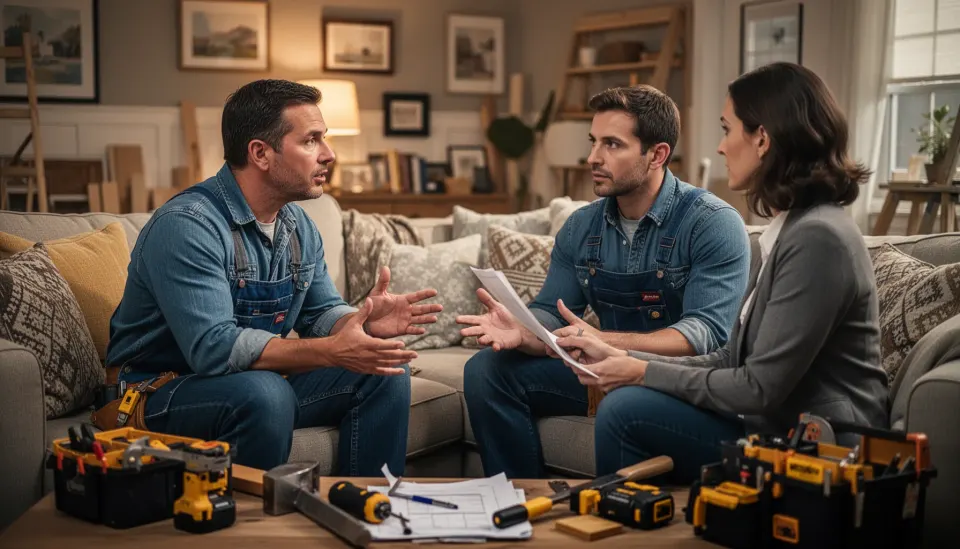
How to price handyman jobs correctly starts with labor economics, then moves into automation. Not the other way around. The right setup begins with your annual owner pay target or technician wage, then layers in payroll burden, insurance, vehicle costs, software, tools, marketing, and office time. After that, you divide by realistic billable hours, not some imaginary 40-hour week across all 52 weeks. That distinction isn't small. The ServiceTitan pricing framework and common field-service benchmarks both suggest utilization drives profit more than many owners expect, because contractors often bill only 50% to 70% of total working hours once travel and admin get counted. So if your AI handyman estimate calculator assumes every hour is billable, it'll likely quote low on almost every small job. A bathroom caulk replacement may look like one billable hour at first glance, but parking, material pickup, customer messages, and invoicing can push it to two. That's a bigger shift than it sounds.
What true hourly cost handyman business owners should include
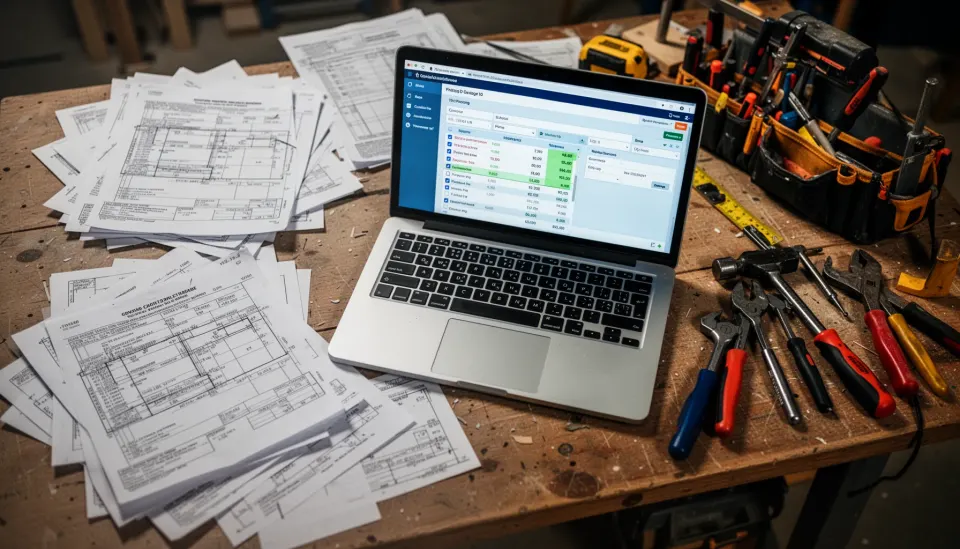
True hourly cost handyman business pricing needs to include every cost tied to producing one sellable hour of work. No exceptions. That means direct labor, payroll taxes, workers' compensation, general liability insurance, vehicle payments, fuel, maintenance, subscriptions, phone service, tools, advertising, bookkeeping, bad debt, and owner admin time. And yes, profit has to sit on top instead of hiding inside wishful math. Profit isn't leftovers. The National Federation of Independent Business has repeatedly warned that small operators often fail to recover indirect costs during inflationary periods, especially fuel and insurance, because they don't refresh assumptions often enough. A solo handyman in Phoenix and a two-person crew in Boston will end up with very different true hourly cost numbers, even if they handle similar work. That's why generic templates fall flat. Simple enough. The best handyman quote software true hourly cost setup relies on local, current, business-specific inputs rather than broad trade averages.
Can you automate service business quotes with AI without wrecking margins?
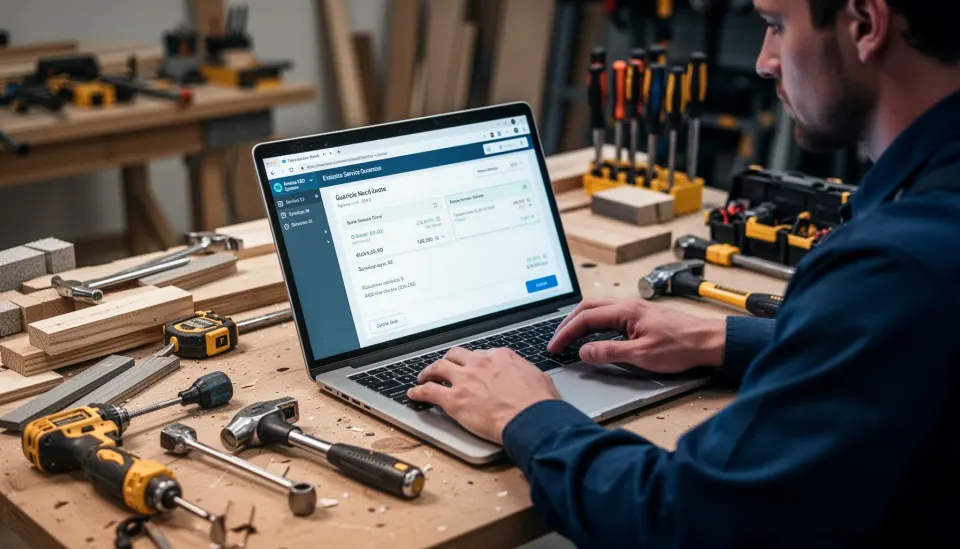
Yes, you can automate service business quotes with AI, but only when the AI sits on top of your pricing rules instead of replacing them. That's the line many vendors fuzz up. AI does a solid job reading job descriptions, pulling out likely tasks, suggesting durations, and drafting quote language for customers. It's much shakier when it guesses your economics from public averages. We saw the same pattern years ago in early flat-rate pricing apps, and the lesson still holds. For example, Jobber's AI features can speed estimate drafting, but a contractor still needs accurate service packages, labor assumptions, and markup rules underneath. So the winning setup looks almost boring, in a good way: cost database, minimum job charge, travel fee logic, labor-hour ranges, materials markup, and a cushion for uncertainty. Once those parts are in place, AI becomes a strong quoting assistant instead of a polished margin leak. We'd say that's the real dividing line.
What handyman quote software true hourly cost systems should do next
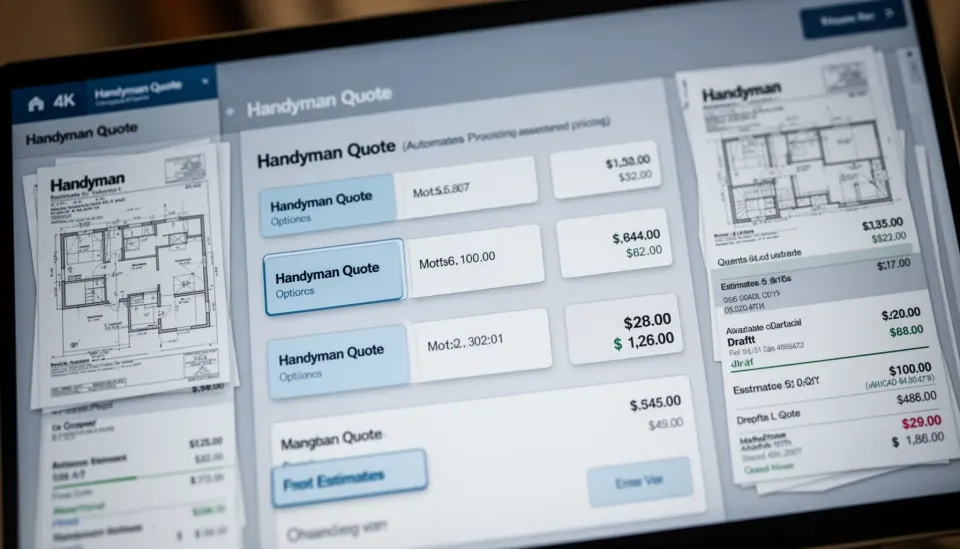
Handyman quote software true hourly cost systems should calculate loaded labor first, then build every estimate from that base. They should also track estimate-to-close rate, gross margin by job type, callback frequency, and actual hours versus estimated hours so the model gets sharper over time. That's where the next round of software will separate itself. McKinsey's 2024 work on generative AI in enterprise operations points to workflow integration, not text generation by itself, as the bigger source of business value; the same idea fits field service almost perfectly. A quote tool that learns your real install times for ceiling fans, drywall patching, and fence repair is far more useful than one that just writes polished customer copy. And we think buyers are starting to catch on. Here's the thing. The future of handyman pricing automation isn't a chatbot that tosses out a number. It's a system that knows your business well enough to protect your margin before the first truck rolls. Worth watching.
Step-by-Step Guide
Calculate your loaded labor base
Start with annual wages or owner compensation, then add payroll taxes, insurance, software, vehicles, and overhead. Don't skip office time, quote time, or customer communication. Your goal is one number: what one billable hour truly costs your business.
Estimate real billable hours
Use actual calendars and job history instead of assuming every workday is fully billable. Count travel, supply runs, weather delays, and admin blocks. Most small service firms discover their usable billable hours are much lower than expected.
Set pricing rules for common jobs
Build minimum charges, half-day thresholds, travel fees, materials markup, and contingency buffers into your quoting logic. This keeps small jobs from eating margin. And it stops AI from pricing every request as if the work begins instantly on site.
Feed structured job data into your software
Standardize service categories like fixture installs, drywall repair, trim work, and door adjustments. Add time ranges, common material lists, and photo examples where possible. Better input gives AI far better estimate drafts.
Review estimate versus actual performance
Compare quoted hours, final hours, close rate, and gross profit after every job category for at least 30 days. Look for repeat misses. If TV mounting always overruns by 25 minutes, fix the rule instead of blaming the crew.
Automate the quote after the math works
Only switch on full automation once your true hourly cost and pricing rules are stable. Then let AI draft descriptions, scope notes, and customer-friendly options. That's how you get faster quotes without paying for speed through thinner margins.
Key Statistics
- According to Jobber's 2024 home service data, quoted work speed remains a top conversion factor, with businesses often responding within the same day to win more jobs.That matters because faster estimates can raise close rates, but only if the price still covers actual operating cost.
- ServiceTitan's field-service benchmarks commonly place technician utilization around 50% to 70%, depending on trade mix and dispatch maturity.This range explains why assuming every paid hour is billable leads many handyman businesses to understate true hourly cost.
- The U.S. Bureau of Labor Statistics reported continued increases in motor vehicle maintenance, insurance, and repair-related operating costs through 2024.For handyman operators, those rising indirect costs should feed directly into hourly pricing models rather than sit outside the quote.
- McKinsey estimated in 2024 that workflow-integrated AI creates more measurable value than standalone content generation in many operational settings.For handyman quoting, the lesson is simple: AI should connect to pricing rules, job data, and margin tracking, not just generate estimate text.
Frequently Asked Questions
What is true hourly cost in a handyman business?
How do you price handyman jobs correctly?
Can an AI handyman estimate calculator replace manual estimating?
Why does handyman pricing automation often underquote small jobs?
When should you update your handyman quote software true hourly cost settings?
Key Takeaways
- Most quote tools miss the real driver: your actual loaded hourly cost
- A fast AI estimate means very little if the labor rate is off
- Travel, admin, callbacks, and taxes need to sit inside every quote model
- Handyman quote software true hourly cost logic beats flat-rate guessing nearly every time
- The best systems automate pricing rules, not just line-item descriptions