
⚡ Quick Answer
To train a video generation model from scratch, you need a curated video dataset, a compact architecture, a staged training pipeline, and enough compute to survive long sequence learning. For a small experimental system, the workflow is manageable, but video quickly becomes costlier and trickier than image generation.
Training a video generation model from scratch sounds like a moonshot until you peel off the hype. Then it looks more like an engineering recipe. You're not building Sora, Veo, or Runway Gen-3 in a garage over a weekend. Still, you can train a small experimental model that teaches you the whole stack: data, preprocessing, architecture, loss curves, and failure modes. And once you watch the pipeline end to end, some of the mystique drops away. Not the complexity, though.
How to train a video generation model from scratch without fooling yourself
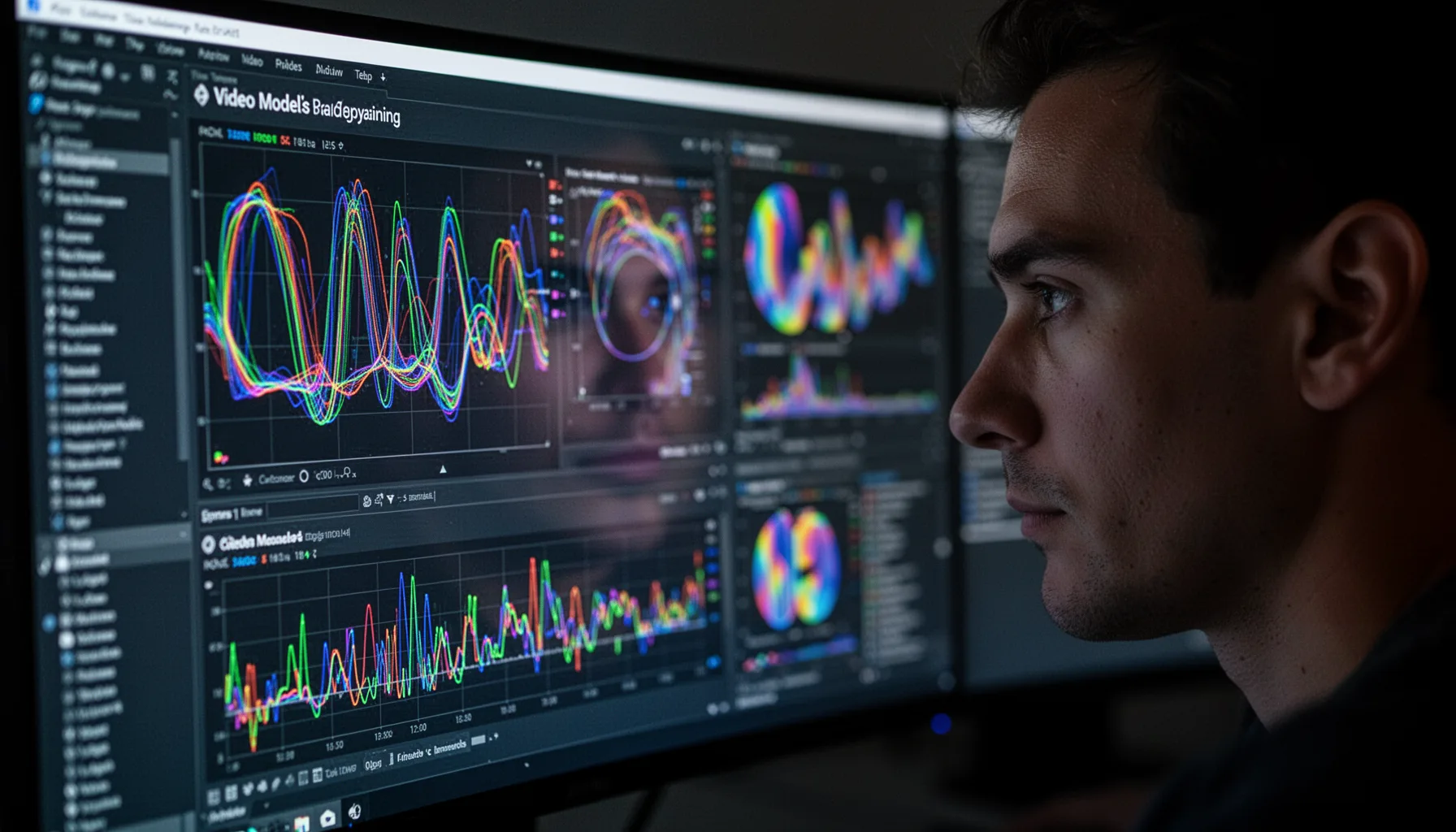
To train a video generation model from scratch, start with a narrow experimental target, not a cinematic dream. That's the first reality check. Because many beginners don't see how fast sequence length, resolution, and motion diversity send costs through the roof. A sensible target might be 16 to 32 frames at 64x64 or 128x128 resolution on a constrained domain like human actions, driving clips, or simple synthetic scenes. UCF101, for example, includes more than 13,000 short action videos and still serves as a common starter dataset in video learning research. Old, yes. Still useful. We'd argue your first milestone shouldn't be realism. It should be temporal coherence, where the clip changes in a believable way over time instead of flickering like a broken slideshow. That's a bigger shift than it sounds. If you can't get that right on a tiny domain, scaling won't rescue the model.
What does the video generation AI training process actually look like?
The video generation AI training process usually begins with data cleaning and frame extraction, then shifts into representation learning, model training, and evaluation. In practice, most teams decode videos into frame sequences, normalize frame rate, crop or resize with consistency, and bundle clips into fixed windows such as 16 or 24 frames. That preprocessing step isn't glamorous. Not quite. If frame timing swings all over the place or scene cuts dominate your sample windows, the model learns editing noise instead of motion. A concrete example shows up in open-source projects built on WebVid-10M, where teams often filter caption quality, video length, and watermark frequency before they train anything serious. The model then learns either directly in pixel space, in a latent space from a VAE, or through tokenized video representations. And early results from research at Google and Stability AI suggest latent approaches are the sane default for smaller labs because they cut memory pressure sharply. Worth noting.
Which video generation model architecture explained simply makes sense for small runs?
For small runs, a latent diffusion model with a compact 3D U-Net or a 2D backbone plus temporal layers usually makes the most sense. That's because diffusion tends to be easier to stabilize than many autoregressive video setups at hobby or research-lab scale. A common recipe relies on an image autoencoder to compress frames, then trains a denoising network across space and time inside that latent space. Stability AI's Stable Video Diffusion work and Google's Imagen Video research both leaned on staged or latent designs instead of brute-force raw-pixel training. That should tell you something. So if you're resource-constrained, you can freeze an image model and add temporal attention blocks to learn motion with fewer trainable parameters. We'd choose simplicity over novelty here. Here's the thing. Debugging video generation already gives you enough pain for free. That's a bigger shift than it sounds.
What are the compute requirements for training video AI on a small budget?

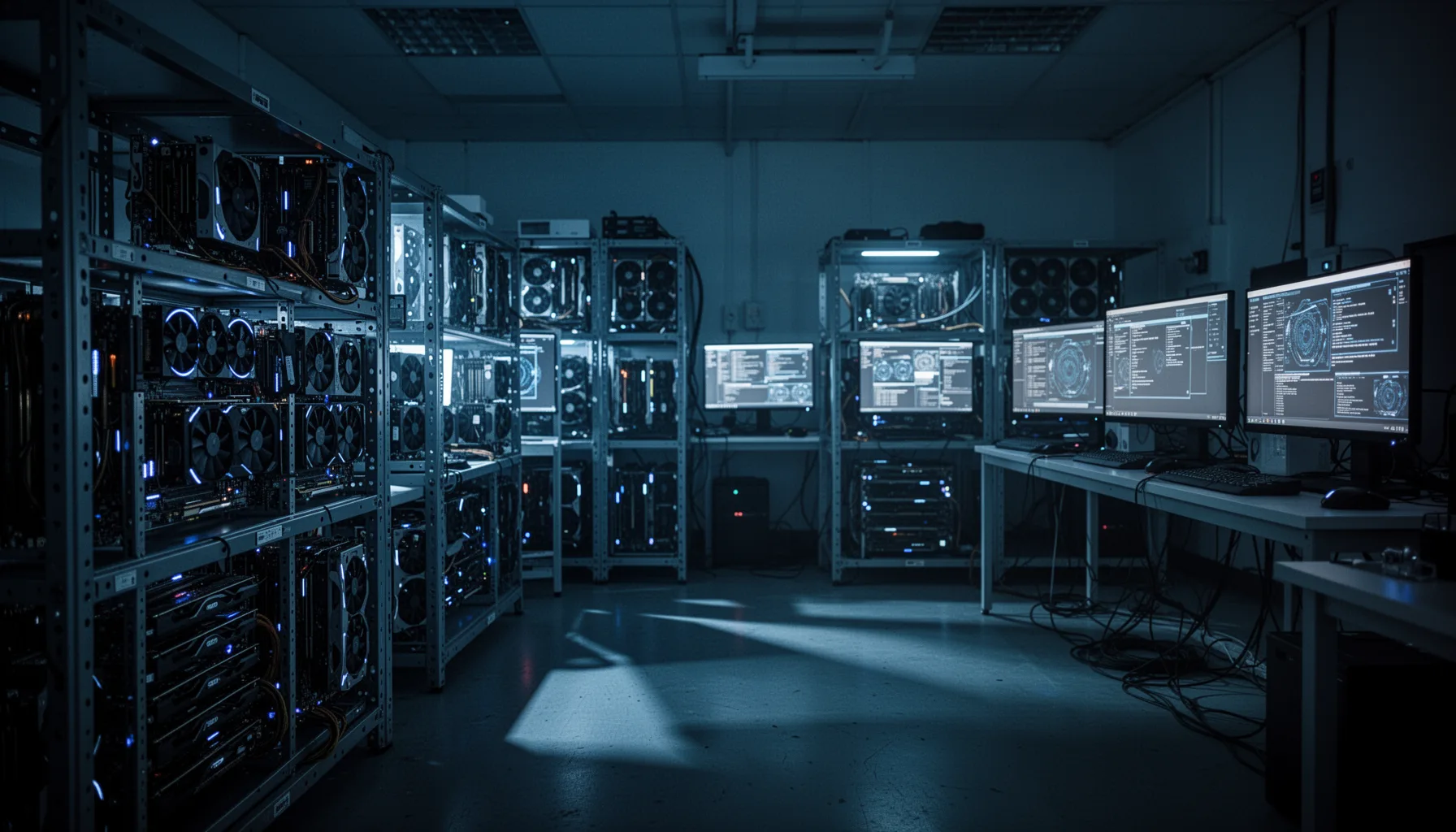
The compute needed for training video AI climbs much faster than most people expect because time adds another costly dimension to every batch. A tiny proof of concept might run on 1 to 4 modern GPUs such as NVIDIA A100, H100, or RTX 4090-class cards. But training can still drag on for days or weeks, depending on clip length and architecture. For context, each extra frame multiplies activation memory, I/O load, and attention cost. That's the tax. According to MosaicML benchmarks published in 2024, video diffusion experiments often need gradient checkpointing, mixed precision, and aggressive batch tuning just to fit modest configurations. And if you're training on consumer hardware, you'll probably rely on lower resolutions, smaller latent channels, and shorter clips than the papers that grab headlines. That's fine. We'd argue the real goal is to understand the workflow, not win a benchmark. Worth noting.
Step-by-Step Guide
- 1
Define a tiny target
Pick one domain, one frame size, and one clip length before you write code. Keep it narrow, like 16-frame action clips at 64x64 resolution. That constraint gives you a training job you can actually finish and inspect.
- 2
Prepare a clean dataset
Collect or download videos, standardize frame rate, and cut them into fixed-length clips. Remove corrupted files, abrupt edits, and duplicate content where possible. Clean data gives you more than a fancier model ever will at this stage.
- 3
Choose a latent baseline
Start with a latent diffusion setup rather than raw-pixel generation. Use a pretrained VAE if your goal is workflow learning, not purity points. This trims memory use and gets you to visible outputs sooner.
- 4
Train with strict logging
Track loss, sample outputs, GPU memory, throughput, and validation clips from day one. Save checkpoints often and generate the same sample prompts or seeds each time. Otherwise, you'll have no reliable way to tell whether the model improved or just changed.
- 5
Evaluate motion, not just frames
Check whether objects move consistently, whether identities persist, and whether the scene flickers. Use metrics like FVD if you can, but also watch generated clips repeatedly. Video quality hides failure modes that single frames won't reveal.
- 6
Iterate on bottlenecks
Adjust one variable at a time, such as clip length, latent size, learning rate, or temporal attention depth. Resist the urge to rewrite the whole stack after one bad run. Small, measured changes teach you far more than frantic architecture hopping.
Key Statistics
Frequently Asked Questions
Key Takeaways
- ✓Video models learn motion and time, not just single-frame appearance
- ✓Tiny experiments are possible, but compute climbs fast with clip length
- ✓Dataset quality usually matters more than fancy architecture at first
- ✓Most teams start with latent diffusion or autoregressive video tokens
- ✓Evaluation is messy because visual quality and temporal consistency both matter