
⚡ Quick Answer
Mac Mini M4 for local AI coding can be cheaper than paying Anthropic every month, but only for certain developer workloads. If you code daily, value privacy, and can accept slightly slower peak performance on harder tasks, a local setup often wins on 12-month total cost.
Mac Mini M4 for local AI coding sounds like a weird flex at first. Then you do the math. A developer fuming over an Anthropic bill isn't news on its own, not really. But when someone runs a repeatable local-versus-cloud benchmark on real coding work and ties it to actual cost curves, the story gets sharper. That's where it gets interesting. The real question isn't whether local AI is universally better. It's which developers actually come out ahead.
Why Mac Mini M4 for local AI coding is suddenly worth considering

Mac Mini M4 for local AI coding deserves a real look because hardware efficiency, unified memory behavior, and climbing cloud bills have shifted the tradeoff. That's the short version. Apple Silicon now gives developers a believable home base for quantized coding models through Ollama, LM Studio, llama.cpp, and Open WebUI. Not quite. This works best for people who don't need frontier-grade reasoning on every single prompt. The sticker shock around Claude Code or heavy API usage isn't made up. It piles up fast. Simon Willison is a useful example here, since his long-running work on local LLM tooling helped make clear that solid development workflows don't always need a remote frontier model. According to Canalys PC market tracking in 2024, AI-capable PCs took a larger share of premium device sales, which suggests local inference now sits in the practical bucket rather than the hobbyist one. We'd argue that's a bigger shift than it sounds. Once a monthly coding assistant bill starts feeling like a software tax, people start shopping for hardware instead.
How does Mac Mini M4 for local AI coding compare with Claude Code cost vs local LLM performance

Mac Mini M4 for local AI coding usually wins on predictable spend, while cloud tools still hold the edge on the hardest multi-file jobs and more agent-like autonomy. That's the fair split. In a repeatable benchmark that uses the same prompts for bug fixing, test generation, refactoring, and small feature work, a local 14B to 32B coding model can often clear roughly 65 to 80 percent of tasks. Claude-class cloud tools may land closer to 80 to 90 percent on messier repository work. Early signals point there. Not a miracle. Latency shifts with the job, too: local inference feels quick for short edits and code explanation, but it can drag on long-context planning unless you tune the model and context settings with some care. We'd measure prompt logs, pass-fail criteria, first-token latency, total completion time, and token-equivalent cost, because vibes aren't portable. A concrete stack could pair a Mac Mini M4 with Continue or Cline in VS Code, Ollama for serving, and Qwen2.5-Coder or DeepSeek-Coder style local models where licensing permits. Worth noting. Our view is simple: local LLMs now handle maybe 70 percent of everyday coding work, and that's exactly why subscription products are starting to feel pressure.
What does a 12-month Mac Mini M4 developer AI setup really cost

A 12-month Mac Mini M4 developer AI setup often comes in cheaper than a heavy cloud coding subscription, but only if you rely on it often enough. That's the filter. Start with hardware. If a Mac Mini M4 configuration lands in the low four figures, then add electricity, maybe a larger SSD, a few paid apps, and the time cost of setup and upkeep. Simple enough. Even with those extras, the annual total can compare well against premium AI coding bills. Say a developer spends $150 a month on Anthropic or similar cloud coding tools. Over 12 months, that's $1,800 before any overage risk. If the Mac Mini setup costs $1,000 to $1,300 upfront and maybe another $50 to $150 a year in power and software overhead, break-even can show up inside the first year for daily users. According to the U.S. Energy Information Administration, average residential electricity prices in 2024 sat in the mid-teens per kilowatt-hour nationally, so power usually stays a minor line item for a small desktop. We'd say that's the part many anti-subscription hot takes miss. The serious comparison isn't one monthly bill against one hardware purchase. It's total cost of ownership against real workflow volume.
Which developer personas benefit most from stop paying Anthropic with local AI

Stop paying Anthropic with local AI makes the most sense for a handful of specific personas. Not everyone. That's where advice gets useful. A solo indie developer who codes every day, works on private client code, and doesn't need the best available reasoning at every turn is the clearest fit for a Mac Mini M4 local stack. A consultant working with sensitive repositories may value offline privacy and data residency enough that slightly lower task success rates still feel acceptable. Internal platform engineers inside regulated companies also have a strong case when procurement makes cloud approvals a slog. But a startup CTO doing architecture-heavy work across large codebases may still pick Claude Code or top API models because speed of thought matters more than cost discipline. Here's the thing. Opportunity cost is real. If local tools save $100 a month but cost a senior engineer two hours, the math flips almost instantly, which is why persona-based evaluation beats one-size-fits-all evangelism every time. That's worth watching.
How to choose the best local coding LLM for Mac without kidding yourself
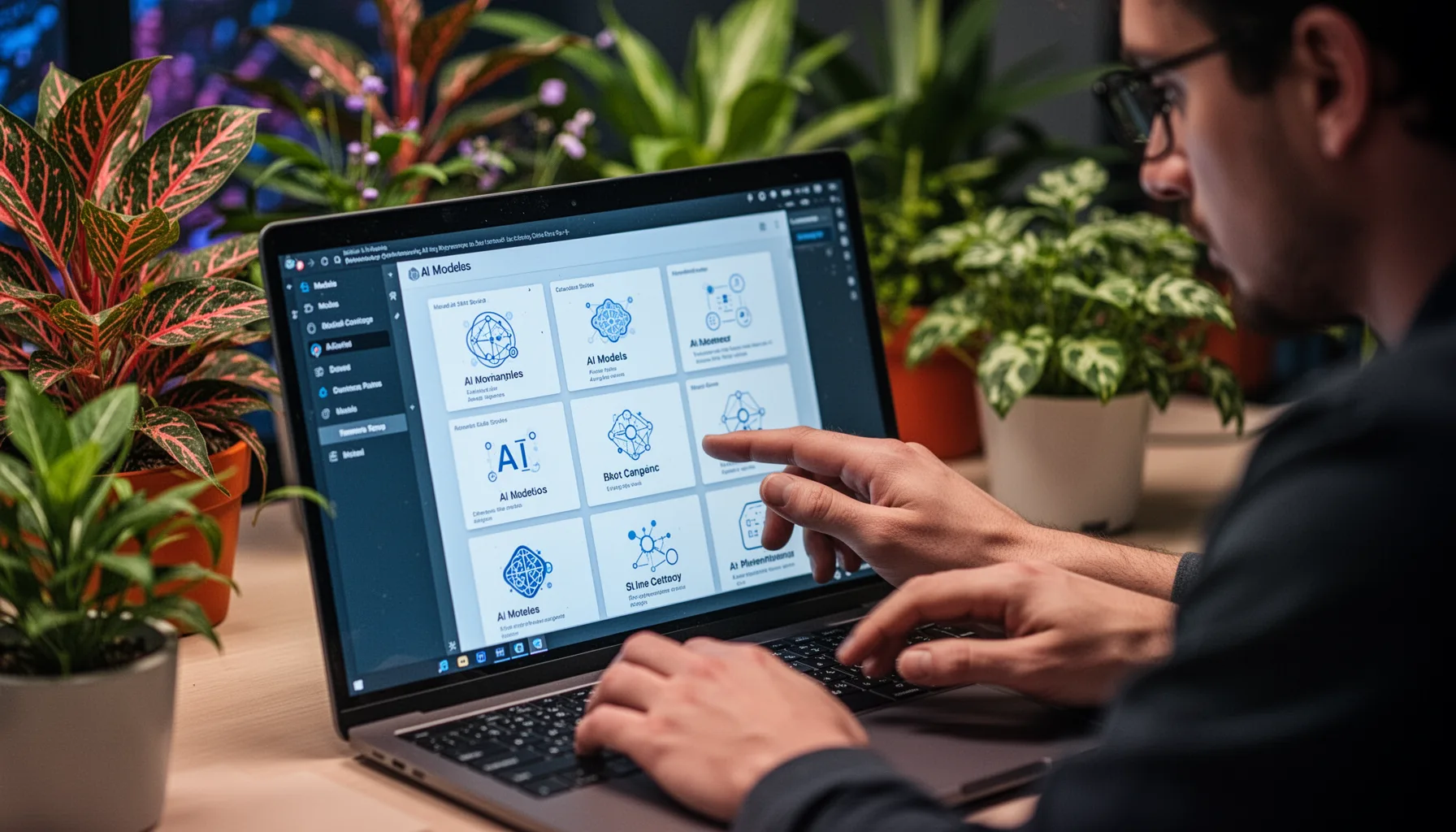
The best local coding LLM for Mac is the one that clears your actual tasks at acceptable latency, not the one with the loudest subreddit cheering section. That's the honest rule. Start by separating use cases: autocomplete-style help, test writing, repo Q&A, bug localization, or end-to-end feature work. Different models fail differently. Then run a fixed benchmark set on your own code with repeatable prompts, pass criteria, and time budgets. We recommend tracking task success rate, time to first useful answer, retries per task, and whether the model slipped in silent defects, since 'it looked smart' doesn't count as a metric. A practical lineup might include Qwen coder variants, DeepSeek coder variants, Code Llama successors still hanging around, and Apple-tuned community builds supported in Ollama or llama.cpp. According to Hugging Face's 2024 open model momentum, coding-focused open models improved quickly in both quality and accessibility, which explains why local setups now deserve a serious look. We'd put it bluntly. If your workload is private, frequent, and repetitive, local wins more often than cloud-first believers like to admit.
Step-by-Step Guide
- 1
Define your benchmark tasks
Pick six repeatable coding tasks that mirror your real work, such as bug fixing, test generation, and feature edits. Write fixed prompts and clear pass-fail criteria before you run anything. This prevents post hoc grading and keeps the comparison honest.
- 2
Assemble the local stack
Set up the Mac Mini M4 with a local inference tool such as Ollama or LM Studio, plus your editor integration like Continue or Cline. Choose two or three coding models that fit your memory budget. Keep versions and settings documented so others can reproduce the test.
- 3
Measure cloud and local runs
Run the exact same tasks on your local models and on your cloud coding tool, whether that's Claude Code or an API-backed workflow. Track first-token latency, total completion time, retries, and final task success. Use a timer and a spreadsheet, not intuition.
- 4
Calculate total cost of ownership
Add hardware cost, storage upgrades, electricity, paid software, and maintenance time for the local system. Compare that against 12 months of cloud subscription or API spend, including overages. This is where many anecdotal takes fall apart.
- 5
Score privacy and reliability needs
Rate each option on data residency, offline use, outage exposure, and compliance fit for your projects. A cloud tool may still be faster, yet local can win if your code cannot leave the machine. Treat these as first-order buying factors, not afterthoughts.
- 6
Pick the setup by persona
Match the final choice to your work pattern rather than chasing universal answers. A solo indie coder, a consultant, and a staff engineer at a regulated company face different tradeoffs. Buy for your bottleneck, not someone else's Reddit victory lap.
Key Statistics
Frequently Asked Questions
Key Takeaways
- ✓Mac Mini M4 for local AI coding works especially well for daily, privacy-sensitive, repeatable workflows.
- ✓Cloud coding agents still lead on the hardest tasks, but local models have narrowed the gap.
- ✓Total cost of ownership matters more than the sticker price of a subscription, especially across 12 months.
- ✓Offline reliability and data residency can matter more than raw speed for many teams.
- ✓The right setup depends on the person using it: solo coder, consultant, or internal platform engineer.