
MCP agent pipeline failure demo: why every team needs one
Build an MCP agent pipeline failure demo to test LangChain and MCP reliability. Learn the failure modes, design pattern, and open-source approach.

Table of Contents
Quick Answer
An MCP agent pipeline failure demo is a controlled environment that lets teams trigger and observe agent breakdowns in real time. Every team building on MCP needs one because live failures expose routing, tool, and recovery weaknesses that happy-path demos hide.
The quickest way to trust an agent pipeline is to break it on purpose. That's the animating idea behind the open-source Gauntlet demo, a Next.js app hooked to seven MCP servers through a LangChain multi-agent pipeline with eight live failure toggles. Smart build. And more teams should copy it, because agent systems rarely fail neatly, while polished demos almost always hide the ugly parts.
What is an MCP agent pipeline failure demo and why does it matter

An MCP agent pipeline failure demo acts as a test harness that injects faults on purpose into a multi-agent workflow linked through the Model Context Protocol. That matters. MCP makes tool and context hookups easier, but that same convenience also lets bad state, stale context, and brittle tool behavior spread farther and faster. A tidy conference demo might show seven MCP servers humming along together. Real systems don't. When a planner picks the wrong tool, a server times out, or a context provider returns malformed data, the whole chain can wobble in ways logs don't fully explain. We'd treat failure demos as core engineering infrastructure, not side projects. That's a bigger shift than it sounds. Netflix pushed this mindset into the mainstream years ago with Chaos Monkey for cloud systems, and AI teams now need the agent version.
How to break agent pipelines: the eight failure modes that teach the most
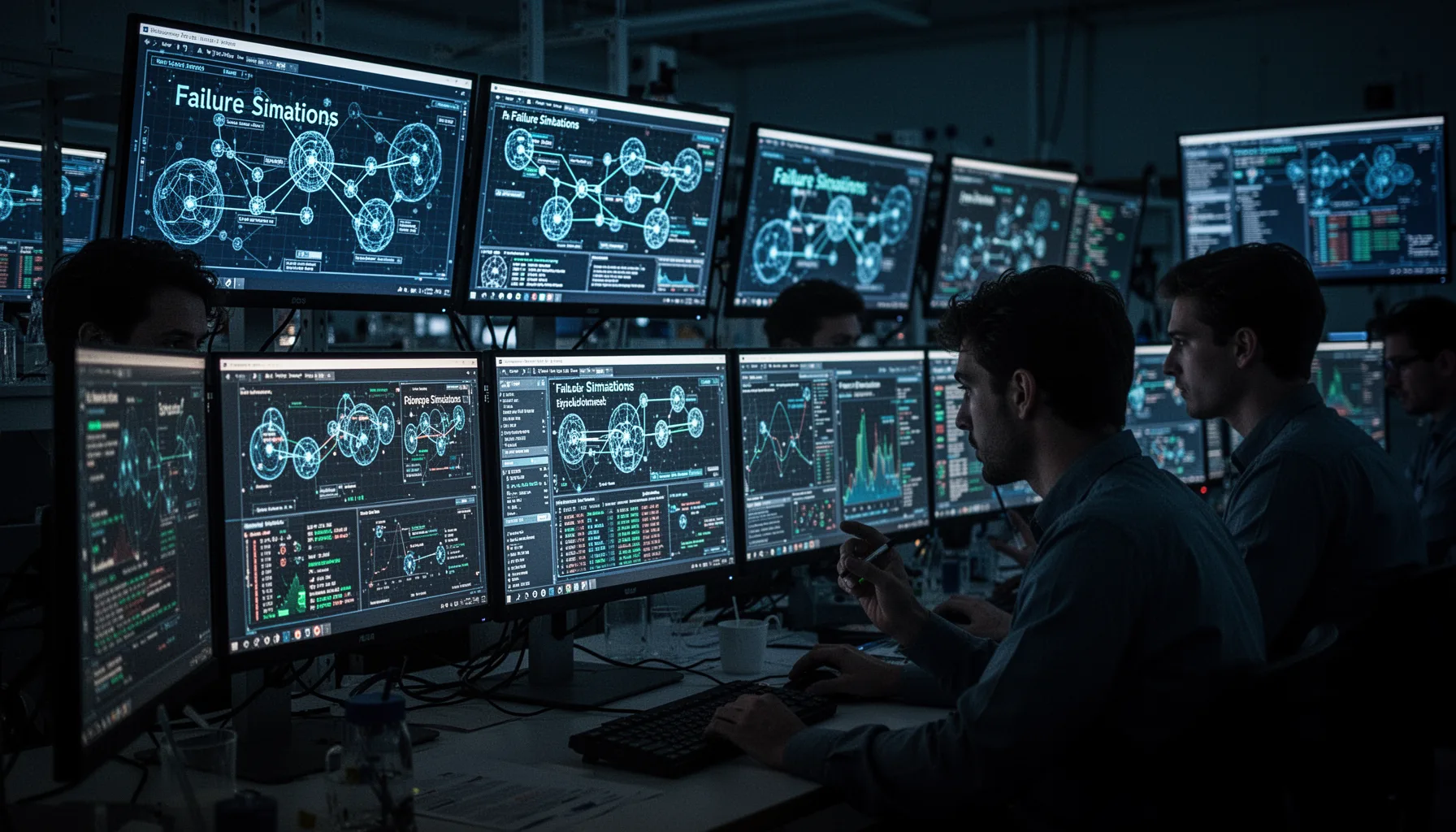
The best way to break agent pipelines is to target failure modes that look like real production pain, not cartoon disasters. Start with timeouts, malformed tool outputs, authentication failure, stale memory, routing mistakes, partial server unavailability, context poisoning, and retry storms. Those eight cover a lot. For example, a LangChain supervisor agent may get valid syntax from one MCP server but semantically wrong data from another, which proves harder to catch than a plain 500 error. Context poisoning deserves extra scrutiny because the wrong retrieved note or user memory can push later tool calls into nonsense. Not quite obvious. Anthropic's MCP ecosystem and the rising number of community servers make this risk more than theoretical. If your demo only tests obvious crashes, you're missing the quieter failures that usually do more damage. Worth noting.
Why every MCP team needs an MCP agent pipeline failure demo
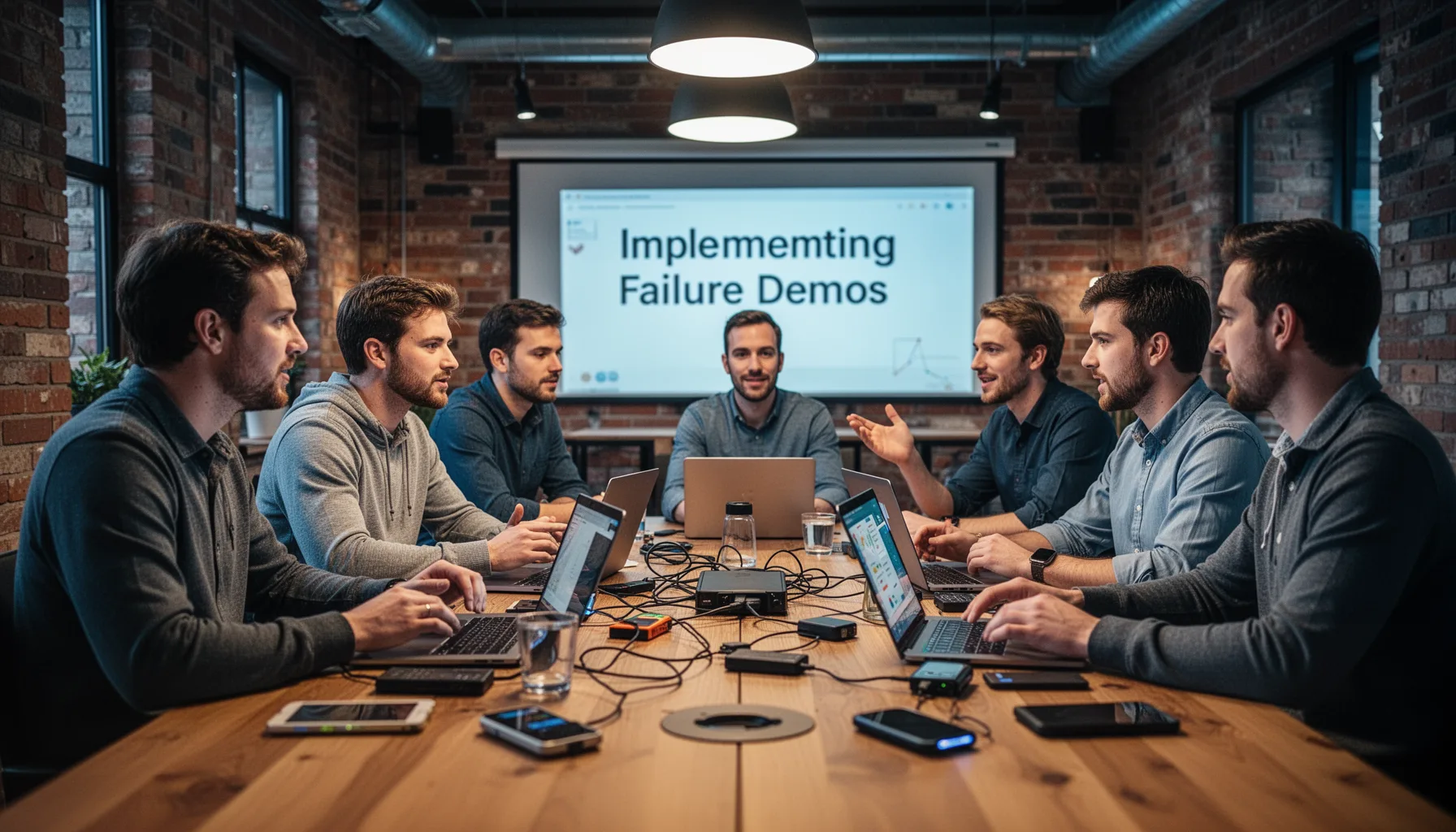
Every serious MCP team needs an MCP agent pipeline failure demo because normal testing rarely catches interaction failures across agents, servers, and user state. Unit tests can verify tool contracts, and integration tests can check API paths, but neither fully shows what happens when a planner keeps retrying a flaky server while another agent writes bad intermediate memory. That's the gap. Live demos make the difference. They let engineers, product managers, and even customers watch cascading behavior in plain English. And that shared visibility can reorder priorities fast. A company building an internal developer copilot, say one at Shopify, may learn that graceful degradation matters more than adding another fancy agent role. We think that lesson alone can save months of misguided roadmap work. Here's the thing.
How to build an MCP agent pipeline failure demo with Next.js and LangChain

You can build an MCP agent pipeline failure demo with Next.js, LangChain, and open MCP servers by separating control toggles from the execution graph. Put the UI in Next.js so users can flip failure switches live, route execution through a LangChain or LangGraph coordinator, and connect each MCP server behind a thin adapter that can simulate delay, corruption, auth loss, or dropped responses. Then stream traces back to the interface. That's critical. Developers need to see not just that the pipeline failed, but where the first bad decision happened and which recovery logic fired after that. Vercel's frontend tooling makes the interactive layer easy, while OpenTelemetry or LangSmith can capture the run path. The key design choice is determinism. Your injected failures should stay reproducible enough to compare fixes across builds. We'd argue that's not optional.
What should teams measure during open source AI chaos engineering
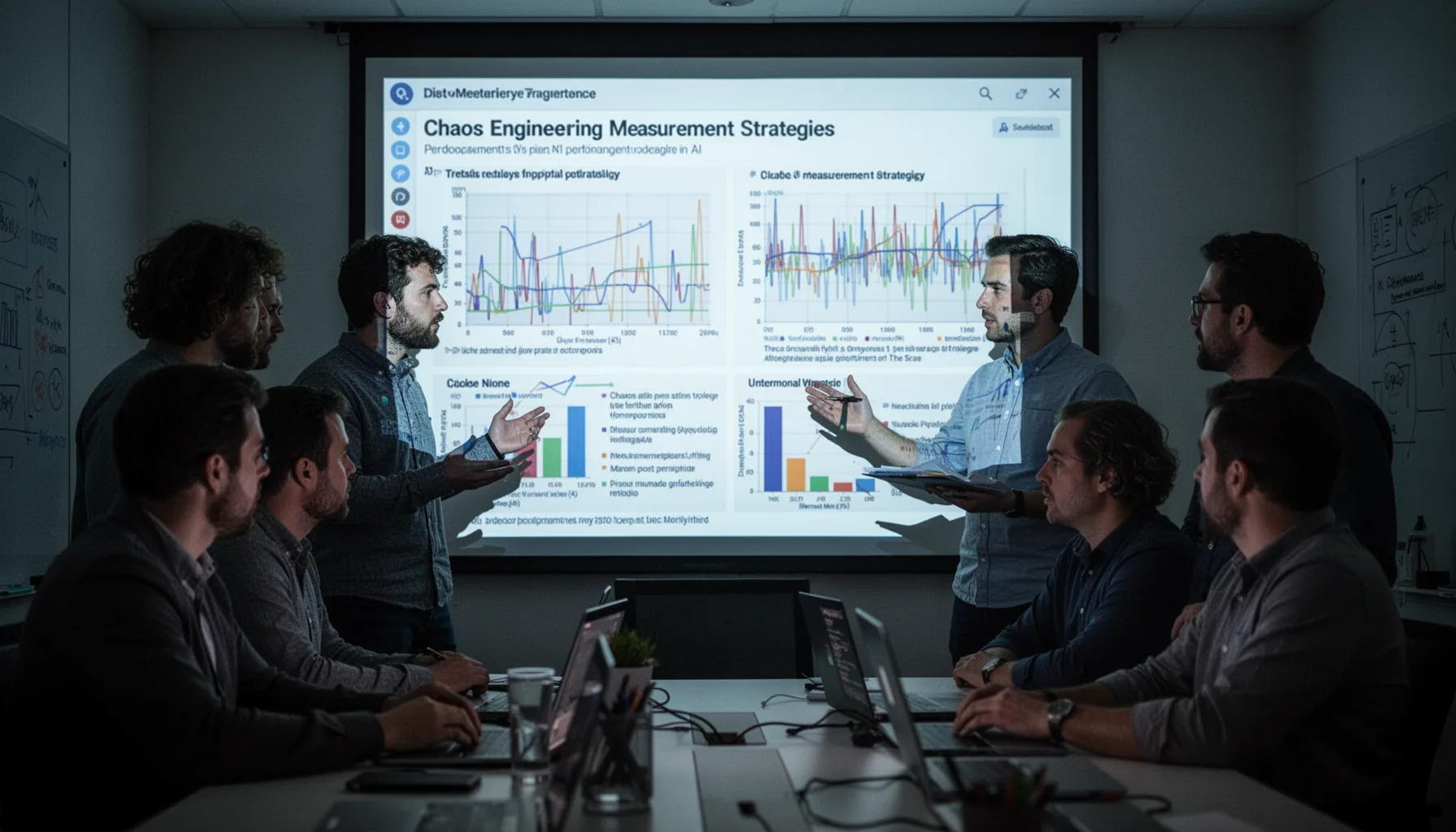
Teams should measure recovery quality, latency inflation, routing accuracy, user-visible degradation, and containment of bad context during open source AI chaos engineering. Don't stop at pass or fail. A good agent pipeline may still finish the task while taking three times longer, leaking confidence, or silently skipping a validation step. Those aren't wins. We recommend tracking mean time to recovery, successful fallback rate, tool-call error rate, invalid memory write rate, and human escalation frequency. Arize Phoenix, LangSmith, Helicone, and Grafana can each support part of this stack. And if your telemetry can't distinguish a model failure from an MCP transport failure, your observability is too coarse for production work. Simple enough. That's a more consequential gap than it sounds.
Step-by-Step Guide
Model the real pipeline
Mirror your actual agent topology before adding any chaos controls. Include planners, workers, memory components, MCP servers, and user-facing output paths. A fake toy graph won't teach the right lessons.
Inject named failure toggles
Create explicit switches for timeout, malformed output, auth breakage, stale context, routing error, partial outage, poisoned memory, and retry storm. Name them clearly in the UI so anyone watching understands what just changed. Shared language makes postmortems faster.
Stream execution traces live
Show each agent handoff, tool call, and retry in the interface as the run unfolds. Static logs after the fact are useful, but live traces reveal causal chains more clearly. That's especially helpful during demos and debugging sessions with mixed teams.
Add deterministic replay
Capture inputs, toggles, model settings, and server responses so you can replay the same broken run later. Reproducibility matters because agent failures often look random until you can rerun them. This turns a flashy demo into an engineering asset.
Score recovery behavior
Measure whether the system retries sensibly, falls back to safe answers, asks for clarification, or escalates to a human. Completion alone isn't enough. Good recovery often matters more than first-pass perfection.
Use the demo in every release review
Run the gauntlet before shipping prompt changes, new tools, or updated MCP servers. Teams often test feature additions but skip resilience checks. Don't make that mistake twice.
Key Statistics
- The 2024 DORA research program continued to tie software delivery performance to fast feedback loops and observable recovery behavior.That principle applies directly to agent systems: teams improve reliability faster when failures are visible, repeatable, and measured.
- LangChain's 2024 ecosystem updates placed increasing emphasis on LangGraph and observability for production agents.That shift reflects a market reality: orchestration without tracing is hard to trust once workflows span many tools and states.
- OpenTelemetry remained a Cloud Native Computing Foundation standard in 2024 for distributed tracing across complex software systems.MCP pipelines behave like distributed systems, so tracing standards matter if teams want to isolate transport, tool, and model faults.
- Netflix's chaos engineering approach has influenced reliability practice for more than a decade across cloud-native software.The core lesson still holds for AI agents: controlled failure beats accidental failure, especially when dependencies multiply.
Frequently Asked Questions
What is an MCP agent pipeline failure demo?
Why should teams break agent pipelines on purpose?
How does LangChain fit into MCP pipeline testing?
What failure modes matter most for MCP server testing?
When should a team run an open source AI chaos engineering demo?
Key Takeaways
- An MCP agent pipeline failure demo turns hidden reliability issues into visible engineering work
- MCP systems fail in repeatable ways, so teams should test them on purpose
- Live toggles beat static logs when debugging multi-agent and tool-chain behavior
- LangChain, Next.js, and open MCP servers are enough to build this cheaply
- Chaos testing for AI agents should happen before customer traffic, not after