
⚡ Quick Answer
The same prompt ChatGPT vs Gemini image results can look wildly different because the systems use different image models, safety rules, style priors, and product constraints. If ChatGPT hits an image limit or shifts service state, the same text prompt may no longer route through the same generation behavior at all.
Same prompt ChatGPT vs Gemini image results have turned into a small internet fixation. One Reddit post nailed the vibe: same words, two images, and they didn't even seem to come from the same creative universe. Funny? Sure. Also revealing. When people expect text-to-image tools to act like calculators, they miss the hidden machinery sitting between prompt and picture. And usage limits can scramble those expectations too.
Why do same prompt ChatGPT vs Gemini image results look so different?
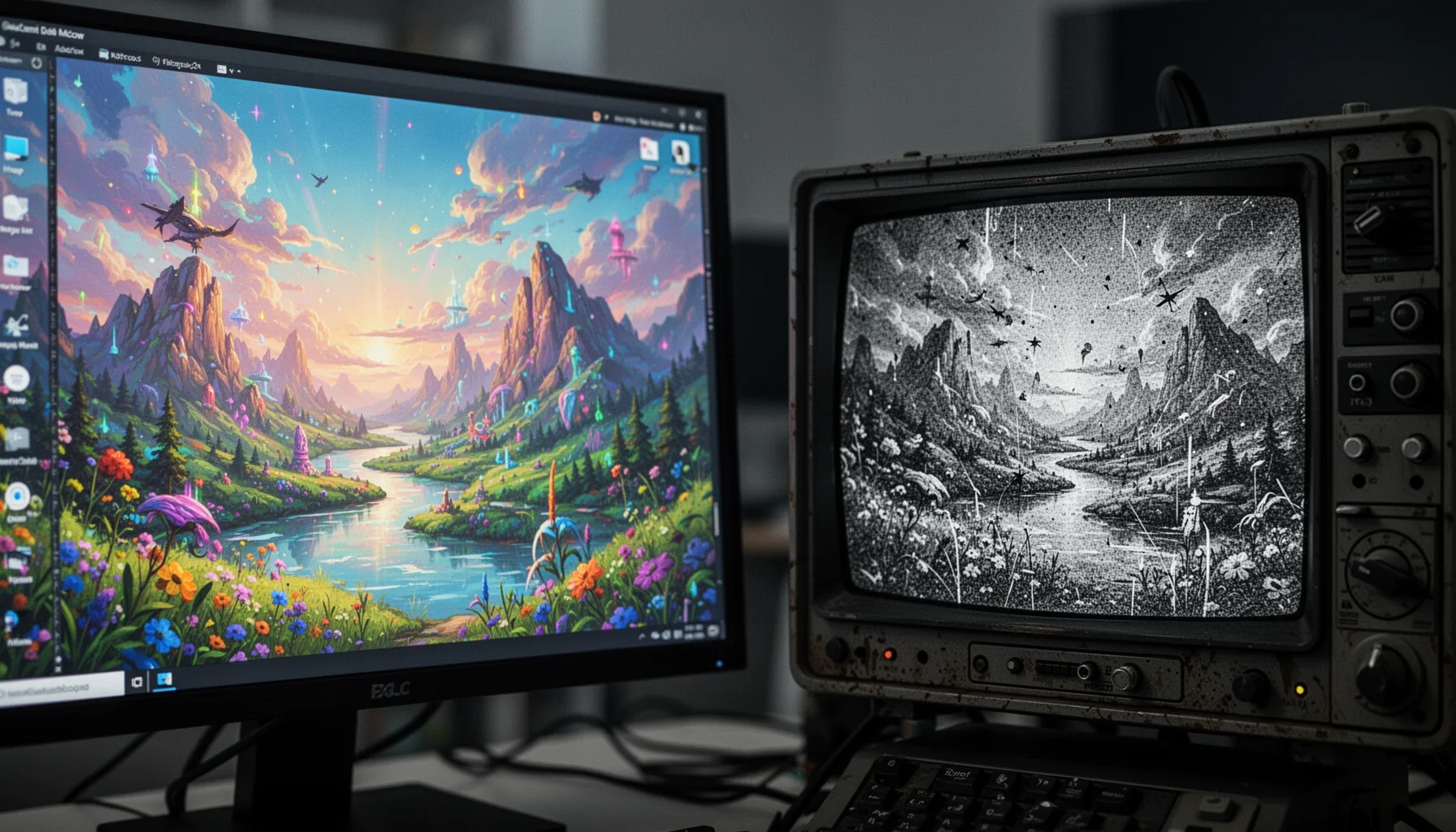
Same prompt ChatGPT vs Gemini image results look different for a simple reason: the two products don't run on the same model stack, tuning choices, or product aims. Even with identical wording, each system likely adds different hidden instructions, safety rules, style defaults, and ranking logic before generation begins. So the prompt you see is only part of the real input. Google’s Gemini image workflow and OpenAI’s ChatGPT image workflow may also split on literal prompt adherence versus aesthetic prior. We'd argue that's the real source of the shock in casual side-by-sides. Worth noting. One system may favor composition and polish. The other may weigh prompt detail, policy constraints, or subject normalization more heavily. So the mismatch isn't automatically a bug; it's a design outcome.
How ChatGPT image generation vs Gemini changes with limits, tiers, and service state
ChatGPT image generation vs Gemini can shift in a big way when users hit limits, switch tiers, or run into degraded service. The Reddit complaint about image generation stopping after a limit sounds plausible because usage caps often affect routing, queue priority, or access to better generation modes. Users almost never see that full service logic. And OpenAI and Google both bundle image tools inside broader consumer products, so plan type, daily caps, and system load can influence consistency even when prompts match word for word. Once a system starts refusing, downgrading, or delaying image requests, people may read a product-state change as prompt failure. We think that's badly underexplained in most comparison posts. Here's the thing. A fair test should log account tier, request timing, aspect ratio, prompt history, and whether the tool was actually operating normally when the image was made. That's a bigger shift than it sounds.
What hidden prompt layers and safety rules cause Gemini image prompt comparison gaps?
Hidden prompt layers and safety rules create major Gemini image prompt comparison gaps because they shape model behavior before the system ever reads the user's words by themselves. Most consumer AI products wrap prompts with system instructions covering style, policy, copyright-sensitive content, realism, public figures, minors, branding, or image-editing boundaries. Those instructions vary by vendor. For example, a request for a photorealistic mayoral portrait might get softened in one system, while another pushes it toward an illustrated output or a more generic scene. That changes the result fast. Because safety tuning acts upstream, two tools can treat the same text as two different allowable tasks. And that's why “same prompt” screenshots, while entertaining, often compare two hidden prompt bundles rather than two pure model responses. Not quite. They're product comparisons disguised as prompt comparisons.
How to run a fair same prompt ChatGPT vs Gemini image results test
A fair same prompt ChatGPT vs Gemini image results test needs controls for prompt text, aspect ratio, run count, account tier, and service state. Start with one short prompt and one long prompt. Then run each several times on both systems, because a single generation can overstate randomness. Record whether you used free or paid plans, and note the exact product surface, since app, web, and workspace integrations may behave differently. This sounds fussy. But without those controls, you're mostly comparing anecdotes. We'd also test neutral subjects, branded objects, public figures, and style-heavy prompts in separate batches because safety and style priors don't kick in evenly across categories. And if one system recently hit a limit, drop that run set from the baseline because you're no longer testing normal behavior. Worth noting. A setup like this tells you far more than a viral screenshot from Reddit ever will.
Step-by-Step Guide
- 1
Write one baseline prompt
Start with a plain-language prompt that states subject, setting, style, lighting, and framing. Avoid brand names or risky content in the first round. This gives you a clean comparison before safety filters or policy edge cases muddy the picture.
- 2
Lock the image variables
Keep aspect ratio, output count, and editing mode consistent across tools. If one platform offers stronger controls, match the overlapping options only. Controlled inputs make the differences more meaningful.
- 3
Run multiple generations
Generate the same prompt at least three times in each system. One image can be an outlier, especially when the model has strong randomness or style priors. Repeated runs show whether divergence is stable or just noise.
- 4
Track account and limit status
Record whether you’re on a free or paid plan and whether you recently hit a cap. That small note can explain a lot. Product state often changes image behavior more than users realize.
- 5
Adapt the prompt for each model
After the baseline, rewrite the prompt to suit each tool’s strengths. One model may follow camera-style language better, while another responds more reliably to concise visual descriptors. Universal prompts are useful for testing, but tailored prompts are better for results.
- 6
Compare adherence, style, and safety behavior separately
Judge outputs on prompt accuracy, aesthetic quality, and policy response as different criteria. Don’t collapse them into one vague “better” label. A model can be safer, prettier, or more literal without winning every category.
Key Statistics
Frequently Asked Questions
Key Takeaways
- ✓Identical prompts don't guarantee identical outputs when image models interpret instructions differently.
- ✓Rate limits and degraded service can alter ChatGPT image behavior more than many users expect.
- ✓Safety tuning, hidden prompts, and style defaults shape results before generation begins.
- ✓Controlled testing beats viral screenshots when comparing ChatGPT image generation vs Gemini.
- ✓Prompting each system differently usually works better than forcing one universal prompt.