
TensorDock GPU issue help: fixing 4090 benchmark cloud PCs
TensorDock GPU issue help for 4090 and 5090 benchmarking workloads, with practical fixes, escalation tips, and cloud PC alternatives.
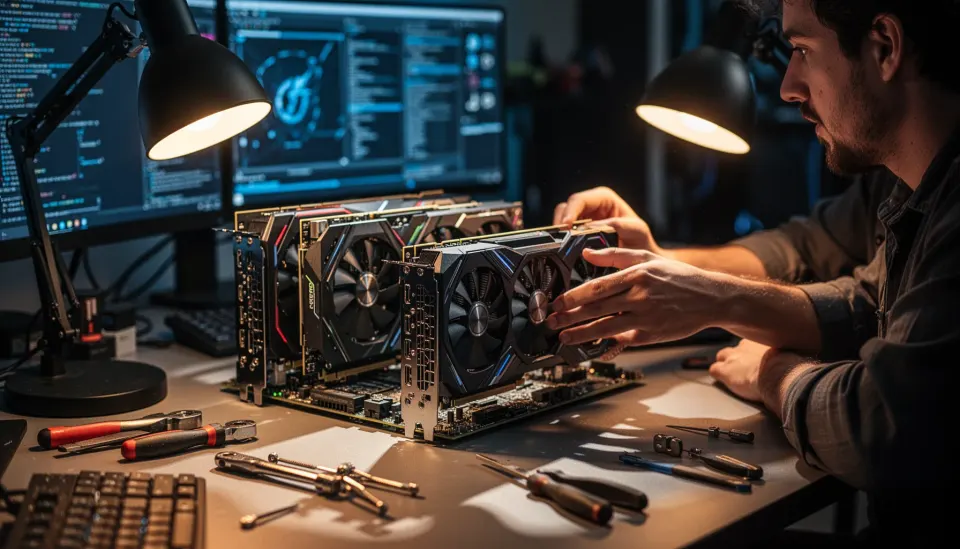
Table of Contents
Quick Answer
TensorDock GPU issue help usually starts with proving whether the problem is the VM, the host GPU passthrough layer, or your benchmarking stack. If a 4090 cloud desktop ran well for six hours and then degraded, the likeliest causes are host contention, driver drift, remote desktop overhead, or a platform-side resource policy change.
TensorDock GPU issue help has gone from nice-to-have to genuinely necessary for anyone benchmarking consumer GPUs in the cloud. One clean six-hour run can fool you badly. Then the next session goes sideways, and suddenly your test data looks shaky. If you're trying to measure 4090 or future 5090-class performance for corporate benchmarking software, that isn't a small irritation. It's the line between numbers you can trust and numbers you should throw out.
TensorDock GPU issue help: why a 4090 benchmark cloud PC works one day and fails the next
TensorDock GPU issue help usually starts with one word: consistency. Because a benchmark setup that performs well once, then drifts on the next pass, isn't a real benchmark rig. That's the core problem. When a full desktop 4090 cloud PC feels close to local hardware for six hours, then starts acting up, we should first look at noisy-neighbor contention, hypervisor shifts, GPU reset trouble, or a remote display path that quietly began swallowing frames. In NVIDIA's enterprise documentation, GPU passthrough and vGPU behavior diverge in meaningful ways under load, and that distinction matters when you're testing consumer cards for repeatable scores. A cloud desktop can seem fine in casual use. Benchmarking exposes the cracks. We've seen the same pattern in Paperspace and vast.ai discussions, where users say synthetic tests amplify host variance far more than gaming or inference jobs. My view is blunt: if the platform can't hold steady clocks, stable drivers, and identical allocation conditions across runs, it isn't a trustworthy benchmark environment. Worth noting.
How to troubleshoot TensorDock desktop performance problems for GPU benchmarking
TensorDock desktop performance problems make the most sense when you isolate them by layer, so you can tell whether the break sits in the app, the driver, the VM, or the provider's host stack. Start there. First, record the exact GPU model, vBIOS version, driver version, CUDA version, Windows build, benchmark tool version, and remote client method, whether that's Parsec, RDP, or Sunshine. Then rerun a tight test set. One synthetic benchmark like 3DMark. One compute test like CUDA-Z or Geekbench Compute. And one real workload from your own benchmarking software. Microsoft has long documented that standard RDP can suppress or alter GPU acceleration paths on Windows desktops, which is why many testers reach for Parsec or direct console-style access when they care about fidelity. That's not trivia. It changes the numbers. A simple example: if your 4090 score drops after reconnecting through RDP but recovers under Parsec, the issue may sit with display virtualization rather than raw GPU performance. And if clocks, thermals, and PCIe link state move around between runs in GPU-Z or nvidia-smi, the provider owes you a clear explanation. We'd argue that's a bigger shift than it sounds.
Best cloud PC for GPU benchmarking: can you benchmark 5090 consumer GPU in cloud reliably?

The best cloud PC for GPU benchmarking is usually a dedicated machine with direct GPU passthrough, not a shared virtual desktop sold mostly on convenience. That's the uncomfortable answer. If your goal is to benchmark 5090 consumer GPU in cloud environments or compare it against a 4090 consumer card, you need stable power limits, fixed drivers, and host hardware details that many rental marketplaces simply don't expose. Providers like Lambda, CoreWeave, and Crusoe aim more at AI training than Windows desktop benchmarking, while Shadow PC and TensorDock attract users who want a usable desktop layer. But convenience isn't precision. For hardware-grade benchmarking, bare-metal services from providers such as OVHcloud, PhoenixNAP, or specialist GPU hosts often give cleaner data, even if they stock fewer consumer cards. I'd argue a mediocre dedicated box beats an impressive shared VM every single time when you're publishing comparative performance numbers. If TensorDock can't guarantee consistent access to the same class of host and software stack, rely on it for exploratory testing, not final benchmark baselines. Not quite subtle. Worth noting.
TensorDock support response time: what to send and when to escalate

TensorDock support response time tends to improve when your ticket reads like an incident report instead of a frustrated rant. That sounds obvious, yet plenty of users skip it. Include the instance ID, region, exact timestamps in UTC, screenshots, benchmark names, prior good run data, current bad run data, and a concise statement of expected versus actual behavior. If your cloud PC delivered full desktop performance yesterday and degraded today, say that plainly and attach side-by-side results, because providers respond faster when they can see a regression instead of a vague complaint. In enterprise support playbooks such as ITIL-style incident handling, reproducibility and impact drive priority, and cloud providers often behave the same way even when they don't spell it out. Here's the practical line. Ask whether the host changed, whether your VM migrated, whether GPU passthrough policy changed, and whether they can pin you to a comparable host for retesting. If support stalls for more than one business day on a paid benchmarking workload, escalate with a cancellation-risk note and ask for either a credit, a host move, or written confirmation that the service isn't suited to benchmark-grade use. That's usually when you get a real answer. Simple enough.
Frequently Asked Questions
What is the most likely cause of TensorDock desktop performance problems during GPU benchmarking?
How can I benchmark a 4090 or 5090 consumer GPU in cloud environments accurately?
Why did my TensorDock 4090 benchmark cloud PC work perfectly for six hours and then slow down?
How long does TensorDock support response time usually take for technical GPU issues?
What is the best cloud PC for GPU benchmarking if TensorDock isn't stable enough?
Key Takeaways
- A stable first session often points to later host-side contention, not broken benchmark software
- For serious GPU benchmarking, full desktop passthrough matters more than raw advertised GPU specs
- Support tickets move faster when you include logs, timestamps, driver versions, and reproducible steps
- TensorDock 4090 benchmark cloud PC setups can work, but consistency is the real issue
- If you need consumer-card fidelity, compare TensorDock with bare-metal or dedicated cloud PC options