
⚡ Quick Answer
Terraform with LLMs works best for reading state, comparing configs, spotting drift, and proposing import or refactor steps. It does not replace careful infrastructure ownership, but it can shorten the ugly detective work around broken state and Terragrunt debugging.
Terraform with LLMs sounds smarter than it usually is. But in one class of incident, it can save a team hours. When Terraform state, live AWS resources, and HCL all disagree, engineers don't need a chatbot spinning up fresh modules from scratch. They need a fast, tireless reader. One that compares evidence, explains the gaps, and suggests the next safe move.
Terraform with LLMs: where LLMs help in Terraform the most

Terraform with LLMs does its best work when teams need analysis, not autonomous changes. That's the useful boundary. In the sort of multi-region AWS Terragrunt mess described here, an LLM can inspect state output, HCL modules, Terragrunt includes, and AWS inventory, then surface mismatches faster than a human flipping through files by hand. HashiCorp has long treated Terraform state as the system of record for managed resources, but that record matters only if imports happened correctly and teams kept the graph consistent. And that's where people slip under deadline pressure. We'd argue the highest-value use case is triage. Not quite. Ask the model which resources look unmanaged, which addresses likely need import blocks, and which modules still rely on stale assumptions. A concrete example is Claude, ChatGPT, or Cursor working through `terraform state list`, `terraform plan`, and Terragrunt folder structures to explain why `us-east-1` resources exist live in AWS but never show up in state for the expected module path. That's a bigger shift than it sounds.
How LLM for Terraform state troubleshooting works when state and reality diverge

LLM for Terraform state troubleshooting works by turning scattered infrastructure evidence into a readable diagnosis. That's the real win. When state says a resource exists, AWS says it doesn't, and HCL points somewhere else entirely, the hardest part usually isn't command syntax. It's reconstructing intent. A model can parse `terraform show -json`, compare ARNs, tags, and names against AWS CLI output, then point to likely causes such as failed imports, provider alias confusion, or Terragrunt dependency misuse. According to HashiCorp documentation, drift and import mistakes often appear when teams bring existing infrastructure under management after manual creation or partial automation. But operators still have to choose the source of truth. In our analysis, LLMs are strongest at building a discrepancy matrix: managed vs unmanaged, desired vs live, region by region, account by account. Here's the thing. Think about an engineer reviewing S3 buckets, IAM roles, and Route 53 records across several Terragrunt stacks. The model can cluster likely ownership and missing import commands. That's far better than asking it to blindly regenerate the stack. Worth noting: this read-and-compare workflow gives teams a real leg up.
Using AI for Terragrunt debugging across multi-region AWS projects

Using AI for Terragrunt debugging is useful because Terragrunt adds indirection that humans routinely misread. And indirection is where incidents hide. Terragrunt's include blocks, dependency references, remote state wiring, and region-specific folder layouts create a map that looks obvious only after you've already understood it. An LLM can summarize inheritance chains, resolve variable origins, and flag when one environment pulls an output from the wrong dependency or account. Gruntwork's own Terragrunt guidance emphasizes DRY structure and dependency management, yet those same conveniences can obscure where a value came from during a bad import project. So the model's job isn't magic. It's compression. Simple enough. A practical example: feed the tool `terragrunt.hcl` files from `prod/us-east-1` and `prod/eu-west-1`, plus relevant module code, and ask it to trace provider aliases and state backends. You'll often catch region mismatches or copy-paste inheritance bugs in minutes. We'd argue that's more consequential than flashy code generation.
Terraform drift detection with AI: what works and what should stay manual
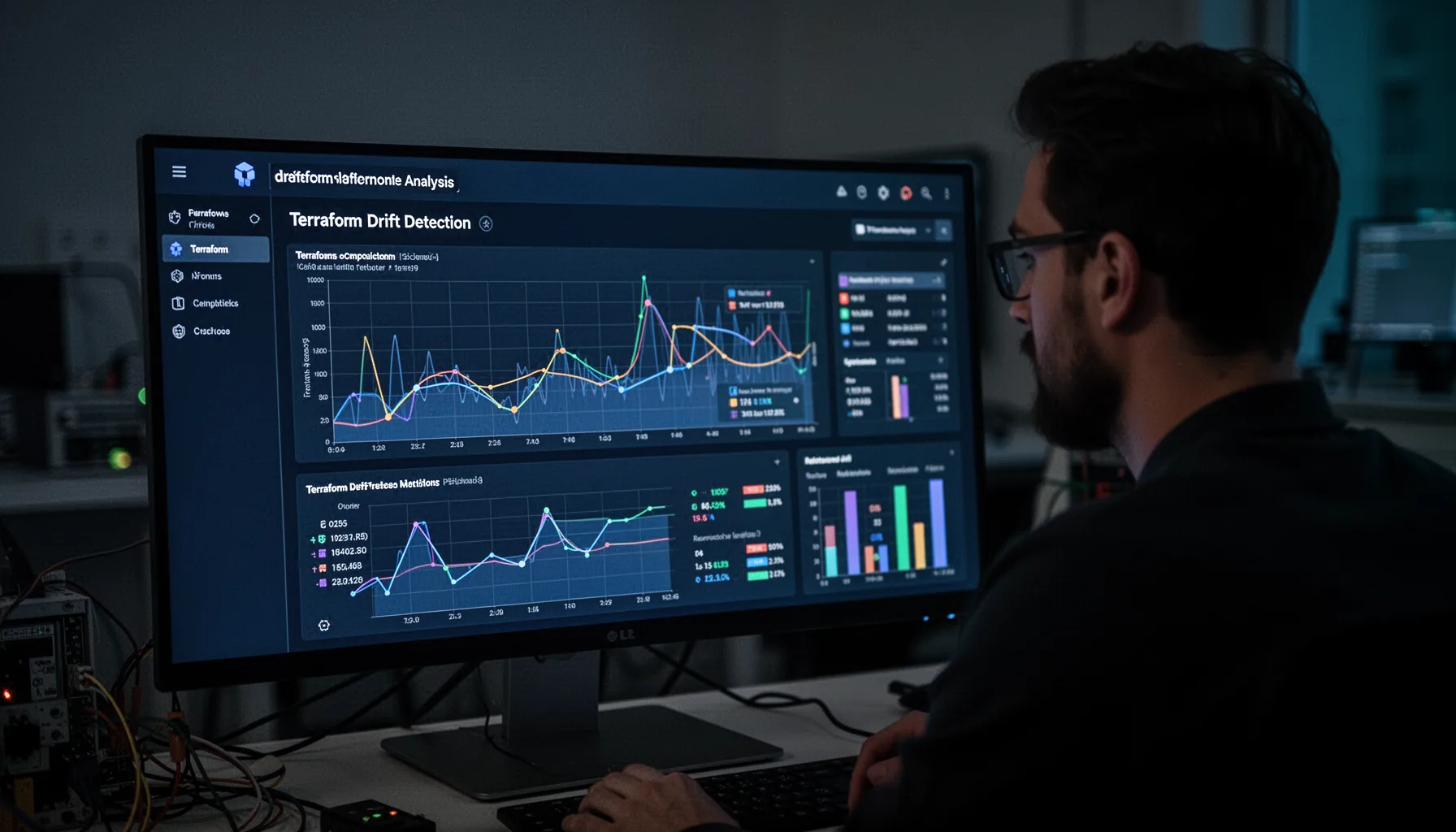
Terraform drift detection with AI works best as a review layer on top of normal plan, policy, and cloud inventory tooling. It should not become your primary control. Terraform already catches many differences through `plan`, while AWS Config, CloudTrail, and tools like Driftctl historically filled visibility gaps around unmanaged changes. Yet AI adds a useful step. It can explain drift in plain English, rank risky changes, and separate cosmetic deltas from high-blast-radius ones such as IAM policy edits or security group exposure. According to Flexera's 2024 State of the Cloud reporting, managing cloud spend and governance remains a top concern for enterprises, and drift sits squarely inside that governance problem. But here's the thing: an LLM can't verify runtime truth on its own unless you feed it trustworthy outputs. So keep the model outside the execution path. Let it annotate evidence. Then require humans to validate every remediation against `terraform plan`, cloud logs, and tagging standards. That's not trivial.
Best AI use cases for infrastructure as code beyond code generation

The best AI use cases for infrastructure as code are narrow, reviewable, and grounded in artifacts teams already trust. That's why code generation ranks lower than many people expect. In real operations, the high-value jobs include import command drafting, module-to-resource mapping, plan summarization, policy explanation, documentation cleanup, and post-incident reconstruction. GitHub Copilot, Amazon Q Developer, and source-available assistants inside editors can speed up those chores, but only if teams constrain them to read-heavy workflows. We think the smart pattern is simple. Ask AI to explain, compare, inventory, and draft. Then stop there. Here's the thing. A strong real-world workflow is to paste redacted outputs from `terraform state list`, `terraform plan -out`, AWS CLI inventories, and Terragrunt paths into a secure enterprise assistant, have it produce a candidate recovery worksheet, and then execute imports or moves only after peer review and CI checks with OPA, Sentinel, or Checkov. That's the safer bet, and we'd argue it's worth watching.
Step-by-Step Guide
- 1
Export the relevant Terraform evidence
Pull the exact artifacts the model needs before asking any question. That usually means `terraform state list`, `terraform show -json`, the affected HCL or module files, Terragrunt configs, and cloud inventory output from AWS CLI or Config. Keep the dataset small and scoped. Redact secrets and account identifiers if your policy requires it.
- 2
Ask the model to build a discrepancy table
Prompt the assistant to compare live resources, Terraform state, and declared configuration line by line. Ask for a table with resource name, type, region, current owner, likely module path, and suspected issue. This format matters. It turns vague AI output into something an engineer can actually verify.
- 3
Trace module and Terragrunt inheritance paths
Have the model map includes, dependencies, provider aliases, and variable origins. This is where using AI for Terragrunt debugging often pays off fastest. And it exposes hidden coupling. Ask specifically which file ultimately sets region, backend, account, and module source for each affected stack.
- 4
Generate candidate import and state move commands
Once the inventory looks sane, ask the model to draft `terraform import` or `terraform state mv` commands for review. Tell it to include assumptions and confidence levels. Don't run anything yet. Treat these commands as a first pass, not approved remediation.
- 5
Validate every proposal with plan and cloud logs
Run `terraform plan` after each approved change and compare that output to AWS evidence. Check CloudTrail, Config, and tagging history where possible to confirm ownership and timing. The model can summarize these checks. But humans must sign off because the blast radius is real.
- 6
Document the recovery path for future incidents
Use the model one last time to turn your fixes into internal runbooks. Ask it to write a short postmortem section, import checklist, and Terragrunt troubleshooting guide tied to your folder structure. This is worth doing. Teams usually solve drift twice because the first recovery never gets written down clearly.
Key Statistics
Frequently Asked Questions
Key Takeaways
- ✓Terraform with LLMs does its best work during messy state and drift investigations
- ✓AI can compare HCL, state, and live AWS resources faster than humans can
- ✓Terragrunt debugging gets easier when an LLM maps modules across regions
- ✓The safest pattern is AI for analysis first, human approval for changes
- ✓Best AI use cases for infrastructure as code are narrow and auditable