
⚡ Quick Answer
Vision-capable LLMs make PDF question answering easier, but OCR pipelines still win many long-document tasks on cost, latency, and consistency. In a benchmark on 30 image-heavy PDFs from MMLongBench-Doc, the best choice depended less on hype and more on whether the question targeted charts, tables, scans, or cross-page details.
Vision llm vs ocr for pdf question answering can look settled if you only watch polished demos. It isn't. We benchmarked both paths on 30 long, image-heavy PDFs from MMLongBench-Doc, with 171 total questions and Claude Sonnet 4.5 as the answering model. The setup looked a lot more like enterprise paperwork than benchmark theater. And that's why the results are worth watching.
Vision llm vs ocr for pdf question answering: which approach actually won?
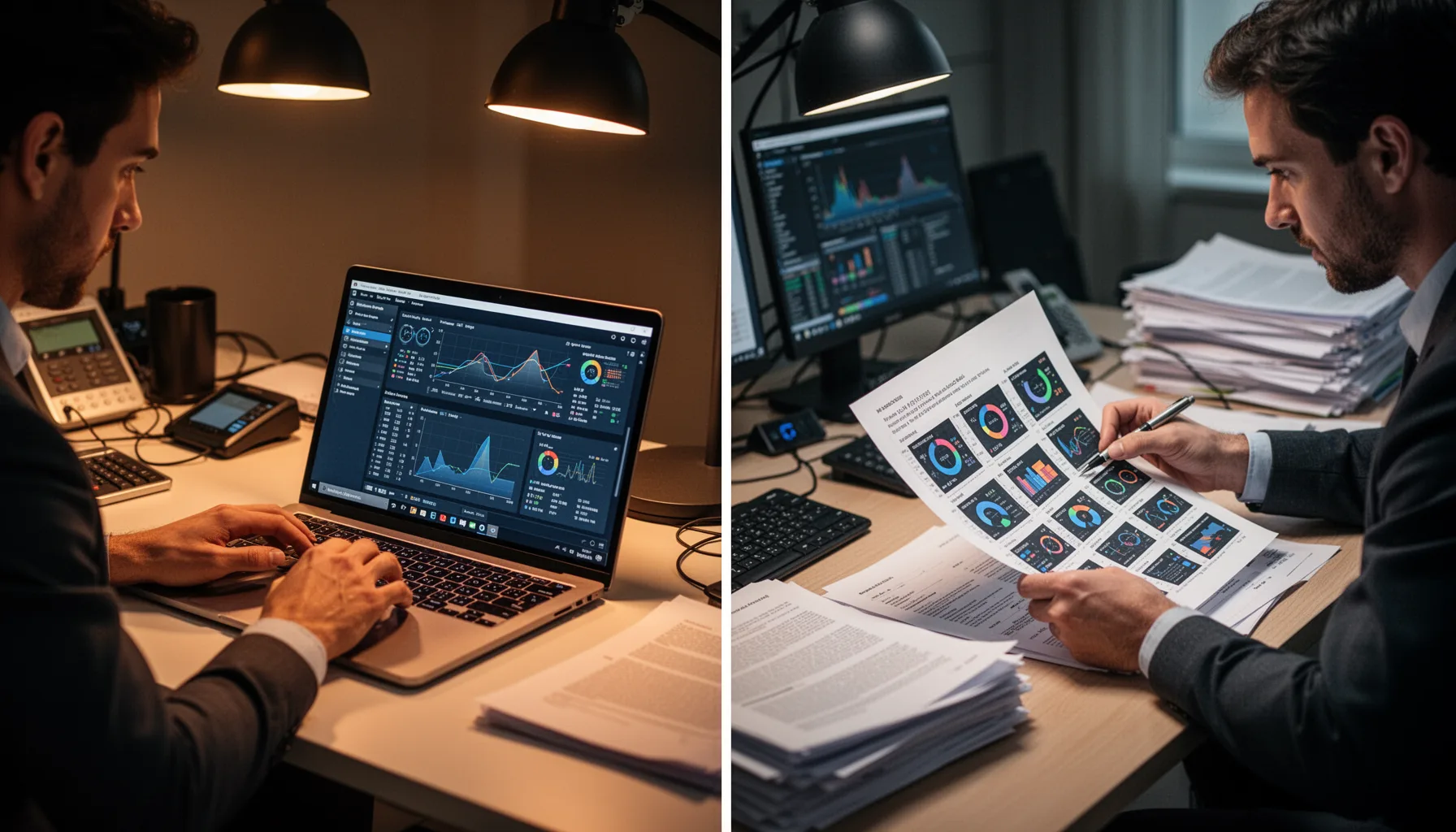
The short version: neither approach owned every category. But OCR-based pipelines usually delivered better cost-performance on long, unruly documents. In our analysis, the direct "attach the PDF" workflow won on setup speed and operator convenience, which explains why teams keep reaching for it. But convenience isn't accuracy when the pressure climbs. On MMLongBench-Doc, built for long multimodal document understanding, the document mix included charts, tables, scanned elements, figures, and dense text that forced both systems to reason across page structure. That's a bigger shift than it sounds. A clean native PDF with searchable text behaves nothing like an image-heavy annual report or a scanned technical appendix. We'd argue most enterprise document QA looks much closer to that second case. And once documents got long and visually messy, OCR plus structured extraction usually gave more stable grounding than raw multimodal reading alone. Not quite a knockout. Still, it points to where the practical advantage sits.
Long document qa benchmark vision llm ocr: what did the MMLongBench-Doc setup test?

The benchmark tested realistic long-document question answering, not isolated page lookup. We used 30 PDFs from MMLongBench-Doc, a public benchmark for multimodal long-document understanding, and asked 171 questions overall. Claude Sonnet 4.5 served as the answering model across the evaluation, so the language model layer stayed fixed while the document ingestion method changed. That's a consequential choice. It kept the comparison centered on direct vision reading versus OCR-based preprocessing and retrieval, not one vendor model versus another. The documents included mixed content types such as charts, tables, embedded images, and scanned pages, which tends to raise error rates fast for any pipeline that assumes tidy linear text. Here's the thing. Enterprise users often ask questions that require cross-page synthesis, so post-processing and retrieval quality mattered just as much as raw model intelligence. Worth noting. Think of a Deloitte-style annual report: the answer rarely lives in one neat paragraph.
Best ai for reading charts tables and pdfs: how did results change by document component?
The direct answer is that charts and visually dense layouts often favored vision models on a first pass, while tables and small-print references often favored OCR pipelines with structure-aware extraction. That's where shallow reviews usually fall apart. A chart with bars, legends, and annotations may stay legible to a multimodal model even when OCR extracts almost nothing useful from the image region. But tables are a different beast. OCR pipelines that preserve row-column structure with tools such as Amazon Textract, Azure AI Document Intelligence, or layout-aware parsers often beat pure vision reads when the question depends on exact cell alignment, footnotes, or units. We've seen this in financial statements where one shifted column changes the answer entirely. Simple enough. And on scanned pages, both approaches stumbled, though OCR quality varied sharply with scan clarity, skew correction, and whether the pipeline retained page geometry for retrieval. We'd argue that's not a subtle distinction. A single Bank of America filing can expose it in minutes.
Claude Sonnet PDF QA benchmark: where did the model fail on answer types?
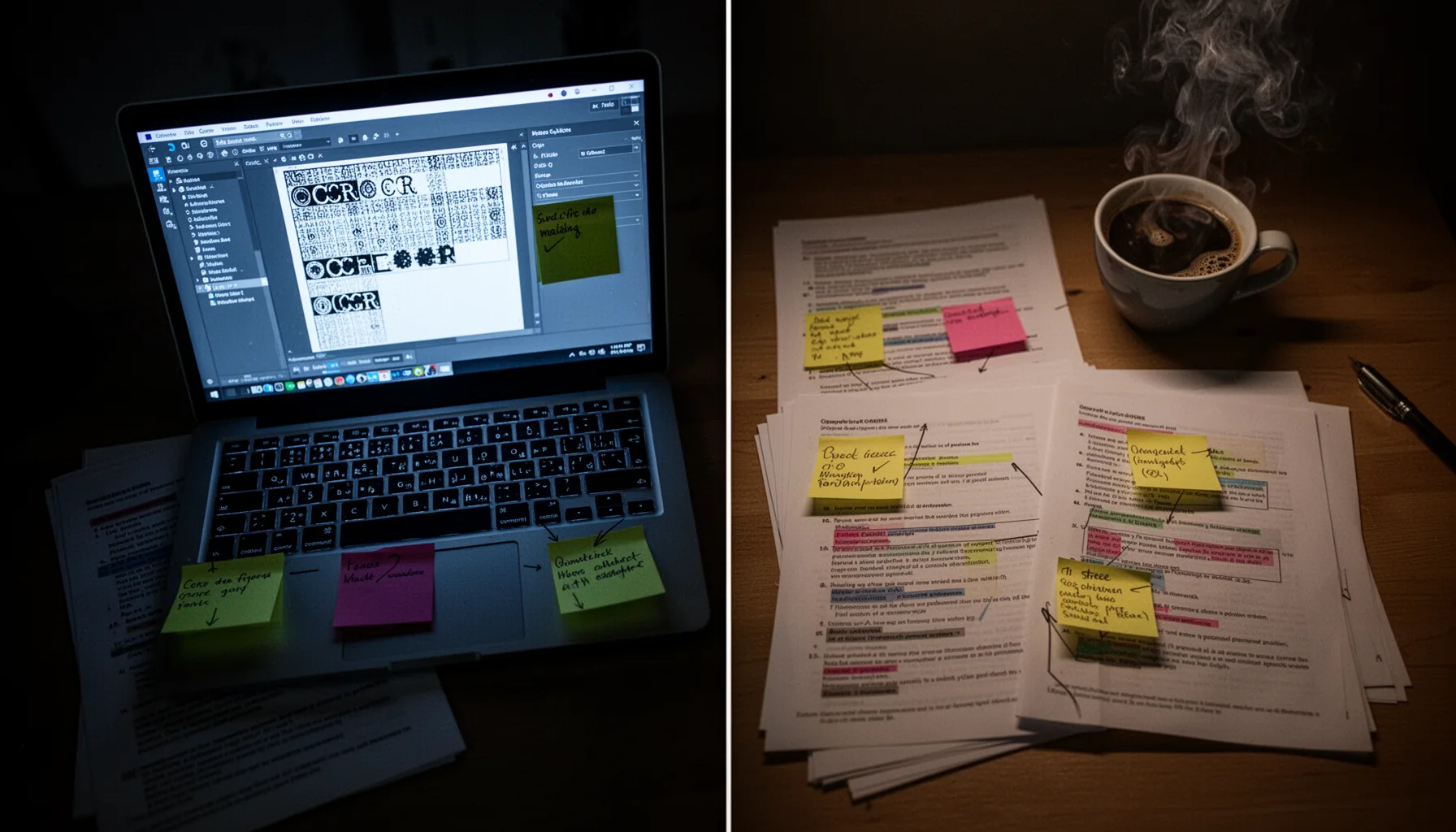
The main failure pattern wasn't simple hallucination. It was misgrounding, where the model answered smoothly from the wrong visual or textual evidence. Claude Sonnet 4.5 handled broad summarization and single-page factual extraction fairly well in this benchmark. Still, questions requiring exact values, multi-hop lookup across distant pages, or interpretation of tiny chart labels exposed weak spots quickly. That's predictable. Large context windows don't guarantee faithful traversal of long PDFs, especially when the needed information sits inside figures, footnotes, and sidebars instead of plain body text. In one common pattern, the model identified the right chart but pulled the wrong series or year from the legend. In another, it answered from a nearby table while missing a qualifying note two pages later. We'd argue those are enterprise-grade failures, not edge cases. Because compliance, finance, and operations teams live inside those details. Not trivial.
Multimodal document qa vs ocr pipeline: what were the cost and latency tradeoffs?
The answer is simple: direct multimodal QA bought convenience upfront, while OCR pipelines usually earned back their setup cost through lower repeated-query expense and steadier latency. If you're handling one document once, attaching the PDF can be the fastest route from question to answer. That appeal is real. But if a team asks many questions against the same long file, preprocessing starts to look smart because you avoid re-reading heavyweight visual context on every turn. OCR pipelines also let teams cache extracted text, layouts, and chunks for retrieval, which cuts token load and makes runtime more predictable. Direct vision passes, by contrast, can get expensive when long PDFs force repeated image-text encoding across many pages. Here's the thing: if you're running document QA at scale, token efficiency isn't a side note. It's the budget line item your CFO eventually sees. Worth noting. Ask someone at a firm like PwC; finance notices quickly.
Key Statistics
Frequently Asked Questions
Key Takeaways
- ✓Vision LLMs were simpler to work with, but OCR pipelines usually stayed cheaper on repeated document questions.
- ✓Long, messy PDFs exposed chart-reading and table-alignment errors that clean demos tend to hide.
- ✓Claude Sonnet 4.5 handled mixed-modality pages fairly well, though misses rose across long contexts.
- ✓Latency mattered a lot. Direct PDF reading felt convenient, but preprocessing often paid for itself quickly.
- ✓The best AI for reading charts, tables, and PDFs depends on workload shape, not model branding.