
⚡ Quick Answer
Why ChatGPT feels worse after updates often has less to do with one model suddenly becoming bad and more to do with changed defaults, product wrappers, and fragile user workflows. The useful question isn't 'Did the model die?' but 'Which layer changed, and how can I test it?'
Why ChatGPT can feel worse after updates is a fair question, but people often answer it poorly. They either sneer at users or just blame the model. Neither move gets you very far. A sharper critique starts with diagnosis: what changed, where it changed, and whether your workflow had any actual structure in the first place. Less satisfying than a rant. Much more useful if you want to stop guessing.
Why ChatGPT feels worse after updates is often a workflow diagnosis problem

Why ChatGPT feels worse after updates often comes down to workflow diagnosis, because users compare today's default behavior with yesterday's memory of an unstated process. That's not a stable benchmark. If you never saved prompts, never fixed the output format, never documented settings, and never split drafting from verification, you weren't running a workflow. You were running on vibes. And a platform update can expose that fast. We've seen the same thing in enterprise copilots: teams say quality dropped, then find the retrieval index changed, the system instruction shifted, or the prompt template got quietly edited in the app layer. Microsoft teams have run into exactly that. The model may have changed too. But here's the thing: complaints without a repeatable task definition tell you almost nothing about root cause. That's a bigger shift than it sounds.
What AI model drift vs user workflow actually means

AI model drift vs user workflow means separating changes in the model from changes in how you call it and depend on it. Simple enough. Model drift can mean altered behavior across versions, safety-tuning shifts, routing changes, or edits to hidden system instructions. User workflow fragility means your process worked only because the defaults happened to match your style for a while. That's common. A writer who got great brainstorming from plain prompts may feel burned after an update, but if they never pinned structure, examples, or role instructions, they built on sand. Not quite a system. Researchers and platform teams have documented behavior variation across releases for years, including shifts in refusal style and reasoning patterns, so user frustration isn't invented. Still, we'd argue most complaints turn useful only when they separate model drift from missing process discipline. Worth noting.
How default behavior vs real AI workflow explains most complaint cycles
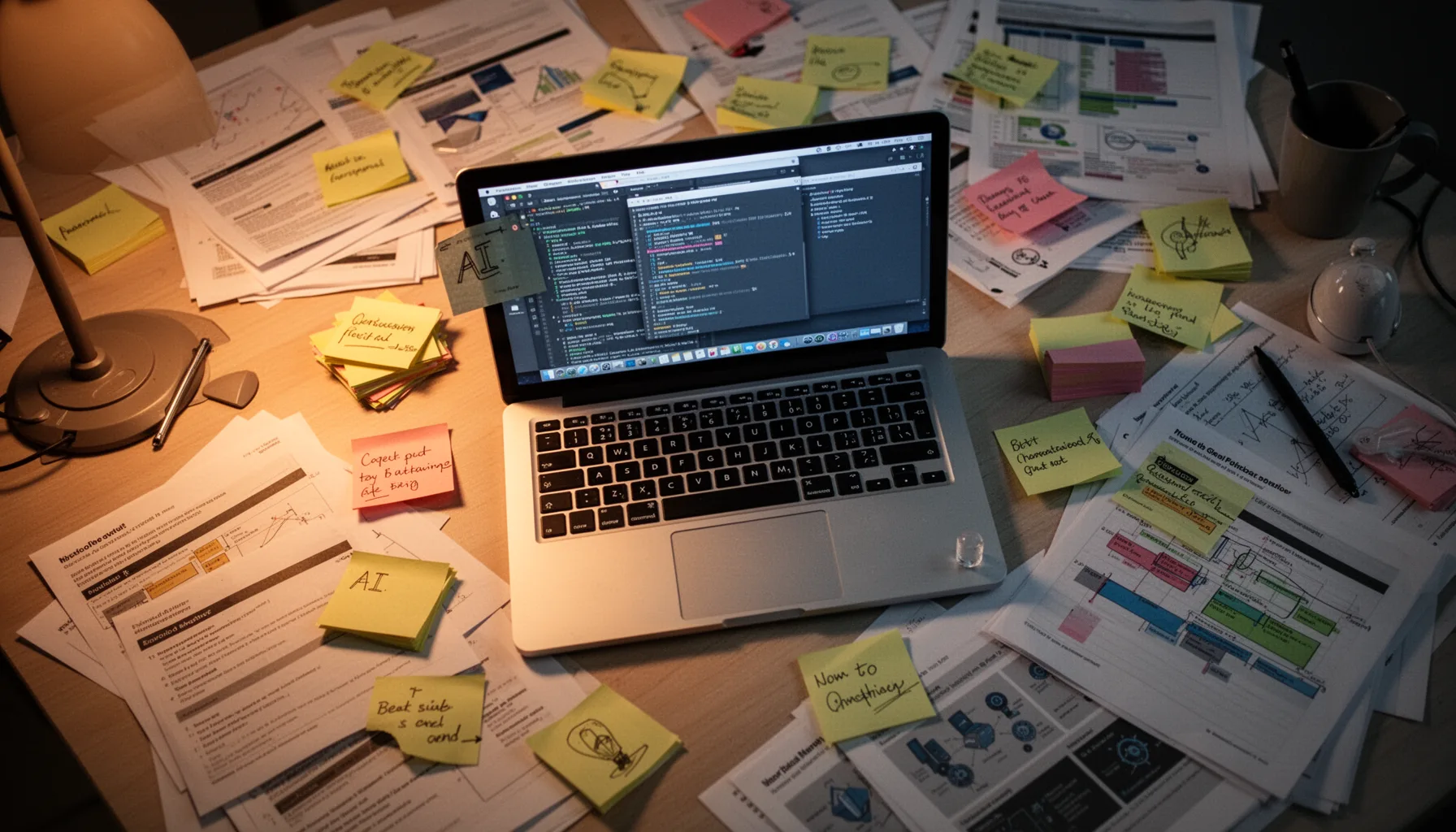
Default behavior vs real AI workflow explains most complaint cycles because many users mistake a convenient starting state for a dependable system. That's the trap. Default behavior is what the product gives everyone on the surface: current routing, interface choices, memory settings, system prompts, and moderation posture. A real AI workflow adds scaffolding: saved prompts, examples, validation checks, fallback tools, and acceptance criteria. Big difference. Consider customer support teams using ChatGPT for reply drafts. If they rely on the stock interface and a loose prompt, even a small UI or safety change can make outputs feel worse overnight; if they work with a structured prompt template, test cases, and review rules, they usually absorb the same update with far less drama. Zendesk-heavy teams know this feeling. So the critique on model complaints shouldn't be 'stop whining.' It should be 'stop treating defaults like infrastructure.' We'd argue that's the adult version of the conversation.
How to test 5.4 XT model complaints explained by four failure sources

5.4 XT model complaints explained properly means testing four failure sources separately: model drift, platform changes, prompt dependency, and missing workflow scaffolding. Methodical, yes. Start with model drift by running the same saved prompts against the old and new model, if you can access both, and scoring outputs on a fixed rubric. Then test platform changes: compare API output with the web app, or compare one interface version with another, because wrappers often change behavior through hidden instructions or routing policies. Next, test prompt dependency by simplifying prompts and then re-anchoring them to see whether quality collapses only when your old phrasing disappears. Finally, test workflow scaffolding by checking whether the task still works when you provide examples, schemas, and evaluation criteria. OpenAI's API versus app output can diverge more than people expect. And that turns a vague complaint into a practical diagnosis you can actually act on. Worth noting.
Step-by-Step Guide
- 1
Save a stable test set
Create 10 to 20 representative prompts tied to tasks you actually care about. Include the expected structure, tone, and constraints. If you don't preserve test inputs, every complaint becomes memory versus memory.
- 2
Compare interfaces directly
Run the same task in the web app, mobile app, and API if possible. Note differences in latency, formatting, refusals, and instruction-following. Wrapper changes often explain more than users expect.
- 3
Anchor the prompt structure
Add explicit role, goals, constraints, examples, and output schema. Then compare results against a loose natural-language version. If anchored prompts recover quality, the issue may be weak workflow design rather than model collapse.
- 4
Separate generation from evaluation
Judge outputs with a simple rubric for factuality, usefulness, format compliance, and effort saved. Score each run instead of relying on gut feel. This lowers the odds that one bad answer colors the whole verdict.
- 5
Check memory and settings
Review memory, personalization, custom instructions, and any relevant workspace settings. A surprising number of quality complaints come from toggles users forgot they enabled. Defaults aren't the only hidden variable.
- 6
Build a fallback path
Keep a second model, a saved prompt template, or a manual review path for critical work. That way, updates become manageable annoyances instead of business-stopping events. Resilience beats nostalgia.
Key Statistics
Frequently Asked Questions
Key Takeaways
- ✓Many model complaints confuse workflow breakage with actual model decline.
- ✓Default behavior changes can feel dramatic when users never anchored prompts or settings.
- ✓UI, system prompts, and routing changes often matter as much as model weights.
- ✓You can diagnose complaints by testing model, wrapper, prompt, and process separately.
- ✓Resilient AI workflows depend on saved prompts, evals, and repeatable task structure.