
⚡ Quick Answer
The best AI agent frameworks for web automation 2026 combine planning, browser control, tool use, validation, and recovery under failure. LangGraph stands out for deterministic, production-grade flows, while CrewAI shines when teams need role-based collaboration across agents.
AI agent frameworks for web automation 2026 are shifting from flashy demos into software teams actually run. That's the real change. Buyers aren't asking whether an agent can click a button or fill out a form anymore. They're asking whether it can recover after a DOM change, explain why it acted, and stay inside policy when a payment flow gets messy. And that reshuffles the list. We're judging frameworks less by prompt wizardry and more by orchestration discipline, browser dependability, and how cleanly they connect models, tools, and safeguards in a production stack.
What are the best AI agent frameworks for web automation 2026?
The best AI agent frameworks for web automation 2026 are LangGraph, CrewAI, AutoGen, Semantic Kernel, and browser-first stacks built around Playwright and Browser Use. That order reflects what teams actually need once something leaves the lab: stateful execution, browser control, tool calls, validation loops, and sane recovery when things break. In our review, LangGraph comes out ahead when engineers need deterministic graphs, explicit state, and execution paths they can inspect over long-running jobs. That's a bigger shift than it sounds. CrewAI earns its spot because role-based agent collaboration maps cleanly to research, planning, execution, and QA in web tasks such as lead enrichment or supplier onboarding. Microsoft’s Semantic Kernel and AutoGen still matter, especially for enterprises already tied to Azure, Microsoft 365, or multi-agent experimentation. And browser-native tools count too. Microsoft Playwright remains the practical benchmark for reliable browser automation, while Browser Use has drawn attention for turning page structure into something models can reason about more directly.
Why LangGraph vs CrewAI for web automation keeps coming up
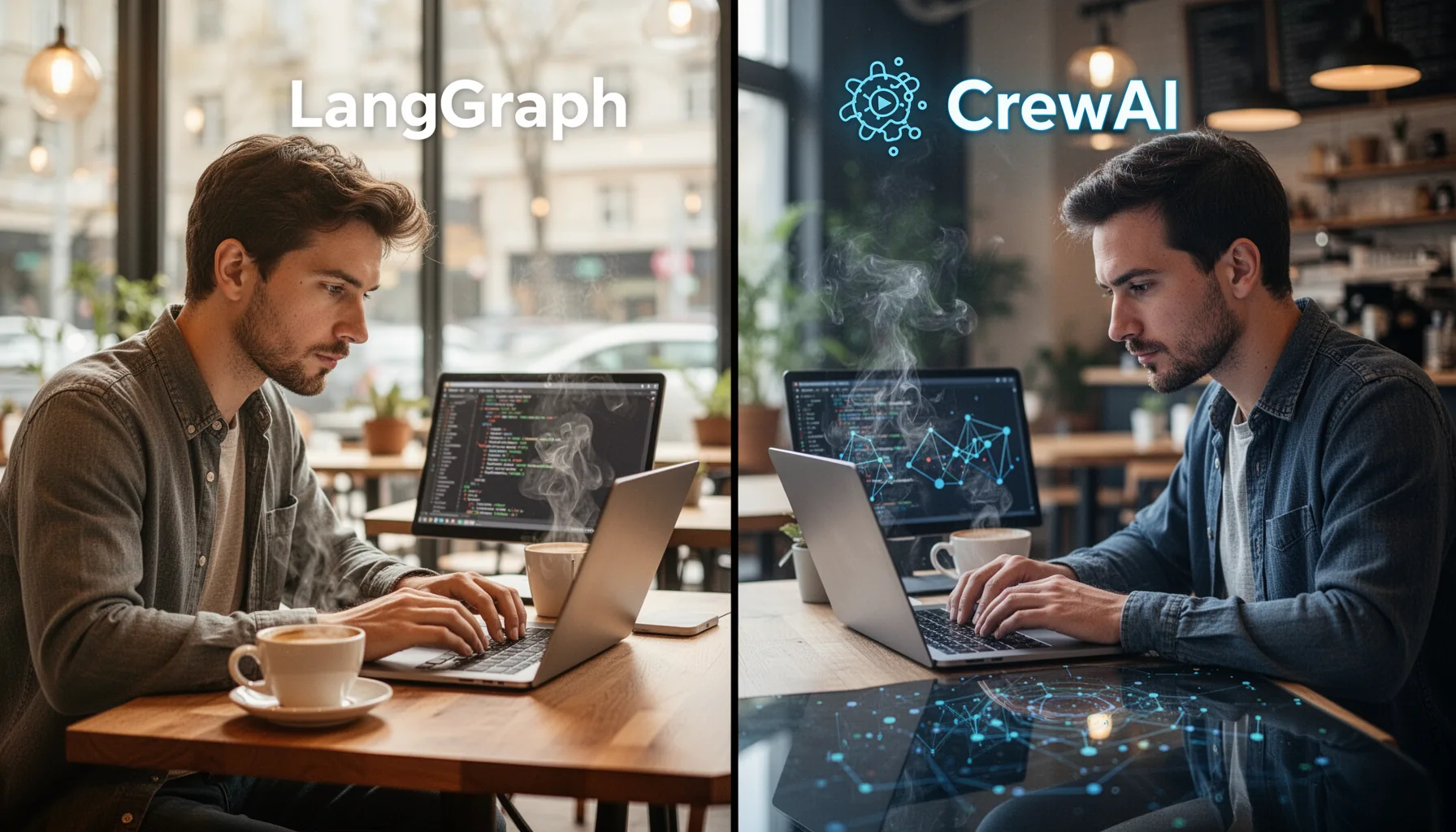
LangGraph vs CrewAI for web automation keeps surfacing because they reflect two very different ideas about control. LangGraph gives teams graph-based orchestration with persistent state, checkpointing, branching logic, and human-in-the-loop controls, which makes it especially well suited to regulated or high-value workflows. If you need an agent to sign into a vendor portal, pull invoice data, cross-check fields, and pause for approval on exceptions, LangGraph feels purpose-built. CrewAI, on the other hand, stands out when work splits naturally into roles like researcher, navigator, extractor, and verifier. Simple enough. That's appealing for web automation programs where one agent gathers context, another drives the browser, and a third scores confidence before anything posts back to a system of record. We'd argue CrewAI is easier for non-specialists to pick up fast. But LangGraph usually wins when observability, repeatability, and failure handling matter more than quick prototyping. Worth noting.
How web automation agent frameworks actually work in production

Web automation agent frameworks work in production by combining planning, browser execution, tool calls, memory, and output validation in a managed loop. A real deployment rarely relies on a model by itself. Instead, teams pair a framework like LangGraph or CrewAI with Playwright for browser control, retrieval for context, structured outputs for task state, and evaluators that catch bad actions before they spread. Anthropic, OpenAI, and Google models can all drive these systems, but the framework decides what happens when a page changes, a form field breaks, or a result looks wrong. That's where plenty of demos fall apart. The strongest stacks rely on selectors, page snapshots, retries, and confidence checks rather than trusting one model pass to finish a fragile workflow. UiPath has pointed to this pattern in enterprise automation by wrapping AI-driven steps inside governed workflows, not swapping workflow discipline for free-form prompting. Here's the thing. In practice, the framework acts as the policy engine almost as much as the orchestration layer. We'd say that's not trivial.
Which framework for autonomous web agents fits different use cases?

The right framework for autonomous web agents depends on whether your main priority is governance, collaboration, speed, or ecosystem fit. LangGraph is usually the best pick for financial operations, healthcare intake, claims processing, and internal enterprise tooling where every transition needs traceability. CrewAI makes more sense for growth teams, research operations, support workflows, and competitive intelligence work where tasks split cleanly across specialized agents. AutoGen still has value for teams experimenting with conversational agent collaboration, especially in research-heavy settings, though we think it needs more structure for sensitive production web tasks. Semantic Kernel deserves a serious look if your stack already sits inside Microsoft infrastructure, because connectors, identity controls, and enterprise procurement can outweigh framework elegance. And some teams should skip general-purpose frameworks entirely. If the job is mostly browser execution with limited reasoning, a Playwright-first architecture with targeted model calls may beat a full autonomous stack on cost, speed, and debuggability. That's a sharper distinction than many buyers expect.
How to compare AI browser automation frameworks comparison criteria that matter
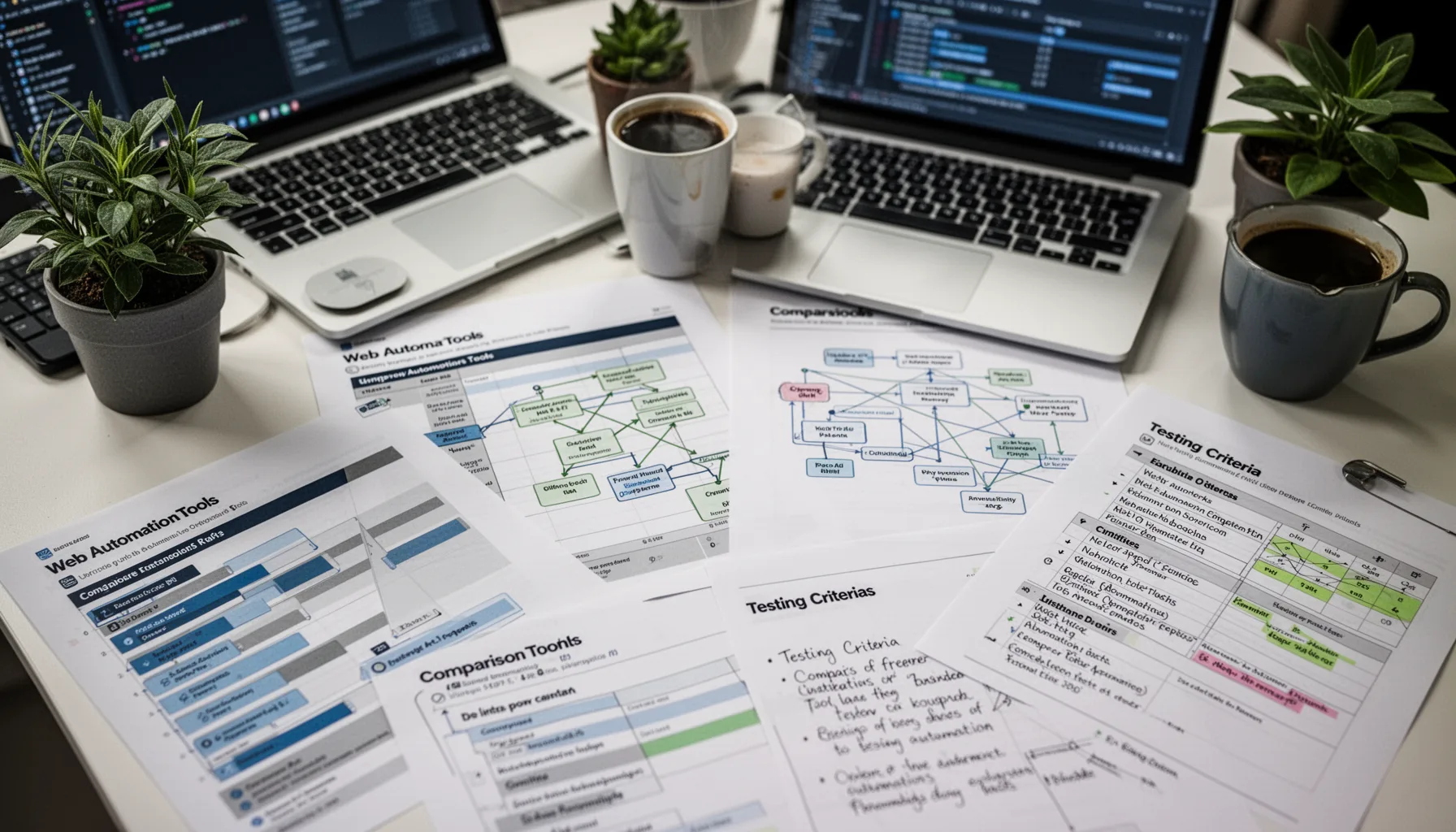
The best AI browser automation frameworks comparison starts with reliability, not model cleverness. Teams should score each framework on seven factors: browser control fidelity, state handling, retry logic, observability, tool integration, policy enforcement, and evaluation support. We'd add one more. Developer ergonomics. If a framework makes it hard to inspect state transitions or replay failures, operations costs climb quickly once agents move past lab conditions. LangSmith, OpenTelemetry-based tracing, and structured event logs now matter almost as much as the orchestration layer, because teams need to know why an agent clicked the wrong element or abandoned a checkout path. The World Wide Web Consortium’s WebDriver standards still shape baseline expectations for browser automation, even as frameworks stack AI layers on top. And here's the blunt part: the winner in a proof of concept often loses by quarter two if it can't survive changing page layouts, authentication friction, and cost controls. Not quite glamorous. Very consequential.
What will define AI agent frameworks for web automation 2026 next
AI agent frameworks for web automation 2026 will be shaped by governance, multimodal browser understanding, and tighter links between reasoning and execution. Early data suggests text-only page interpretation is giving way to mixed approaches that combine DOM awareness, screenshots, accessibility trees, and tool-specific memory for stronger navigation. That matters because many modern web apps hide useful state behind dynamic components that a plain text scrape misses. We're also seeing more interest in outcome validation, where a second model or a rules engine verifies that the task finished correctly before the agent moves on. OpenAI’s Structured Outputs, Anthropic’s tool use patterns, and Google’s Gemini function calling all suggest that direction. My take is simple. By late 2026, buyers won't reward the most autonomous framework. They'll reward the one that acts independently only when it should, then stops, explains itself, and hands control back cleanly when the stakes rise. We'd argue that's the adult version of automation.
Step-by-Step Guide
- 1
Define the task boundary
Start by writing down exactly what the web agent can and can't do. Include target sites, allowed actions, escalation points, and failure conditions. This sounds basic, but it prevents teams from buying a framework for imagined autonomy instead of the actual workflow.
- 2
Map the control model
Choose whether your process needs deterministic routing, role-based agents, or a hybrid approach. LangGraph fits graph-driven control and checkpointing, while CrewAI fits collaborative roles. If neither maps cleanly to the workflow, simplify the architecture before you add more models.
- 3
Test browser reliability
Run the framework against real sites with login flows, dynamic content, and occasional UI changes. Use Playwright or an equivalent browser layer and measure retries, selector stability, and completion rates. A framework that looks smart on a static site may fail badly on modern JavaScript-heavy apps.
- 4
Add validation gates
Insert structured checks after every consequential action such as form submission, data extraction, or account updates. Use rules, secondary model reviews, or API confirmations where possible. This is the difference between a clever agent and one you'd trust with revenue or compliance work.
- 5
Instrument every action
Turn on tracing, state inspection, and replay tools from day one. LangSmith, OpenTelemetry, or internal logging stacks can capture why the agent chose a path and where it broke. Without that visibility, debugging turns into guesswork and user trust drops quickly.
- 6
Pilot with narrow scope
Launch in one contained workflow before expanding across departments. Pick a process with clear success metrics like cycle time reduction, completion rate, or lower manual touchpoints. Then scale only after the framework proves it can recover gracefully under messy, real operating conditions.
Key Statistics
Frequently Asked Questions
Key Takeaways
- ✓LangGraph suits tightly governed workflows where state, retries, and audits really matter
- ✓CrewAI works well when multiple agents need clear roles and shared objectives
- ✓Browser control alone isn't enough; validation and recovery separate demos from production
- ✓Playwright, Browser Use, and model routing often matter as much as the framework
- ✓The right choice depends on governance, speed, and how autonomous you want agents