
⚡ Quick Answer
AI automation for commercial fishermen can reduce manual paperwork by capturing trip details, drafting reports, and organizing compliance records from one workflow. For small-scale operators, the best setup combines mobile data capture, rule-based templates, and human review before submission.
AI automation for commercial fishermen sounds grander than it really is. For most small-scale operators, this isn't about flashy autonomy. It's about spending less time copying trip details, rebuilding catch logs, and chasing compliance paperwork after a long day on the water. That's a real nuisance. And it's one of the rare spots where practical AI can pay for itself quickly, if the setup stays plain.
How AI automation for commercial fishermen works in daily operations
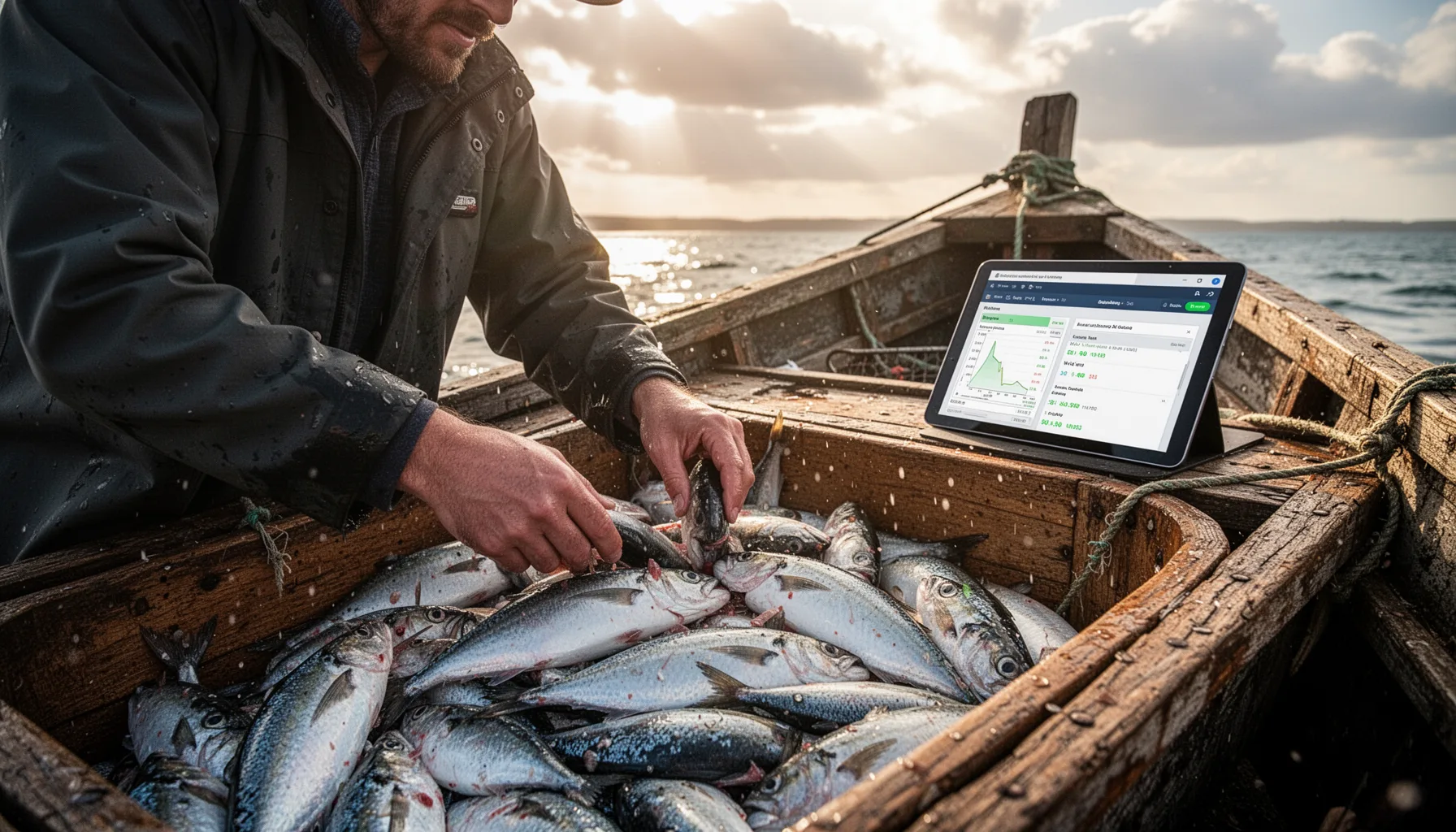
AI automation for commercial fishermen works best when crews capture operating data once, then reuse it across logs, reports, and compliance paperwork. Simple enough. A small boat crew might enter trip start time, gear used, catch species, landing location, and crew details into a phone or tablet form. Then the software drafts the rest. That cuts duplicate entry across notebooks, spreadsheets, text messages, and regulator forms. NOAA Fisheries and regional fisheries management systems already require more structured reporting in many cases, so digitized inputs line up with where the rules are headed. That's a bigger shift than it sounds. We'd argue the smart move isn't replacing every tool in one sweep. It's building one source of truth for trip data. A Maine lobster operator, for example, could log trap activity and landing details in a mobile app. Then a workflow could turn that into trip summaries and compliance-ready records for review.
Why automate catch logs and trip reporting for small fishing businesses?
Automate catch logs and trip reporting because repetitive documentation eats time, creates transcription mistakes, and slows submissions. Here's the thing. Small operators feel that drag more than large fleets because the same person often fishes, handles paperwork, deals with buyers, and keeps an eye on maintenance. That's too many jobs for one day. Digital catch reporting for fishermen can trim after-hours admin and make records easier to search during audits or inspections. The Food and Agriculture Organization has repeatedly pushed for better digital fisheries data practices because weak record quality hurts stock management and market traceability. Worth noting. We think the best business case isn't some abstract efficiency claim. It's fewer missed details and less panic before deadlines. A skipper relying on Google Forms, Airtable, or a fisheries-specific app can log once at sea. Then they won't need to rebuild the same report later from memory.
What tools support fishing regulatory compliance automation?
Fishing regulatory compliance automation usually works best with a mix of mobile forms, document storage, transcription, and rule-based AI drafting. Not quite a giant platform. In fact, you probably shouldn't start there. Practical options include Microsoft Power Automate, Zapier, Airtable, Google Workspace, OCR tools, and AI assistants that draft summaries from structured inputs. If a regulator requires specific file formats or field names, templates become the key technical asset, not the chatbot. That's worth watching. We'd strongly recommend choosing tools with offline capture, timestamping, and export history, because coastal connectivity is patchy and compliance records need defensible trails. A small tuna or crab operation, for instance, could capture trip data in Jotform Mobile Forms. Then it could store documents in SharePoint or Google Drive and ask an AI assistant to prepare draft landing reports and vessel activity summaries for final human sign-off.
Step-by-Step Guide
- 1
Map the paperwork flow
List every recurring document you handle: catch logs, landing slips, trip reports, buyer records, crew records, and regulator submissions. Mark what gets entered more than once. That's the automation shortlist.
- 2
Standardize the core trip fields
Create one master list of fields such as vessel name, date, species, weight, gear type, zone, port, and trip duration. Use the same field names across every form and spreadsheet. Consistency is what makes automation stick.
- 3
Capture data digitally at the source
Use a mobile form or tablet workflow so the crew records data during or right after the trip. Choose a tool that works offline and syncs later. Memory fades fast after landing.
- 4
Build report templates
Set up templates for catch logs, trip summaries, and compliance documents using your regulator's required format. Then connect the master data fields to those templates. This turns one entry into several draft outputs.
- 5
Add AI drafting and validation
Use AI to summarize notes, fill narrative sections, flag missing fields, and prepare draft documentation. But keep a rule-based check for dates, units, species codes, and permit identifiers. AI is useful here, not magical.
- 6
Review before submission
Assign one human review step before anything goes to buyers, co-ops, or regulators. Check numbers, species names, and required attachments. Keep an audit copy of what was submitted and when.
Key Statistics
Frequently Asked Questions
Key Takeaways
- ✓Start with repetitive paperwork, not full business automation all at once.
- ✓Digital catch reporting works best when crews capture data at sea.
- ✓Compliance automation still needs human approval before filing anything.
- ✓Simple AI tools can save time without replacing existing reporting systems.
- ✓Small fishing businesses should prioritize audit trails and offline access.