
⚡ Quick Answer
AI automation for handyman businesses uses image analysis, estimating software, and workflow tools to turn client photos into faster quotes, material lists, and follow-up tasks. For most small operators, the best approach is a simple workflow that combines photo intake, estimate review, and human approval before sending anything to the customer.
AI automation for handyman businesses isn't a novelty anymore. It's practical shop-floor software now. Fast, too. A contractor can grab a few client photos, run them through vision models and estimating tools, and send a first-pass quote before a competitor even calls back. That's a bigger shift than it sounds. It changes the math of a small service business. But speed cuts both ways. A bad estimate sent quickly is still a bad estimate.
What is AI automation for handyman businesses and why are so many owners trying it?

AI automation for handyman businesses usually means software handling repeatable office work: quote drafting, material lists, scheduling, intake triage, and customer follow-up. That's the broad idea. Small service firms live or die by response time, yet plenty of owners still burn hours each week texting clients, reviewing photos, writing estimates, and typing the same job details back into invoicing tools. Not trivial. According to the U.S. Bureau of Labor Statistics, median pay for handymen and maintenance workers stays fairly modest even as many of them shoulder a pile of admin work, which helps explain why owners chase efficiency wherever they can. Jobber, Housecall Pro, and ServiceTitan have each pushed more automation into field-service workflows because admin drag hits close rates where it hurts. Worth noting. We'd argue the real draw isn't futuristic branding. It's getting from inquiry to booked job faster than the shop across town. A handyman who replies in 15 minutes with a reviewed estimate usually wins more work than one who answers tomorrow with a perfect spreadsheet.
How does automate job quote generation from photos actually work?
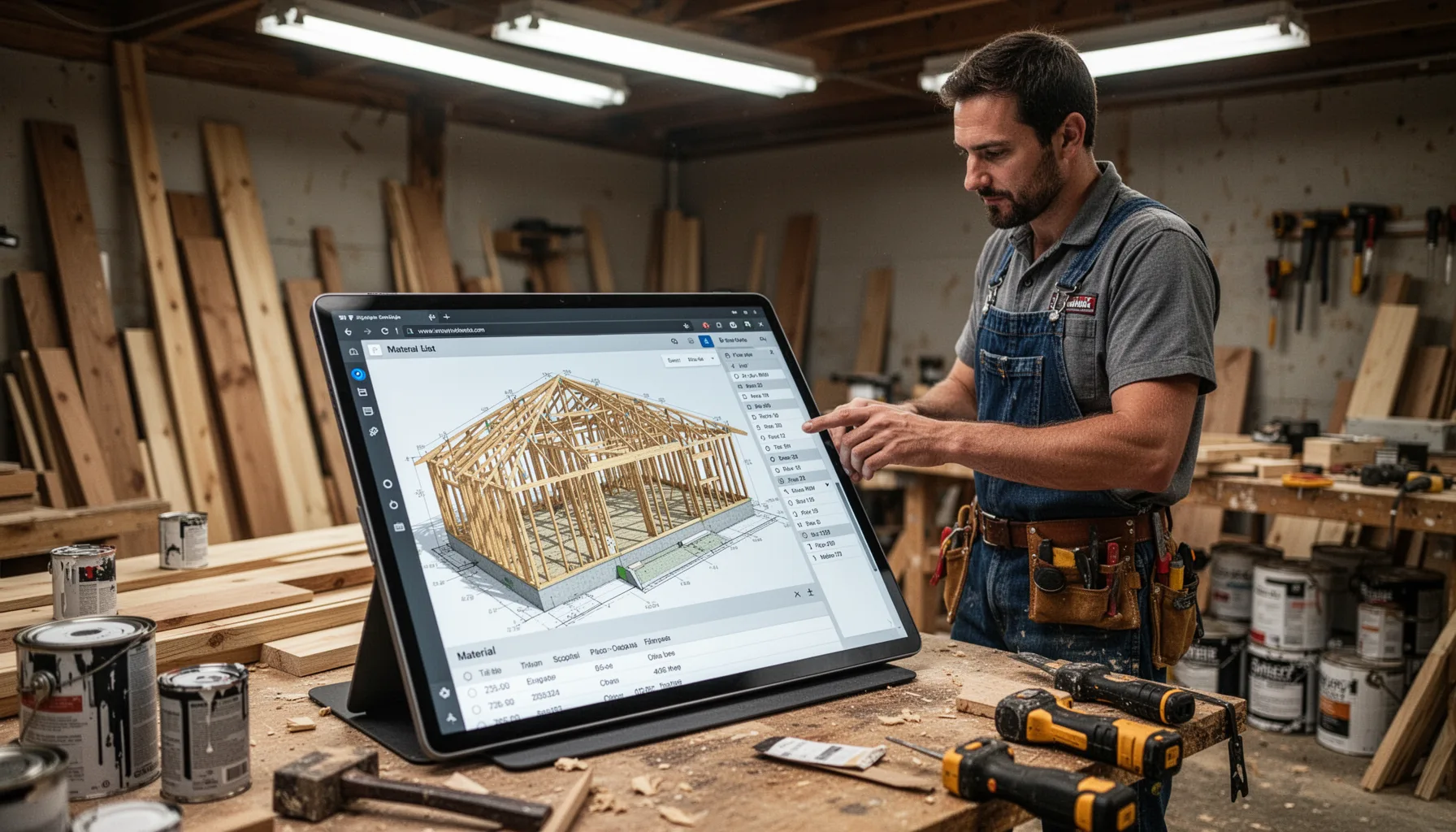
To automate job quote generation from photos, most businesses combine photo intake, AI image interpretation, job classification, pricing rules, and a final human review step. That's the practical stack. A client sends images through a web form, SMS flow, or app, and then a vision model or structured intake system identifies likely job types such as drywall patching, deck board replacement, faucet swap, or interior paint touch-up. From there, the software can map those categories to time ranges, labor rates, travel charges, and common add-ons using pre-set templates. Simple enough. For example, a contractor using OpenAI vision with Zapier and Google Sheets can flag "damaged baseboard in one room" and draft a quote range automatically before the owner signs off. Early data suggests this approach works best for visible, repeatable tasks and falls apart on hidden damage behind walls, electrical faults, or anything that honestly needs a site visit. Here's the thing. The best AI tools for handyman quotes don't remove judgment. They shrink the first draft so the human can decide faster.
Can an AI material list generator for contractors create reliable shopping lists?

An AI material list generator for contractors can produce useful first-pass shopping lists, but reliability leans heavily on job standardization and photo quality. That's the honest answer. If the work is straightforward, like replacing a damaged section of fence or patching and repainting a small drywall area, AI can infer likely quantities for screws, joint compound, primer, paint, lumber, or trim from your templates. Companies like Buildertrend and Autodesk have spent years proving that estimating gets more dependable when tied to standardized assemblies and historical job data instead of free-form guessing. And that's the key. A photo by itself rarely reveals exact dimensions, waste percentages, or hidden substrate problems, so your handyman business AI workflow should ask for at least one scale reference, like a tape measure in frame or a known object size. Not quite magic. We think this is where many "photo based estimate software for handymen" pitches oversell things. The software can save a meaningful chunk of prep time, but it won't replace a seasoned eye on unusual work.
What are the best AI tools for handyman quotes and workflow automation in 2026?
The best AI tools for handyman quotes in 2026 usually mix a field-service platform, a form or messaging layer, a vision-capable model, and an automation service. One tool won't do it all. Housecall Pro, Jobber, and ServiceTitan handle scheduling, CRM, and invoicing well, while Zapier or Make connect intake forms, cloud storage, and quote templates. On the model side, OpenAI, Google Gemini, and Anthropic Claude all support image reasoning that can classify common repair scenarios, though output quality shifts with prompt design and image clarity. Worth noting. A real-world example: a two-person repair business might rely on Typeform for client intake, Twilio for photo capture by text, GPT-4.1 or Gemini 2.5 for image interpretation, and QuickBooks for approved estimates and invoices. But many small operators don't need a giant stack. They need a simple setup that cuts repetitive work without creating five new subscriptions and a dozen points of failure.
How should you build a handyman business AI workflow without creating costly mistakes?
You should build a handyman business AI workflow by automating the repetitive parts first and keeping humans in the approval loop for pricing, scope, and materials. That's the safe route. Start with intake. Collect the client name, address, job type, urgency, budget range, and 3 to 6 photos through one form or text channel. Then send that data into a model prompt that classifies the task and drafts a quote range and material list using your own labor rates, travel charges, and minimum job fee. Simple enough. A practical example would be a handyman in Phoenix setting a $175 minimum visit fee and using AI only to draft line items for common jobs like ceiling fan swaps or fence picket repairs. According to McKinsey's 2024 State of AI report, organizations that connect AI projects to defined workflows and performance metrics get stronger business results than those experimenting loosely, which fits this market well. We'd put it bluntly. Don't automate the final answer first. Automate the boring middle, measure accuracy, and then widen the scope.
Step-by-Step Guide
- 1
Map your repeatable jobs
List the jobs you quote over and over, such as drywall repair, fixture replacement, fence fixes, or small paint work. These are the best candidates for AI because they follow repeatable pricing logic. Skip highly variable jobs at the start. You want predictable inputs and outputs.
- 2
Standardize your intake form
Create one intake flow that always collects photos, location, dimensions, urgency, and a short description. Ask clients for at least one image with a scale reference. That small tweak matters a lot. Better inputs produce fewer estimating mistakes.
- 3
Build a quote template library
Set up templates for labor time, minimum charges, travel fees, and common materials by job type. Your AI system should pull from your numbers, not generic internet rates. That's non-negotiable. If the pricing base is wrong, the automation just spreads the error faster.
- 4
Connect your tools
Use Zapier, Make, or native integrations to send intake data into your CRM, AI model, and estimate draft. Keep the workflow simple on day one. Simpler wins. A basic chain can outperform a flashy system that's hard to troubleshoot.
- 5
Review every AI draft
Check each generated quote and material list before sending it to a client. Watch for missing prep work, disposal fees, and access issues. Those are common misses. Human approval protects your margin while the system learns your patterns.
- 6
Track errors and refine prompts
Log where the AI overestimated, underestimated, or misread images. Then update your prompt, templates, and excluded job types based on what you find. That's how the system gets useful. Without a feedback loop, you'll keep repeating the same mistakes.
Key Statistics
Frequently Asked Questions
Key Takeaways
- ✓AI can cut admin time without replacing the owner's judgment on-site.
- ✓Photo-based quote generation works best for repeatable, visible repair jobs.
- ✓Material list tools save time, but they still need human review.
- ✓The smartest handyman business AI workflow starts small and tracks mistakes.
- ✓Free tools can work early, yet paid integrations often save more time.