
AI notification character no code: Peon Ping custom guide
Build an AI notification character no code for Claude Code and Peon Ping with simple AI tools, design tips, and setup steps.
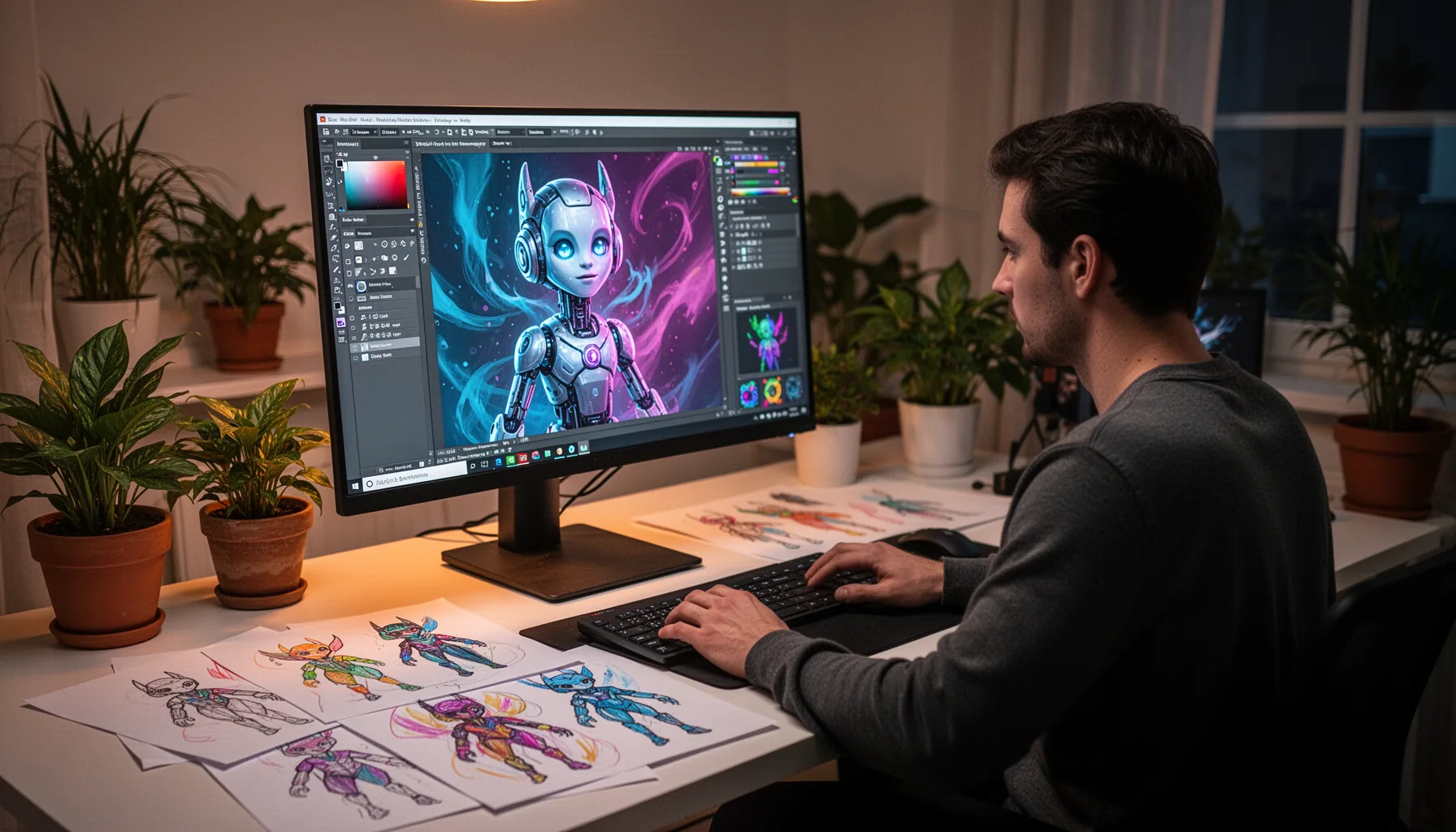
Table of Contents
Quick Answer
AI notification character no code setups are now realistic with tools like Peon Ping, image generators, voice tools, and simple asset editing apps. You can create a custom Claude Code notification character without writing software, as long as you prepare the art, animation states, and alert sounds in the format the tool expects.
“AI notification character no code” sounds almost comically specific. It isn't. If you live inside Claude Code for hours, the thing that breaks your concentration matters more than most people expect. And when that interruption comes through a character with a voice, a face, and a little attitude, the software starts to feel oddly personal. That's a bigger shift than it sounds. So building a custom Claude Code notification character with no code can feel surprisingly rewarding. You're not just swapping a theme. You're changing how your AI workflow talks back.
What is AI notification character no code, and why are people using it?

AI notification character no code means making a visual and audio alert persona for AI tools without building software yourself. In this case, the draw is Peon Ping, a utility plenty of Claude Code users already know for its playful default character: the Warcraft III peon that blurts out the famous “Work, work!” line. Funny at first. Less so by week two. For some users, it starts to feel secondhand rather than personal. We'd argue that's why this matters at all. Alerts aren't just functional. They shape the daily feel of work. A 2024 Atlassian survey found knowledge workers lose substantial time to context switching each week, and notification design plays into that because muddy alerts grab attention at the wrong moment. Small thing. Big effect. So when someone trades an orc worker for a cleaner JARVIS-like assistant, they aren't being precious; they're trying to make interruption feel deliberate. Worth noting.
How do you build a custom Claude Code notification character without coding?
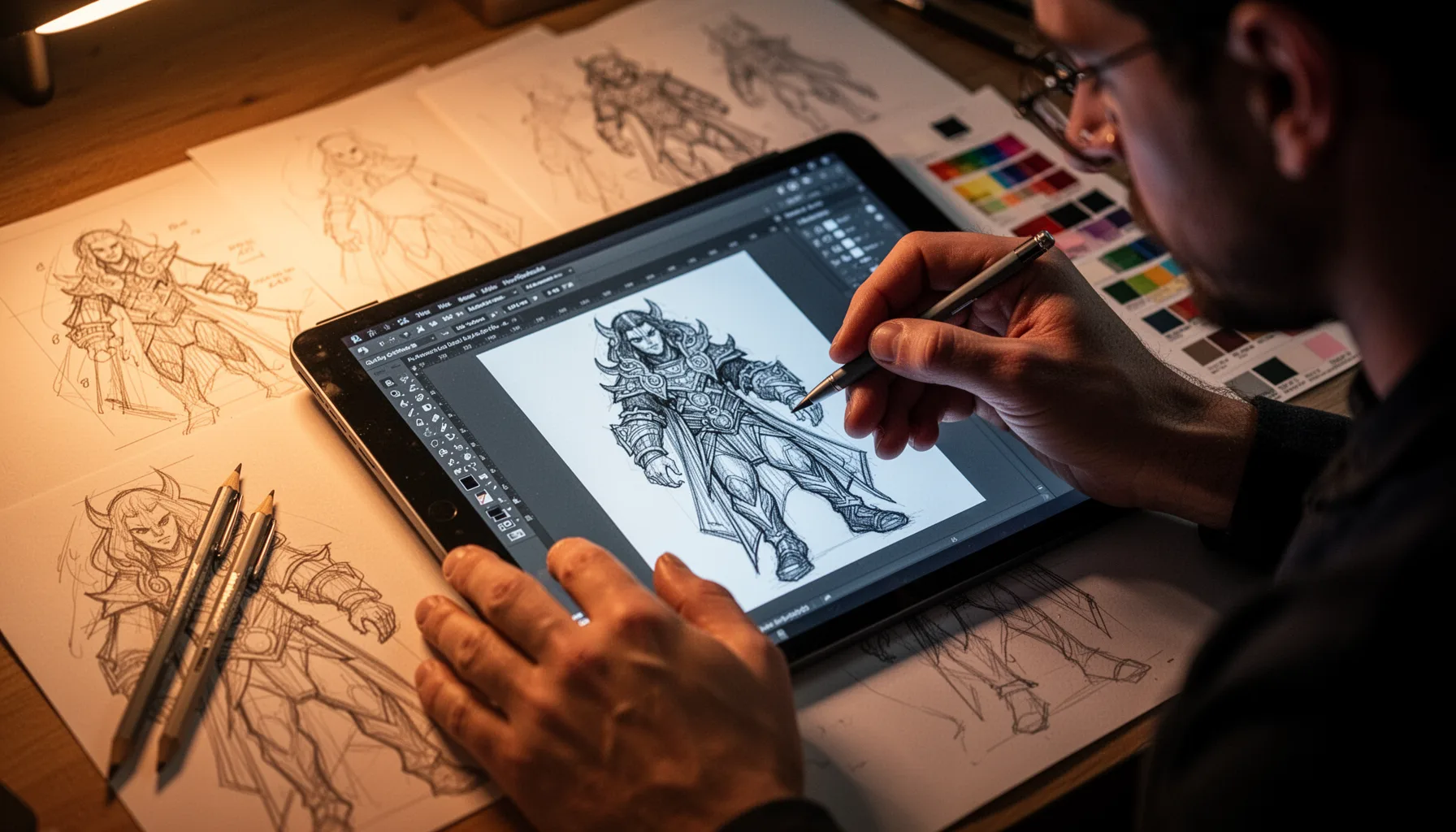
You can build a custom Claude Code notification character without coding by mixing a few AI tools for concept art, voice, sound cleanup, and light animation. The workflow is accessible now. Generate a character look in Midjourney, ChatGPT image mode, Claude, or Stable Diffusion; remove the background in Canva or Adobe Express; make short alert poses like idle, success, error, and attention-needed; then match those visuals with a voice line or sound cue. That's the loop. Simple enough. The real trick is constraint, not complexity. A custom alert character needs to read clearly in a second or two, so one silhouette, a single accent color, and distinct expressions usually beat hyper-detailed art. Every time. Discord communities around Claude Code and indie dev tooling have pointed to the same pattern for years: the assets people keep are the ones that stay legible in motion and don't push the joke too hard. We'd say Canva is often enough for most people. Worth noting.
Why does Peon Ping custom character design work better when the concept is narrow?
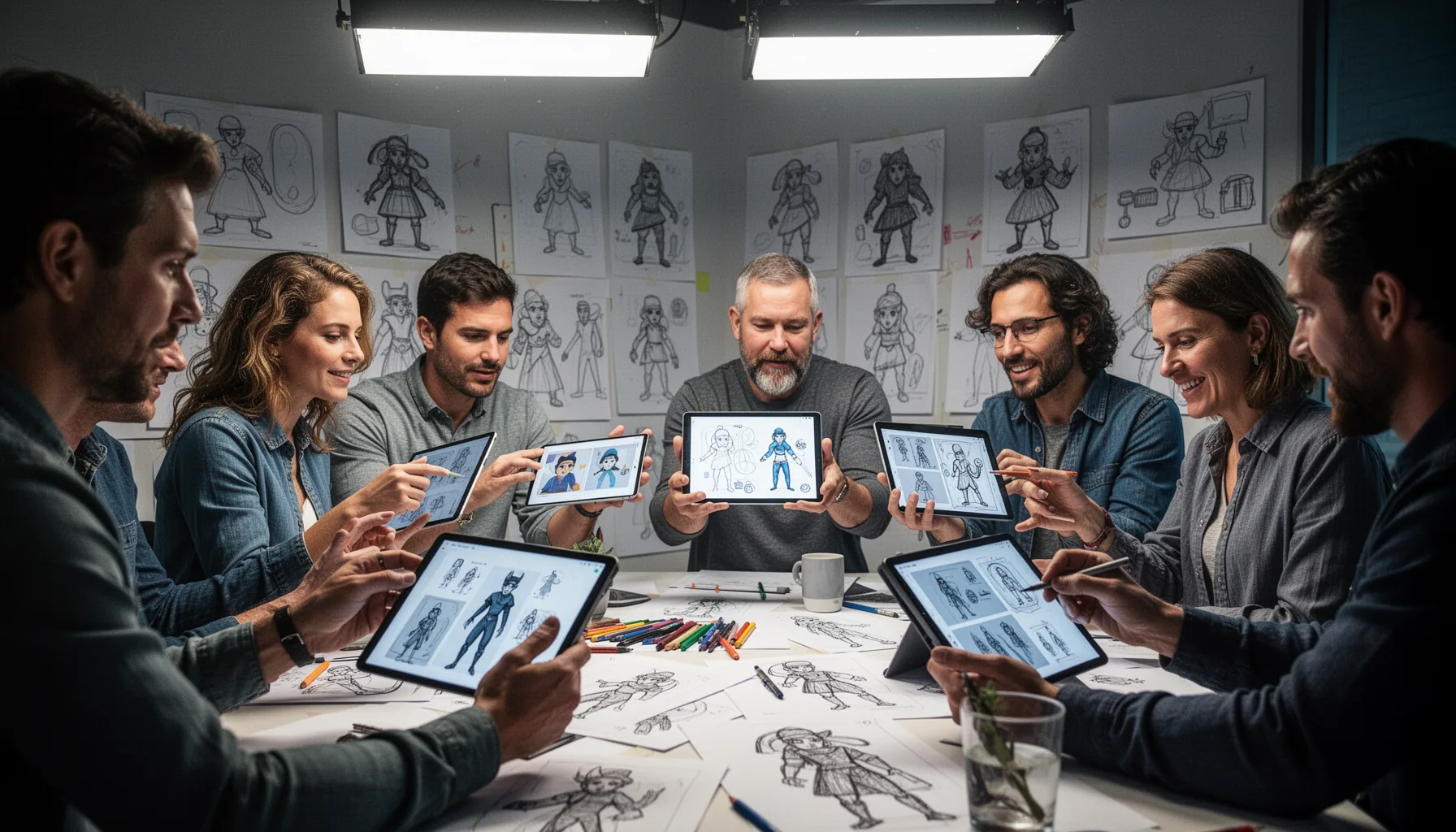
Peon Ping custom character design works better when you pick a tight concept, because alert systems need instant recognition rather than backstory. That's where the JARVIS idea gets useful and tricky at the same time. If you chase a perfect Iron Man replica, you'll burn too much time on polish and run straight into intellectual property concerns. Not ideal. A “JARVIS-inspired minimalist AI assistant” leaves room to make something original. Better move. Think of a clean holographic orb, a small visor face, or a compact desktop companion with three expression states. Tools like ElevenLabs can create polished voice snippets, but the voice should stay short and low-drama; otherwise, the alert steals the scene instead of supporting the work. Here's the thing. In our view, the best no code AI character creator for alerts isn't the flashiest image model. It's the tool stack that lets you simplify fast. We'd argue ElevenLabs plus Adobe Express often gets you there quicker than people expect.
What assets does an AI workflow alert character design actually need?
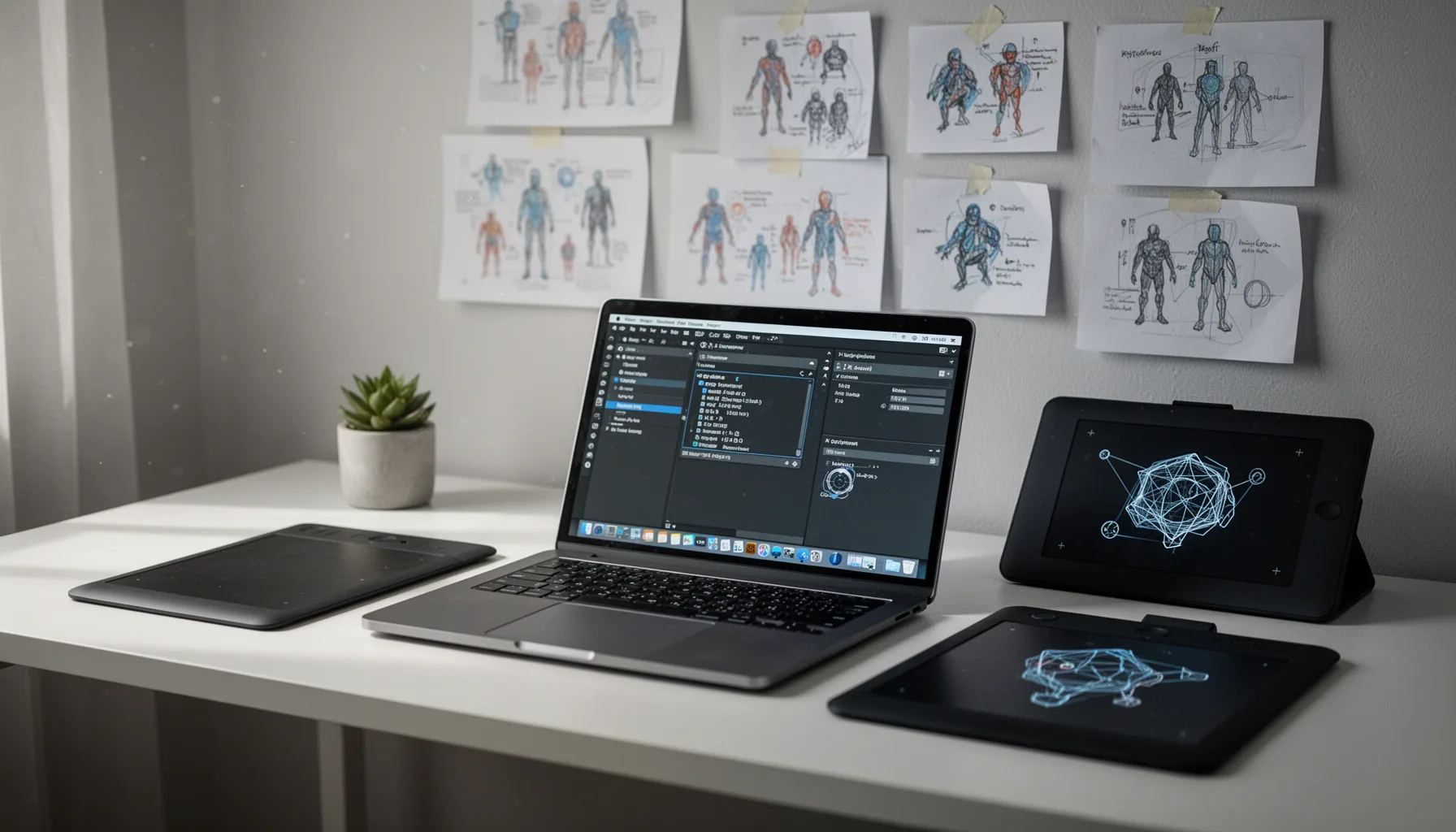
An AI workflow alert character design usually needs four assets: a base visual, state variations, sound cues, and export-ready files. That's the part many first-time creators miss. You don't need a full animation rig unless the tool specifically asks for one; often, a small set of state images does the job if the notification system swaps them or animates them lightly. That's good news. For Claude Code alert use cases, the most useful states are task complete, error, waiting for input, and idle because they map directly to real work moments. Keep it grounded. If you're relying on no-code tools, Figma, Canva, CapCut, and Adobe Express can handle most of the prep, while Audacity can trim and normalize audio in minutes. The strongest setups feel consistent across states, which is why one character with four moods beats four disconnected gimmicks. We'd say Audacity is the sleeper pick here. Worth noting.
How this AI notification character no code project changes the feel of Claude Code
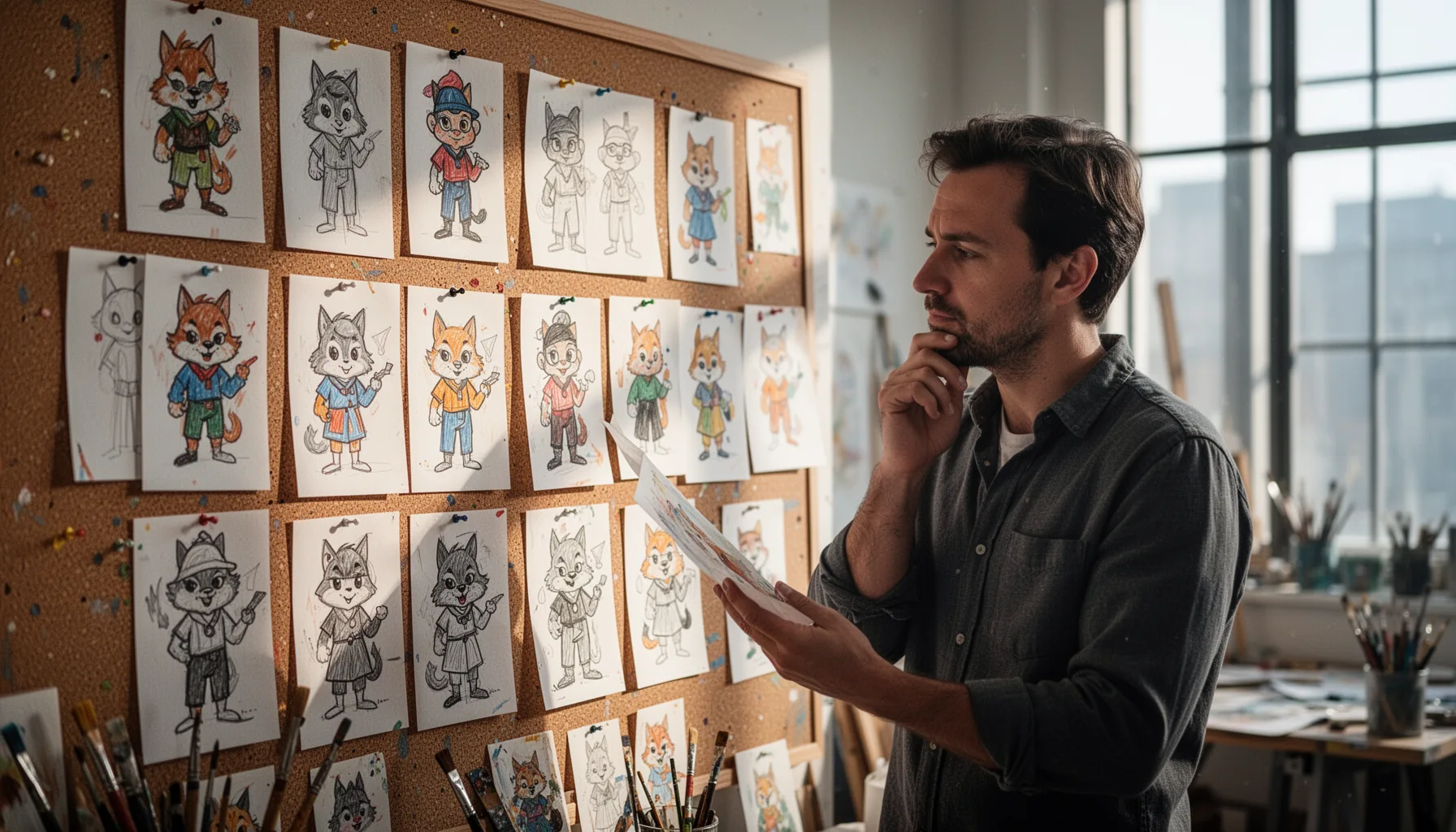
AI notification character no code projects change Claude Code by making alerts feel like part of your workspace instead of imported noise. That's more consequential than it sounds. GitHub's 2024 developer research and several enterprise productivity studies point to the same broad truth: developers and technical teams care deeply about flow, and even tiny interface changes can shape whether a tool feels pleasant or draining over repeated use. Not trivial. And this isn't only for developers. A non-coder using Claude Code for writing, operations, or prototyping can build a custom character that fits their taste, which lowers the intimidation factor around AI tooling. Here's the thing: personal software tends to get used more lovingly. And when your alert companion sounds calm, looks coherent, and tells you exactly when the agent needs attention, you've done more than decorate a tool. You've made the workflow easier to live with. We'd argue that's the whole point.
Step-by-Step Guide
Pick a narrow character concept
Start with a one-line brief for your AI notification character no code project. Don't aim for a fully fictional universe; aim for something readable in two seconds, like “minimal hologram assistant” or “calm desktop bot with blue visor.” If you're inspired by JARVIS, keep the vibe and avoid direct imitation. That saves time and reduces legal risk.
Generate the base artwork
Use an image model such as ChatGPT, Midjourney, or Stable Diffusion to create the first version of the character. Ask for a front-facing design, transparent or plain background, and a simple silhouette that remains clear at small sizes. Generate several variations. You'll probably like version three more than version one.
Create alert state variations
Make separate images for key states like success, error, waiting, and idle. Keep the same core design and only change expression, lighting, or a small gesture. Consistency matters more than flair here. The character should look like one assistant, not four unrelated mascots.
Add short voice or sound cues
Create brief audio cues with a voice tool like ElevenLabs or use simple effects if speech feels too much. Keep each line very short, such as “Task complete” or “Need your input.” Then clean the files in Audacity so volumes match. Loud surprises get annoying fast.
Prepare assets for Peon Ping
Export your visuals and sounds in the file types and dimensions Peon Ping accepts. Organize filenames clearly by state so setup stays painless later. If the tool supports animation, test one subtle movement first rather than building a full sequence. Minimal motion usually reads better in a work setting.
Test the character during real work
Run Claude Code through normal tasks and watch how the character behaves in context. Notice whether the alert is clear, too loud, too frequent, or visually distracting. Then revise based on actual use, not just taste. The best custom Claude Code notification character is the one you still like after a week.
Key Statistics
- According to Atlassian's 2024 State of Teams findings, workers can lose around 20 hours per month to ineffective collaboration and context switching.That matters here because notifications either reduce friction or add to it. A better alert character won't solve workflow chaos alone, but it can make status changes easier to parse quickly.
- Adobe reported in 2024 that more than 80% of global creators have used AI in creative workflows.That figure explains why no-code character creation now feels normal rather than niche. Visual ideation, background removal, and asset variation are all much easier than they were two years ago.
- GitHub's 2024 research around AI-assisted development found strong developer interest in tools that reduce friction and keep them in flow during coding tasks.The exact product choices vary, but the signal is consistent: developers care about interruptions. Notification design sits right inside that daily experience.
- Canva said in 2024 that its user base passed 190 million monthly active users globally.That scale matters because mainstream no-code design tools now handle work that once required specialist software. For projects like custom alert characters, accessibility is the whole story.
Frequently Asked Questions
What is Peon Ping?
How can I make a custom Claude Code notification character with no code?
Why do people want an AI notification character no code setup?
Who should use a no code AI character creator for alerts?
When is a custom alert character better than the default one?
Key Takeaways
- Peon Ping makes Claude Code alerts feel personal, not just functional.
- You don't need to code to build a custom alert character.
- A good notification character needs art, motion, voice, and timing.
- JARVIS-style polish works better when the character stays simple.
- The best custom Claude Code notification character is readable at a glance.