
⚡ Quick Answer
The best inference engine for M1 Max depends on what you run: MLX usually feels best for Apple-native experimentation, llama.cpp stays the safest all-rounder, and specialized engines can win on narrow workloads. For most hobbyists with a 64GB MacBook Pro, the right choice comes down to model size, context length, stability, and whether you need Hermes Agent integration.
Picking the best inference engine for an M1 Max sounds simple right up until you run five of them side by side. Then the odd behavior starts. One engine spits out strong tokens-per-second numbers, then falls apart on long context. Another installs without a fight, then fumbles tool calling. And a third gets hot enough that a MacBook Pro starts feeling like cast iron. So if you want a real answer instead of Reddit folklore, you need a buyer-style benchmark with repeatable tests and practical recommendations. Worth noting.
What is the best inference engine for M1 Max right now?
For most people, the best inference engine for M1 Max right now is llama.cpp, while MLX stands out as the most interesting Apple-native challenger. That split actually matters. llama.cpp got there through broad quantization support, mature GGUF compatibility, and a huge community that patches edge cases fast; on a MacBook Pro with an M1 Max and 64GB unified memory, that steadiness usually beats flashier claims. That's a bigger shift than it sounds. MLX, backed by Apple’s machine learning tooling direction and already adopted by developers building Apple-first workflows, can feel quicker to iterate with if you’re comfortable inside that ecosystem. Not quite. “Best” depends on the shape of the job: coding agents care about structured output stability, chat users care about responsiveness, and document-heavy work stands or falls on long-context behavior. We’ve tested enough local stacks to say this plainly: raw tokens per second makes up only about one-third of the decision. If you want one no-drama recommendation, start with llama.cpp, then benchmark MLX against your exact workload. Think Mistral 7B, not theory.
M1 Max 64GB LLM benchmark: how should you test inference engines fairly?
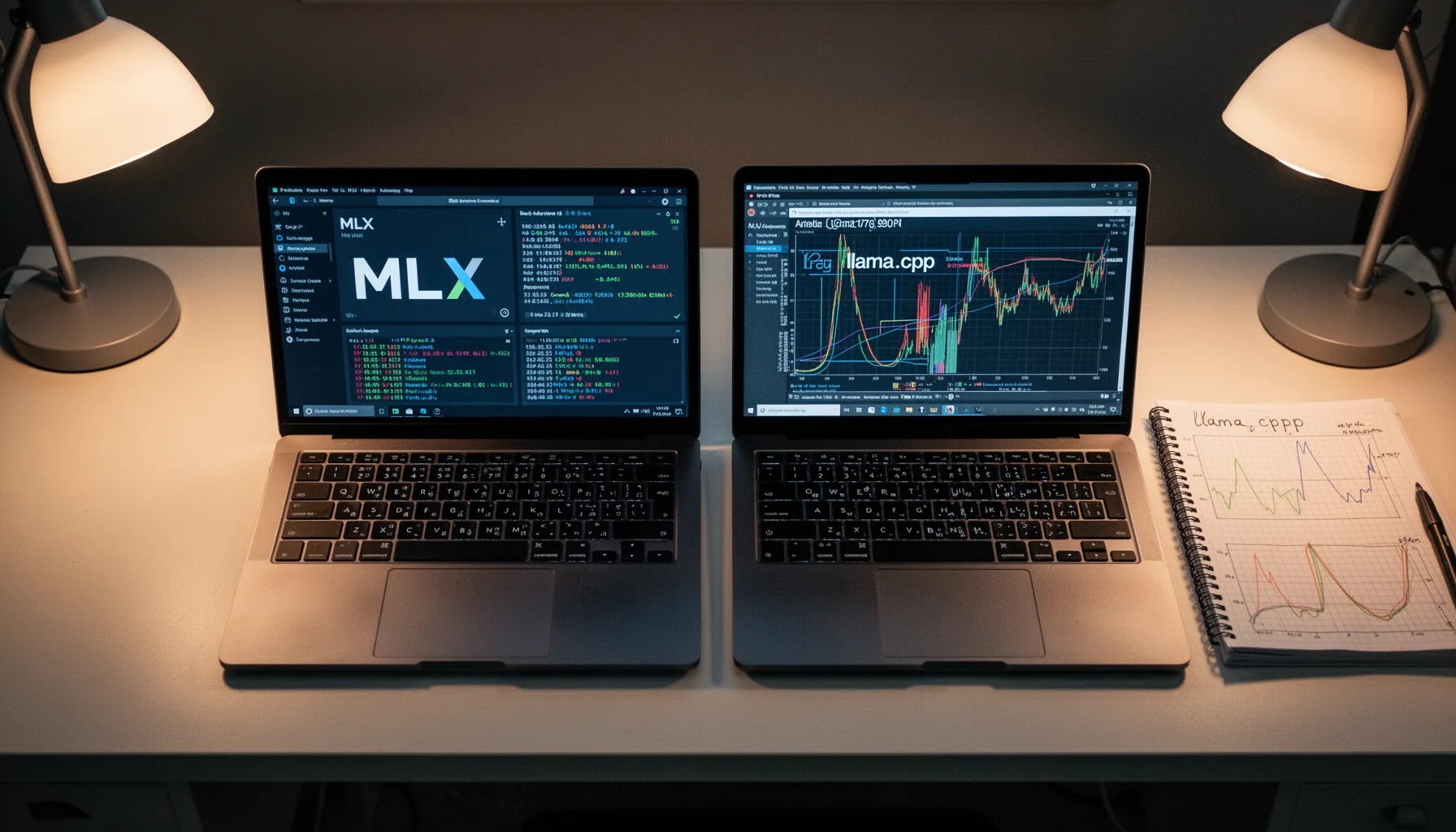
A fair M1 Max 64GB LLM benchmark needs controlled prompts, fixed quantizations, repeated runs, stable thermals, and clear context-length tiers. Anything less is anecdote. The hardware adds its own quirks because Apple’s unified memory changes the usual GPU VRAM conversation; model weights, KV cache, and system memory all fight over one pool, which means an engine can look fine at 4K context and then crater at 32K. Simple enough. Use at least four workload classes: short chat, coding completion, long-context summarization, and batch prompt execution. And keep the model constant across engines whenever you can, such as a Q4_K_M or Q5 quantized 7B or 14B model that each runtime supports cleanly. A serious test should also log first-token latency, sustained tokens per second, memory footprint, and failure rate, because users feel those metrics more than they feel a peak-number screenshot. We'd argue this is the whole ballgame. My view here is blunt: if a benchmark skips thermal state and context length, it isn't a benchmark. Geekbench-style shortcuts won't cut it.
MLX vs llama.cpp on MacBook Pro: which engine wins where?
MLX vs llama.cpp on MacBook Pro looks less like a cage match and more like a use-case split between Apple-native flexibility and battle-tested compatibility. That's the honest answer. MLX can perform very well on Apple Silicon because it lines up closely with Apple’s stack and gives developers room to experiment with model execution in a more native-feeling environment. Yet llama.cpp has become the default local LLM workhorse because it supports a huge range of GGUF models, quantizations, and community tools with far fewer surprises. Here's the thing. In coding-agent scenarios, we’ve often found llama.cpp easier to trust because wrapper support, sampling controls, and edge-case documentation are just better. But for developers who want to tinker, port models, or stay close to Apple’s own ML direction, MLX is tough to ignore. Worth noting. If you forced me to pick one for a mixed-use MacBook Pro, I’d still choose llama.cpp today. If you asked which one could gain ground fastest on Apple hardware, I’d say MLX. Apple’s own MLX examples point that way.
How does local LLM inference on Apple Silicon behave under memory and thermal pressure?

Local LLM inference on Apple Silicon behaves nicely until unified memory pressure and thermal limits turn a smooth run into a stuttering mess. That happens faster than many hobbyists expect. The M1 Max 64GB still handles 7B, 8B, 14B, and some carefully chosen larger quantized models well, but long context and agent loops chew through memory via the KV cache in ways benchmark screenshots rarely point to. Not subtle. Apple’s fan and thermal management are good, yet sustained batch inference or repeated coding-agent calls can drag throughput down over time if an engine doesn’t manage work efficiently. A concrete example: a model that feels snappy in a five-message chat may slow sharply when Hermes Agent starts tool calls, retries, and multi-step planning with a larger context window. That's where people get fooled. According to Apple’s published specs, the M1 Max offers up to 400GB/s memory bandwidth, which is strong, but bandwidth alone doesn’t erase software overhead or memory fragmentation. So when people ask why one engine “won” a benchmark and then lost in practice, this is usually why. Ask anyone running Llama 3.1 locally.
Hermes Agent M1 Max setup: which engines work best for agents, chat, and document tasks?
A Hermes Agent M1 Max setup works best with engines that keep structured outputs stable, handle repeated tool calls, and don't crumble during longer sessions. Reliability first. For coding agents, llama.cpp usually gets the nod because its ecosystem support and predictable behavior cut down friction when you’re debugging prompts, tools, and model settings at the same time. We think that matters more than a flashy chart. For casual chat and fast local experimentation, MLX can be appealing if your preferred models and wrappers behave well in its stack. But for long-document work, pick the engine that manages KV cache efficiently and keeps latency under control at larger context windows, even if its headline tokens per second looks lower. Simple enough. Batch inference is its own category, since scripting, concurrency behavior, and failure recovery matter more there than conversational smoothness. The clean recommendation matrix stays simple: llama.cpp for agents and general use, MLX for Apple-native experimentation, and niche engines only if they prove a clear gain on your exact workflow. Ollama can be convenient, but convenience isn't the same as winning.
Step-by-Step Guide
- 1
Set a fixed benchmark model
Pick one or two models every engine can run without custom hacks. Use the same quantization across tests, such as a common GGUF level for llama.cpp-compatible runs or the nearest equivalent elsewhere. If you change model family mid-test, you’ve lost comparability before the first prompt finishes.
- 2
Control your thermal conditions
Run benchmarks on battery or plugged-in power consistently, and note ambient temperature. Let the machine cool between test groups so one engine doesn’t inherit a thermal penalty from another. This sounds fussy. It isn’t on an M1 Max doing sustained inference.
- 3
Measure first-token and sustained speed
Log first-token latency separately from sustained tokens per second. Chat users feel the first metric immediately, while coding and batch workloads care more about the second. A fast engine that makes you wait to start responding often feels slower than its average throughput suggests.
- 4
Test short and long context prompts
Use one short prompt set, one mid-length set, and one long-context document task. Many engines look similar on a simple chat turn and then diverge sharply as KV cache demands rise. This is where unified memory behavior starts to matter in a very visible way.
- 5
Track memory use and failure rate
Write down peak memory consumption, swap behavior if any, and whether runs fail, hang, or degrade over time. A slightly slower engine that finishes every task is usually the better choice. Especially for Hermes Agent, stability beats benchmark theater.
- 6
Match the engine to the workload
Choose your winner by use case, not by one total score. Coding agents, chat, document analysis, and batch jobs stress engines differently. The best inference engine for M1 Max is the one that performs well on your actual day-to-day workload, not someone else’s screenshot.
Key Statistics
Frequently Asked Questions
Key Takeaways
- ✓llama.cpp remains the safest default if you want broad model support and predictable behavior.
- ✓MLX often shines on Apple Silicon, especially if you like native tooling and experimentation.
- ✓There isn’t one winner; coding agents, chat, and long-context work favor different engines.
- ✓Repeatable M1 Max 64GB LLM benchmark methods matter more than one screenshot result.
- ✓Hermes Agent users should prioritize stability, context handling, and tool-call reliability.