
ChatGPT hardware security key: why OpenAI and Yubico matter
Learn what a ChatGPT hardware security key does, why OpenAI and Yubico matter, and whether a YubiKey is worth it for users or teams.

Table of Contents
Quick Answer
A ChatGPT hardware security key adds phishing-resistant login protection by requiring a physical FIDO-compatible key, such as a YubiKey, during sign-in. For users with sensitive prompts, billing access, API administration, or team controls, that is a major security upgrade over passwords alone or weaker MFA.
A ChatGPT hardware security key once sounded like overkill. Not now. If your OpenAI account controls billing, API access, shared GPTs, uploaded files, or internal research, it deserves the same guardrails we already expect for banking, cloud admin consoles, and password managers. And that's why OpenAI working with Yubico isn't just branding. It's a clue. AI accounts have turned into something people will try to steal.
What is a ChatGPT hardware security key and why would you use one?
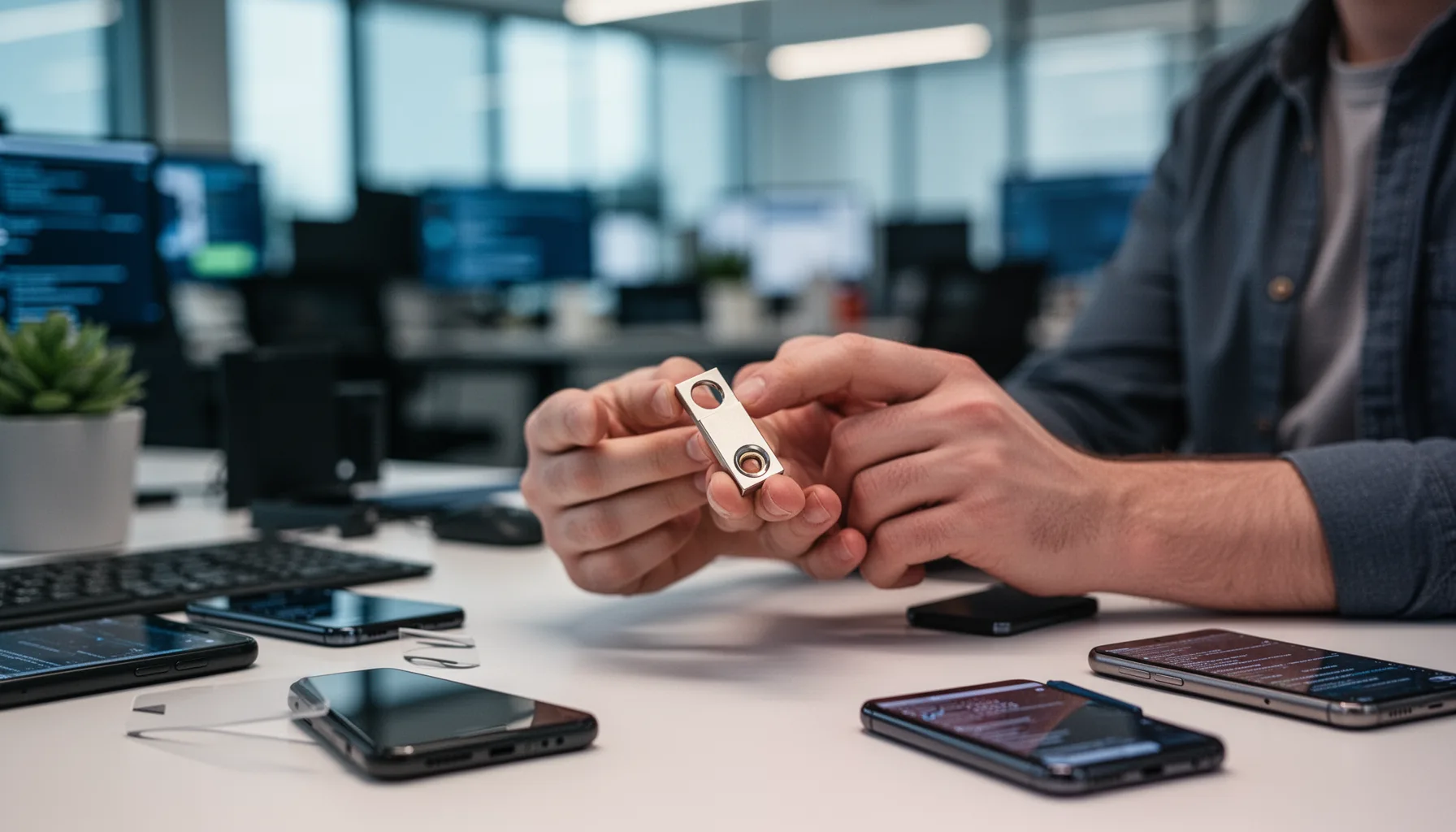
A ChatGPT hardware security key is a physical sign-in device, usually built around FIDO standards, that confirms logins in a way phishing kits have a hard time imitating. That's the core idea. Instead of trusting only a password or a code texted to your phone, the account asks for proof from a key you actually hold. That makes account takeover much tougher. Attackers can't easily replay a hardware-backed login from a fake site. Yubico's YubiKey line is the example most people know, and it already protects accounts at Google, GitHub, and Microsoft. The FIDO Alliance has spent years standardizing this approach because passwords and other shared secrets keep breaking in familiar ways. We'd argue AI users need to stop treating these accounts like throwaway chatbot profiles. If your ChatGPT login opens the door to valuable work, a hardware key starts to look like basic discipline. Not extra caution. Worth noting.
Why the OpenAI Yubico security key ChatGPT move matters now

The OpenAI Yubico security key ChatGPT partnership matters because AI accounts now carry more value than plenty of people assume. More than they should, frankly. One OpenAI account may hold chat history, uploaded documents, custom GPT instructions, billing authority, API usage, and team-level access. That's a pretty rich bundle. For a journalist, it could expose reporting notes. For a startup founder, it could expose product strategy and customer material. For a developer, it might reveal prompts, code snippets, and admin settings tied to usage costs. According to IBM's 2024 Cost of a Data Breach report, identity and credential misuse still plays a big role in expensive incidents, and AI tools now sit in that same risk bucket. Here's the thing. Once AI becomes part of core work, phishing-resistant sign-in shouldn't feel optional. We'd say it should be the default. That's a bigger shift than it sounds.
How to use YubiKey with ChatGPT and what setup usually involves
To use YubiKey with ChatGPT, you usually add the hardware key in your account security settings, register it as a multi-factor or passkey-ready method, and then test sign-in on every device you actually rely on. Simple enough. The clicks are usually quick on a laptop with USB-C or NFC, but the planning matters more than the setup screen. Buy at least two keys if the account matters. Keep one with you. Store the backup somewhere secure. A practical example: an SMB owner using ChatGPT for proposals, uploaded files, and billing should register both a desk key and a travel key before tightening sign-in habits. Yubico and the FIDO Alliance both recommend backup authenticators because people who lose a key often weaken recovery later out of panic. So yes, setup is easy. But smart deployment means thinking past day one. Worth noting.
Best security key for OpenAI account: who should buy one and who can skip it?
The best security key for an OpenAI account is usually a FIDO2-compatible YubiKey or a similar device, though not everyone needs one right away. Not quite. If you rely on ChatGPT for recipe ideas or harmless brainstorming, a password manager and standard MFA may do the job. But if you control API billing, store sensitive client information, run a team workspace, or handle confidential reporting, we'd strongly recommend a hardware key. That's where the math changes fast. Yubico's mainstream keys often cost less than a single month of many SaaS subscriptions, while one account takeover can trigger data exposure, billing abuse, or ugly downtime. Google's Advanced Protection program has long depended on hardware-backed authentication for high-risk users, and that precedent points the way here. Put plainly, high-value AI accounts should follow high-value account rules. We'd call that consequential, not fussy.
What deployment friction should teams and SMBs expect with ChatGPT hardware security key rollouts?
ChatGPT hardware security key rollouts are manageable for teams, but only when admins plan for recovery, device mix, and support habits ahead of time. That's the catch. The first snag is lost keys. The second is people bouncing between laptops, phones, and tablets that don't all treat USB or NFC the same way. The third is role clarity: who can reset access, who holds backup keys, and what happens when an employee leaves. A real SMB example makes the risk obvious. If one operations lead holds the only key for the OpenAI billing admin account, a vacation or resignation turns security into a continuity mess. NIST guidance and years of enterprise identity practice both stress backup authenticators and written recovery procedures. We think hardware keys are worth the trouble. But sloppy rollout can drain their value in a hurry. Here's the thing. Policy matters as much as the device itself.
Step-by-Step Guide
Identify your highest-risk OpenAI accounts
Start with accounts that control billing, API usage, team administration, or sensitive project material. Those should get hardware keys first. Protecting every casual user before the critical accounts is the wrong order.
Choose FIDO-compatible keys
Buy security keys that support modern FIDO2 or WebAuthn standards and match your device mix. USB-C, USB-A, and NFC support matter more than branding alone. YubiKey is the obvious choice here, though equivalent standards-based options can work too.
Register a primary and backup key
Add at least two keys to each important account. Keep one accessible for daily use and store the backup securely offsite or in a locked admin location. This single step prevents many avoidable lockout dramas.
Test every device and browser
Verify login flows on the laptop, phone, and browser combinations your team actually uses. Don't assume a setup that works on one machine will feel smooth everywhere. Friction caught early is far cheaper than support chaos later.
Document recovery and offboarding rules
Write down who can approve account recovery, where backup keys are stored, and how employee access gets revoked. Teams need process, not memory. Otherwise, key loss and staff turnover become security holes.
Train users against phishing lookalikes
Explain that hardware keys reduce phishing risk, but they don't excuse careless behavior. Users should still watch URLs, avoid fake login pages, and report suspicious prompts to sign in. The key is powerful, not magical.
Key Statistics
- IBM's 2024 Cost of a Data Breach report found stolen or compromised credentials remained one of the most common attack vectors in costly incidents.That directly supports the case for hardware keys on AI accounts that now carry billing power, sensitive files, and admin access.
- The FIDO Alliance has spent years promoting phishing-resistant authentication because passwords and shared codes routinely fail under real attack pressure.OpenAI's work with Yubico fits that larger industry shift away from weaker sign-in methods.
- Google's Advanced Protection program has long centered on hardware-backed login for users at elevated risk, including journalists and political staff.That precedent matters because many ChatGPT users now face similar account-value dynamics, even if the platform is newer.
- Mainstream YubiKey devices often cost less than many monthly software subscriptions, usually landing around the price of a modest SaaS seat.For SMBs, that makes the cost-benefit argument easier when one account compromise could expose prompts, files, and billing controls.
Frequently Asked Questions
What is a ChatGPT hardware security key?
How do I use YubiKey with ChatGPT?
Who should buy a security key for an OpenAI account?
Are hardware security keys better than app-based two-factor authentication?
What happens if I lose my ChatGPT security key?
Key Takeaways
- A ChatGPT hardware security key protects high-value AI accounts from common phishing attacks
- OpenAI's Yubico tie-up matters because AI accounts now hold serious business value
- Hardware keys make the most sense for admins, developers, founders, journalists, and SMB team owners
- The main friction points are recovery planning, spare keys, and multi-device setup
- For many teams, one account takeover costs more than a few security keys