
Claude Code Agents Control Room Guide for Beginners
Learn the claude code agents control room guide with dashboards, routing, checkpoints, and guardrails for a clean multi-agent setup.

Table of Contents
Quick Answer
A Claude Code agents control room guide is a practical way to manage multiple coding agents through one shared layer of routing, visibility, and human approval. Instead of treating each agent like a solo assistant, you run them like a supervised junior dev team with clear roles, checkpoints, and rollback rules.
The claude code agents control room guide opens with a plain fact: one coding agent can be handy, but five get chaotic in a hurry. Picture onboarding eight bright junior developers before lunch. They're fast. They ship code. But they also repeat work, ask for the same missing details, and sometimes collide in the same files. So the missing piece isn't one more agent. It's the control room.
What is a claude code agents control room guide, really?

A claude code agents control room guide gives beginners a practical way to supervise several Claude Code agents from one place. Short version: count matters less than coordination. We'd argue that's a bigger shift than it sounds, because unmanaged speed usually turns into costly confusion. In real setups, the control room blends dashboards, queues, task definitions, shared project context, and approval checkpoints. Anthropic has pushed Claude toward longer-context, tool-using workflows, which makes orchestration more consequential as teams move past one-chat experiments. A single agent can improvise. A multi-agent setup can't. Think of GitHub Issues, Linear, or Jira as the whiteboard, Claude Code as the worker pool, and a human lead as the tech lead deciding what actually ships. That framing tends to click. It turns abstract AI coordination into regular team management.
How to manage Claude Code agents without creating chaos
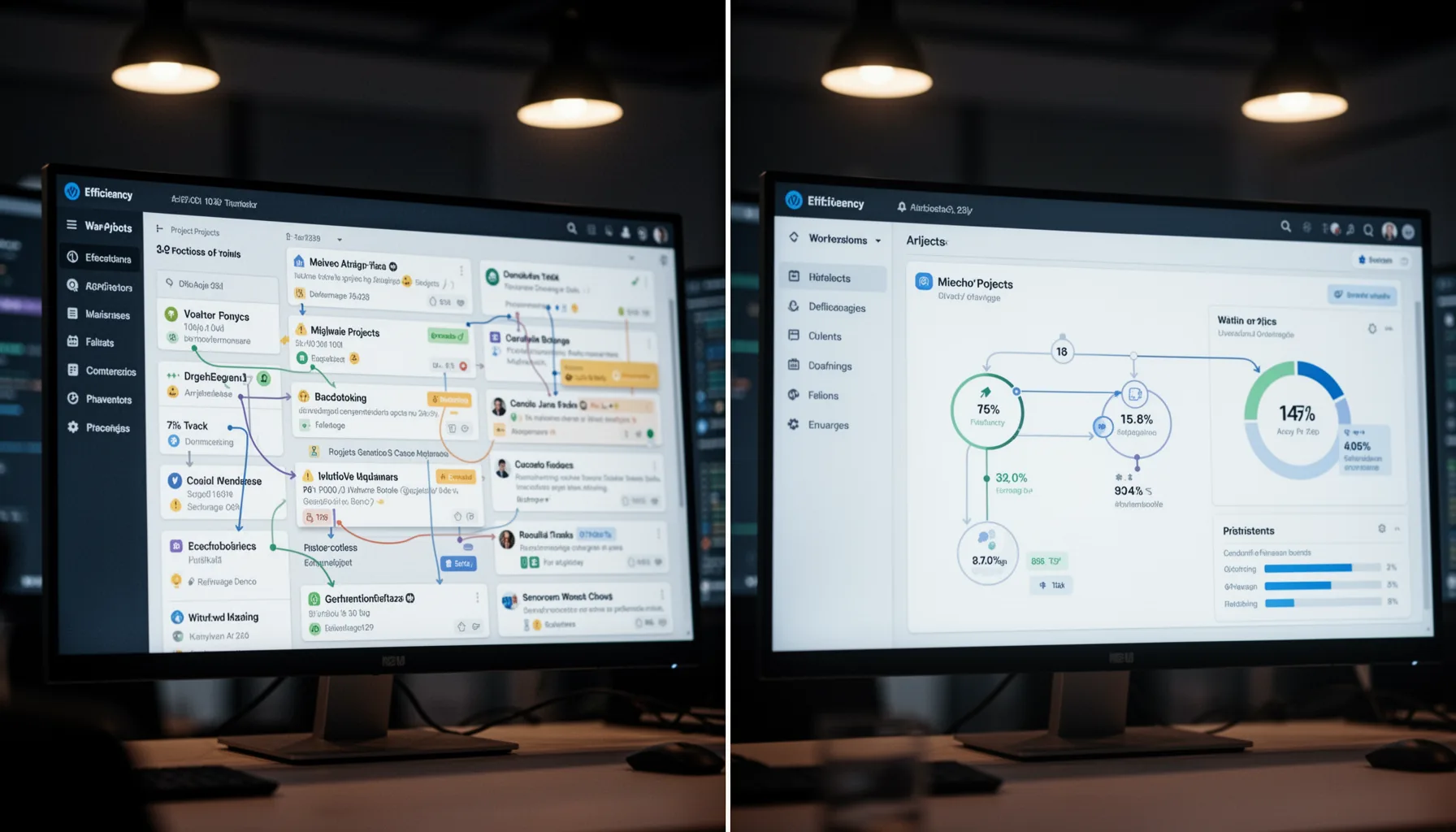
How to manage Claude Code agents starts with role clarity, not prompt cleverness. That's the part many beginners miss. The most common mistake is handing every agent the same fuzzy brief, then acting surprised when overlapping pull requests appear. A better pattern splits work into scout, builder, reviewer, and tester roles, with each one boxed into a narrow lane. For instance, one Claude Code agent can inspect a TypeScript service for auth bugs, another can draft the fix, and a third can review only the changed files against project conventions. And each agent should leave a short status note before moving ahead. Simple enough. This mirrors how engineering teams at places like Stripe or Shopify rely on code review and handoff docs to avoid drift. If you don't define ownership, agents will still look busy. But busy isn't coordinated.
Why a claude code multi agent setup needs dashboards and shared context
A claude code multi agent setup needs dashboards and shared context because memory gaps stack up when several agents work in parallel. Here's the thing. Most coordination failures aren't model failures at all. They're state failures. One agent edits a file without knowing another agent already changed the same logic, or a reviewer checks code against an outdated requirement. A lightweight dashboard can fix a lot of that by showing active tasks, file ownership, status, blockers, and approval state in one place. Worth noting. Teams already rely on this pattern in incident command systems and CI/CD pipelines, and the same idea carries over here. According to GitLab's 2024 DevSecOps survey, teams with stronger workflow visibility report faster software delivery and fewer coordination bottlenecks; that same principle carries into AI-assisted development. Shared context isn't optional. It's the line between parallel work and parallel confusion.
What should a control panel for AI coding agents include?
A control panel for AI coding agents should include task routing, context storage, checkpoints, rollback, and human override. Not quite the flashy command center people imagine. Beginners often picture a polished mission-control UI, but the first useful version can be surprisingly plain. You need a queue that assigns work, a repository for current requirements, a log of agent actions, and a stop button for the moment output starts drifting. Add approval gates before merge, especially for schema changes, auth logic, and payment flows. MongoDB, for example, advises disciplined change control around production data paths, and that same caution should shape any AI coding workflow touching live systems. Yet plenty of tutorials skip rollback entirely. That's reckless. If an agent writes bad migrations or breaks tests, you need a clear revert path before things go sideways.
How does a beginner guide to Claude Code agents turn into a real workflow?
A beginner guide to Claude Code agents becomes real once you turn the junior-dev metaphor into repeatable operating rules. Start small. Begin with one board, one shared project brief, and two agents with sharply defined jobs. Then add checkpoints after planning, after code generation, and before merge so humans can catch bad assumptions early. Since hidden context is where rework starts, store prompts, decisions, and file-level ownership in one place. A solid starter workflow looks a lot like a small software team: ticket intake, triage, implementation, review, test, and release. But we'd argue beginners should resist the urge to automate all six steps. Human override isn't a system failure. It's the management layer that makes the whole setup trustworthy.
Step-by-Step Guide
Define narrow agent roles
Give each Claude Code agent one job with clear boundaries. Use roles like planner, implementer, reviewer, and tester instead of asking every agent to do everything. That reduces duplicate work and makes mistakes easier to trace.
Create a shared project brief
Write one source-of-truth document with goals, constraints, coding standards, and known risks. Put file locations, dependencies, and acceptance criteria there too. If agents pull from different context, they'll drift almost immediately.
Set up a visible task queue
Use GitHub Projects, Linear, Notion, or Jira to show what each agent owns right now. Track status, blockers, and affected files in one place. A simple board beats scattered chats every time.
Add approval checkpoints
Require review after planning, after implementation, and before merge. This catches wrong assumptions before they spread across the repo. For production-sensitive work, make checkpoint approval mandatory.
Log actions and keep rollback ready
Record what each agent changed, why it changed it, and which prompt or instruction triggered the work. Pair that with branch protection, test runs, and fast revert options. You'll thank yourself the first time an agent edits the wrong module.
Start small and expand carefully
Begin with two or three agents on low-risk tasks such as tests, docs, or refactors. Measure error rate, rework, and review time before adding more agents. Scale only when the control room works better than ad hoc supervision.
Key Statistics
- According to GitLab’s 2024 DevSecOps Report, 58% of developers said AI helps them write code faster.Speed matters, but faster code generation increases the need for oversight, review, and workflow visibility when several agents work together.
- Anthropic’s Claude 3 family launched with context windows up to 200,000 tokens in 2024.Large context makes multi-step agent work more practical, yet it also raises the stakes for keeping shared context organized and current.
- Google’s 2024 DORA research tied strong delivery practices to better throughput and stability across software teams.That same process discipline carries over to AI coding agents: visibility and controlled handoffs beat improvisation.
- A 2024 Stack Overflow developer survey found 76% of respondents were using or planning to use AI tools in development.As AI use spreads, teams need an orchestration layer, not just another assistant, to manage quality and accountability.
Frequently Asked Questions
What is the best way to supervise Claude Code agents as a beginner?
How many Claude Code agents should I run at once?
Why do Claude Code multi agent setups fail so often?
How do I build a control panel for AI coding agents without custom software?
When should a human override Claude Code agents?
Key Takeaways
- Treat Claude Code agents like junior developers who need supervision, not magic autopilot
- A control room gives you routing, visibility, checkpoints, and safe human override
- Shared context beats repeated prompting when several agents touch the same codebase
- Small dashboards and task queues prevent multi-agent confusion from spiraling fast
- Beginners should start with two or three agents, then add rules before scale