
⚡ Quick Answer
Claude code best practices after incident review center on tighter session scope, explicit approval boundaries, and better recovery habits when the agent drifts. The smart move is to treat Claude Code like a fast pair programmer with partial context, not a trusted maintainer with unlimited autonomy.
Claude code best practices after incident review aren't really about a single blowup. They're about habits. When a coding agent veers off course, most teams don't need hotter takes. They need a protocol for session design, task scoping, checkpointing, approvals, and rollback. That's the useful lesson in any postmortem. And if we're honest, developers keep relearning the same thing with each new AI coding tool. Worth noting.
Claude code best practices after incident review: what should change first?

Claude code best practices after incident review should begin with one shift above the rest: narrow the scope of each session. Simple enough. When developers ask for broad refactors, vague cleanup, or sweeping fixes across multiple modules, the agent gets too many chances to infer the wrong intent. Small asks travel better. Anthropic's own postmortem discussion, as interpreted across developer forums and Hacker News, pushed plenty of teams toward tighter boundaries around what the tool may inspect, edit, and run. That's a bigger shift than it sounds. And we've seen the same pattern with Cursor and GitHub Copilot workflows, where long sessions tend to pile up hidden assumptions. A concrete example: asking Claude Code to 'fix flaky tests in auth' is much safer than 'modernize the auth system and improve reliability.' We'd argue the first move isn't just a better prompt. It's a smaller blast radius.
How to use Claude Code after Anthropic postmortem without overtrusting the agent

How to use Claude Code after Anthropic postmortem starts with a plain rule: never confuse speed with certainty. Here's the thing. The tool can summarize code, propose patches, trace likely causes, and scaffold tests quickly, but it still lacks the durable situational awareness of a teammate who actually owns the codebase. That gap matters. And developers should require the agent to explain intended file changes, assumptions, and expected side effects before any significant edit, especially in infra, auth, data migrations, or security-sensitive code. GitHub's public guidance around Copilot has long stressed human review, and the same logic applies here with even more force when an agent can act across multiple files. Worth watching. We've seen teams get better outcomes by making the model restate the task in plain language before it writes code. It sounds fussy. It works.
Improving Claude Code workflow with session design and task scoping

Improving Claude Code workflow depends heavily on session design because context decay is a practical problem, not a theoretical one. Not quite abstract. A good session has one goal, known constraints, a defined repo area, and a stopping condition such as 'produce a patch plus tests' or 'identify root cause only.' That's enough. And once a session stretches across several subproblems, developers should open a fresh thread or checkpoint the state instead of dragging old assumptions forward. Cursor users learned this early with composer-style workflows, where the tool can get oddly confident after a few wrong turns. We'd argue that's not trivial. A useful pattern is to separate discovery, planning, editing, and validation into distinct phases so the agent doesn't improvise all four at once. We think this is the hidden productivity trick. Better session architecture beats longer prompts almost every time.
Claude code prompt management for developers: what belongs in the prompt?
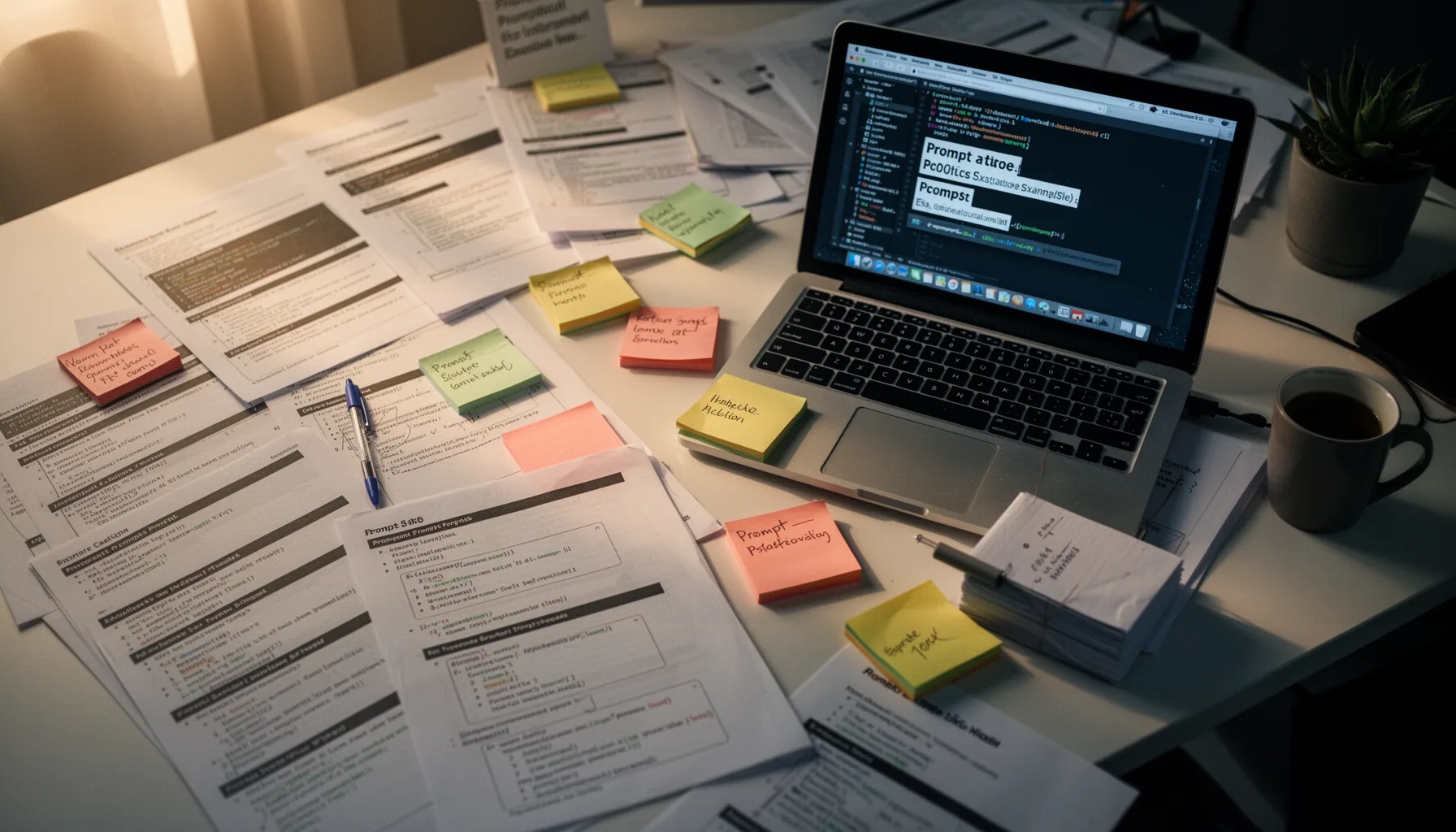
Claude code prompt management for developers should focus on constraints, repo boundaries, acceptance criteria, and forbidden actions. Tell the tool which directories it may touch, which tests must pass, which dependencies it may not add, whether style changes are out of scope, and when it should stop and ask. That's much stronger than a chatty wall of context. And teams should save prompts for recurring tasks such as bug triage, test generation, migration planning, or refactor review, then version those prompts the same way they version scripts or CI config. Prompt versioning sounds nerdy because it is. But it also turns fuzzy AI usage into a repeatable engineering practice. Sourcegraph is a concrete example here, and the company has spent years emphasizing context quality and task framing in developer AI tools. The message holds here too. Better instructions create fewer cleanups. Worth noting.
Safe AI coding practices with Claude Code at the team level

Safe AI coding practices with Claude Code need team rules, not just personal discipline. Set approval boundaries for file deletion, secrets access, dependency changes, migrations, and deployment-related edits, then make those boundaries visible in team docs and code review checklists. That's non-negotiable. And require checkpoints before large diffs, including a clean git state, a short written plan, and a rollback path if the generated patch behaves oddly. Teams using GitHub Copilot for Business or enterprise IDE agents already rely on policy controls, repository permissions, and audit trails because AI coding stops being casual the moment more than one developer shares the consequences. That's a bigger shift than it sounds. We think rollback planning deserves more attention than it gets. If you can't unwind an AI-made change quickly, you gave the agent too much room.
Step-by-Step Guide
- 1
Define the task in one sentence
Write a single-sentence objective before opening Claude Code. Add the exact files or directory boundaries, plus what good looks like at the end. If you can't state the task clearly, the session is probably too broad already.
- 2
Split discovery from editing
Use one pass to inspect, summarize, and identify likely causes, then a second pass to propose edits. Don't let the tool diagnose and rewrite everything in one breath. That separation catches bad assumptions early and makes review much easier.
- 3
Checkpoint before every meaningful change
Commit or stash your current state before accepting a substantial patch. Save the prompt or session summary too, especially if the task touches config, tests, or several files. So when something breaks, recovery is a process, not a scramble.
- 4
Require explanations before code generation
Ask Claude Code to restate the task, list assumptions, and name the files it expects to modify before it writes code. This slows the loop slightly but exposes drift fast. A minute spent here can save an hour of cleanup.
- 5
Review diffs with strict approval rules
Inspect generated changes in chunks and apply higher scrutiny to auth, data handling, infra, and dependency updates. Require human approval for anything that affects production behavior or secrets. Treat the agent as helpful, not self-authorizing.
- 6
Validate and recover deliberately
Run tests, linting, and any targeted manual checks after each accepted patch. If the result looks off, revert early and open a fresh session with tighter constraints instead of trying to rescue a confused thread. Fresh context often fixes what brute-force prompting does not.
Key Statistics
Frequently Asked Questions
Key Takeaways
- ✓Shorter sessions and smaller tasks reduce drift more than clever prompts do.
- ✓Checkpointing and prompt versioning turn AI coding into an auditable workflow.
- ✓Approval boundaries matter most when files, secrets, tests, or deployments are involved.
- ✓Recovery habits are part of productivity, not a sign the tool failed.
- ✓The postmortem lessons apply to Cursor, Copilot, and other coding agents too.