
⚡ Quick Answer
The Claude Code desktop app redesign appears to improve AI coding workflows most when developers need persistent context, local environment access, and fewer browser tabs. Its real value depends less on the prettier shell and more on whether it reduces context switching, respects security policy, and speeds debugging in day-to-day work.
The Claude Code desktop app redesign lands at a point when AI coding tools are battling over workflow, not novelty. That's a healthier contest. Developers don't need another polished demo; they need fewer messy handoffs among chat, the IDE, the terminal, and docs. So the real question isn't whether Anthropic cleaned up the visuals. It's whether the Anthropic Claude Code desktop app gets actual work done faster, with less mental friction, than the browser tab it's trying to replace.
What changed in the Claude Code desktop app redesign?
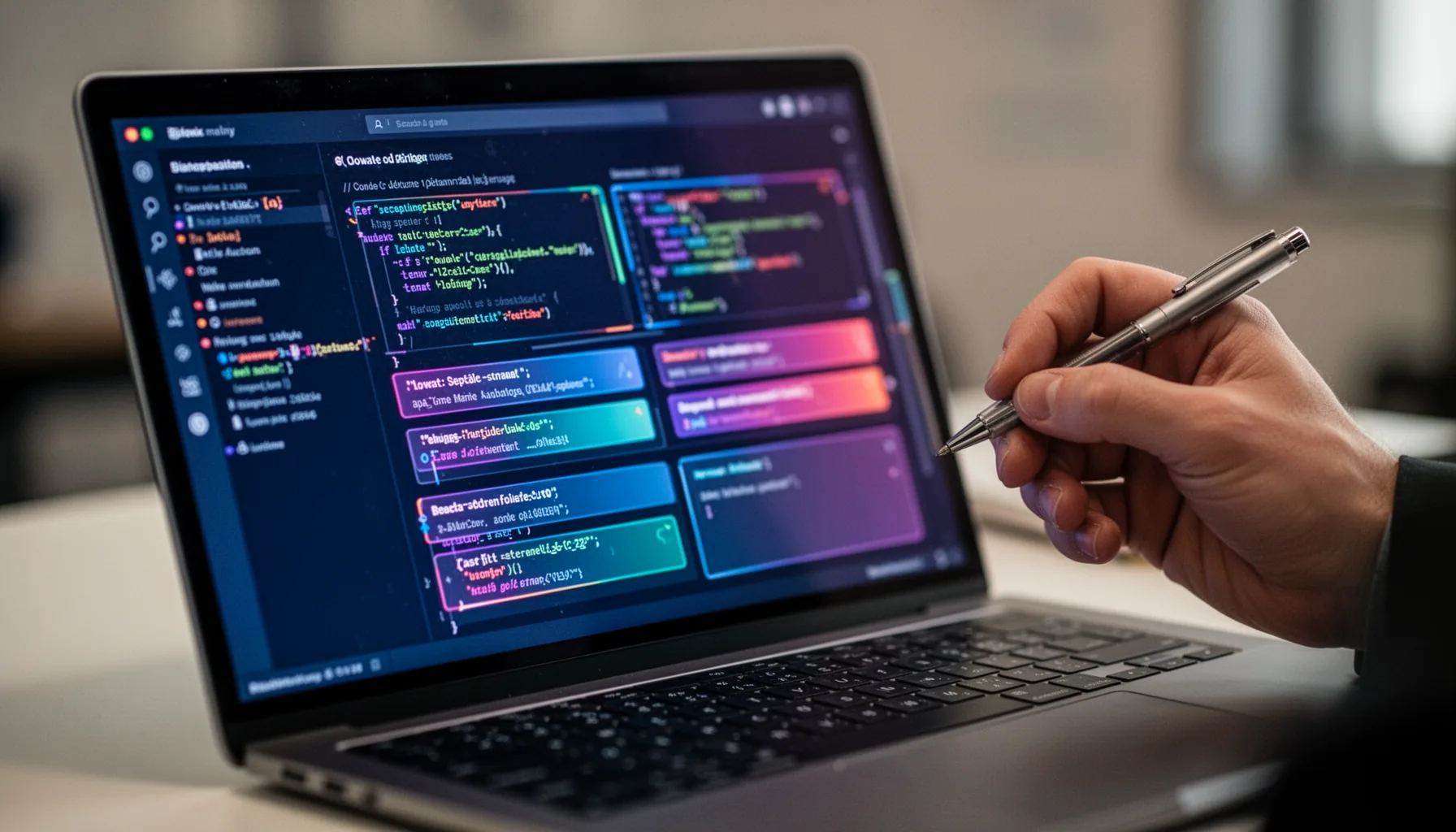
The Claude Code desktop app redesign matters because Anthropic seems to be treating it like a work surface, not just a chat shell. That's a bigger shift than it sounds. A desktop app can keep session context around longer, connect more directly to local files, and cut down the nuisance of hopping between browser tabs, editor panes, and terminal windows. That's the pitch. In practice, redesigns like this only matter when they lower interaction cost. Fewer clicks to inspect files. Faster return to earlier tasks. Clearer signals about what the model can actually access. Anthropic has been pushing Claude deeper into coding work, and the desktop client lines up with the wider push from Cursor, GitHub Copilot Workspace, and Windsurf toward agent-like development setups. Here's the thing. Local execution context and persistent UI state usually matter more to developer satisfaction than visual cleanup ever does. We'd argue Claude Code for AI coding workflows will succeed or fail on that operational layer, not on icons or panel spacing.
Does the Claude Code desktop app redesign improve AI coding workflows?

The Claude Code desktop app redesign improves AI coding workflows if it trims task switching and keeps the right context attached to the work in front of you. That's the bar. In our view, that's what separates a useful coding assistant from an overpriced autocomplete companion. A desktop app can beat browser-based Claude when you're tracing a bug through logs, source files, and shell output, because the work stays inside one bounded space. That's a real gain. But if the app still pushes you into constant copy-paste trips back to VS Code, or leaves you guessing which files the model has seen, the redesign only hides the old issue. Not quite. Rivals already set a pretty high mark here: Cursor won attention by sitting inside the editor loop, while Windsurf has pushed a tighter flow across codebase reasoning and execution. We'd argue Anthropic's edge usually comes from model quality and longer-form reasoning, but the best desktop AI coding assistant also needs smooth task choreography, not just smart replies.
Claude Code desktop app review: speed, debugging, and cognitive load
A useful Claude Code desktop app review should judge throughput, debugging quality, and mental overhead, not just visual polish. Worth noting. For solo developers, the biggest upside from a desktop shell often comes after an interruption: reopen the app, find the thread, inspect the files, continue. Sounds small. It isn't. Research on productivity and everyday software engineering practice has long suggested that context switching carries a real cost, and developers feel it most during debugging, where one broken thread can waste twenty minutes. Because in a realistic debugging session, Claude will probably stand out more in root-cause analysis and explanation quality, while editor-first tools still keep an edge in making and applying small code changes quickly. A fair comparison with browser-based Claude, Cursor, and VS Code extensions should track time to reproduce a bug, time to first plausible fix, and time to verified resolution. That's the metric set teams should care about when they're buying tools for shipping work, not admiring screenshots.
How does Anthropic Claude Code desktop app compare with Cursor, Windsurf, and browser Claude?
Anthropic Claude Code desktop app compares well when developers want deeper reasoning and a contained workspace, but editor-native rivals are putting it under real pressure. That's worth watching. Cursor plugs straight into the coding surface, which means less ceremony when editing, reviewing diffs, or refactoring across files. Windsurf keeps pushing hard on agentic workflow orchestration, and browser-based Claude still wins on simplicity when you just want quick brainstorming or a code explanation. So the choice isn't simple. If your work leans toward architectural thinking, debugging narrative, or tracing how a change ripples across several subsystems, Claude's model behavior may feel stronger than a lot of competitors. But if your day is mostly fast iterative edits inside a familiar IDE, desktop Claude has to work harder to justify sitting beside VS Code instead of inside it. Take a React and Node project. Browser Claude can explain a stack trace. Cursor can patch code in place. A desktop Claude app has to prove it can bridge those two worlds with less friction than either one alone. My take: the redesign gives Anthropic a better seat at the table, but not the easiest chair in the room.
What the Claude Code desktop app redesign means for enterprises and schools
The Claude Code desktop app redesign matters differently in enterprises and schools because local access, managed devices, and policy controls shape adoption more than UX taste does. That's the part many buyers care about first. In a solo setup, a developer can install a new coding app in minutes and decide by midafternoon whether it deserves a permanent place. In an enterprise or campus lab, that same app raises questions about data retention, audit logging, SSO, endpoint management, and whether the model can touch local repos that contain regulated data. That's where plenty of reviews stop too soon. Anthropic Claude Code desktop app may appeal to managed environments if it gives administrators predictable controls and a clearer security posture than a sprawl of browser tabs and unofficial plugins. Microsoft Intune, Jamf, and similar device-management stacks matter here. Security teams prefer software they can inventory, configure, and restrict. And for edtech buyers, the lesson from EdTech Innovation Hub Claude Code news coverage should be simple: the better interface is only half the story; the other half is whether the app fits institutional rules without wrecking developer or student flow.
Key Statistics
Frequently Asked Questions
Key Takeaways
- ✓Claude Code desktop app redesign matters most when context switching is slowing your coding flow
- ✓The desktop shell beats browser chat when local files and terminal access are part of the job
- ✓Against Cursor and Windsurf, Claude's strength is reasoning depth more than editor tightness
- ✓Enterprise and school adoption hinges on device controls, logging, and policy enforcement
- ✓A polished UI isn't enough; throughput and debugging results are the real test