
⚡ Quick Answer
Claude Code permissions auto mode lets the assistant use broader pre-approved actions with fewer interruptions, but that shifts risk into policy and observability. Teams should treat it as an audit and control problem, with logs, allowlists, and review evidence in place before rollout.
Claude Code permissions auto mode sounds tidy. But it also shifts who really decides what the assistant gets to do next. That's the real frame: not convenience, control. And once you look at it that way, the interesting questions turn oddly unglamorous in a good way. Logs. Approvals. Evidence. Policy scope.
What is Claude Code permissions auto mode from a policy perspective?
Claude Code permissions auto mode works as a policy mechanism that changes how often a human has to approve assistant actions during coding sessions. Plain English. Rather than treating it like a smoother prompt flow, teams should see delegated permissions edging closer to the agent, while humans set boundaries ahead of time instead of one request at a time. We'd argue that shift deserves the same scrutiny companies give service accounts, CI credentials, and deployment roles. That's a bigger shift than it sounds. Picture a developer letting the assistant read project files, edit code, run tests, and call a limited set of shell commands inside a branch-scoped workflow. Simple enough. Anthropic's Claude Code setup makes this especially consequential because the agent sits near the terminal, where tiny actions can turn into material changes fast. And when permissions move from constant approval to policy-defined autonomy, observability becomes the thing that decides whether the setup is safe enough.
Why does Claude Code permissions auto mode create an observability problem?
Claude Code permissions auto mode creates an observability problem because once approvals widen, teams need stronger proof of what actually happened. That's non-negotiable. One session might include prompt exchanges, file reads, shell commands, generated patches, test runs, and retries, and any one of them might matter during an incident review or a compliance check. Not quite a small detail. In our view, vendors often rush to talk about autonomy before they talk about traceability, and that order is backwards for enterprise deployment. Worth noting. Say an assistant bumps a package, rewrites lockfiles, changes a config, and reruns tests; if the team can't rebuild that chain later, they don't really control the feature. The OpenTelemetry ecosystem has already nudged engineering teams toward richer traces across distributed systems, and the same instinct belongs here for coding agents. You can't govern what you can't reconstruct.
How does Claude Code permissions auto mode compare with Copilot, Cursor, and CI agents?
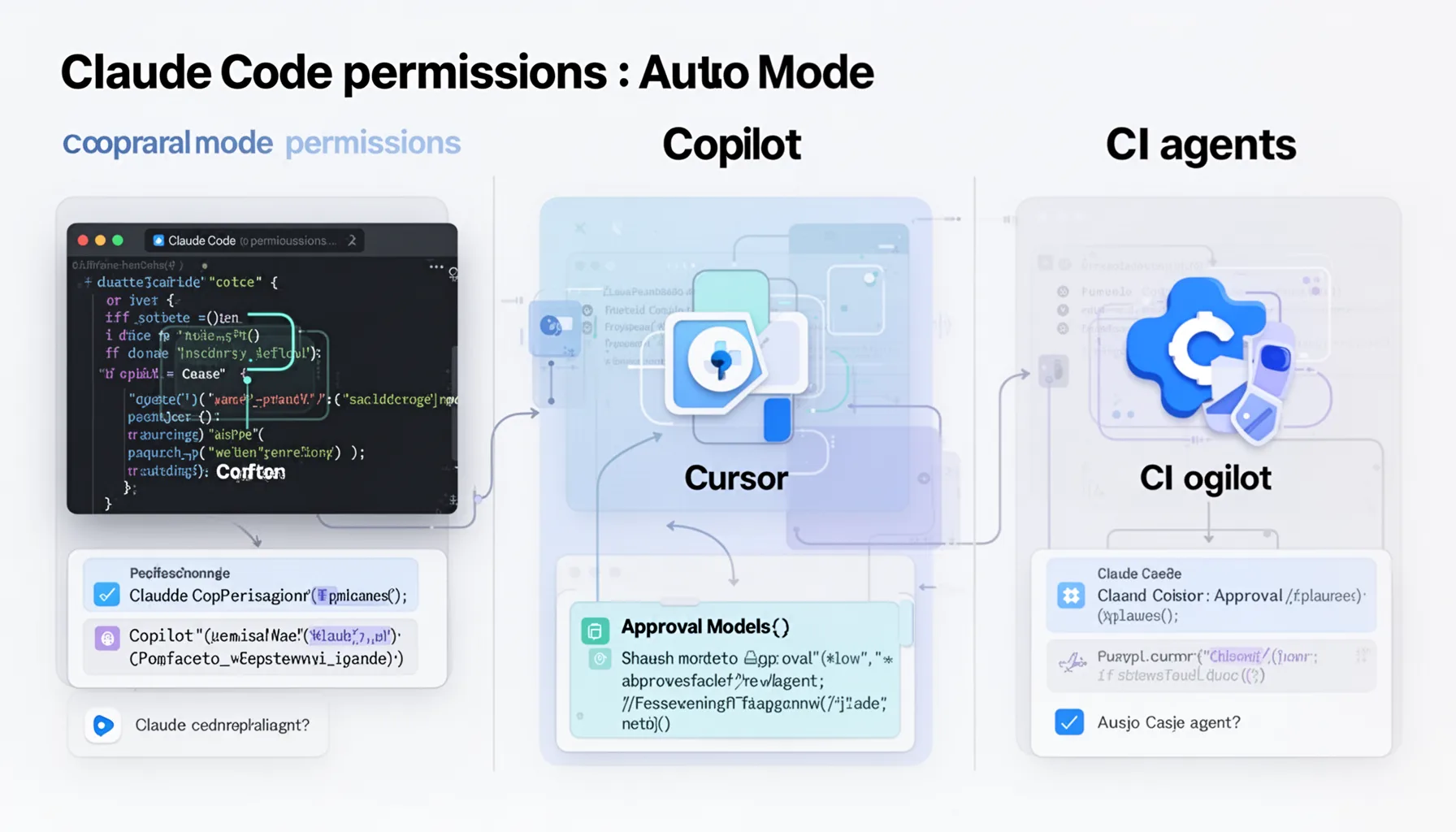
Claude Code permissions auto mode overlaps with approval models in Copilot, Cursor, and CI agents, but it sits in a different control plane. That's why feature checklists tend to mislead. GitHub Copilot usually centers suggestions and editor workflows, Cursor mixes editor context with agent-style actions, and CI agents run inside pipeline environments after code leaves the workstation; Claude Code stays much closer to local shell behavior. Different animal. We'd argue that local autonomy needs tighter command policy than editor-only completion systems, because the blast radius can stretch well past a single file edit. Worth noting. For a concrete comparison, a CI bot changing a build script in an isolated runner doesn't carry the same risk profile as a local agent firing shell commands on a developer laptop with repository and environment access. And SD Times-style announcement coverage often captures the headline feature, but teams need a side-by-side review of authority boundaries, audit logs, and rollback controls. That's the gap between shopping and operating.
What audit checklist should teams use before enabling Claude Code permissions auto mode?
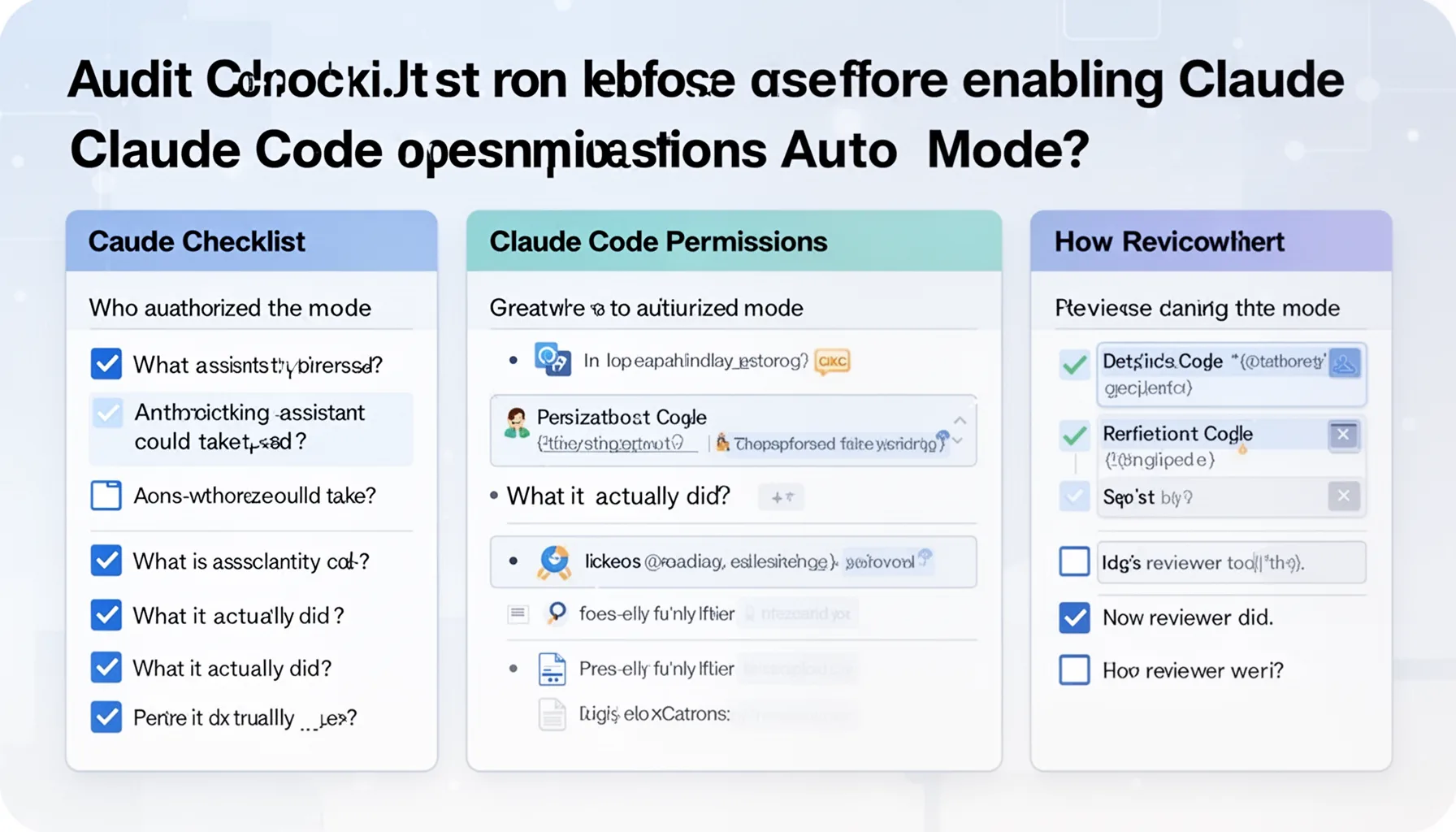
Teams should rely on an audit checklist that proves who authorized the mode, what actions the assistant could take, what it actually did, and how reviewers verified the result. Keep it concrete. The checklist should cover session identity, repo and branch scope, command allowlists, file access boundaries, prompt and response logs, diff history, test results, reviewer approval, and evidence retention rules. Here's the thing. We think revocation matters every bit as much as activation: if a user role changes or a repo turns sensitive, auto permissions should be easy to switch off immediately. That's not trivial. A solid example is an enterprise team routing every agent-created pull request through protected branch rules, code-owner approval, and centralized log storage in Datadog, Splunk, or an internal SIEM. NIST guidance, SOC 2 audit expectations, and ordinary change-management controls all point the same way: delegated autonomy needs a paper trail. And this article should link back to pillar topic 360, because permission automation only makes sense inside a broader operating model for coding agents.
When should Claude Code permissions auto mode stay off entirely?
Claude Code permissions auto mode should stay off for workflows where evidence is thin, reversibility is weak, or blast radius looks ugly. That's the simplest rule. Keep it disabled for production credentials, customer data handling, infrastructure state changes, destructive maintenance scripts, one-way migrations, and repos under strict regulatory constraints unless your controls are unusually mature. We'd argue many teams will underrate this risk because coding assistants feel conversational, and conversational tools rarely trigger the same caution as deployment tooling. But they should. A concrete case: a healthcare or fintech repository with compliance-driven access rules. Even if the agent only means to run tests, the surrounding environment may still make delegated permissions a bad bet. Principle-of-least-privilege models from NIST and common internal security reviews both support that stance. Some workflows are worth the drag of manual approval every single time.
Step-by-Step Guide
- 1
Map the permission surface
Document every action the assistant may perform: file reads, writes, shell commands, test execution, git operations, and network calls if any exist. Separate harmless actions from risky ones. This inventory is the baseline for every later control. If you skip it, you're guessing.
- 2
Set narrow allowlists
Approve only the minimum command and file access needed for the intended tasks. Start with read operations, safe edits, grep, and test commands, then expand only after review. Keep infrastructure tools, secret managers, and deploy scripts out by default. Narrow scope is a feature, not a limitation.
- 3
Capture complete session logs
Record prompts, assistant responses, commands, timestamps, diffs, and test results in a searchable system. Tie those records to user identity, repository, and branch. Make retention rules explicit. Audits fail when evidence evaporates.
- 4
Require review evidence
Don’t stop at storing the diff. Store who reviewed it, which checks passed, and whether any exceptions were granted. Protected branches and code-owner rules make this easier to enforce. If the workflow can't prove review happened, the process is weaker than it looks.
- 5
Test incident reconstruction
Run a tabletop exercise using a real or simulated session. Ask whether security and engineering leads can reconstruct the assistant's actions from the evidence you collect. If they can't, your observability stack isn't ready. Better to find that now than during a production issue.
- 6
Revoke and reassess regularly
Review permission policies on a fixed schedule and after org, repo, or compliance changes. Remove access that no longer matches current tasks. Teams rarely regret tighter scope. They often regret stale permissions.
Key Statistics
Frequently Asked Questions
Key Takeaways
- ✓Claude Code permissions auto mode is really a governance feature dressed up as UX.
- ✓Approval automation needs logs, traces, and reviewer evidence from day one.
- ✓Compare command autonomy across Claude Code, Cursor, and Copilot before rollout.
- ✓Self-selected permissions should stay narrow, explicit, and easy to revoke by policy.
- ✓An audit checklist tells you more than a product announcement when risk lives in execution.