
⚡ Quick Answer
You can control Claude Code from phone by routing agent prompts, approvals, and task updates through a Feishu or Lark bot that forwards commands to your local or remote runtime. The setup works especially well for permission prompts, task selection, and quick follow-up commands when you’re away from your desk.
Controlling Claude Code from a phone sounds minor right up until you burn ten minutes on a permission prompt while you're off making coffee. Then the value clicks. Mobile control isn't for shipping whole features from a tiny screen. Not quite. It's for keeping momentum when an AI coding agent pauses, asks a question, or wraps a task. Feishu, called Lark in many markets, fits neatly here because its bot and workflow tools already handle notifications and approvals well. And for Claude Code or Codex CLI users, that turns a phone into a practical control panel instead of a novelty.
Why control Claude Code from phone is more useful than it sounds
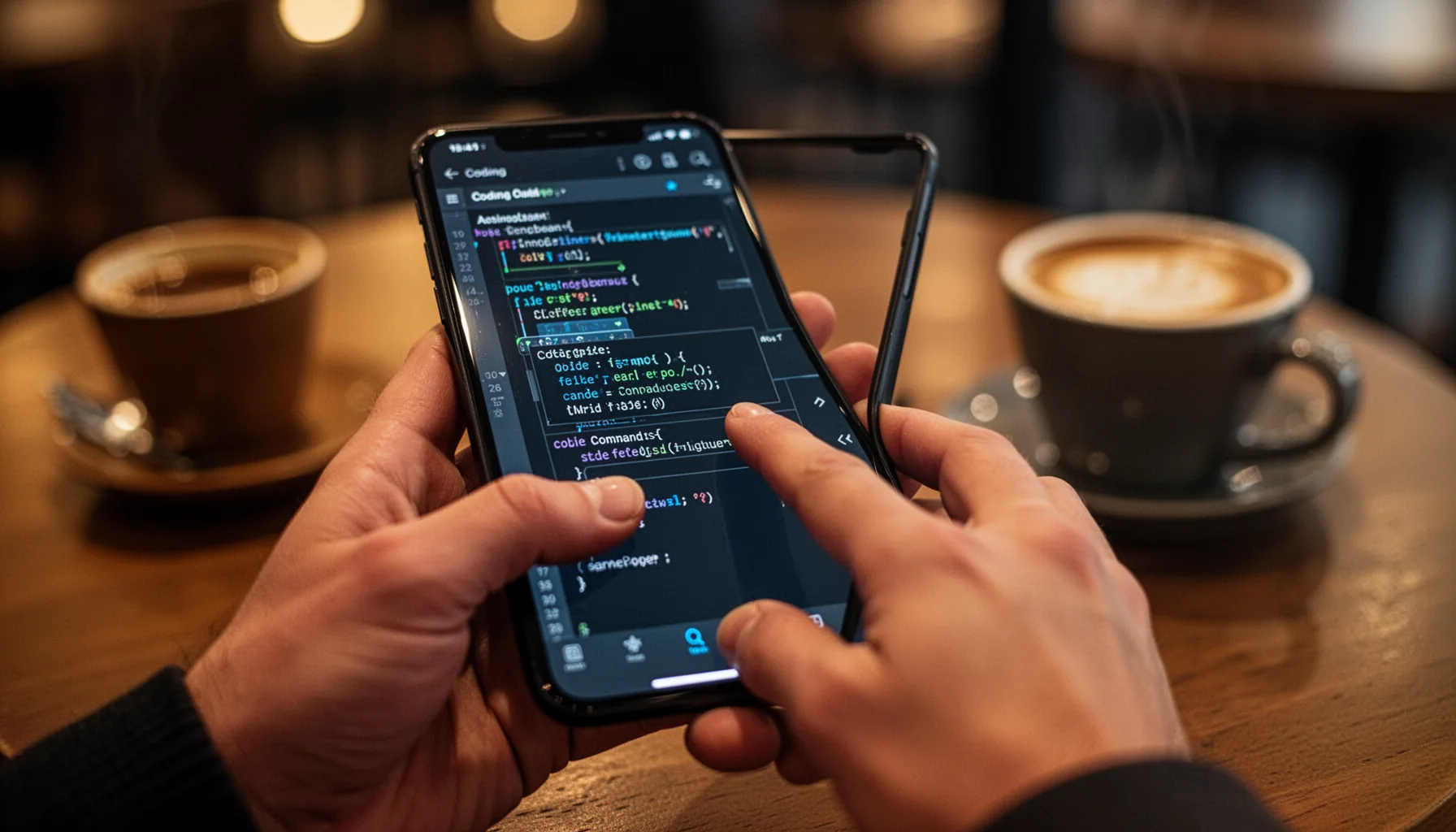
Using Control Claude Code from phone makes the most sense when the agent gets stuck on a small call and your keyboard isn't within reach. That's the real job. Permission prompts, branch picks, retry requests, and short follow-up commands create pockets of dead time that quietly pile up all day. A mobile approval loop cuts that drift without pretending a phone can stand in for a real development setup. Slack and Microsoft Teams bots have pointed to this pattern in DevOps for years, where quick approvals and status checks fit mobile just fine while serious debugging stays on desktop. We'd argue Feishu and Lark can suit some teams even better because interactive cards and bot workflows make structured approvals easier to read cleanly. That's a bigger shift than it sounds. A good mobile controller makes the phone feel like a pager plus command pad, not a cramped IDE.
How Feishu Lark Claude Code remote approval works in practice

Feishu Lark Claude Code remote approval works by sending the agent's pending action to a bot, then letting you approve, deny, or adjust the next move from your phone. Simple enough. The wiring is pretty direct. Claude Code, or a wrapper around it, emits an event when it needs input, a backend service turns that event into a Feishu interactive message, and your tap sends a signed callback that resumes or reroutes the task. The detail that really matters is context. The card should list the task name, repo, branch, requested tool, affected file paths, and an expiry window for approval. Without that, you're approving blind. And that's reckless. Say the agent wants to run a shell command that edits package.json and a CI workflow file. The mobile card should spell that out before you hit approve. Worth noting. That's what separates a useful remote workflow from a remote footgun.
What architecture works best for a remote AI coding assistant workflow?

The best remote AI coding assistant workflow puts a thin message layer on top of a runner that already enforces permissions, logging, and task state. Keep the phone side lean. Your setup should have four parts: the coding agent runtime, an event broker or webhook layer, a policy service for approvals, and the Feishu bot front end. For Codex CLI phone control tools, the same pattern still holds because the mobile interface should never speak directly to shell execution without a server-side gatekeeper. Here's the thing. This is where a lot of open source experiments start to get dicey. If a bot message can inject arbitrary commands into a local machine with no allowlist, no signature verification, and no audit trail, you've built convenience on top of a security hole. We'd put it plainly: mobile command routing should feel boringly controlled, or it probably shouldn't leave personal use. That's worth watching.
How to make open source Claude Code mobile controller setups safe

Open source Claude Code mobile controller setups are safe enough when they default to least privilege, explicit approvals, and command classes you can actually audit. Security can't wait until later. Start with scoped actions like approve, reject, status, rerun-task, and ask-follow-up. Treat free-form shell execution as a separate, higher-risk mode with tighter checks. Require signed callbacks from Feishu, keep immutable logs of every approval and command, and block sensitive paths such as SSH configs, cloud credentials, and CI secrets through policy. NIST secure software guidance and standard DevSecOps practice point to the same lesson: approval systems need traceability and role boundaries, not just authentication. We'd also insist on timeouts. If an approval card sits unanswered too long, the runner should fail closed, not wait forever or guess the next move. That's a bigger shift than it sounds.
Step-by-Step Guide
- 1
Set up a Feishu or Lark bot
Create a bot app in Feishu or Lark and enable message callbacks, interactive cards, and webhook delivery. Store the app credentials securely. Test a simple ping card first so you know mobile delivery and callback signatures work before connecting any coding agent.
- 2
Wrap Claude Code or Codex CLI events
Build a small wrapper that detects agent states such as waiting for approval, task completion, error, or follow-up request. Emit structured events with task ID, repo, branch, proposed action, affected files, and risk level. Keep the event format stable so your phone UI stays readable as the tool grows.
- 3
Add a policy and approval service
Place a server-side policy layer between the bot and the runtime. This service should validate signatures, check command allowlists, and enforce approval timeouts. It should also decide whether a user may approve a command, modify it, or only request a desktop handoff.
- 4
Design concise mobile action cards
Show the minimum context needed to make a safe decision from a phone. Include repo, branch, task summary, tool request, files touched, and buttons for approve, reject, or ask for details. If the card becomes a wall of text, users will approve too fast or ignore it entirely.
- 5
Log every command and approval
Write immutable logs for outgoing alerts, incoming approvals, command payloads, and final execution results. This is your audit trail. It also helps when a task behaves oddly and you need to determine whether the problem started in the agent, the bot, or the human approval step.
- 6
Test failure and timeout paths
Simulate lost callbacks, duplicate taps, expired approvals, and denied risky actions before trusting the workflow. Mobile systems fail in annoying ways. If your runner can’t handle those edge cases cleanly, it will eventually execute stale or unintended actions.
Key Statistics
Frequently Asked Questions
Key Takeaways
- ✓Control Claude Code from phone works best for approvals, retries, and short commands.
- ✓Feishu Lark Claude Code remote approval trims idle time when agents pause for permission.
- ✓A good mobile controller needs command safety, audit logs, and clear task context.
- ✓Codex CLI phone control follows the same pattern: bot messages trigger a backend runner.
- ✓Open source mobile control is useful, but only when permissions and alerts stay tight.