
⚡ Quick Answer
Desktop AI agent security and trust architectures determine how much control an AI system gets over your computer, memory, files, and actions. The safest choice depends less on brand and more on permission scope, execution model, verification controls, and whether tasks run locally, remotely, or in a hybrid loop.
Desktop AI agent security and trust architectures can sound airy right up until an agent opens your password manager, fires off a message, or drags a file somewhere you never meant to send. Then it's real. Fast. A lot of the talk around Claude Dispatch, OpenClaw, NemoClaw, and Perplexity Computer sticks to product buzz and mindshare rankings, but that skips the harder question. Who gets the keys to your computer? Under which rules, and with which brakes? That's the part that actually matters.
What are desktop AI agent security and trust architectures?
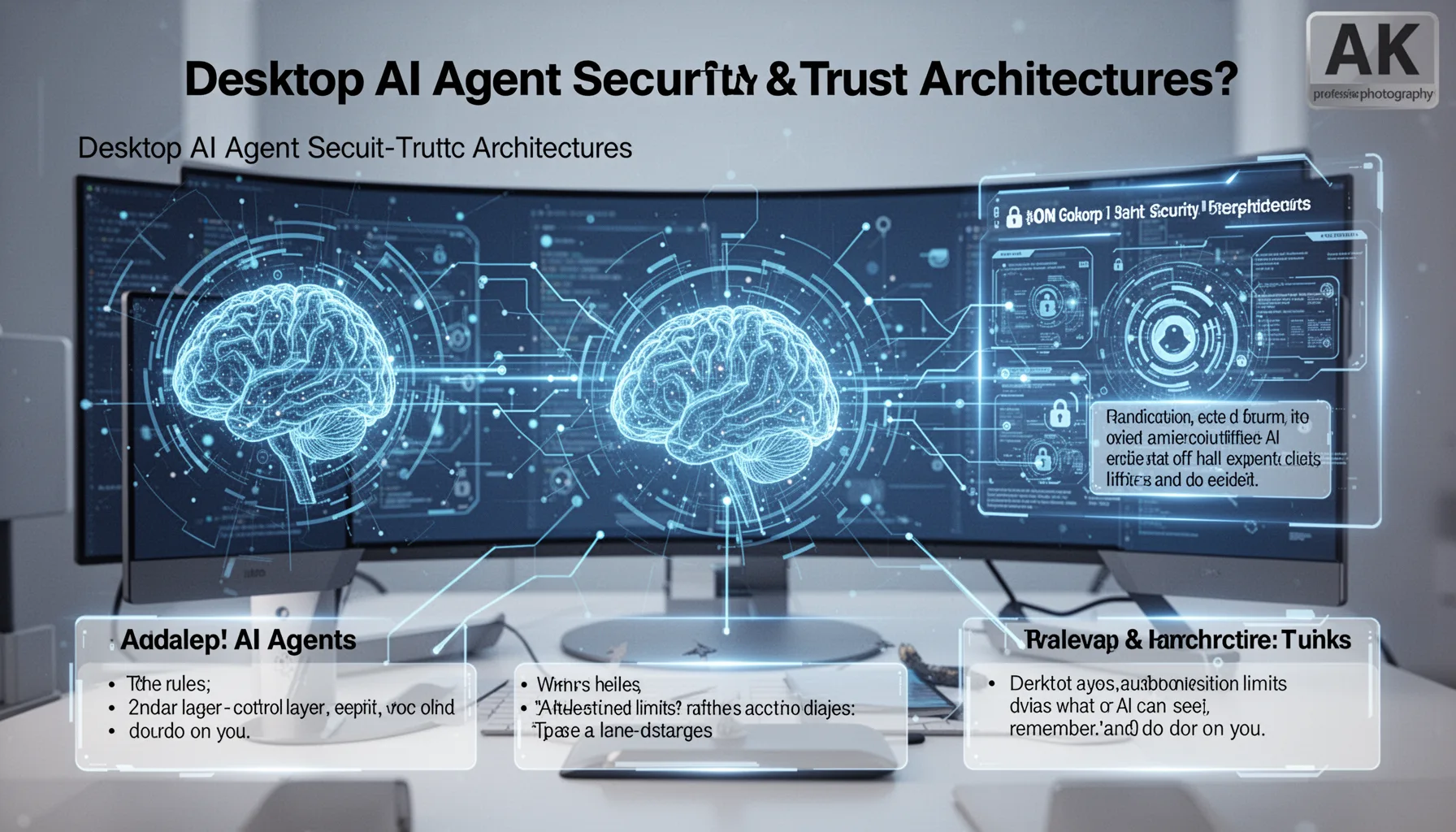
Desktop AI agent security and trust architectures define the rules, control layers, and execution limits that decide what an AI can see, remember, and do on your machine. Simple enough. That covers permission prompts, memory retention, local versus cloud processing, command execution rights, browser control, file-system access, and auditability. In plain English, a trust architecture tells you whether the agent behaves like a read-only assistant, a supervised operator, or a semi-autonomous coworker. And that's a bigger shift than it sounds. OWASP, the Open Worldwide Application Security Project, has already flagged prompt injection and excessive agency as core LLM-era risks, and desktop agents mash both problems into one unstable package. Not ideal. That's why we think product demos often play down the security side of the story. Claude Dispatch-style systems usually stress managed experience and bounded workflows, while OpenClaw-style systems pull in users who want local control and code they can inspect. Hybrid designs such as NemoClaw or Perplexity Computer land somewhere between those poles, depending on how you deploy them. The better question isn't which one feels smartest. It's which one fails safely when a malicious page, a bad prompt, or a sloppy inference nudges it past the line.
Who gets the keys to your computer AI agents: local-first, hosted, or hybrid?
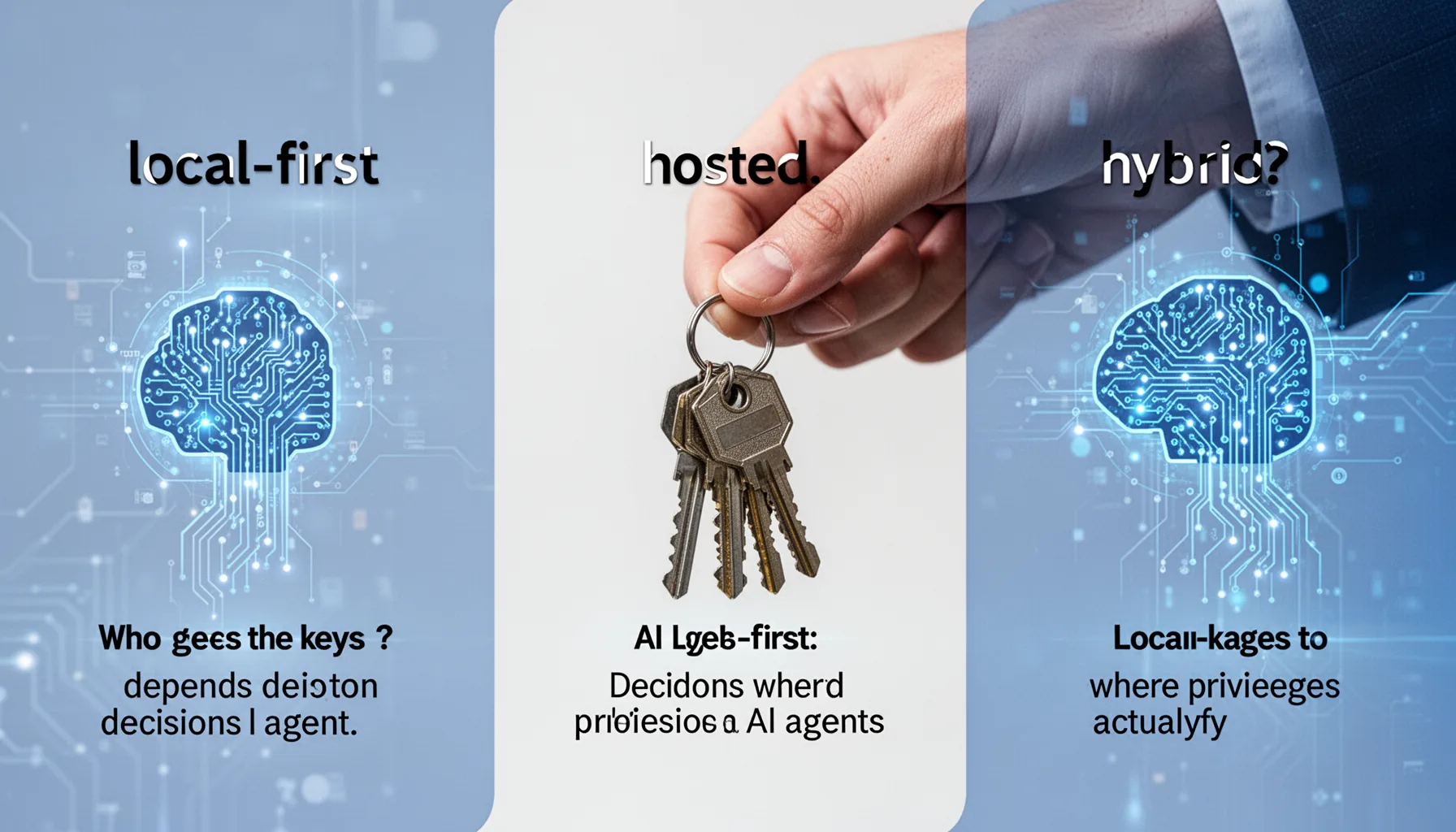
Who gets the keys to your computer AI agents depends on where decisions happen and where privileges actually live. Here's the thing. A local-first agent, like many OpenClaw-style setups, can keep screenshots, files, and context on-device, which cuts cloud exposure, but it may still hold broad local permissions if the operator sets it up loosely. A hosted setup can centralize model quality and updates. But it often asks for screenshot streaming, remote inference, or session replay, and those bring a very different privacy bill. Hybrid systems split the difference by keeping some control logic local while calling cloud models for reasoning, and that can work well if permissions stay tightly segmented. Google Project Zero and Microsoft's security teams have shown again and again that privilege boundaries matter more than user intent, because attackers chain small weaknesses into full compromise paths. That's the threat model many people miss. We'd argue most non-expert users should begin with local execution and explicit confirmations for high-risk actions, not full hosted autonomy, unless they have a very strong operational reason. Perplexity Computer-style convenience can look attractive. Yet convenience is often where security debt sneaks in. Worth noting.
Claude Dispatch OpenClaw NemoClaw comparison: permissions, memory, execution, and verification
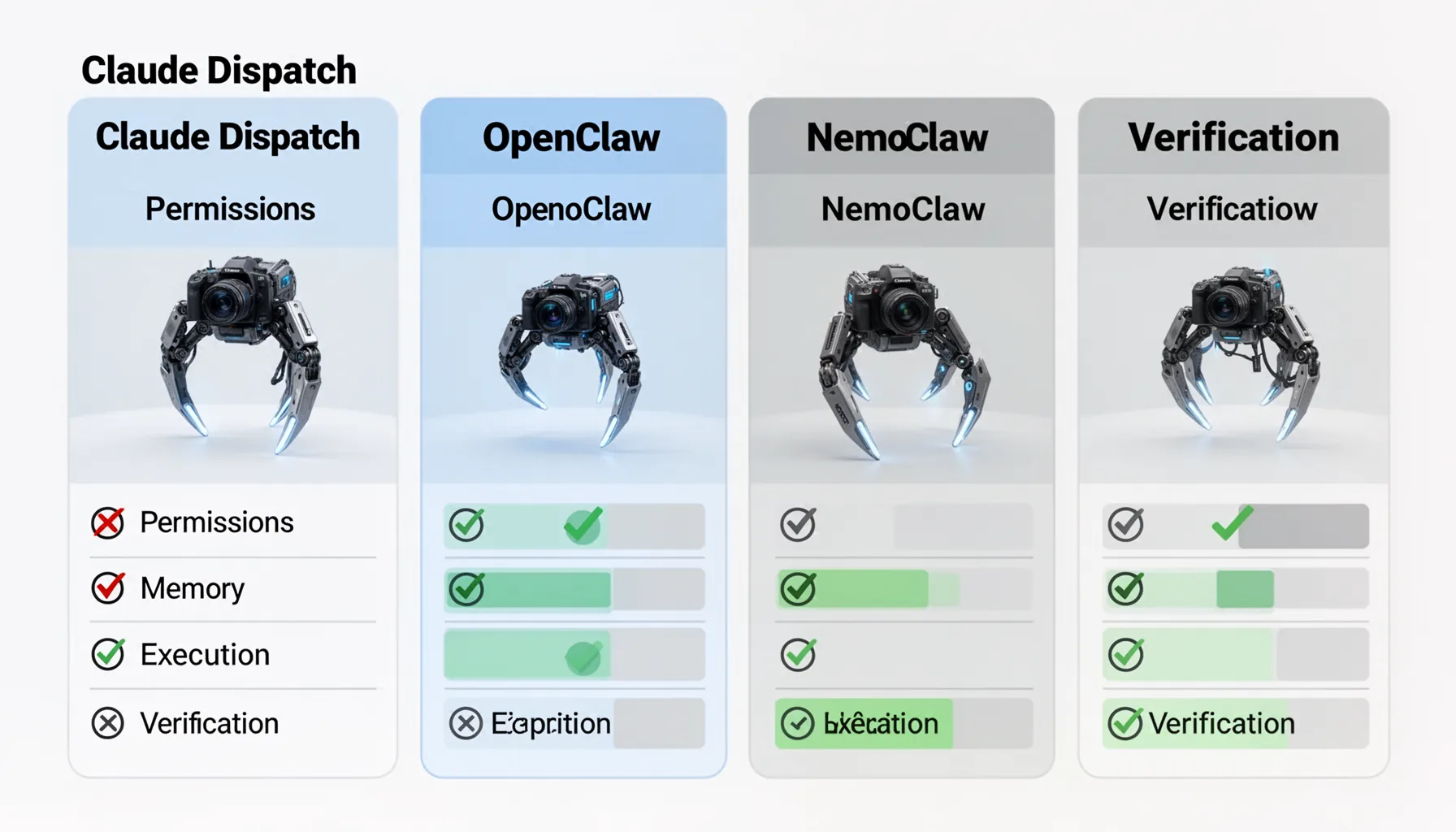
The Claude Dispatch OpenClaw NemoClaw comparison gets clearer when you score each system on permissions, memory, execution, and verification instead of personality or benchmark chatter. Not quite flashy, but more useful. Permissions ask what the agent can touch: browser tabs, shell commands, clipboard, files, email, or admin settings. Memory asks what it keeps across sessions and whether that memory can be inspected, edited, or purged, because stale memory can turn into a hidden policy bypass. Execution asks whether the system merely suggests actions or actually performs them. Verification asks what proof you get later through logs, diffs, screenshots, and approval checkpoints. In 2024, NIST's AI Risk Management Framework stayed one of the clearest practical references for mapping govern, map, measure, and manage steps onto AI deployments, including agentic ones. We prefer architectures that make high-risk actions legible. An OpenClaw deployment with transparent logs and narrow scopes may be safer than a polished hosted tool with opaque memory and broad browser control, even if the hosted tool feels easier on day one. And that's the buying lens we think matters. Desktop AI agent trust architecture should come before the brand label.
Perplexity Computer desktop AI agent security: what are the real failure modes?
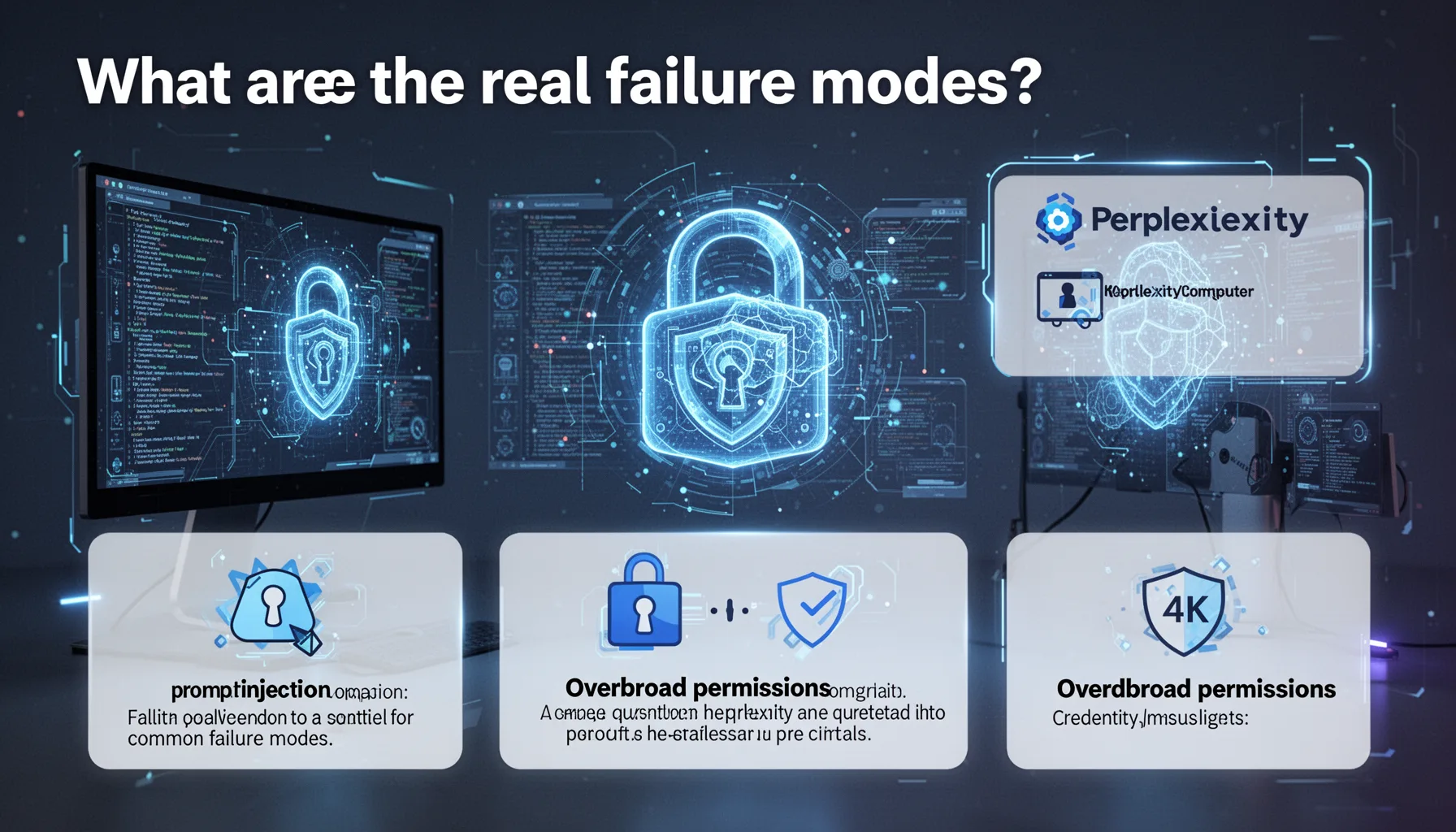
Perplexity Computer desktop AI agent security questions really come down to four common failure modes: prompt injection, overbroad permissions, credential misuse, and silent action drift. Four buckets. A malicious page can tell an agent to exfiltrate notes, click hidden buttons, or summarize the wrong source unless the tool cleanly separates untrusted content from system instructions. Overbroad permissions can let an agent jump from harmless browsing into shell access or account changes, and that's a familiar privilege-escalation route in desktop automation. Credential misuse is even simpler. If the agent can reach an authenticated browser session, it may act with your identity whether or not you intended that scope. Silent action drift happens when an agent completes a similar-but-wrong task without surfacing uncertainty, and users often spot it only after the damage lands. The U.S. Cybersecurity and Infrastructure Security Agency has spent years warning that identity and access management failures remain among the most common routes to compromise, and AI agents inherit that exact mess. Our view is firm: any desktop agent without replayable logs, scoped permissions, and interruptible execution is a risk multiplier, not a productivity tool. We'd argue that's not a close call.
Step-by-Step Guide
- 1
Classify the task risk
Start by separating low-risk tasks from sensitive ones like payments, HR actions, production access, or legal communications. Don’t give one agent a universal key. A browser research task and a finance workflow should never share the same permission envelope. This one decision cuts a huge amount of risk.
- 2
Choose the execution model
Pick local-first, hosted, or hybrid based on data sensitivity and your tolerance for cloud exposure. If documents, screenshots, or credentials are highly sensitive, bias toward local processing where possible. But remember that local doesn’t automatically mean safe. You still need controls on what the agent can execute.
- 3
Limit permissions aggressively
Grant access to only the apps, folders, and actions required for a task. Avoid full-disk access, terminal control, or unrestricted browser automation unless there is a strong reason. And use separate user accounts or sandboxed profiles where you can. Narrow scopes beat after-the-fact regret.
- 4
Require approval for critical actions
Set confirmation prompts for sending messages, downloading files, changing settings, or executing commands. Human-in-the-loop controls are not a sign of weak AI. They’re a sign of sane operations. Especially for non-experts, a pause button matters more than one extra point of automation.
- 5
Turn on logging and replay
Use systems that record prompts, actions, diffs, screenshots, and timestamps in a reviewable way. If something goes wrong, you need evidence, not guesswork. Logs also help teams compare OpenClaw vs Claude desktop AI agent behavior under identical tasks. That makes future choices less subjective.
- 6
Review and revoke access regularly
Audit agent permissions, stored memory, browser sessions, and connected tools on a schedule. Delete stale credentials and disable integrations you no longer need. Because AI agents can accumulate quiet power over time. Periodic cleanup keeps a temporary experiment from becoming a permanent liability.
Key Statistics
Frequently Asked Questions
Key Takeaways
- ✓Trust architecture matters more than feature hype when an AI agent can touch your desktop.
- ✓Local-first agents cut cloud exposure, but they can still cause local damage very quickly.
- ✓Hosted agents add convenience, yet they raise sharper questions around screenshots and credentials.
- ✓The safest setup relies on narrow permissions, human confirmation, logs, and reversible actions.
- ✓Non-experts should choose autonomy levels by task risk, not by marketing claims.