
⚡ Quick Answer
Microsoft AutoGen architecture explained simply: it is a framework for coordinating multiple AI agents, tools, and humans through structured conversations. It matters because teams can build multi-agent workflows with clearer orchestration, better observability, and more control than ad hoc prompt chains.
Microsoft AutoGen architecture explained begins with a plain truth: one model prompt rarely holds up when work stretches across planning, tool use, and review. That's the hook. Plenty of teams learn it the hard way after a slick demo buckles under real traffic, ugly data, and users who behave nothing like benchmark scripts. We've watched that same story play out in internal copilots, research assistants, and code automation efforts. So the real issue isn't whether multi-agent systems look impressive, but whether they hold together in production. Worth noting.
What is Microsoft AutoGen architecture explained in practical terms?
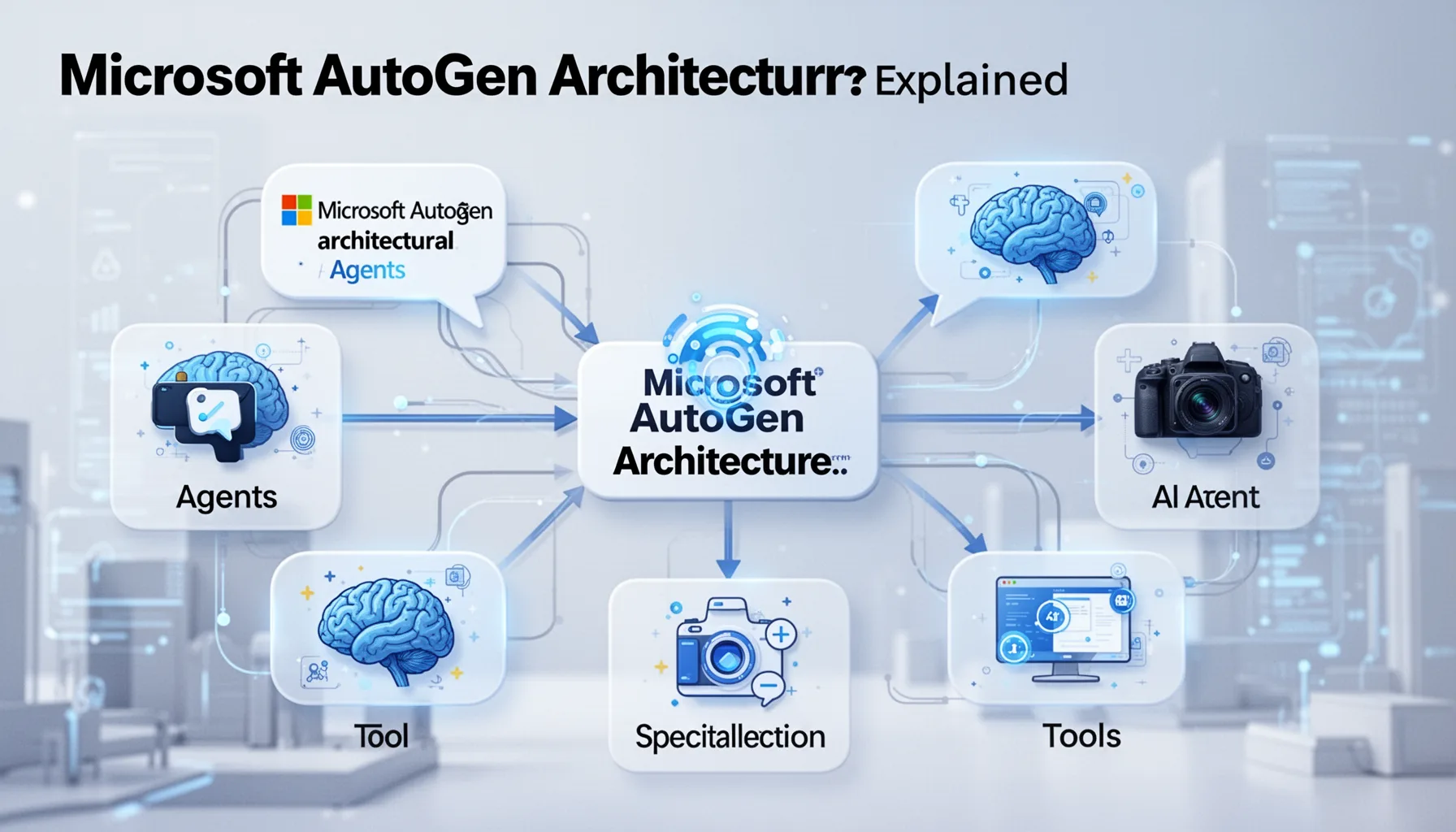
Microsoft AutoGen architecture explained, in day-to-day terms, describes a setup where specialized agents talk with each other, call tools, and sometimes bring in a human to finish the job. Since Microsoft Research introduced AutoGen in 2023, the framework has centered on conversable agents that pass structured messages back and forth instead of leaning on one oversized prompt. That choice matters. It gives developers a cleaner way to split planner, executor, critic, and user-facing roles, and that usually makes failures easier to inspect than monolithic prompt chains. Simple enough. One concrete example comes from Microsoft Research demos, where an AssistantAgent works with a UserProxyAgent to write code and run it through tools, leaving a visible trail of reasoning and action. We'd argue that separation is AutoGen's biggest edge because enterprise systems usually fail less from model IQ and more from fuzzy responsibility lines. That's a bigger shift than it sounds. And when teams ask for a Microsoft AutoGen tutorial for developers, this is the starting point they need before they write a single line of orchestration code.
How do you build multi agent AI systems with AutoGen without creating chaos?
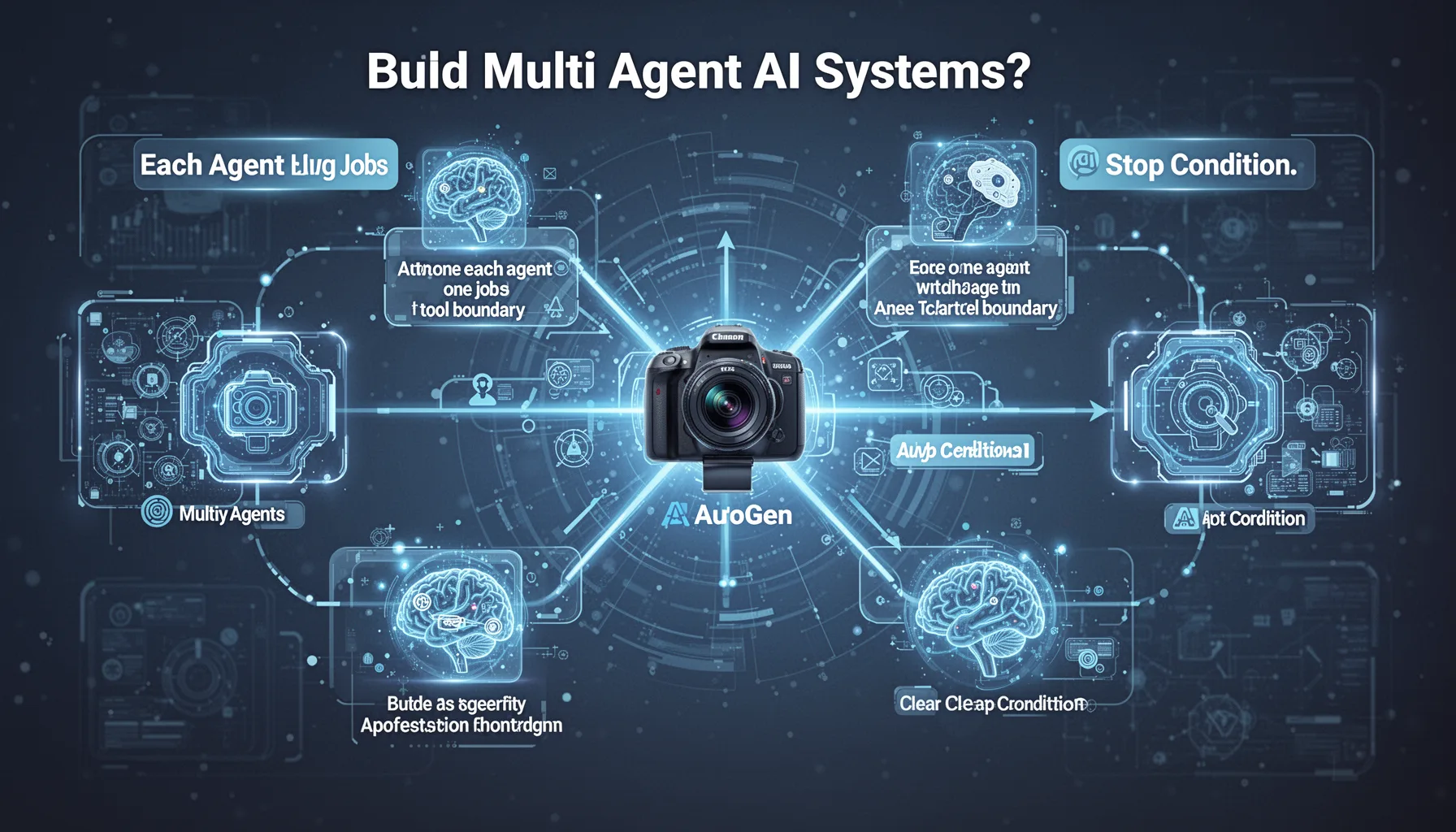
To build multi agent AI systems with AutoGen, give each agent one job, one tool boundary, and one clear stop condition. That's not glamorous. But it's what separates a tidy workflow from a runaway exchange that burns tokens, triggers bad tool calls, and leaves users baffled. In AutoGen, developers usually define agent personas, tool access, termination rules, and message routing, then let a GroupChat or similar coordinator handle the interaction. The trick is restraint. A four-agent setup for planning, retrieval, execution, and verification often beats an eight-agent design that looks smart in a diagram but muddies accountability once it runs. Not quite subtle. Consider a customer support triage flow: one agent classifies intent, another pulls policy documents from Azure AI Search, a third drafts the reply, and a verifier agent checks compliance before a human reviews edge cases. According to Microsoft documentation and community examples, patterns with explicit tool registration and bounded turn counts tend to behave more predictably, and we'd say that predictability matters more than agent count almost every time. Worth noting.
Why Microsoft AutoGen architecture explained matters for production systems
Microsoft AutoGen architecture explained matters in production because real systems need control planes, not just collaborative chats between LLMs. Here's the thing: most production failures come from context drift, weak observability, bad retries, and thin permission models, not because the base model suddenly forgot how to work. AutoGen gives teams a framework for managing multi-agent interaction, but production readiness still depends on surrounding infrastructure like logging, tracing, secret management, caching, and policy enforcement. That's the layer many demos skip. A solid example is an internal enterprise research assistant that queries SharePoint, Confluence, and SQL sources; without audit logs and access controls, that system turns into a compliance problem even if the agent logic behaves perfectly. So OpenTelemetry-style tracing, structured message logs, and evaluation harnesses borrowed from MLOps aren't optional here. We'd argue too many AutoGen demos undersell this part. And if you're after AutoGen production architecture best practices, start by treating every agent exchange as a governed system event rather than an informal chat. Worth noting.
AutoGen vs LangGraph vs CrewAI: which framework fits which job?
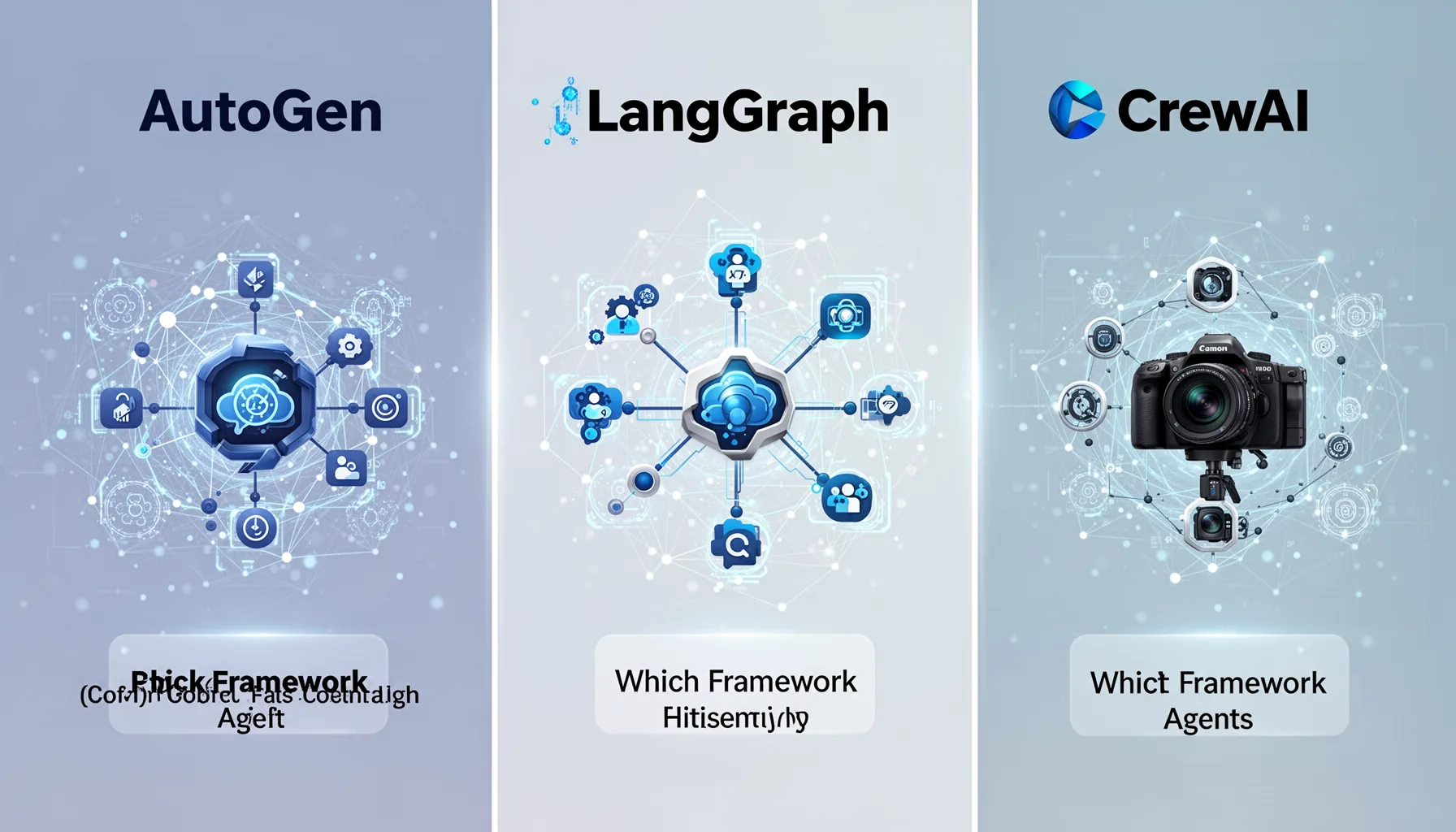
AutoGen vs LangGraph vs CrewAI really comes down to orchestration style, control requirements, and how much unpredictability your team can live with. AutoGen fits best when conversation between agents feels like the natural abstraction, especially for research, coding, and collaborative workflows. LangGraph, from the LangChain ecosystem, often suits teams that want stateful graphs, deterministic transitions, and tighter control over branching logic. CrewAI has drawn attention for simpler role-based collaboration, and plenty of developers like its easier setup for smaller automations. But there isn't a universal winner. If you're building a regulated workflow with explicit state transitions, we'd lean toward LangGraph; if you're exploring agentic collaboration and need flexible conversations, AutoGen tends to feel more natural; if you want a lighter developer experience, CrewAI may be the fastest route to a pilot. Here's the thing. For readers comparing deep dive into AutoGen multi agent design with alternatives, the honest answer is that framework choice should follow workflow shape, not social media hype. That's a bigger shift than it sounds.
What are AutoGen production architecture best practices teams should actually follow?
AutoGen production architecture best practices start with limiting autonomy, instrumenting everything, and designing for failure before success. That sounds severe. Yet multi-agent systems act more like distributed systems than chat apps, which means you need timeouts, retries, circuit breakers, idempotent tool calls, and evaluation checkpoints. That's the real operating model. One practical pattern pairs AutoGen with Azure services for identity, storage, monitoring, and model access, then places policy filters between agents and external tools. Human approval gates should sit at high-risk steps like payments, code deployment, or outbound messaging, because letting an agent act without review is usually a management problem dressed up as innovation. Not quite fancy, but effective. We also recommend offline replay tests with captured conversations, plus benchmark suites for latency, cost per task, and task completion accuracy. According to IBM's 2024 Cost of a Data Breach report, the global average breach cost reached $4.88 million, which is exactly why permission scoping and auditability belong in agent architecture discussions. For the broader picture, this pillar connects naturally to supporting articles on topic IDs 356, 350, 351, and 353, where teams can go deeper into deployment, evaluation, orchestration choices, and research-system patterns. Worth noting.
Step-by-Step Guide
- 1
Define the agent roles
Start by naming the jobs your system actually needs done. Keep roles narrow: planner, retriever, executor, verifier, or human approver usually covers more ground than people expect. And write down what each agent may read, write, and call. That simple discipline prevents a lot of confusion later.
- 2
Choose the conversation pattern
Pick whether agents should collaborate in a shared group chat, pass tasks in sequence, or escalate to a supervisor pattern. AutoGen supports several interaction styles, but not every workflow benefits from open-ended back-and-forth. We prefer explicit turn limits and termination rules early on. It keeps token use sane.
- 3
Register tools with tight permissions
Connect agents to search, code execution, databases, APIs, or document stores only where needed. Give each tool a narrow contract and validate inputs before execution. Because if one agent can call everything, your architecture has already lost shape. Principle of least privilege still applies.
- 4
Add observability before launch
Log every message, tool call, model response, and handoff between agents. Use tracing systems such as OpenTelemetry and track latency, token cost, and success rates per task. That data becomes your debugging map. Without it, multi-agent failures feel random even when they aren't.
- 5
Evaluate with realistic task suites
Test the system on messy, repeated business tasks rather than a handful of polished demos. Measure completion accuracy, intervention rate, average turns, tool error frequency, and cost per finished workflow. And include adversarial prompts. Production users will absolutely do things your design team didn't expect.
- 6
Gate risky actions with humans
Put approval steps in front of payments, code merges, legal messages, and sensitive data access. Human-in-the-loop design isn't a sign of weakness; it's what serious teams do when stakes rise. We'd argue this is where many pilots become trustworthy products. The shortcut usually backfires.
Key Statistics
Frequently Asked Questions
Key Takeaways
- ✓AutoGen works best when agents have narrow roles, explicit tools, and tightly bounded autonomy.
- ✓Production teams need observability, guardrails, retries, and human checkpoints from day one.
- ✓AutoGen shines in conversational orchestration, but graph frameworks can suit stricter workflows better.
- ✓The best multi-agent systems usually rely on fewer agents than most demos suggest.
- ✓For most enterprises, architecture choices matter more than model choice once the prototype stage ends.