
⚡ Quick Answer
Supabase Edge Functions voice transcription Gemini 2.5 Flash can be a very cheap way to build speech-to-text, especially for lightweight mobile voice apps with tight cost targets. The setup matters because pushing transcription to edge functions with a low-cost model changes your unit economics from day one, which is exactly what early-stage products need.
Supabase Edge Functions voice transcription Gemini 2.5 Flash sounds weirdly narrow. That's exactly why it matters. In production, the best setup is often the one that keeps a popular feature affordable before traffic spikes torch your budget. Not quite. For voice journaling, transcription sits on the hot path, not off to the side. Get the math wrong, and the product starts leaking cash while users keep talking.
Why Supabase Edge Functions voice transcription Gemini 2.5 Flash is worth watching

Supabase Edge Functions voice transcription Gemini 2.5 Flash is worth watching because it goes after the cost problem where a lot of AI products actually get bruised: the path users hit most. Whisper is still the default reference point for plenty of developers, but defaults rarely mean cheapest for mobile apps that gather lots of short voice notes. And those short notes pile up fast. Supabase Edge Functions runs close to your backend with a straightforward deployment model. Gemini 2.5 Flash, meanwhile, gives teams a lower-cost multimodal option for audio-heavy flows without the pricing squeeze you get from premium transcription stacks. Supabase, built around Postgres and edge runtimes, has become a familiar pick for startups that want auth, storage, and serverless logic under one roof. We'd argue the real draw is plain and practical. Better unit economics usually beat model prestige in an early product. That's a bigger shift than it sounds. Think of a small journaling app like Day One chasing sustainable margins.
How Supabase Edge Functions voice transcription Gemini 2.5 Flash architecture works
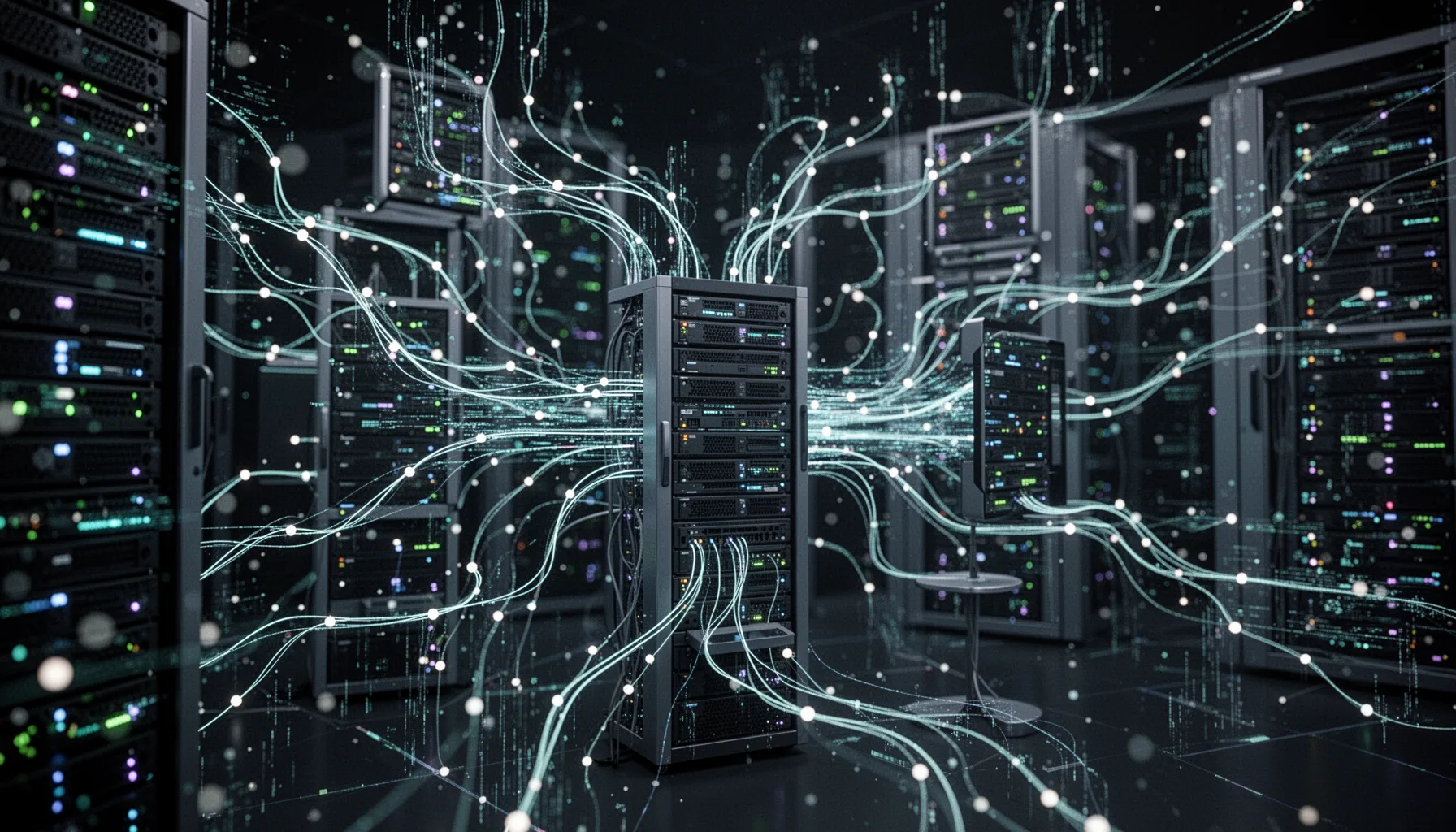
Supabase Edge Functions voice transcription Gemini 2.5 Flash architecture works by pushing upload handling, preprocessing, model calls, and result storage into one tight serverless loop. Here's the thing. A common flow looks like this: the mobile app uploads audio to Supabase Storage, triggers an edge function, that function sends the file or chunked audio to Gemini, gets text back, stores the transcript in Postgres, and returns a status object to the client. And that keeps the app lean. Because edge functions run on demand, teams don't have to maintain a full transcription service while still keeping control over auth, retries, and logs. For a voice journaling app, that means you can capture a spoken thought, save the raw audio, transcribe at low cost, and later run organization or summarization passes on clean text instead of pricey raw media. Google's Gemini family has made a serious push into multimodal workloads, so Gemini 2.5 Flash fits this pipeline neatly. The design isn't flashy. It's efficient. Worth noting. Think of Otter-style behavior, but with a much simpler backend shape.
Gemini 2.5 Flash transcription cost per minute and the real cost math

Gemini 2.5 Flash transcription cost per minute grabs the headline, but the real math also includes retries, chunking, idle storage, and downstream processing. A setup claimed at roughly $0.001 per minute turns heads because it undercuts what many developers expect to pay for speech-to-text at scale. But don't stop at the sticker price. If your pipeline retranscribes failed uploads, keeps large files forever, or runs cleanup jobs too often, your effective per-minute cost rises in a hurry; anyone who's run AWS Lambda or Cloudflare Workers workloads has seen those tail costs bite. So we advise founders to track blended cost per successful transcript, not just raw API spend. And they should break it out by note length. Twenty-second clips behave nothing like 12-minute rambles. Cheap AI transcription API alternative to Whisper is a strong search phrase, but the truer point is narrower: architecture discipline is what makes the savings hold. That's not trivial. Descript learned early that workflow details shape margins as much as model choice does.
Build speech to text with Supabase Edge Functions for a voice journaling app
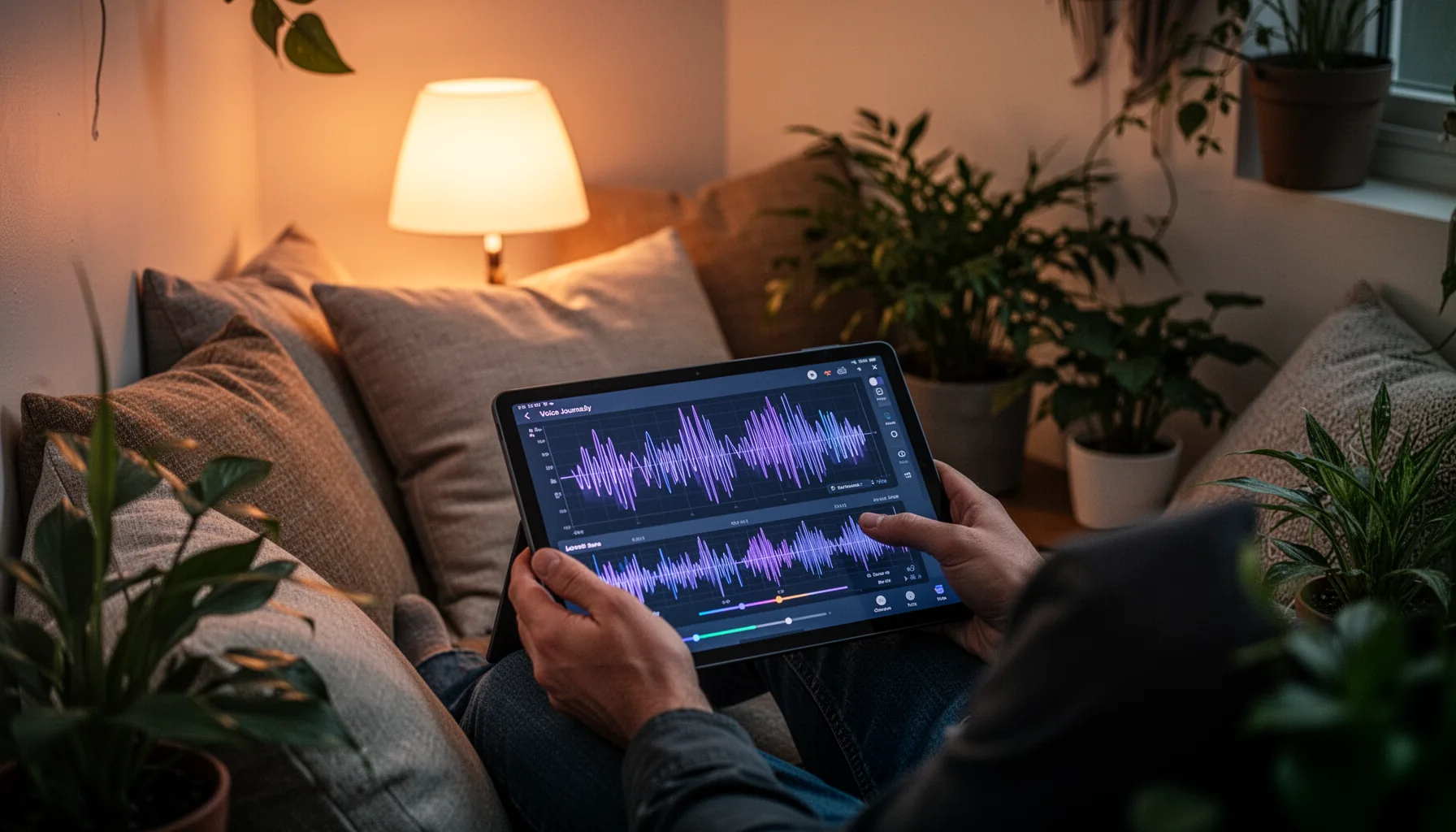
Build speech to text with Supabase Edge Functions by designing around the product's real traffic pattern, not a canned demo. Voice journaling apps get bursty uploads, shaky mobile connections, and users who expect transcripts fast enough to stay in flow. So the system should support resumable uploads, light queueing, transcript status tracking, and a fallback route when a model call fails. Simple enough. A practical stack stays fairly plain: Supabase Auth for users, Storage for audio blobs, Edge Functions for orchestration, Postgres for transcript records, and Gemini 2.5 Flash for low-cost inference. We like this design because it separates capture from analysis. First transcribe cheaply. Then run later jobs for summarization, tagging, mood extraction, or note organization only when you actually need them. That's how you keep the busiest path fast and affordable without giving up richer AI features later. Worth noting. Reflectly or any similar journaling app would benefit from exactly that split.
Step-by-Step Guide
- 1
Store audio uploads in Supabase Storage
Send recordings from the client to a private bucket instead of pushing raw audio directly through your app server. That reduces client complexity and gives you a durable source file for retries. And it keeps your backend focused on orchestration, not file transport.
- 2
Trigger an edge function on upload
Use a Supabase Edge Function to react when audio lands in storage or when the client requests transcription. The function should validate user identity, file size, and content type before doing anything expensive. Small guardrails save money.
- 3
Prepare audio for model input
Normalize format, trim obvious silence if needed, and chunk long recordings into manageable segments. Audio preprocessing doesn't need to be fancy. It just needs to prevent avoidable failures and inflated model calls.
- 4
Call Gemini 2.5 Flash for transcription
Send the audio or chunks to Gemini 2.5 Flash and capture both transcript text and metadata like latency or failure reason. Keep request and response logging tidy. You'll need that data when costs drift or transcript quality slips.
- 5
Persist transcripts in Postgres
Write transcript text, status, duration, and source file references into structured tables. That gives the app a fast way to render results and rerun later AI tasks. And it makes analytics far easier than scraping logs.
- 6
Measure blended cost per successful minute
Track model spend, retries, storage growth, and average latency across real usage. Don't rely on theoretical per-minute pricing alone. Production cost control starts with honest measurement.
Key Statistics
Frequently Asked Questions
Key Takeaways
- ✓Gemini 2.5 Flash can make speech-to-text much cheaper for high-volume voice features
- ✓Supabase Edge Functions gives developers a clean serverless route for mobile transcription pipelines
- ✓The real win comes from architecture choices, not just a lower model price
- ✓For voice journaling apps, low-cost transcription can beat premium accuracy in early iterations
- ✓You need to track retries, chunking, latency, and storage or cheap transcription gets expensive fast