
⚡ Quick Answer
What makes an AI agent is not chat alone but the ability to pursue goals across time using tools, memory, planning, and bounded autonomy. A true agent also carries accountability costs, because once software can act on your behalf, oversight, permissions, and ROI start to matter as much as model quality.
What counts as an AI agent has become one of enterprise software's hottest arguments. Fair enough. Right now, vendors slap the label on almost anything, from a thin prompt wrapper to a task runner with tools and memory. That muddies buying calls, engineering roadmaps, and plain old judgment. We'd argue the fix isn't fancy. Drop the brand talk. Start with operational criteria.
What makes an AI agent in practical terms

In practical terms, what makes an AI agent is its ability to chase a goal over time with some real independence. That's the hinge. A chatbot answers one turn at a time, but an agent sticks around, picks from available actions, and changes course based on state and results. And that gap isn't just wording. In technical architecture, an agent usually pairs a model with memory, tool access, planning logic, execution control, and monitoring. LangGraph, AutoGen, and OpenAI's Responses tooling all suggest that direction. Worth noting. We think the cleanest test is this: can the system get work done while you're not steering every step? If not, it's probably not an agent. The Linux Foundation's rising interest in agent standards and protocols also suggests a market move away from chat interfaces and toward systems that actually act. That's a bigger shift than it sounds.
AI agent vs chatbot differences that actually matter
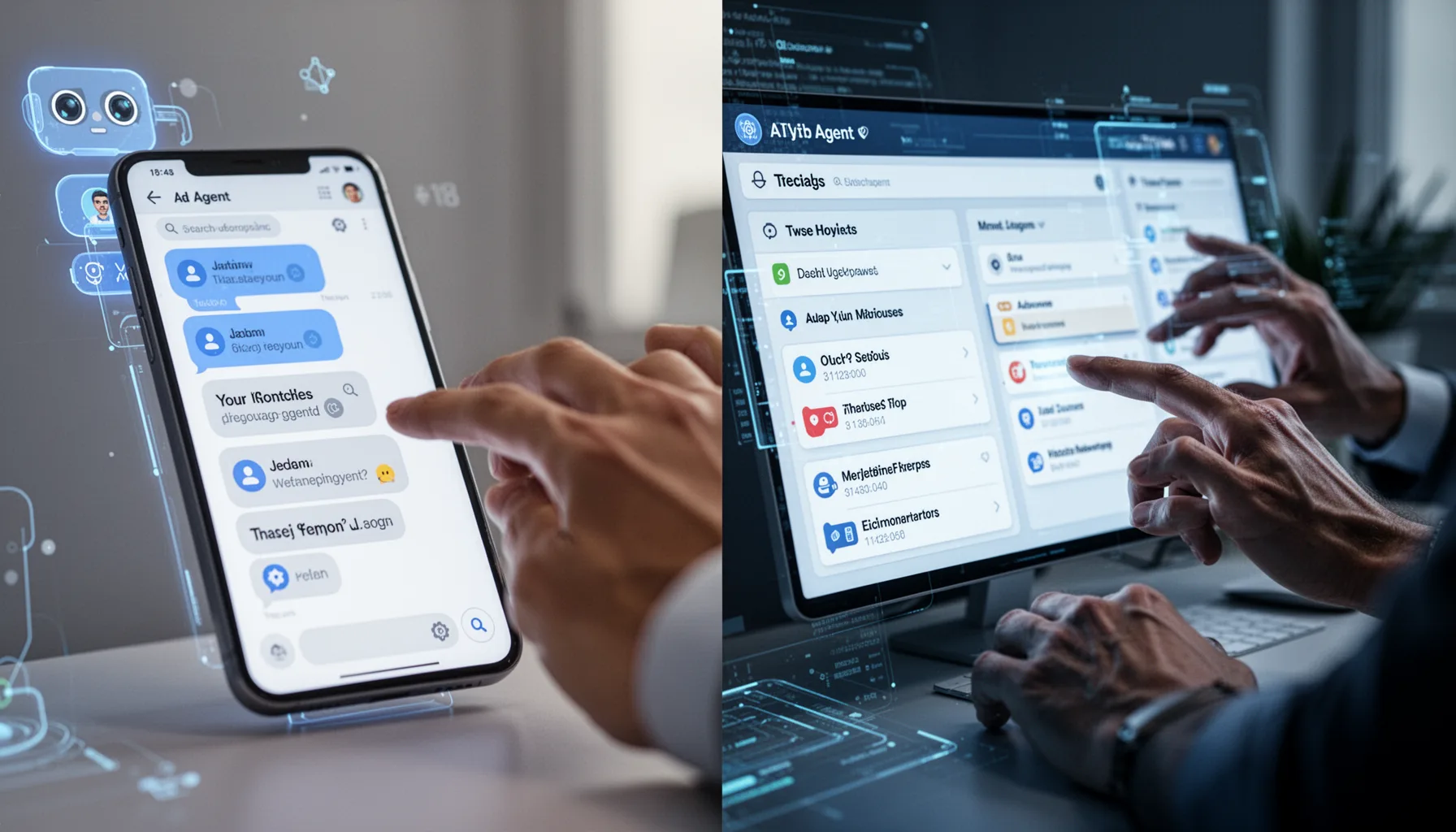
AI agent vs chatbot differences come down to capability, state, and accountability, not just interface style. That's the real split. A chatbot mostly answers questions inside the current session, while a workflow follows scripted steps, an assistant coordinates a bounded set of tasks, and an autonomous contractor handles end-to-end outcomes within defined permissions. That's the ladder we find most useful. For example, ChatGPT used for Q&A is a chatbot. Zapier automation with fixed triggers is a workflow. Microsoft Copilot inside Microsoft 365 often acts more like an assistant. And a procurement bot that asks for quotes, compares terms, and escalates exceptions starts to resemble an autonomous contractor. But labels mislead all the time. If the system can't maintain state, call tools, recover from failure, and keep working toward a persistent objective, calling it an agent is mostly marketing. We'd argue buyers should ask for demos that prove long-running task completion, not polished conversation alone. Simple enough.
How AI agents work in practice with goals, tools, and state

How AI agents work in practice usually starts with a goal, then wraps the model in software that can plan, act, observe, and revise. That's the engine. Most production agents run in a loop: interpret the objective, choose a tool or next action, execute, inspect the result, store the useful state, and continue until a stop condition appears. And the stop condition matters a lot. State might live in a vector database, application memory, a relational store like Postgres, or structured task records. Companies such as Salesforce and ServiceNow increasingly pair LLMs with business context and permission-aware action layers. Planning can be explicit, where the system drafts a task list, or implicit, where the controller picks one action at a time from feedback. Here's the thing. We should be honest: pure open-ended autonomy breaks far more often than glossy demos suggest. The best systems constrain toolsets, narrow the objective, and define clear success criteria before the first token shows up. We'd say that's not caution for caution's sake. It's how production systems stay upright.
Features of a true AI agent and the thresholds for real autonomy

Features of a true AI agent include persistent goals, tool access, state management, planning, monitoring, and hard permission boundaries. Miss one or two, and the system may still be useful, but it probably isn't fully agentic. And permission boundaries are where serious deployments either mature or come apart. Anthropic's Model Context Protocol and similar integration patterns make tool use easier. But easier tool use also raises the need for policy checks, human approval gates, audit logs, and rollback paths. Worth noting. We think autonomy starts when software can choose and execute actions with external effects, such as sending emails, changing records, placing orders, or moving money. That means autonomy isn't binary. Not quite. It shows up in levels, and each level should map to tighter observability, stronger safeguards, and clearer ownership.
When an autonomous contractor AI agent is worth deploying

An autonomous contractor AI agent makes sense to deploy when the task has measurable outputs, repeatable rules, and enough volume to justify oversight costs. That's the management reality many technical write-ups skip. If a company spends more time reviewing an agent's work than it would spend doing the task by hand, the economics probably don't hold. Klarna, for instance, has said AI handles a sizable share of support interactions. But even in the stronger cases, the value comes from scoped workflows, escalation paths, and clear metrics, not magical autonomy. We'd advise leaders to track throughput, exception rate, rework rate, time-to-resolution, and business impact before calling an agent a win. And liability belongs on that dashboard too, especially in finance, HR, procurement, and regulated industries. An agent that behaves like a contractor should be managed like one: with permissions, service levels, audits, and a costed supervision model. That's not glamorous. It is consequential.
Step-by-Step Guide
- 1
Classify the job to be done
Start by deciding whether you need a chatbot, workflow, assistant, or autonomous contractor. Many teams overspend because they choose autonomy for work that only needs retrieval and templated actions. So write the job in one sentence and define the expected outcome.
- 2
Set a persistent goal
Give the system a stable objective that lasts across steps, sessions, or events. Without a persistent goal, it behaves like a reactive chat tool. And goals should be measurable, such as reducing ticket backlog under a defined SLA.
- 3
Grant only necessary tools
Connect the fewest tools required to complete the work. Tool sprawl raises failure risk and makes debugging painful. Start with read-only access where possible, then expand carefully.
- 4
Store useful state
Save only the context the agent needs to continue work intelligently. That might include task history, customer records, policy rules, or previous decisions. But keep state structured, because messy memory creates messy behavior.
- 5
Add monitoring and approvals
Instrument every action with logs, thresholds, and human checkpoints for higher-risk tasks. Monitoring is not a bonus feature. It's the difference between a demo and an operational system.
- 6
Measure economics before scaling
Track completion rate, rework, supervisor time, and value created. A fancy agent that burns review hours won't survive budget scrutiny. Teams should prove unit economics before broad rollout.
Key Statistics
Frequently Asked Questions
Key Takeaways
- ✓A chatbot turns into an agent only when it can act, remember, and pursue goals over time
- ✓The clearest ladder is chatbot, workflow, assistant, then autonomous contractor
- ✓Tool access, state, planning, and permissions define agent behavior better than marketing copy
- ✓Oversight isn't optional, because more autonomy raises liability, monitoring needs, and process costs
- ✓The strongest agent deployments tackle narrow, measurable work instead of vague automation dreams