
⚡ Quick Answer
A 3D spatial AI chatbot can improve memory retention and task resumption when it gives users stable visual landmarks and clear spatial organization. It fails when the interface adds novelty without reducing search effort, cognitive load, or context loss.
3D spatial AI chatbot memory retention can sound like glossy concept art. Maybe a little too glossy. Yet anyone who's watched a key idea vanish inside a giant chat log knows the problem underneath is real. The plain text box works until it suddenly doesn't. And when a project runs for days or weeks, the AI infinite scroll problem stops feeling mildly annoying. It starts acting like a tax on human memory.
Does 3D spatial AI chatbot memory retention really improve recall?

3D spatial AI chatbot memory retention can lift recall, but only if the layout gives people dependable mental anchors instead of extra visual clutter. That's the crux. Cognitive science has long suggested that spatial memory plays a real role in how people remember where information lives. Simple enough. That's why the method of loci still appears in memory research and learning design. In interface terms, users often remember location before wording. If a project brief always lives in the upper-left room, and earlier model outputs stay clustered by topic instead of sinking into endless scroll, retrieval gets easier. We think that gain is real. But a 3D environment that keeps shifting perspective or tucks key material behind navigation tricks can feel worse than a plain chat window. Because novelty isn't the same thing as usability. Worth noting. Think of a Figma board: people remember where the frame sat, not every sentence inside it.
Spatial AI chat interface vs text box: what changes during long conversations?
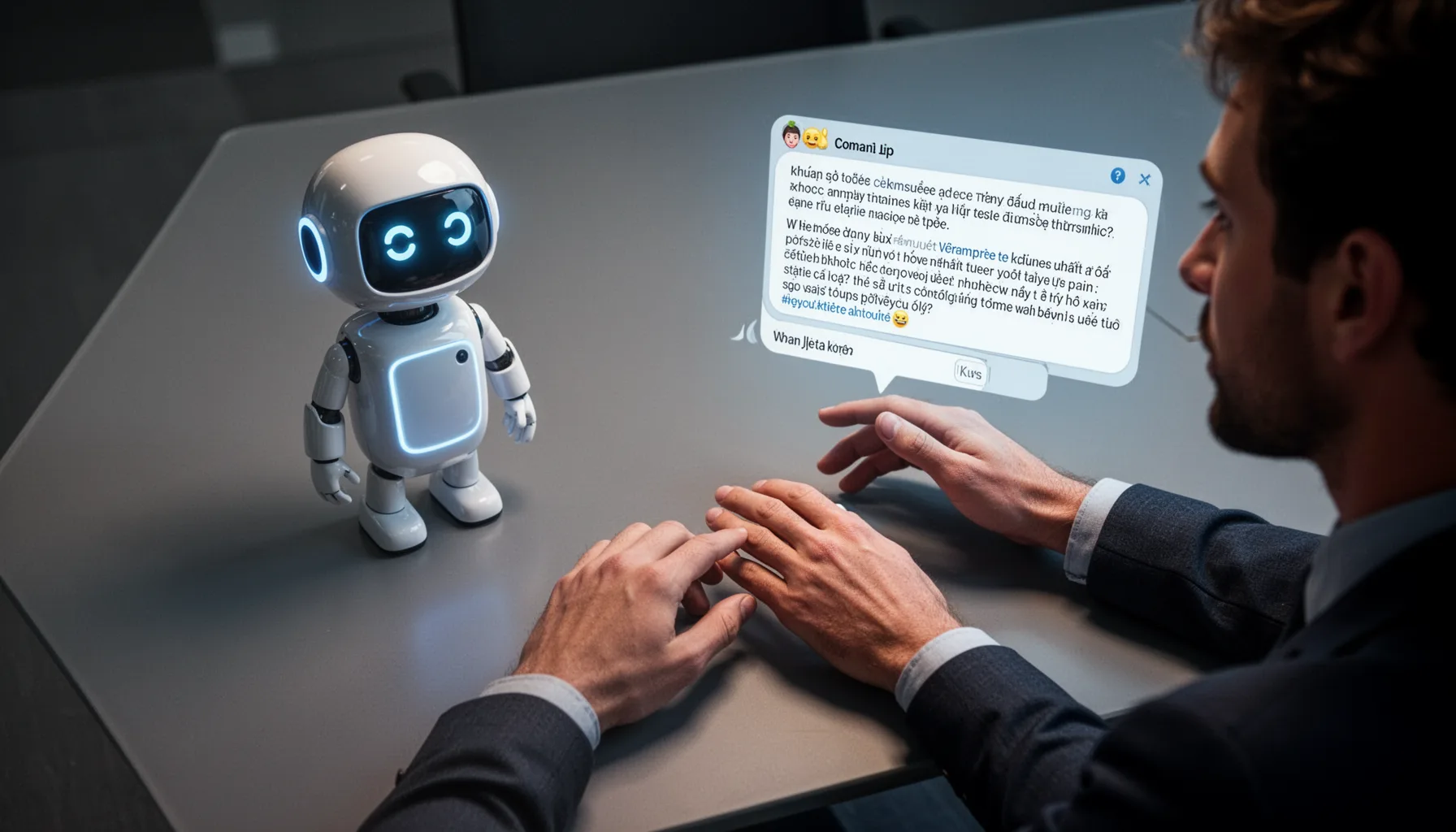
A spatial AI chat interface vs text box comparison points to the biggest split during long, interrupted work rather than quick back-and-forth exchanges. That's where things get interesting. Linear chat works well for short prompts because it cuts down decisions and keeps the interaction familiar. But after dozens of turns, the user has to reconstruct where an idea surfaced, why it mattered, and what depended on it. Not quite. Microsoft researchers and productivity teams have studied task resumption for years, and the lesson is pretty plain: external cues cut restart time. A spatial interface can preserve those cues by turning earlier threads into zones, cards, or rooms tied to topics like research, drafts, or decisions. We'd argue the best interface for long AI conversations probably won't stay a pure text box forever. Since infinite scroll is a weak memory system pretending to be a chat history. That's a bigger shift than it sounds. Even Microsoft Loop hints at this by keeping context attached to chunks of work instead of one long transcript.
Why the AI infinite scroll problem hurts project continuity
The AI infinite scroll problem damages project continuity because it presses context into one flat, undifferentiated stream. That's a design failure, not a user mistake. In normal knowledge work, people rely on hierarchy, grouping, and place: folders, whiteboards, sticky notes, tabs, even those messy desk piles. Chat removes a lot of that. A single vertical transcript forces users to remember phrases instead of places, which pushes up search costs and makes abandoned subtopics annoying to recover. Here's the thing. Tools like Miro, Notion, and FigJam already suggest another route by letting ideas stay in persistent spatial arrangements instead of linear logs. And that's why we think spatial AI workspaces deserve serious attention. The novelty of 3D matters far less than the return of orientation. Because orientation is what turns a conversation into an actual workspace. Worth noting. Notion, for one, isn't 3D at all, but it still proves how much structure changes recall.
How builders can design 3D chatbot for knowledge retention without distraction
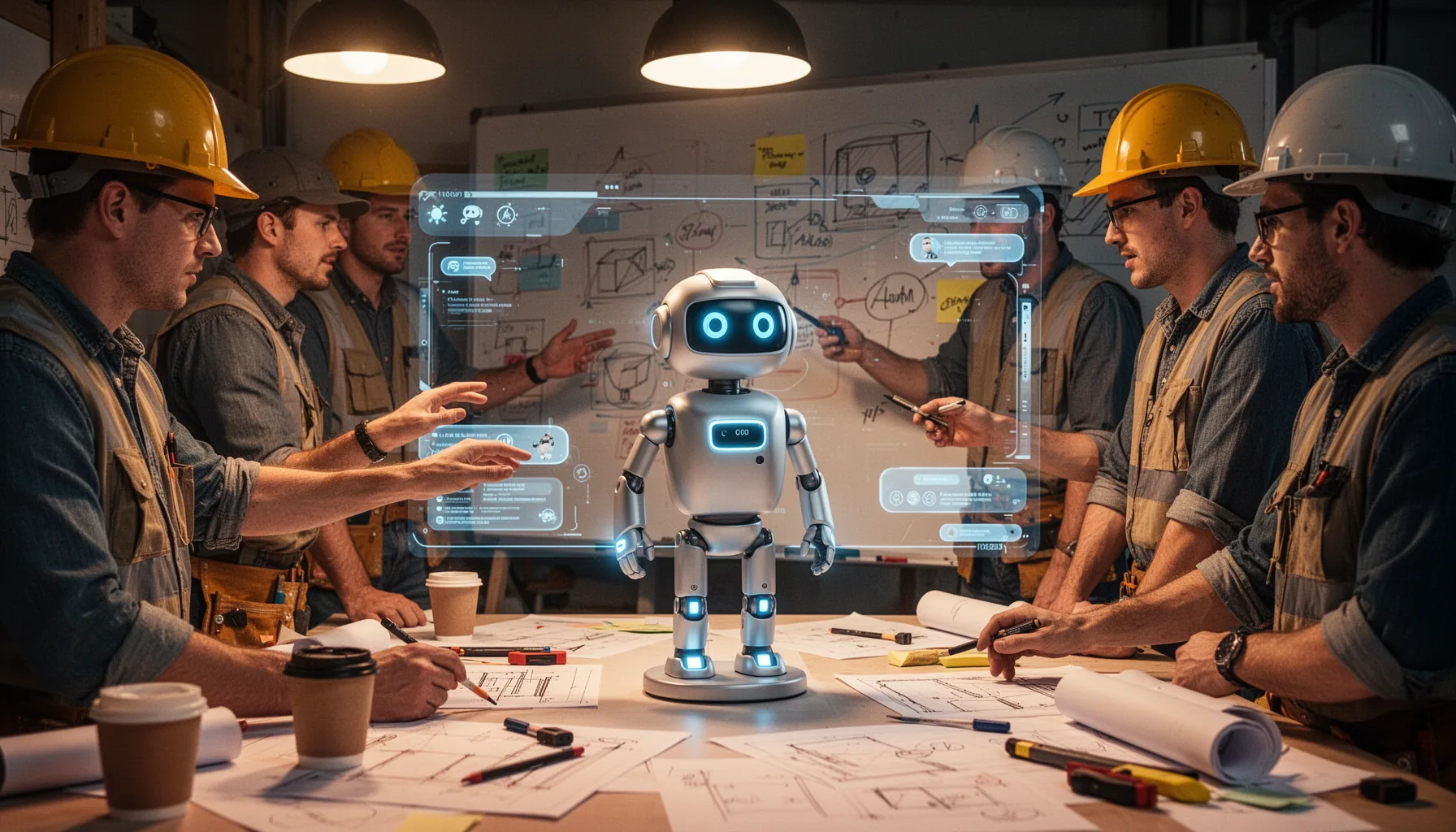
Builders can improve a 3D chatbot for knowledge retention by relying on stable landmarks, light navigation, and visible thread grouping instead of flashy motion. That should be the rule. The best designs will probably borrow more from architecture and information science than from games. For example, teams can pin project artifacts to named areas, keep camera controls simple, and surface summaries as persistent objects so recall improves without forcing users to learn a mini-metaverse. Apple Vision Pro demos and Spatial-style collaboration tools have made clear that spatial placement can feel intuitive when the environment stays calm and predictable. But not every task needs 3D. We'd advise teams to reserve spatial layers for multi-session research, planning, and synthesis work. And keep a fast text mode for quick prompts where speed matters more than orientation. That's the practical split. Here's the thing. Apple's own demos worked best when objects stayed put.
Step-by-Step Guide
- 1
Define the memory outcome
Decide what you want users to remember better. It might be prior decisions, where a source lives, or which branch of a project is unfinished. So don't start with 3D effects. Start with a measurable retrieval problem.
- 2
Create stable spatial anchors
Assign persistent locations to recurring content types such as briefs, drafts, references, and decisions. Users need places they can return to across sessions without relearning the layout. That's what makes spatial memory useful rather than decorative.
- 3
Reduce camera and movement friction
Keep navigation simple and predictable. Limit free-fly motion, reduce excessive zooming, and provide instant reset views so people don't get lost. The interface should support thinking, not ask users to pilot it.
- 4
Group related conversations visibly
Cluster conversations by topic, milestone, or question instead of showing everything in one long stream. Give each group a label, summary, and visual boundary. That one change alone can outperform a prettier but less organized 3D scene.
- 5
Test task resumption, not just delight
Run user tests that measure how quickly people resume work after a break. Ask them to find a forgotten decision, trace a source, or continue an unfinished thread. If the spatial interface feels cool but slows resumption, it's missing the point.
- 6
Offer a text fallback
Let users switch between spatial view and classic chat. Some tasks need orientation, while others need speed and directness. A hybrid model is usually smarter than forcing one interface for everything.
Key Statistics
Frequently Asked Questions
Key Takeaways
- ✓Spatial chat can improve recall when locations remain stable across sessions
- ✓The real problem is the AI infinite scroll problem, not surface-level aesthetics
- ✓Builders should optimize for task resumption, orientation, and retrieval speed
- ✓3D layouts suit complex projects more than short, one-off prompts
- ✓Fancy spatial UI backfires when motion and clutter raise mental load