
⚡ Quick Answer
AI catering proposal automation uses software to turn menus, pricing rules, allergen data, and event details into polished client-ready proposals fast. For caterers, it trims admin work, reduces quoting mistakes, and makes branded PDF proposals easier to deliver at scale.
AI catering proposal automation turns one of catering's dullest jobs into something faster and far cleaner. That's the hook. A caterer can burn 45 minutes pricing a 120-person corporate lunch, then lose another hour fixing layout, updating allergy notes, and exporting a PDF that actually looks fit for a paying client. And when three inquiries hit before noon, admin work starts chewing through the sales day. We're watching a plain but consequential shift: caterers don't just want AI to write a few lines, they want it to handle the professional finish that actually wins business.
What is AI catering proposal automation and why are caterers paying attention?
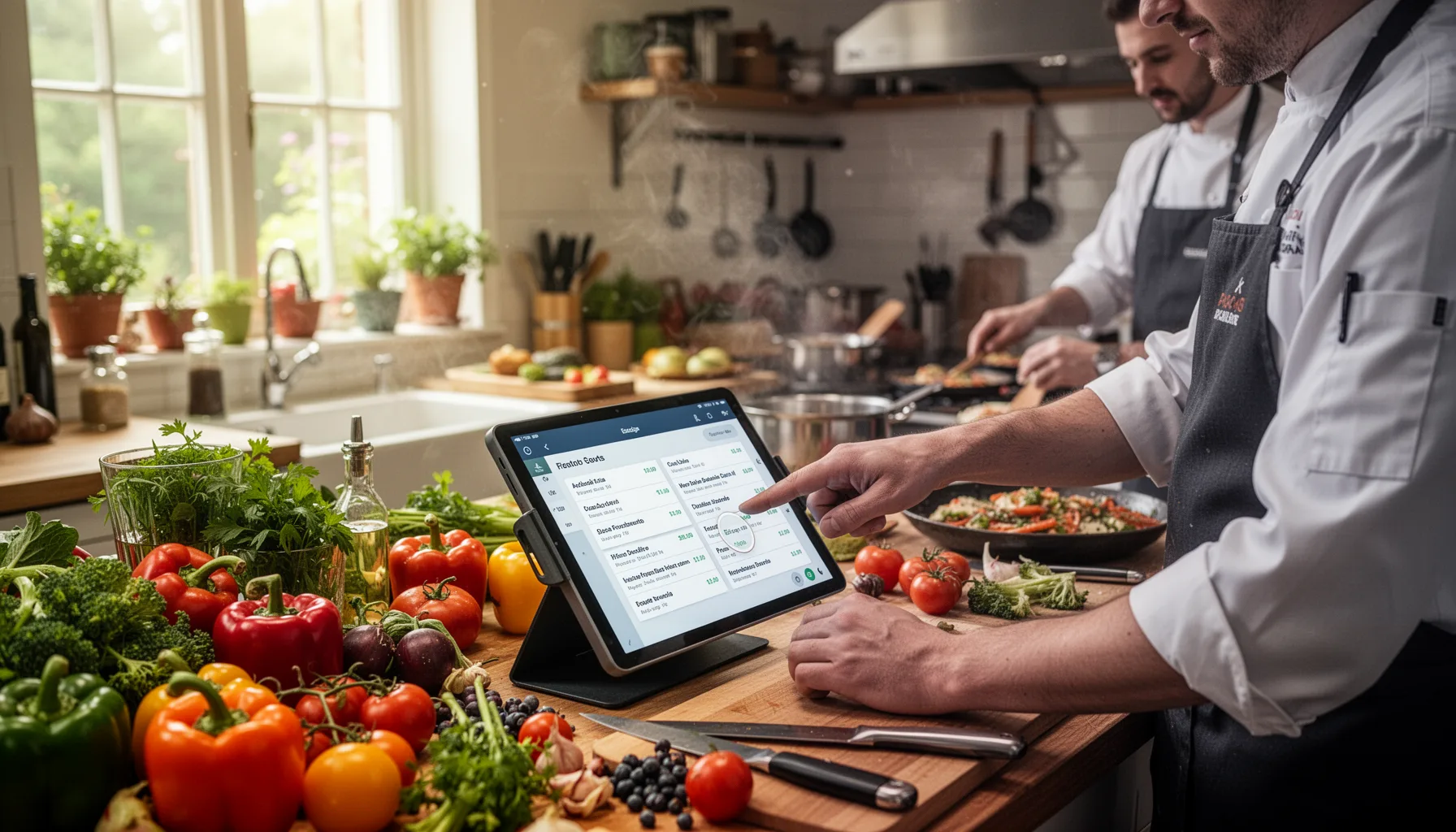
AI catering proposal automation means relying on AI and document software to pull menu details, event logistics, pricing, and branding into a proposal without rebuilding the file from scratch every single time. That's the core payoff. For caterers, the costly part isn't just writing copy; it's reconciling guest counts, service fees, substitutions, and presentation across every quote. A 2024 McKinsey estimate suggests workers spend nearly 20% of their time on repetitive administrative tasks, and proposal prep fits that pattern almost exactly for food-service operators. Not trivial. Tools like PandaDoc, Better Proposals, Canva Docs, and GPT-powered workflow layers in Zapier or Make can now merge structured data into branded documents in minutes. We'd argue the real draw isn't novelty at all, it's consistency: the proposal sent at 11:30 p.m. still looks as polished as the one that left at 10 a.m. Worth noting. A company like ezCater built its business by standardizing ordering workflows, and proposal automation applies that same logic earlier in the sales cycle.
How does AI catering proposal automation handle pricing, allergens, and menu changes?
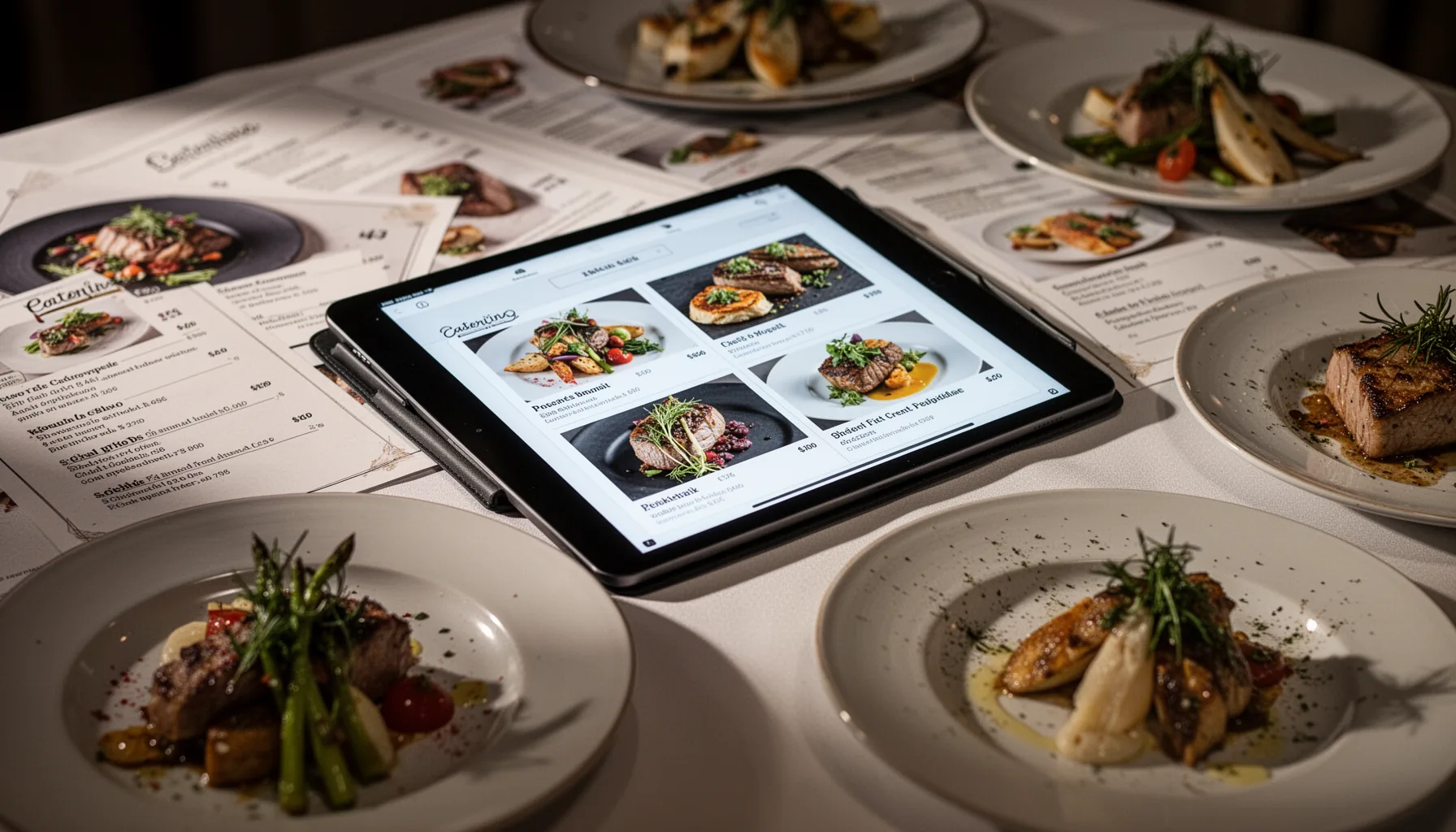
The strongest AI catering proposal automation systems work when pricing tables, menu logic, and allergen tags sit inside structured data before the proposal gets generated. Here's the thing. If a caterer keeps package prices in one spreadsheet, allergen notes in PDFs, and substitutions in staff memory, no model will reliably produce a clean final quote. So the smarter setup maps dishes to cost ranges, dietary labels, and replacement rules, then lets AI turn that data into client-friendly language. For instance, a wedding caterer might swap almond-crusted chicken for a nut-free herb chicken option and trigger both price and allergen updates automatically. That cuts rework. The Food Standards Agency and the U.S. FDA both maintain strict allergen guidance frameworks, and any caterer using AI should treat those rules as controlled data rather than freeform prose. We'd put it bluntly: if your AI writes lovely copy but your sesame warning is wrong, that polished PDF turns into a liability. That's a bigger shift than it sounds.
What is the best AI tool for catering proposals right now?
The best AI tool for catering proposals depends less on flashy text generation and more on whether it connects templates, pricing rules, and export workflows into one dependable system. That's why there isn't one winner for every shop. A small boutique caterer may get strong results from ChatGPT or Claude paired with Google Docs, Canva, and a PDF automation tool, especially when proposal volume stays modest. But a larger operation handling corporate events, weddings, and recurring office accounts will probably want PandaDoc, Proposify, or Qwilr tied to CRM data and custom menu databases. And integrations matter. HubSpot reports that sales teams using automated proposal and quote workflows reduce manual handoff delays, which is often where catering leads cool off. A practical example: a sales manager pulls event details from Airtable, triggers a draft in Make, inserts package options and allergen disclosures, then exports a branded PDF for final review. We'd rank reliability above creativity here. Simple enough. Caterers need repeatable outputs they can trust when the clock gets rude.
How caterers use AI to create polished PDF proposals that clients actually sign
Caterers rely on AI to create polished PDF proposals by combining structured offer data with branded templates, approval rules, and fast revision loops. That's what makes the output client-ready instead of merely generated. The winning proposal usually includes more than menu items: service style, staffing assumptions, rental notes, dietary accommodations, payment terms, and optional upgrades all need to appear in the right order. AI can draft the wording, summarize package differences, and adjust tone for a wedding client versus a pharmaceutical office lunch. But presentation still closes the credibility gap. Adobe's long-running digital document business points to a basic truth: clients trust documents that look deliberate, readable, and consistent across devices. So caterers increasingly use AI to fill sections, then route the file through branded PDF templates with photos, line-item pricing, and e-signature links. We'd say that's worth watching. AI doesn't replace the sales instinct behind a strong proposal. It strips out the formatting grind that keeps good operators stuck doing desktop publishing instead of selling.
Step-by-Step Guide
- 1
Standardize your menu data
Put menu items, package tiers, serving sizes, and upsell options into one structured source like Airtable or Google Sheets. Include cost per head, minimum quantities, and service fees. And don't skip naming consistency, because AI outputs break fast when item labels vary across files.
- 2
Tag allergens and substitutions
Assign clear allergen labels, dietary tags, and approved substitutions to every dish. Use controlled fields rather than casual notes in old PDFs. So when a client asks for gluten-free or nut-free revisions, the proposal engine can update language and pricing together.
- 3
Build a branded proposal template
Create one strong template with sections for event summary, menu, logistics, pricing, terms, and signature. Add your logo, fonts, colors, and photo placements before you automate anything. That way the AI fills a professional shell instead of improvising structure each time.
- 4
Connect AI to your intake workflow
Link your inquiry form, CRM, or spreadsheet to an AI drafting step using Zapier, Make, or native platform automations. Feed event date, guest count, venue, dietary needs, and service style into the prompt or document logic. This is where most time savings show up first.
- 5
Review margins and compliance
Check food cost assumptions, staffing charges, taxes, and allergen wording before sending. Keep a human in the loop for final approval, especially for custom menus or high-value events. Because one pricing miss can wipe out the gain from ten faster proposals.
- 6
Export and track the final PDF
Send the finished file as a clean PDF with optional e-signature and payment links. Track opens, clicks, and revision requests so your team can follow up quickly. And if clients keep asking the same question, update the template rather than fixing it one proposal at a time.
Key Statistics
Frequently Asked Questions
Key Takeaways
- ✓AI can draft polished catering proposals from menu, guest count, and pricing inputs
- ✓The best tools pair document generation with allergen and substitution logic
- ✓PDF formatting automation saves time, but pricing accuracy matters even more
- ✓Caterers should keep human review for margins, dietary notes, and upsell choices
- ✓Client-ready proposals work best when AI uses structured menu and package data