
⚡ Quick Answer
AI interaction as semantic navigation treats prompts, dialogue, and other inputs as ways users move through a meaning space rather than simply issue commands. That framing matters because it gives product teams a practical model for designing AI interfaces that are easier to steer, inspect, and improve.
AI interaction as semantic navigation can sound a bit abstract at first glance. But it doesn't need to stay fuzzy. The core idea is pretty plain: users aren't just typing prompts, they're moving through a space of intent, constraints, references, and possible outcomes. Once that clicks, a lot of current AI interfaces start to feel strangely crude. And then the better question isn't "What prompt should the user write?" It's "What kind of navigation system are we actually giving them?"
What is AI interaction as semantic navigation?

AI interaction as semantic navigation means people steer an AI through a space of meaning rather than fire off isolated instructions. That's the practical translation. In Supat Charoensappuech's Medium essay, the framing moves past prompt syntax and toward interaction as navigation, projection, and dialogue. That's a more fertile model for product design. We'd argue that shift has been overdue for a while. Products like Perplexity, Notion AI, and ChatGPT already point to it because users refine goals, inspect sources, branch threads, and return to earlier context instead of writing one perfect command. The old prompt box treats interaction like a single shot. Semantic navigation treats it like wayfinding. That better matches how people actually handle fuzzy tasks with AI. Worth noting.
How beyond prompting AI interaction maps to real interface patterns

Beyond prompting, AI interaction gets practical when you map each mode to a visible interface pattern. Here's where theory earns its keep. Linear prompting fits forms, single-turn copilots, and quick command bars, which is why GitHub Copilot Chat and plenty of embedded assistants still rely on it for bounded coding or lookup work. Dialogue fits exploratory tasks, troubleshooting, and collaborative drafting because users need iteration, memory, and repair. Projection is the most interesting mode. It turns user intent into visible artifacts such as plans, outlines, canvases, filters, or graph structures. Tools like Airtable AI, Coda Brain, and Miro's AI features already head this way, even if they don't use the phrase semantic navigation. We'd argue the winners in next-generation AI UX won't pick just one mode. They'll combine them. That's a bigger shift than it sounds.
When semantic navigation projection, dialogue, and linear prompting fail

Semantic navigation, projection, dialogue, and linear prompting each fail in fairly predictable ways, and product teams should design for those cracks early. This is where a lot of AI demos come undone. Linear prompting breaks when tasks need state, decomposition, or user correction because the interface hides reasoning structure behind one brittle input. Dialogue breaks when history gets messy, memory turns ambiguous, or users can't tell where the system is headed. Anyone who's watched a long ChatGPT thread drift off course knows that feeling. Projection breaks when the representation gets too rigid or too elaborate. Then guidance starts to feel like paperwork. Take Microsoft Copilot inside enterprise software: when context panes, chat, and document grounding line up, people move quickly, but when context binding gets fuzzy, trust drops fast. A good taxonomy isn't academic fluff. Each interaction mode carries its own UX debt. Not quite.
Why AI dialogue as navigation model changes memory and information architecture
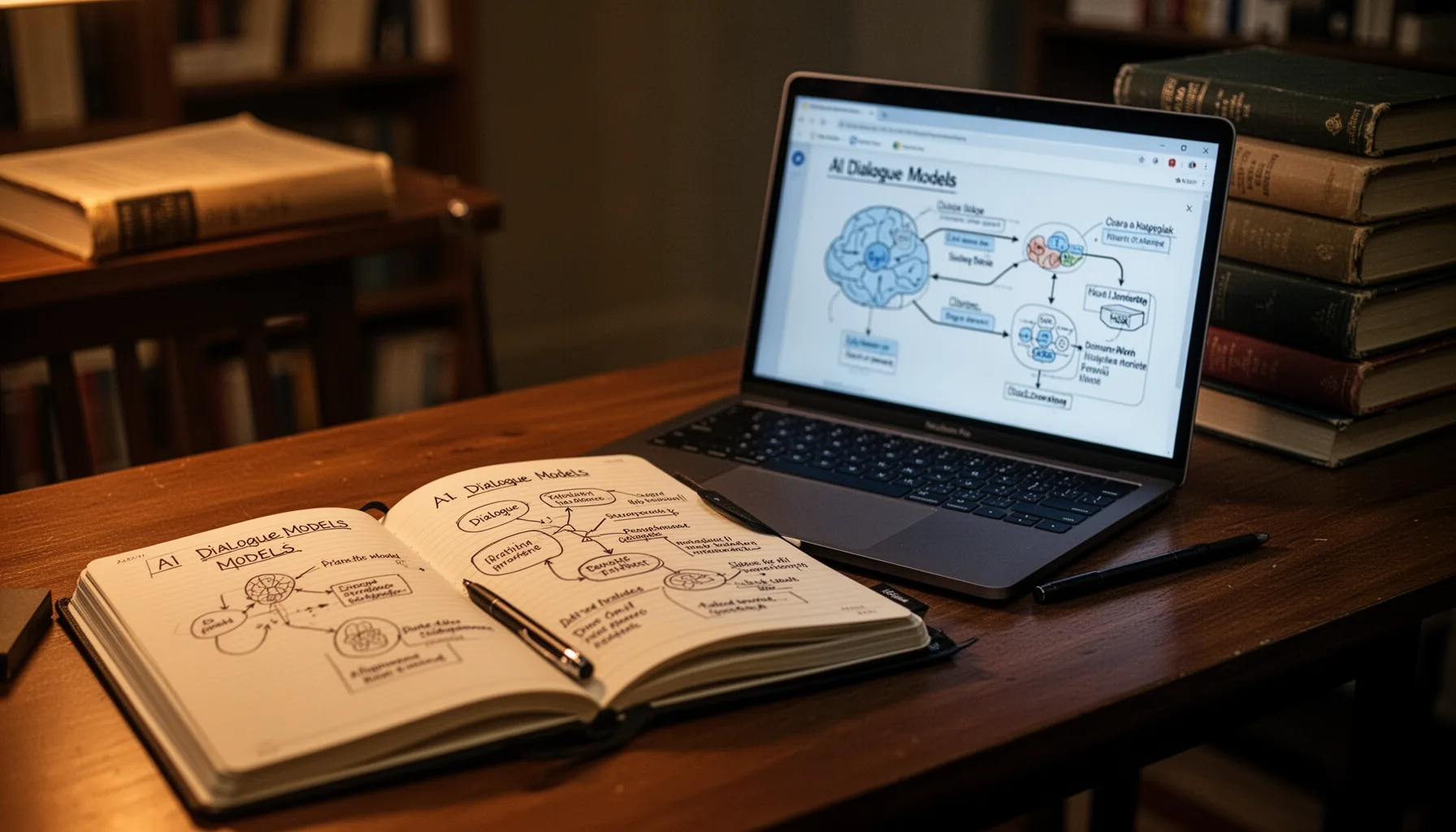
AI dialogue as a navigation model changes product architecture because memory stops being a convenience feature and becomes part of navigation itself. That's a consequential shift. If users navigate by refining meaning over time, the system needs structured memory for goals, entities, prior decisions, and unresolved branches rather than just a long transcript. This points straight at information architecture. Anthropic's work on Claude artifacts, OpenAI's memory features, and agent frameworks like LangGraph all suggest the same lesson: state management now shapes user experience as much as model quality does. And when memory is scoped badly, the interface feels haunted. Stale context resurfaces. Assumptions leak across tasks. Users burn time re-grounding the model. We'd argue semantic navigation gives design teams a sharper way to decide what should persist, what should reset, and what must stay inspectable. Simple enough.
Key Statistics
Frequently Asked Questions
Key Takeaways
- ✓Beyond prompting AI interaction is really a design problem, not just a language problem
- ✓Projection, dialogue, and linear prompting each fit different task types and failure risks
- ✓The best AI products will probably mix modes instead of picking one lane
- ✓Memory and information architecture matter as much here as model quality
- ✓Semantic navigation gives teams a concrete UX toolkit rather than loose theory