
⚡ Quick Answer
Anthropic enables auto mode for Claude Code so the assistant can handle more steps with fewer manual permission prompts. It can improve flow on bounded coding tasks, but teams should wrap it in branch isolation, test gates, and command allowlists before wider use.
Anthropic enables auto mode for Claude Code, and the easy headline is convenience. That's not the part that matters. The sharper question is whether fewer permission prompts actually move real software work along without leaving behind a security, audit, or review headache. Sometimes, yes. But sometimes the damage lands later, buried in a risky commit trail three weeks down the line.
What does Anthropic enables auto mode for Claude Code actually change?
Anthropic enables auto mode for Claude Code by trimming how often a developer must manually approve routine actions during an agentic coding session. Small tweak. Yet the change reshapes the working rhythm more than the announcement language suggests. Instead of stopping at every file read, edit, or preapproved command type, the assistant can push a task farther before it needs a human nudge. We think that makes the biggest difference on repetitive repo chores, where constant confirmation kills momentum faster than it protects anything. Take a Python service as a concrete case: Claude Code can inspect failing tests, patch implementation files, rerun checks, and tee up a diff with less babysitting than before. Because Anthropic has positioned Claude Code around terminal-native development, this update touches shells, git branches, and local tooling, not just a chat pane. That's a bigger shift than it sounds.
When does Claude Code auto mode explained actually improve developer throughput?
Claude Code auto mode explained plainly: it raises throughput when the work is bounded, testable, and easy to verify automatically. That's the sweet spot. If a repo has dependable CI, solid unit coverage, and a crisp definition of done, fewer permission prompts can cut friction without erasing accountability. We'd argue the gains are tangible for dependency bumps, narrow refactors, lint cleanup, failing-test triage, and framework migrations backed by strong tests. GitHub's 2024 developer surveys, along with productivity research around Copilot-style assistance, keep pointing to the same thing: flow interruptions shape how productive work feels almost as much as output quality does. Here's the thing. On a feature branch in a Next.js app, auto mode can inspect route files, update a component, run tests, and hand over a reviewable diff faster than a stop-start approval loop. But once a task calls for architectural judgment or product tradeoffs, the speed bump tends to shrink fast. Worth noting.
Where should Anthropic enables auto mode for Claude Code be constrained or disabled?
Anthropic enables auto mode for Claude Code, but teams should box it in hard around sensitive operations. Not every terminal action should run with that much freedom. Disable it, or clamp it down tightly, for secrets access, database migrations in shared environments, production deploy scripts, infrastructure changes, destructive shell commands, and any workflow that touches regulated data. In our view, the most common mistake with coding agents is treating local terminal access like low-stakes territory just because it isn't production yet. Not quite. Picture a monorepo where Terraform and app code sit side by side; an assistant fixing a TypeScript test shouldn't suddenly inherit broad permission to inspect or change infrastructure state. NIST's Secure Software Development Framework and standard least-privilege thinking both suggest the same move: narrow the allowed surface area before you automate. Auto mode should act like a scoped operator, not a wandering admin. We'd say that's consequential.
How should teams roll out Anthropic enables auto mode for Claude Code with guardrails?

Anthropic enables auto mode for Claude Code should roll out like a policy change, not some shiny feature toggle. Start with branch isolation. Simple enough. That gives teams a cheap containment line. Then add command allowlists, required test gates, signed commits where they fit, and logging that records prompts, command runs, file diffs, and reviewer approval. We think teams also need a task taxonomy: green-light work like lint fixes and narrow bug repairs, yellow-light work that needs checkpoints, and red-light work that stays manual. Enterprise engineering groups already working with GitHub Actions, Buildkite, or CircleCI offer a concrete model; they can require passing checks and code-owner review before any auto-mode-generated change reaches protected branches. That said, governance has to be legible to developers or they'll just route around it. The best rollout feels like guardrails on a mountain road, not a concrete barrier dropped in the lane. That's worth watching.
How does Claude Code auto mode compare with sibling AI coding tools?
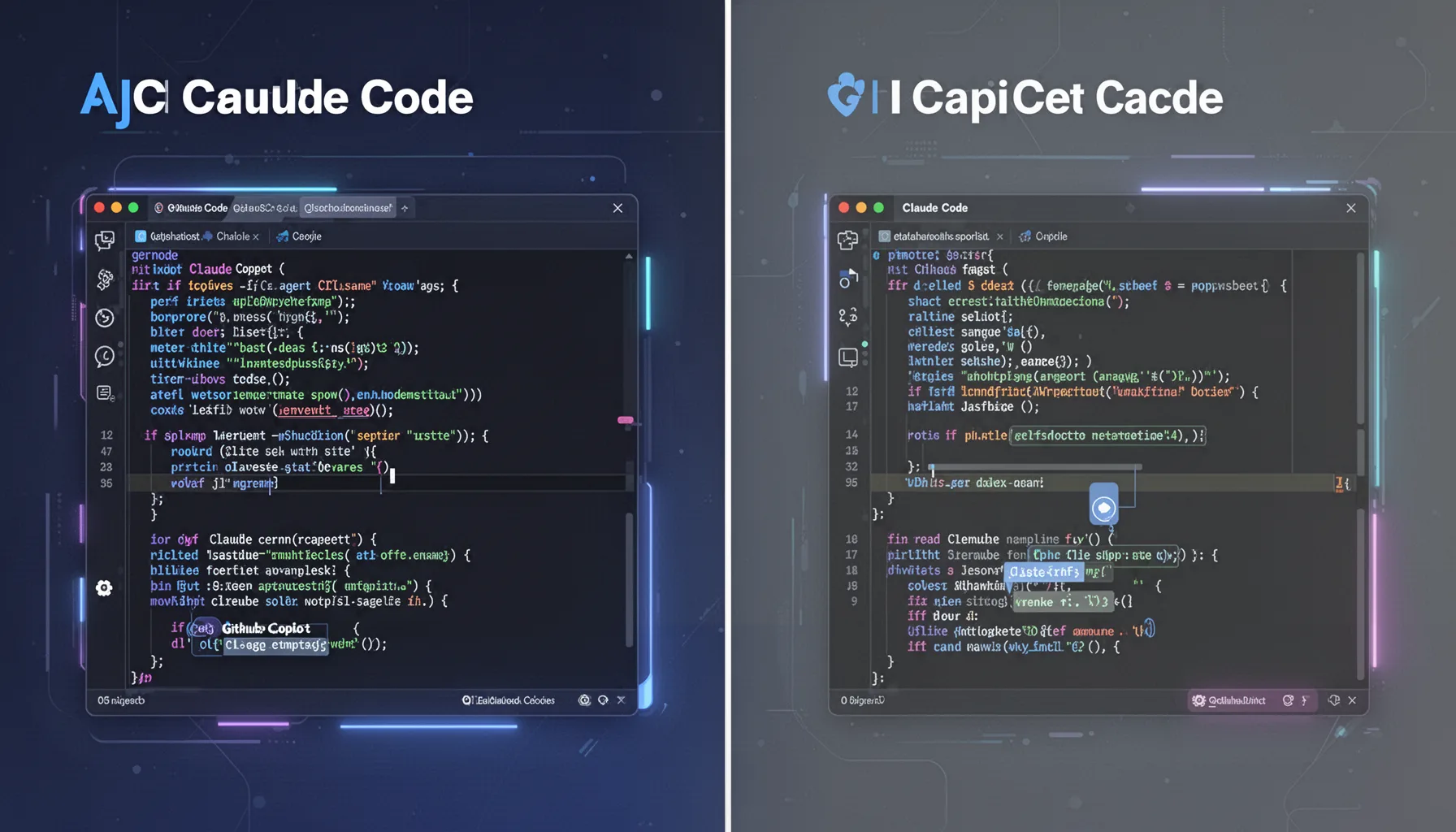
Claude Code auto mode sits in roughly the same practical bucket as approval and autonomy features in Cursor, GitHub Copilot workflows, and newer CI agents, but the specifics matter a great deal. Similar doesn't mean equal. Some tools center editor-native approvals, while Claude Code leans harder into terminal and command execution patterns. So branch hygiene, shell policy, and audit logging become more consequential here than they would with an assistant that stays inside the IDE. Our take is that Anthropic's move makes sense, but teams shouldn't assume tool parity just because each product offers some version of reduced friction. Cursor users, for example, often work inside an editor-mediated setup, while CI agents act after code leaves the laptop; Claude Code can sit much closer to local system state. Link this piece back to the Claude Code Auto Mode and AI Coding Tools pillar at topic ID 360, because tool choice should follow governance needs, not just ergonomics. Sibling topics on approvals, review workflows, and coding-agent evaluation belong in the same decision set. We'd argue that's the practical frame.
Step-by-Step Guide
- 1
Define safe task classes
List the tasks where auto mode is allowed, restricted, or banned. Keep the first rollout narrow: test repair, lint cleanup, small refactors, and documentation edits are sensible starting points. Write the rules down in plain language. If engineers can't understand the policy in a minute, it won't stick.
- 2
Isolate work on feature branches
Force Claude Code sessions into non-protected branches by default. That keeps experiments and mistakes away from mainline code while preserving a clear review trail. Pair this with branch naming conventions and automatic PR creation. Small habits prevent bigger incidents.
- 3
Create command allowlists
Allow only a short list of shell commands and tool actions at first. File reads, test runs, grep, and safe edit operations usually make sense; secret access, deployment tools, and destructive commands usually do not. Review the list weekly during early rollout. You'll spot edge cases fast.
- 4
Require automated test gates
Treat passing tests as the minimum bar before review. If the repo lacks meaningful tests, auto mode will probably feel fast while quietly increasing risk. Add lint, type checks, and smoke tests too. Cheap validation beats expensive rollback.
- 5
Log actions and approvals
Capture prompts, commands, diffs, and reviewer decisions in a system your security and engineering leads can query later. This isn't bureaucracy for its own sake. It's evidence. And when an assistant makes a surprising change, evidence is what keeps the postmortem short and useful.
- 6
Review rollout metrics weekly
Measure cycle time, rework, rollback rate, and reviewer burden for tasks done with and without auto mode. Compare similar task categories, not random anecdotes. If gains show up only on trivial edits, say so. Honest rollout metrics are better than internal hype.
Key Statistics
Frequently Asked Questions
Key Takeaways
- ✓Auto mode cuts interruption, but only on tasks with tight operational boundaries.
- ✓Developer throughput gains hinge on tests, repo hygiene, and the shape of the task.
- ✓Teams should pair Claude Code auto mode with branch isolation and detailed logs.
- ✓Disable or constrain auto mode for secrets, production scripts, and migrations.
- ✓Enterprise rollout needs approvals, evidence trails, and command-level policy controls.