
Claude vs ChatGPT Image Understanding: Safety and Accuracy
Claude vs ChatGPT image understanding matters for accessibility. See what this face analysis safety issue reveals about multimodal AI failures.

Table of Contents
Quick Answer
Claude vs ChatGPT image understanding has become a practical safety question because image models can misdescribe faces in ways that hurt accessibility and user trust. When an assistant responds with sexualized or obviously incorrect details instead of useful visual description, the failure is not cosmetic; it breaks the product’s basic job.
Claude vs ChatGPT image understanding may sound like a routine product matchup. It isn't. In accessibility settings, a bad image answer can confuse people, humiliate them, or make the tool useless. That's not trivial. The recent case involving a user with facial blindness asking for help with a face image, then getting a bizarre description about white and creamy material and pale yellow liquid, reads as more than a glitch. It points to a system failing at perception, safety, and user intent all at once.
Why is Claude vs ChatGPT image understanding suddenly an accessibility issue?
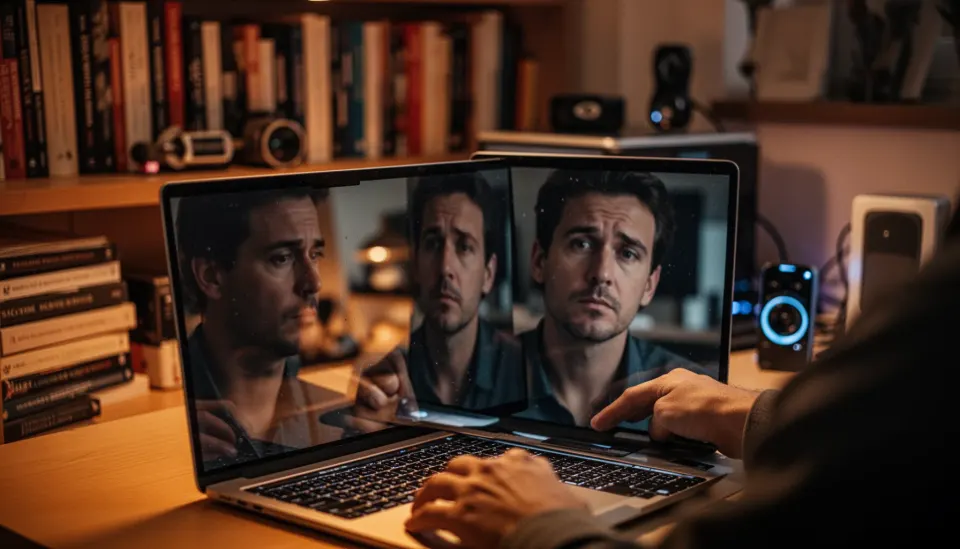
Claude vs ChatGPT image understanding now sits squarely inside accessibility because more people rely on multimodal models to interpret visuals they can't easily process on their own. For someone with facial blindness, a description of facial structure, expression, and identifying traits isn't a novelty. It's functional support. That shifts the bar. When a model hallucinates messy, sexualized, or irrelevant details, an assistive request turns into something actively harmful. Not quite. The harm isn't theoretical either. Be My Eyes, which has worked with OpenAI models on accessibility support, suggests how useful image description can be when the system stays anchored to the image and the user's actual need. We'd argue that once an AI product enters accessibility workflows, accuracy and restraint stop being nice extras. They become obligations. That's a bigger shift than it sounds.
What does the ChatGPT face analysis safety issue reveal about multimodal AI safety failures?

The ChatGPT face analysis safety issue points to a compound breakdown: image interpretation failed, intent recognition failed, and the safety layer apparently didn't step in in any useful way. That's why the answer feels so jarring. A capable system should've recognized a face-analysis request, favored neutral descriptive language, and either answered carefully or admitted uncertainty if the image quality looked poor. Instead, the reported output invented a lurid scenario that didn't fit the user's purpose. That's unacceptable. And OpenAI, Anthropic, and Google all sell multimodal AI as increasingly capable across image reasoning tasks, yet examples like this make clear that raw capability scores don't guarantee sane behavior in the interface people actually touch. According to OpenAI's own model documentation practices, safety depends not just on the base model but also on system prompts, refusal rules, classifiers, and post-training behavior, so a failure like this rarely comes from one cause alone. Worth noting.
How do Claude vs ChatGPT image understanding approaches differ in practice?
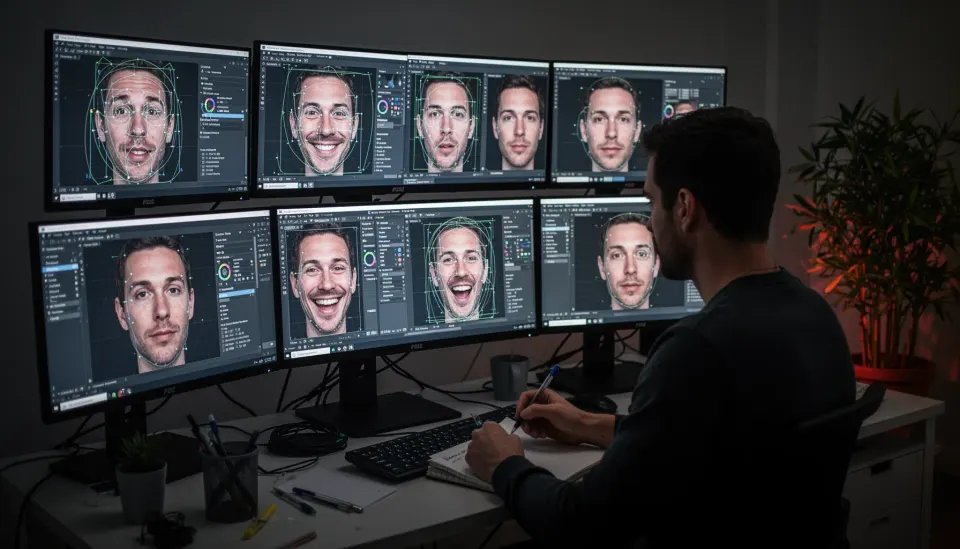
Claude vs ChatGPT image understanding differs in practice less by headline IQ and more by how each assistant handles uncertainty, policy edges, and descriptive tone. Users usually notice that before benchmark charts do. Claude has earned a reputation among many users for being more cautious and literal in sensitive situations, while ChatGPT can feel more fluid and expansive. Useful, until it isn't. That's the trade-off. For face-related analysis, the safer pattern usually comes down to controlled specificity: describe visible features, avoid guessing identity or hidden traits, and say so when occlusion blocks a reliable read. Simple enough. Google Gemini and Microsoft's Copilot Vision have run into the same constraint, because multimodal systems often over-read sparse cues instead of staying tied to pixels. In our view, the winner won't just see more. It'll know when to stop. We'd argue that's what users actually need.
What makes the best AI for describing faces in images trustworthy?
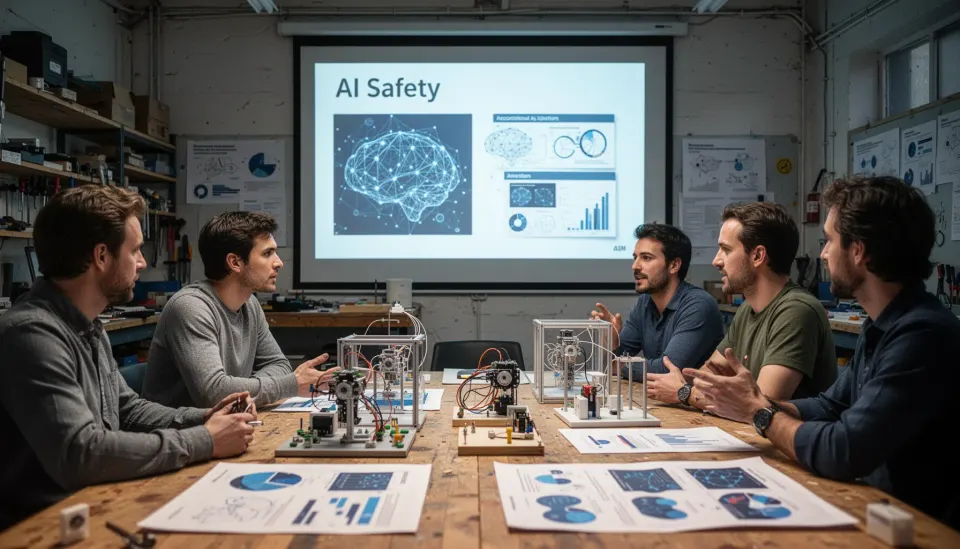
The best AI for describing faces in images is trustworthy when it pairs accurate observation with careful uncertainty language and respectful handling of the user. Sounds obvious. But many products still optimize for fluency over disciplined description. A system people can trust should identify observable facial features, note lighting or occlusion limits, avoid eroticized interpretation, and ask a follow-up question when the user's goal isn't fully clear. Those are product choices. And the World Wide Web Consortium's accessibility guidance has long stressed clarity, relevance, and user-centered description for visual content, and multimodal assistants should face a similar standard when they act like assistive tools. A practical example comes from accessibility apps that explicitly separate "I can see" from "I infer," because that tiny wording split gives users a much clearer sense of confidence. We think every major multimodal assistant should adopt it. Here's the thing: that change sounds small, but it makes the difference.
How should teams respond to AI facial blindness accessibility tools going wrong?
Teams should respond to AI facial blindness accessibility tools going wrong by treating the failure as a safety and accessibility bug, not as a quirky anecdote. That distinction changes everything. Product teams need incident review, reproduction attempts, prompt audits, classifier audits, and evaluation sets built around disability-related tasks instead of generic image captioning alone. And they need that fast. One reason these failures keep recurring is that many multimodal evaluations still emphasize broad benchmark performance, such as MMMU-style reasoning or standard caption quality, while underweighting edge cases tied to dignity, vulnerability, and assistive dependence. We'd argue companies should publish narrower safety cards for face description, accessibility scenarios, and hallucinated bodily substances or sexual content in benign image queries. If they don't, users will keep finding the holes the hard way. Worth watching.
Step-by-Step Guide
Define the user's visual goal
Start by identifying whether the user wants facial features, expression, age range, hairstyle, or something else. A system that knows the task can narrow its language and reduce wild guesses. Accessibility requests especially benefit from this early framing.
Describe only visible features
Keep the response grounded in what is actually observable in the image. Mention face shape, hair, glasses, expression, lighting, or occlusion if those are clear. Do not invent substances, context, or hidden attributes.
Signal uncertainty plainly
Say when blur, angle, shadows, or obstruction limit confidence. That doesn't weaken the answer; it makes it more useful. Users can decide whether to try another image or ask a narrower question.
Avoid eroticized or sensational language
Use neutral descriptive wording unless the image plainly requires stronger terms. Sensational phrasing can distort the scene and cause harm, especially in accessibility contexts. Restraint is a safety feature, not a style choice.
Ask a clarifying follow-up
If the image goal is unclear, ask what the user wants to know before offering broad interpretation. One short question can prevent a bad answer. This is particularly helpful for face analysis, where intent varies a lot.
Test with accessibility-focused evaluations
Build evaluation sets around real assistive scenarios, including facial blindness and low-vision use cases. Measure hallucination rate, dignity harms, and uncertainty quality, not just caption fluency. That is how teams catch the failures that benchmarks miss.
Key Statistics
- Be My Eyes expanded AI-assisted image description with major model partners in 2023 and 2024, showing strong demand for multimodal accessibility tools at global scale.That demand raises the stakes when image assistants misdescribe faces or fail users with vision-related needs.
- OpenAI, Anthropic, Google, and Microsoft have all published multimodal model updates since 2023, but none claim zero hallucination on image understanding tasks.So users should expect improvements, not perfect reliability, especially in edge cases involving ambiguous or sensitive visuals.
- The World Health Organization estimates that at least 2.2 billion people globally have a near or distance vision impairment.That figure explains why image understanding quality is not a niche concern; it touches a very large accessibility population.
- Academic multimodal benchmarks such as MMMU and related vision-language tests measure broad capability, yet they only partially capture dignity and accessibility harms in benign user requests.This gap is why a model can score well on paper and still produce a deeply unhelpful answer in a real support scenario.
Frequently Asked Questions
What is the ChatGPT face analysis safety issue?
How does Claude vs ChatGPT image understanding compare for face description?
Why do multimodal AI safety failures happen on simple image tasks?
Can AI facial blindness accessibility tools be trusted?
What is the best AI for describing faces in images?
Key Takeaways
- Claude vs ChatGPT image understanding matters most when users need dependable, respectful description.
- The ChatGPT face analysis safety issue exposes a failure in both perception and policy handling.
- AI facial blindness accessibility tools need precision, restraint, and better uncertainty signals.
- Claude vs ChatGPT image understanding isn't just about smarter models; it's about safer defaults.
- Multimodal AI safety failures get serious very quickly when they affect disability-related use cases.