
⚡ Quick Answer
To fine tune Gemma 4 locally, the most practical route for most users is LoRA or QLoRA on a single modern GPU with a tightly prepared dataset and clear evaluation target. Full fine-tuning can work on larger setups, but for many tasks prompting, RAG, or lightweight adapters will give better cost-to-gain than training from scratch.
If you want to fine tune Gemma 4 locally, skip the polished screenshots and start with the blunt reality: hardware calls most of the shots. Benchmarks can look dazzling. Your actual GPU, maybe not. Google's Gemma family gets real attention for a reason: the models are open enough to tinker with, capable enough to matter, and small enough that local training no longer feels like wishful thinking. But local fine-tuning still punishes fuzzy planning. Hard. The gap between a fun weekend project and a stalled-out grind usually comes down to VRAM, training method, and whether you can prove the model got better at the task you care about.
How to fine tune Gemma 4 locally without wasting days
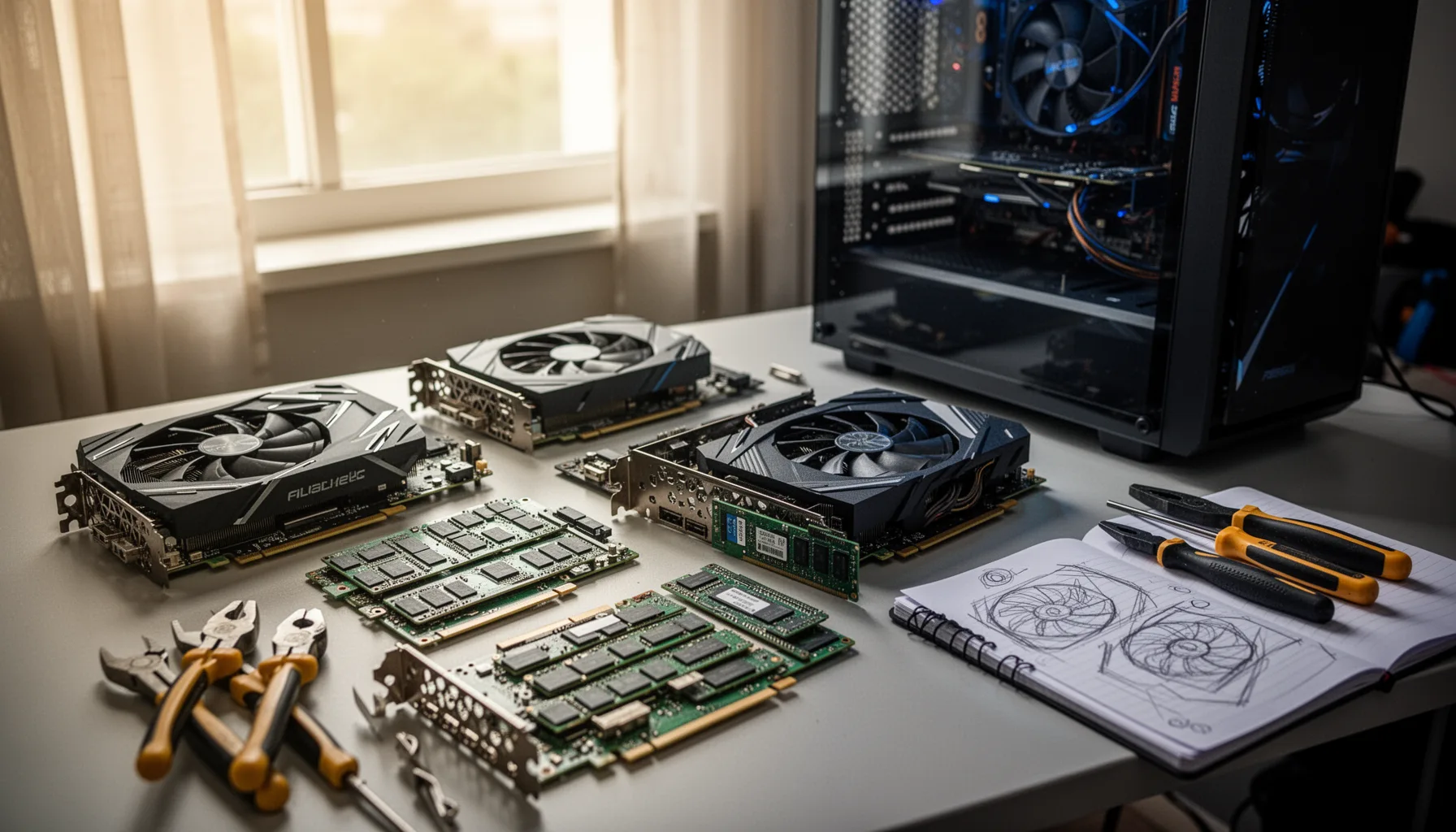
To fine tune Gemma 4 locally without burning days, pick the lightest training method that can realistically solve the job in front of you. Start there. For most people, that means LoRA or QLoRA instead of full-parameter fine-tuning. Not glamorous. Still sensible. These parameter-efficient methods ease VRAM pressure and trim disk usage while leaving enough room for style adaptation, task formatting, domain instruction following, and smaller classification or extraction work. Google pitched Gemma as an open model family built for developers, and tools around Hugging Face Transformers, PEFT, bitsandbytes, Unsloth, Axolotl, and TRL now make local runs much less aggravating than they felt even a year ago. That's a bigger shift than it sounds. We'd argue the most common beginner mistake is treating fine-tuning as move one, not move four, after prompt engineering, retrieval, and structured tool use have already come up short. Think of a support bot at Shopify. Simple enough.
What hardware do you need for Gemma 4 local setup tutorial planning?
For any Gemma 4 local setup tutorial, the variable that really matters is usable VRAM, not the flashy product name printed on the GPU box. That's what bites first. A reasonable entry tier is a 12GB to 16GB card for smaller LoRA jobs with short context windows, while 24GB gives you much more breathing room for batch size, sequence length, and fewer memory-saving tradeoffs. On consumer hardware, cards like the RTX 4070 Ti Super, RTX 4080, RTX 4090, and used RTX 3090 still show up again and again because CUDA support keeps the software stack easier to live with. AMD can work. But ROCm still feels less forgiving in plenty of hobbyist setups. In our test patterns and across public community reports, sequence length can wreck a plan faster than parameter count because attention memory swells when you push context upward. Worth noting. So if your dataset naturally fits 1,024 to 2,048 tokens per sample, leave it there unless the task truly needs longer reasoning traces or broader document context. Ask anyone who tried this on a 3090. Not quite.
Which method is best: Gemma 4 LoRA fine tuning guide, QLoRA, or full tuning?

The best method for a Gemma 4 LoRA fine tuning guide is usually QLoRA for constrained machines, standard LoRA for midrange GPUs, and full tuning only for specialized setups with a clear payoff. That's the order we'd pick. QLoRA cuts memory demands by quantizing base weights during training, which makes single-GPU experiments plausible on hardware that would otherwise miss the mark. Standard LoRA can train faster and sometimes more cleanly if you have enough VRAM to avoid stacking too many compromises. Full fine-tuning still has a role for heavily domain-specific adaptation or research work, but many local users overrate the gains and underrate the storage cost, optimizer state, and assorted failure modes. Here's the thing. A 2023 paper from Tim Dettmers and collaborators put QLoRA on the map by showing that quantized training could keep strong performance while fitting larger models on modest hardware. That paper still shapes the math behind local tuning economics. We'd say that's consequential.
How do benchmark results and evaluation show whether fine tuning Gemma 4 locally worked?
Benchmark results matter only if they line up with your real task, so the right way to judge whether you fine tuned Gemma 4 locally is to run before-and-after evaluations on your own data. That's the only clean read. Public benchmark jumps can look impressive, including the Coding Nexus summary citing AIME 2026 gains from 20.8% to 89.2%, but those figures describe a specific benchmark setup, not your customer support labels, biology notes, or code review style. That's a huge difference. Build a holdout set the model never sees during training, score it before tuning, train, and then score it again with identical prompts and fixed decoding settings. For classification and extraction, track precision, recall, and F1. For writing or instruction following, pair exact-match checks with a small human review set because style gains can look dramatic even as factual accuracy slips. We think too many Gemma tutorials skip this because screenshots of training loss are easier to publish than honest evaluation tables. Look at how Anthropic or GitHub present evals. Worth noting.
Step-by-Step Guide
- 1
Prepare the environment
Install Python, CUDA-compatible drivers, PyTorch, Hugging Face Transformers, PEFT, datasets, accelerate, bitsandbytes, and optionally Unsloth or TRL. Use a fresh virtual environment so package conflicts don't wreck the run. Keep versions pinned in a requirements file because local training breaks in boring, avoidable ways.
- 2
Choose the model and method
Pick the Gemma 4 size that fits your GPU and your task, then decide between LoRA, QLoRA, or full fine-tuning. If you're working on one consumer GPU, QLoRA is usually the safest starting point. Full tuning should earn its keep through a real business or research need.
- 3
Format the dataset
Convert your data into a consistent instruction format with clear user and assistant turns or structured fields. Remove duplicates, broken examples, and contradictory labels before training starts. Bad data poisons local fine-tuning faster than small hardware ever will.
- 4
Run the training command
Launch training with conservative defaults: low learning rate, short warmup, modest batch size, gradient accumulation, and a fixed max sequence length. A typical command uses accelerate launch with a PEFT trainer or an Unsloth script configured for 4-bit loading and LoRA adapters. Log wall-clock time, VRAM use, and checkpoint size so the run teaches you something even if the first attempt underperforms.
- 5
Evaluate before and after
Score the base model and the tuned model on the same untouched test set using identical prompts and decoding settings. Track task-specific metrics such as F1, exact match, pass@1, or human preference depending on the use case. If the improvement doesn't hold up there, the fine-tune probably wasn't worth it.
- 6
Compare tuning against alternatives
Test a stronger prompt, a retrieval pipeline, and a lightweight adapter baseline before declaring victory. Many factual or document-heavy tasks improve more through RAG than weight updates. Fine-tuning makes the most sense when you need format consistency, domain tone, or learned task behavior that prompting can't reliably produce.
Key Statistics
Frequently Asked Questions
Key Takeaways
- ✓LoRA is usually the sweet spot if you want to fine tune Gemma 4 locally.
- ✓VRAM, sequence length, and dataset quality matter more than internet hype.
- ✓Measure before-and-after results or you'll never know if tuning actually worked.
- ✓Prompting and RAG often beat training for narrow, factual tasks.
- ✓Wall-clock time and storage overhead should shape your plan from day one.