
Pallas kernels for vLLM TPU: a practical step-by-step guide
Master Pallas kernels for vLLM TPU with a practical guide to performance baselines, debugging, integration, and tuning tradeoffs.

Table of Contents
Quick Answer
Pallas kernels for vLLM TPU let you replace generic execution paths with kernels tailored to your inference bottlenecks. You should write one only when profiling proves the default path wastes TPU compute, memory bandwidth, or shape-specific efficiency.
Pallas kernels for vLLM TPU can sound a bit exotic—right up until you slam into an inference bottleneck and the default path just shrugs. Then it gets real. Teams usually ricochet between sparse official docs and code samples that skip key assumptions, and that leaves an ugly gap between theory and deployment that actually works. We’re here to close that gap. But the real question isn’t only how to write a kernel. It’s why this kernel should exist in the first place.
What are Pallas kernels for vLLM TPU and when should you use them?

Pallas kernels for vLLM TPU are custom, JAX-native kernels that let you steer low-level execution for specific TPU workloads inside an inference path. That kind of control matters when one hotspot dominates latency or throughput, and the stock implementation can't take advantage of the data shape. Simple enough. Google pitched Pallas as a way to write kernel-style code in Python for accelerators, especially TPU and Mosaic GPU backends, while staying tightly connected to JAX workflows. But not every slowdown calls for a custom kernel. If your bottleneck comes from tokenizer overhead, scheduler fragmentation, host-device transfer, or weak batching in vLLM, a custom TPU kernel won't save the system. We'd argue plenty of teams reach for kernels too soon because the work feels heroic. Profiling first is less flashy and much more useful. Worth noting. Think of a team tuning Llama 3 serving on Cloud TPU v5e: if batching is the real problem, kernel code won't bail them out.
How to write Pallas kernel code for vLLM TPU without wasting time
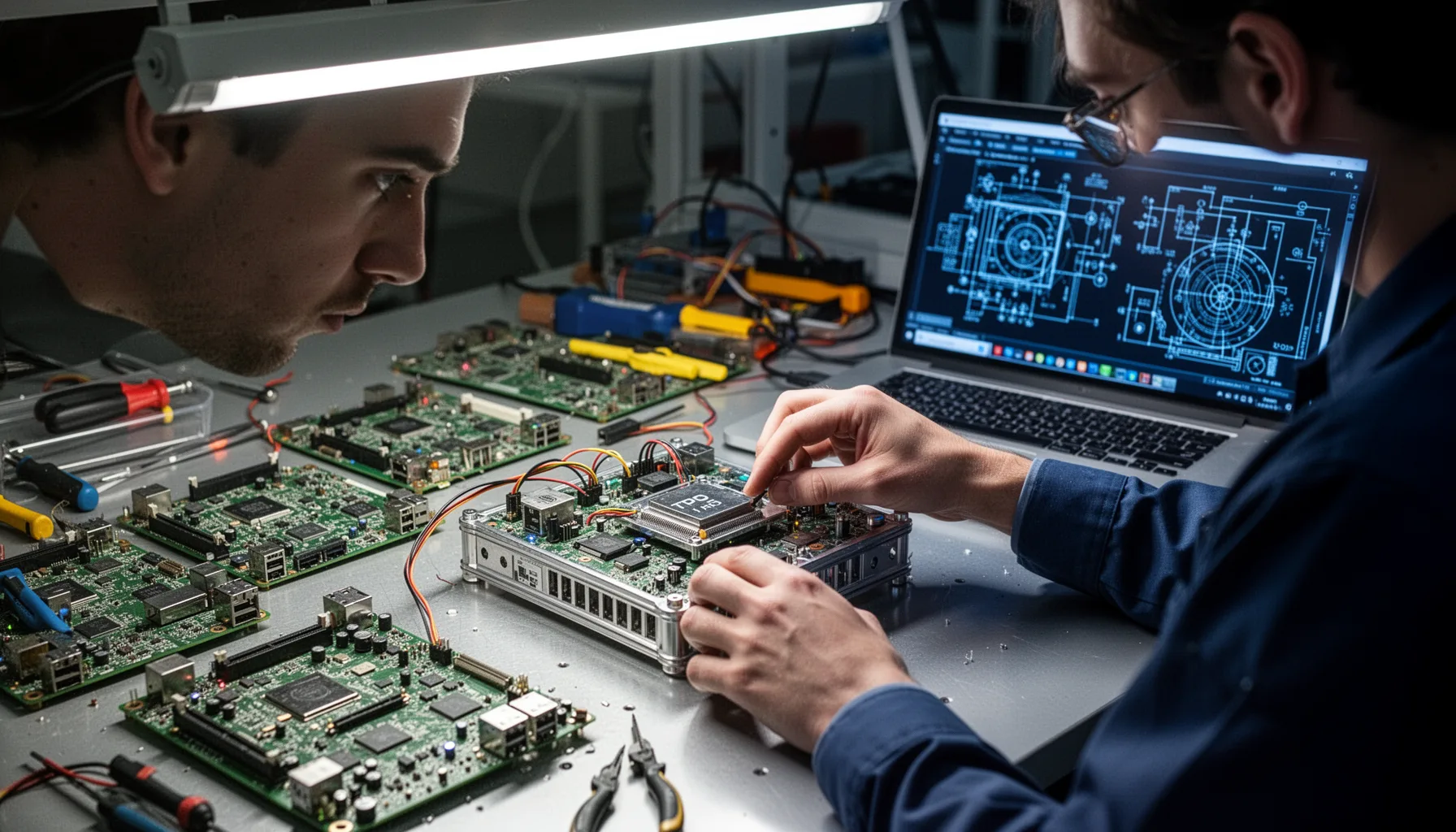
Writing Pallas kernel code for vLLM TPU starts with isolating one operation, locking the target shape, and setting a measurable goal before you touch the code. Pick a hot path like attention-related memory movement, KV cache update logic, or a fused elementwise block that repeats across tokens. Then capture a baseline with vLLM metrics, JAX profiling tools, and TPU profiler traces on Google Cloud. Here's the thing. If you can't say whether you're chasing lower p99 latency, higher tokens per second, or lower HBM pressure, you'll tune in circles. A practical workflow starts with a small reproducible harness, not the full serving stack. That gives you a clean way to verify correctness against a reference implementation before integration. And yes, it can feel slower at the start. But it slashes the number of TPU test cycles. That's a bigger shift than it sounds. A concrete example: if a Gemma inference path spends time in cache updates, build that harness around just that path first.
How to integrate custom TPU kernels for LLM inference into vLLM

Custom TPU kernels for LLM inference should enter vLLM behind a narrow interface, so you can switch them off fast if they start acting up. That means feature flags, shape guards, fallback paths, and explicit compatibility checks with the model architecture you serve. vLLM gets its edge from efficient serving and memory handling, so your kernel needs to fit that model instead of fighting it. Not quite. If a custom cache update kernel speeds up one sequence length but drags on another, route only the winning case to it. Teams at Google and Hugging Face keep stressing benchmark discipline for accelerator work because local wins often disappear under real traffic mixes. We've seen the same thing. The best integration plan assumes partial success, not universal speedups. Worth noting. Say a Mistral deployment sees gains at 128 tokens but regressions at 2K; selective routing beats blanket rollout.
Why benchmark and debug Pallas kernels for vLLM TPU so carefully?

You need to benchmark and debug Pallas kernels for vLLM TPU with care because TPU performance bugs often masquerade as model bugs until you inspect the traces. Shape mismatches, unintended recompilation, memory layout errors, and quiet precision issues can wipe out gains or subtly corrupt outputs. Use correctness tests against known tensors first. Then measure compile time, steady-state latency, tokens per second, and tail performance under mixed batch sizes. A single median-latency chart won't tell you much. Since Cloud TPU docs and JAX profiling tools make stalls, transfers, and recompilation patterns visible, you should rely on them every time. My view here is pretty blunt: no custom kernel belongs in production without a benchmark report and a rollback plan. Fancy code isn't the win. Repeatable speed is. Here's the thing. Nvidia has Nsight; on TPU, your equivalent discipline comes from profiler traces, not wishful thinking.
Step-by-Step Guide
Profile the baseline
Measure the current vLLM TPU path before writing anything custom. Capture latency percentiles, throughput, memory behavior, and compile events using JAX profiler and TPU tools. Save these numbers, because they become the only honest standard for judging success.
Choose a single hotspot
Select one repeated operation with a clear contribution to end-to-end cost. Keep the scope narrow, such as KV-cache updates or a fused block with obvious memory inefficiency. If you chase three bottlenecks at once, you won’t know which change mattered.
Build a minimal kernel harness
Write the Pallas kernel in a small test setup outside the full serving stack. Feed fixed tensor shapes and compare outputs against a trusted implementation. This is where you catch indexing mistakes, precision surprises, and bad assumptions cheaply.
Validate correctness under edge shapes
Test the kernel with the exact sequence lengths, batch sizes, and dtypes your service sees in practice. Include corner cases that trigger padding, partial tiles, and unusual cache states. TPU bugs love edge shapes, so don’t skip them.
Integrate behind a feature flag
Wire the custom path into vLLM using a switchable interface with a safe fallback. Add logging that records when the custom kernel runs, on which shapes, and with what model settings. If results drift, you’ll need that trail.
Benchmark under realistic traffic
Run controlled experiments that mirror production prompts, concurrency, and batch variation. Compare compile overhead, steady-state throughput, and tail latency against the default path. Keep the kernel only if the system-level gain holds under real load.
Key Statistics
- Google Cloud documentation for Cloud TPU v5e positions the platform around cost-efficient inference and training, with architecture choices that make memory movement and shape efficiency especially consequential.That’s why custom kernels can matter. On TPU systems, the difference between compute-bound and memory-bound code often decides whether an optimization is meaningful.
- The vLLM project has attracted tens of thousands of GitHub stars by 2025, reflecting broad adoption for high-throughput LLM serving across research and production teams.Wide adoption means more teams now hit the same inference bottlenecks. Practical tuning guidance matters because default settings rarely fit every deployment profile.
- JAX and Pallas documentation from Google consistently emphasize profiling, tile choices, and shape-aware design as core performance determinants for custom accelerator kernels.That guidance points to a repeatable method rather than guesswork. Kernel quality comes from measurement and data layout decisions, not clever syntax alone.
- Across production inference systems, p99 latency often drives user experience more than average latency, and accelerator optimizations that improve only median numbers can still disappoint under live traffic.This is why benchmarking custom kernels under realistic concurrency is non-negotiable. Serving systems fail at the tail first.
Frequently Asked Questions
What is Pallas in the context of TPU programming?
Why would I write a custom Pallas kernel for vLLM on TPU?
How do I benchmark a Pallas kernel fairly?
Who should own custom TPU kernel maintenance?
When should I avoid custom TPU kernels in vLLM?
Key Takeaways
- Start with profiling, because custom kernels almost never pay off by accident
- Pallas works best when a clear bottleneck shows up in one hot path
- vLLM TPU tuning needs benchmarks, integration tests, and rollback plans
- Debugging shape mismatches early can save hours of ugly TPU iteration
- The smartest kernel is often the smallest one that actually moves latency