
Run multiple Claude Code sessions in parallel: a data analyst guide
Learn how to run multiple Claude Code sessions in parallel for faster analysis, cleaner handoffs, and a stronger AI productivity workflow.

Table of Contents
Quick Answer
To run multiple Claude Code sessions in parallel, assign each session a distinct role, dataset boundary, and output contract instead of letting one chat do everything. Data analysts get the biggest gains when they split exploration, SQL, validation, documentation, and debugging into separate concurrent streams.
Run multiple Claude Code sessions in parallel, and the tool stops feeling like a chatbot. It starts to resemble a compact analytics pod. That's a bigger shift than it sounds. A lot of analysts miss it. They keep one sprawling thread alive, dump every question into it, and then act surprised when the answers get fuzzy by 3 p.m. Not quite. We think that habit leaves a startling amount of value untouched. The stronger model is orchestration: several focused sessions, each with a job, a boundary, and a clear deliverable.
Why run multiple Claude Code sessions in parallel as a data analyst?

Run multiple Claude Code sessions in parallel because analysis work already breaks into parallel tasks, even when one analyst owns the whole thing. On a normal day, that person isn't doing one job. They're checking source data, drafting SQL, sanity-testing metrics, reviewing business definitions, and packaging findings for stakeholders. A single session tends to mush those jobs together over time and contaminate context. That hurts. Separate sessions keep one thread on warehouse queries, another on Python cleaning logic, another on chart narration, and another on QA. That's closer to how strong teams divide labor across specialists, even if one person still directs the whole system. We'd argue the mental relief matters almost as much as the speed bump. Worth noting. Think of a solo analyst at Ramp or Stripe doing four mini-jobs at once.
How to use Claude Code efficiently with session roles and boundaries

How to use Claude Code efficiently comes down to giving each session a role, with explicit inputs, outputs, and stop conditions. One thread can play SQL engineer. Another can audit metrics. Another can refactor the notebook, while one more writes documentation. Give each one a short brief, the relevant schema or file subset, and a fixed output format. It sounds rigid. Good. Claude tools from Anthropic usually do better when instructions stay tight and stable instead of sprawling across mixed goals. For a concrete example, a product analyst in Snowflake might run one session to draft cohort SQL, one to inspect join logic, and one to turn validated results into stakeholder-ready summaries. The trick isn't more prompts. It's cleaner lanes. We'd say that's more consequential than it first appears.
What does a parallel AI coding workflow look like in real analyst work?

A parallel AI coding workflow works best as a staged pipeline, where sessions pass work to one another without collapsing into one giant conversation. Start with an intake session that frames the business question and the constraints. Then spin up execution threads for SQL generation, Python transforms, experiment analysis, and chart labeling, while a separate reviewer checks assumptions and edge cases. Here's the thing. You don't need eight sessions every hour. You need enough active lanes to match the complexity of the task and the number of artifacts in motion. We've seen analysts rely on this pattern for churn analysis, forecasting cleanup, dbt model reviews, and dashboard QA with far less rework. The opinionated point is simple: parallelism pays off when the analyst stays editor-in-chief, not a passive spectator. Worth noting. At Amplitude, that split between executor and reviewer would feel very familiar.
How to avoid context drift when you run multiple Claude Code sessions in parallel
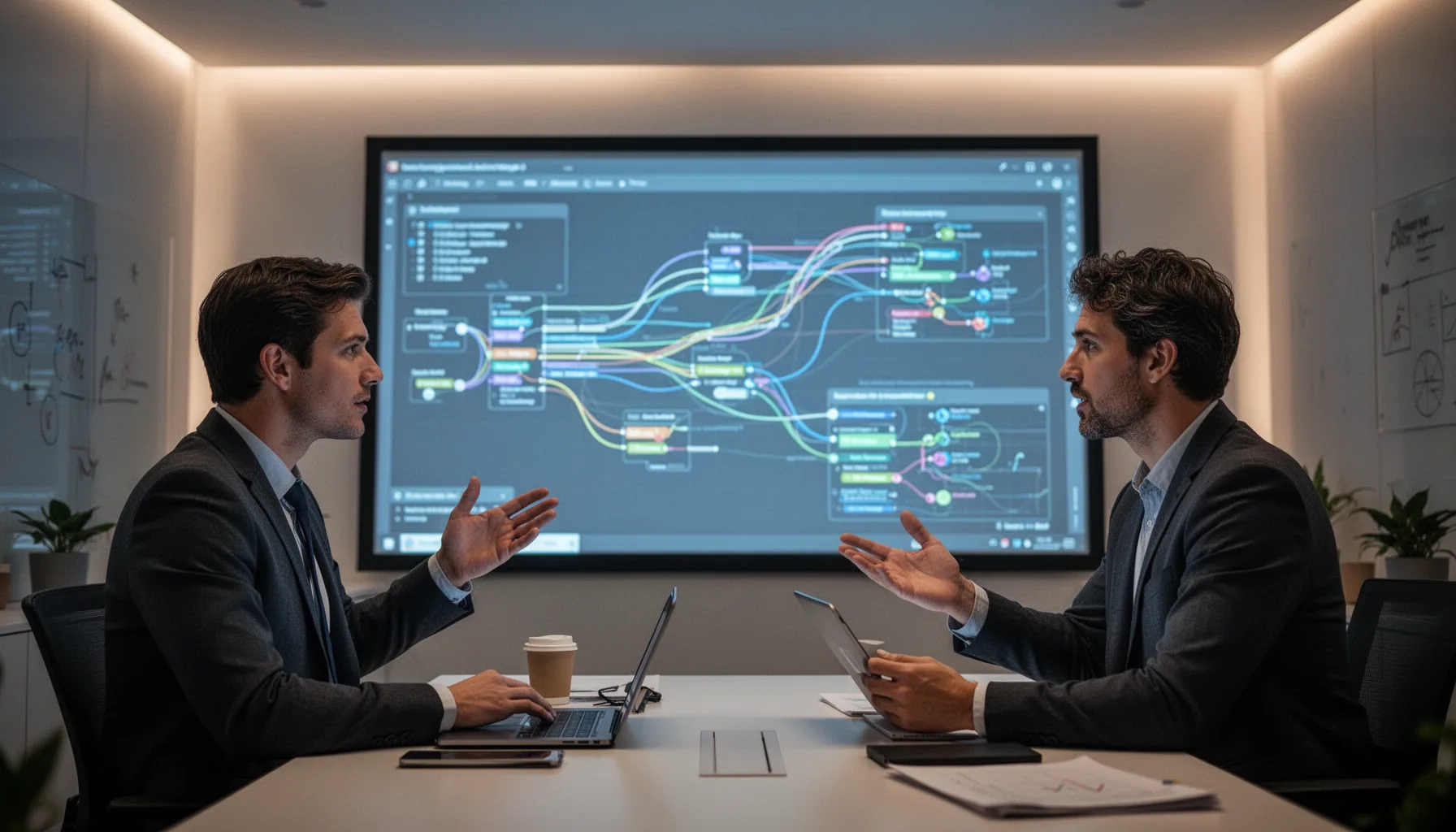
To avoid context drift when you run multiple Claude Code sessions in parallel, keep a shared project brief outside the chats and repeat only the minimum inside each thread. Context drift starts when one session absorbs stale assumptions, another invents definitions, and a third begins optimizing the wrong metric. That's the trap. A lightweight operating system fixes most of it. Use a master notes file with metric definitions, table names, business rules, and open questions, then point each session to the slice it actually needs. Git repos, dbt docs, Notion pages, and data dictionaries all work, if they stay current. My view is blunt: analysts should treat AI sessions like contractors with short-term memory. If you don't hand them a clean spec, you'll get polished nonsense back. We'd argue that's not a tooling issue. It's a management issue. Think of a shared Notion page at Figma keeping everyone aligned, including the bots.
What tools and habits make Claude Code for data analysts actually reliable?

Claude Code for data analysts gets dependable when you pair the sessions with ordinary engineering habits: version control, checkpoints, tests, and disciplined naming. Save the prompts that work. Store generated SQL in reviewed files. Rely on unit tests or data quality checks where you can before trusting outputs. Great Expectations, dbt tests, Pandas profiling, and warehouse query histories all make useful companions. So does a naming scheme like CC1-explore, CC2-sql, CC3-qa, and CC4-writeup. Simple enough. Without that structure, the workflow gets fast and chaotic at the same time. With it, analysts can move from rough question to validated answer much faster. And that's the real point, not producing more text. Worth noting. A dbt project at GitLab would benefit from exactly this kind of discipline.
How this changes team productivity when you run multiple Claude Code sessions in parallel
Run multiple Claude Code sessions in parallel long enough, and team productivity starts to shift because handoffs get lighter and analysis cycles shrink. An analyst can show up to review with drafted queries, checked edge cases, narrative summaries, and a list of unresolved issues already in hand. Managers notice quickly. In practice, that means fewer dead-end notebook hours and more time spent on interpretation, which is where analysts create real business value. Medium posts and practitioner write-ups often oversell raw speed. But the deeper gain is decision quality under time pressure. That's worth stressing. When the workflow is set up well, the analyst doesn't become obsolete. They become a better coordinator of machine labor. We'd say that's the part most people undersell. Picture a growth team at Airbnb arriving at review with the hard parts already triaged.
Step-by-Step Guide
Define the session map
List the tasks you usually bundle into one long AI chat, then split them into distinct jobs. Common lanes include exploration, SQL drafting, Python transformation, QA, visualization, and stakeholder writing. Give each lane a short name so you can switch quickly without confusion.
Create a shared project brief
Write one source-of-truth note with the business question, table definitions, key metrics, and known constraints. Keep it outside Claude Code so every session can reference the same baseline. This single step cuts a huge amount of contradiction.
Assign one role per session
Start each Claude Code session with a job description, allowed inputs, and exact output format. For example, tell one session to return only SQL with comments, while another returns only validation checks. Narrow roles produce cleaner outputs and simpler review.
Set output contracts
Define what each session must hand back before it can be considered done. That could be a tested SQL query, a cleaned Python function, a chart caption, or a list of anomaly checks. Contracts stop sessions from drifting into broad speculation.
Review with a dedicated QA session
Use one session purely to challenge assumptions, compare outputs, and find inconsistencies. Feed it the artifacts from the other sessions and ask for edge cases, metric conflicts, and missing caveats. This reviewer role often catches the most expensive mistakes.
Merge only validated work
Pull useful outputs into your notebook, repository, or deck only after basic checks pass. Run the SQL, inspect sample rows, test the code, and verify business definitions manually where needed. Parallel speed is great, but trust comes from verification.
Key Statistics
- Anthropic’s Claude models have been widely adopted across coding and knowledge-work use cases, with enterprise emphasis on long-context reasoning and structured assistance by 2025.That adoption matters because analysts now use AI for more than code completion. The tool increasingly sits inside research, documentation, debugging, and synthesis loops.
- McKinsey’s 2023 and 2024 generative AI analyses estimated that a large share of work hours in business functions such as marketing, customer operations, software, and analytics could be augmented by AI.For analysts, augmentation is the key word. Parallel session workflows turn that broad productivity promise into a concrete operating model.
- GitHub’s developer productivity research has repeatedly found that AI assistance can improve task completion speed, though quality outcomes still depend heavily on review and workflow design.That maps closely to analyst work. Speed without validation creates noise, while speed with structure creates value.
- In most analytics teams, time is split across querying, cleaning, checking, documenting, and presenting rather than pure modeling alone.That task diversity is exactly why multi-session workflows fit so well. Analysts don’t need one giant assistant; they need several focused ones.
Frequently Asked Questions
What does it mean to run multiple Claude Code sessions in parallel?
Why is Claude Code useful for data analysts?
How many Claude Code sessions should a data analyst run at once?
Who benefits most from a multi session AI workflow for analysts?
When does a parallel AI coding workflow fail?
Key Takeaways
- One Claude Code session is useful, but eight can start to resemble a real analyst team
- Parallel sessions work best when each one has a narrow, named job
- You need session boundaries or context drift will wreck output quality
- Validation and synthesis matter more than raw parallel speed
- The real win is better throughput without losing analytical discipline