
Agentic Development Environment Tutorial and Benchmarks
A practical agentic development environment tutorial with architecture, benchmarks, costs, and when a DIY Claude Code GUI beats mainstream tools.
Table of Contents
Quick Answer
An agentic development environment tutorial should cover more than a weekend build story because the real questions are reliability, latency, cost, and review UX. A DIY setup around Claude Code, Git, and a web GUI can beat mainstream tools in control and workflow fit, but it often loses on polish, guardrails, and maintenance burden.
An agentic development environment tutorial only earns its keep if it holds up under real coding pressure. A weekend build can look dazzling in screenshots. Then Monday hits. And that's when latency jumps, Git conflicts show up, the agent gets a little too bold, and the review flow either saves the day or quietly eats half your afternoon.
What is an agentic development environment tutorial really teaching?
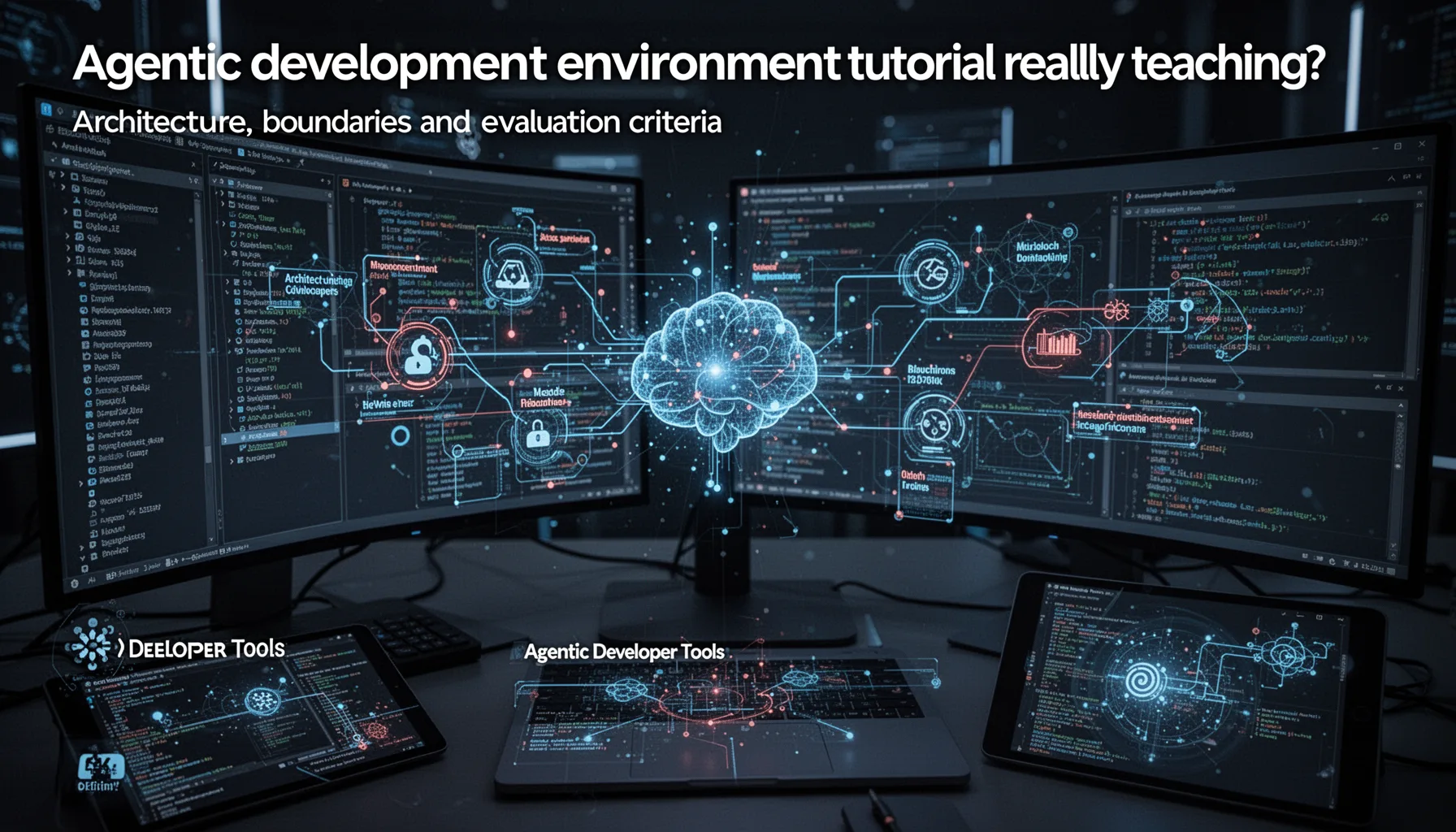
An agentic development environment tutorial should teach architecture, boundaries, and evaluation criteria, not merely show people how to hook up a flashy interface. That's the real job. Most setups pair a model interface such as Claude Code with Git, a task or file browser, and a web GUI that sends requests and renders diffs. Simple enough. But the difficult call involves deciding what the agent can change on its own, when it has to ask first, and how the developer checks each step without slowing to a crawl. OpenHands and Cursor both suggest that agentic coding tools become useful when the review loop feels fast and readable, not just autonomous. We'd argue a DIY build gets interesting when it exposes those controls more plainly than commercial tools do. Worth noting. So the tutorial's value doesn't sit in the code alone; it sits in the operating model underneath it.
How does a build your own Claude Code GUI compare with Cursor, Claude Code, and OpenHands?
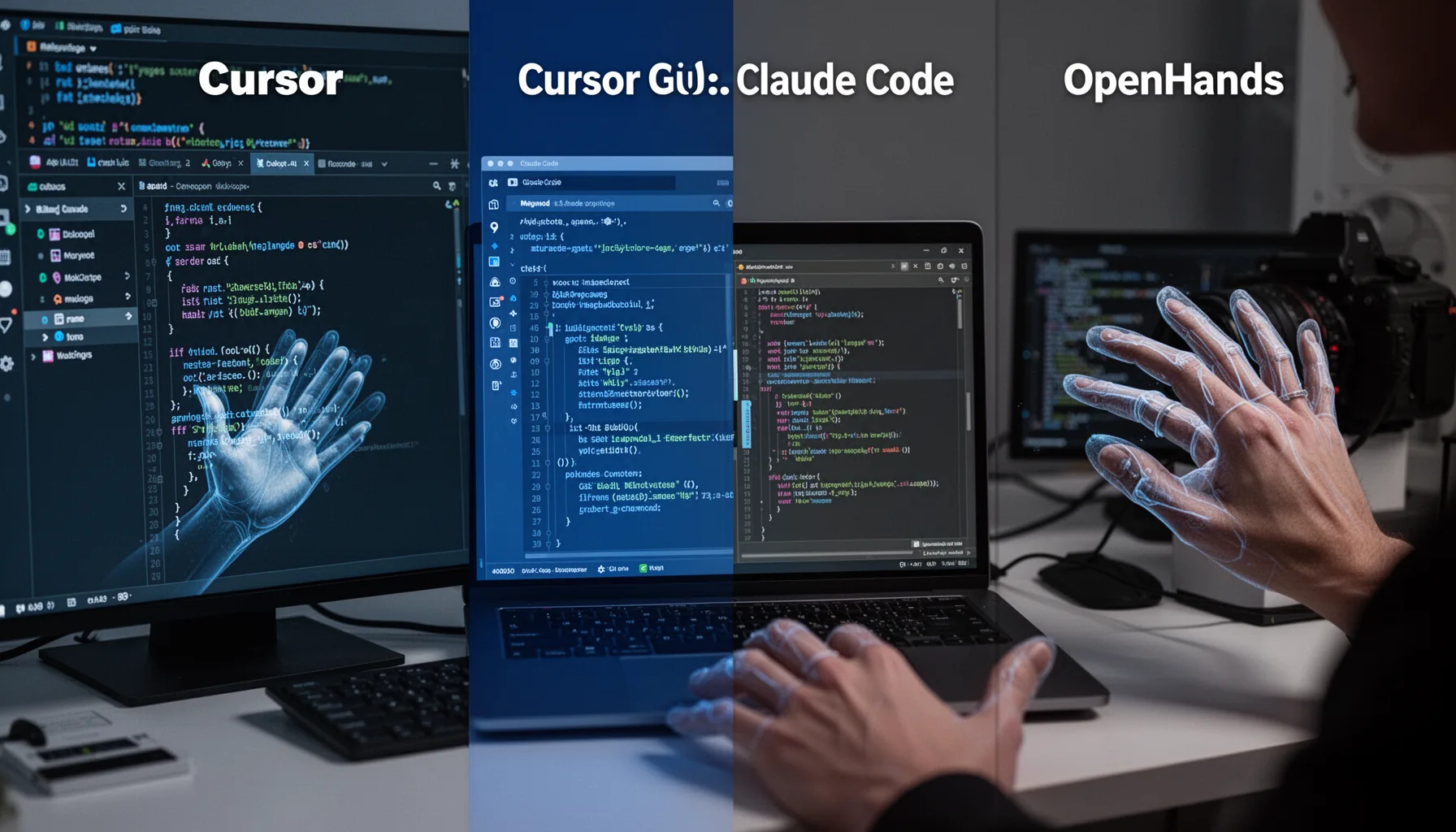
A build your own Claude Code GUI can outdo mainstream tools on flexibility, but it usually lags on usability and ugly edge cases. That's the trade. If you want custom prompts, repository-specific rules, internal API hooks, or your own approval workflow, a homegrown interface gives teams a real leg up on control. That's the appeal. But products like Cursor pour serious effort into editor integration, multi-file awareness, autocomplete speed, and cleaner recovery after failed generations. Anthropic's Claude Code already gives developers a solid terminal-first experience, while OpenHands leans toward task execution and environment interaction, so a web wrapper needs a reason to exist beyond novelty. We'd say that reason is governance and custom review UX. Not trivial. If your team needs visible diffs, mandatory approvals, cost tracking, and agent memory scoped to a repo or project, custom tooling starts to make sense very quickly.
What benchmarks matter in an agentic development environment tutorial?
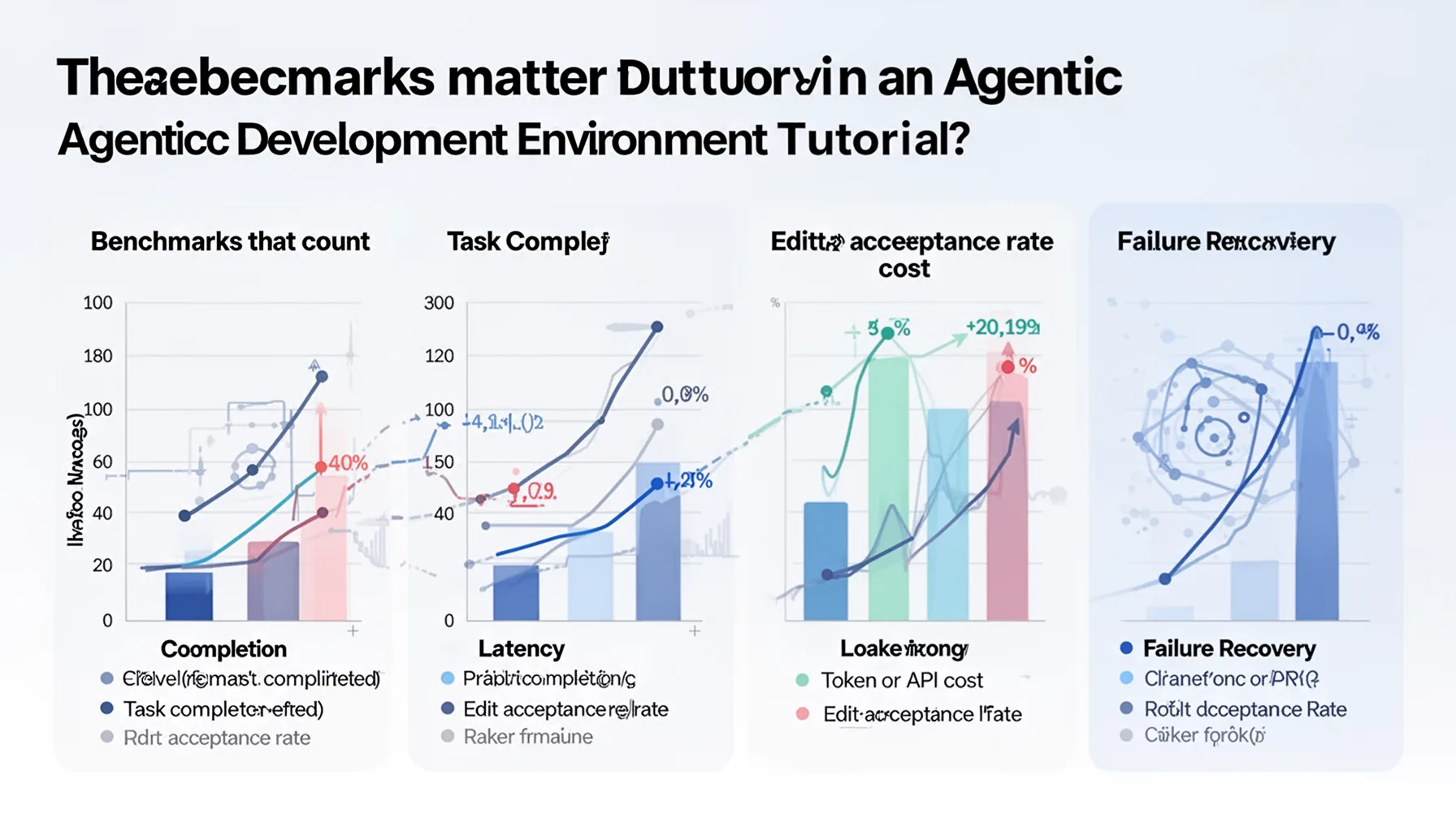
The benchmarks that count are task completion, latency, token or API cost, edit acceptance rate, and failure recovery. Not quite enough to say "it worked." Too many weekend-build stories stop there, which tells us almost nothing about real utility. A fair test should compare the DIY environment against Cursor, Claude Code alone, and OpenHands on the same work: bug fixing, test generation, feature scaffolding, refactoring, and documentation updates. SWE-bench has nudged the industry toward stricter coding evaluation, and while a home project won't reproduce that benchmark exactly, it should borrow the same habit of repeatable tasks and scored outcomes. Here's the thing: one successful demo can hide a startling amount of brittleness. We think the most revealing number is edit acceptance rate after human review, because it points to whether the agent is actually useful or merely verbose. A system that writes constantly but gets reverted all the time wastes time instead of saving it. That's a bigger shift than it sounds.
When does a custom AI coding environment beat mainstream agentic IDEs?

A custom AI coding environment beats mainstream agentic IDEs when workflow control matters more than convenience. That's the dividing line. Teams with strict trust boundaries, internal tooling, proprietary code patterns, or unusual review rules may prefer a web interface that constrains the agent tightly and logs every action. That can be a real advantage. For example, an internal platform team at a large company might want an agent that drafts patches, runs tests, and opens pull requests, but only after passing organization-specific checks and surfacing an approval summary. Mainstream products support parts of that flow, though not always in the exact shape a team needs. My view is that DIY wins in narrow, high-friction environments and loses in general-purpose coding, where developer speed and polish carry more weight. Because for the broader Claude AI Adoption, Learning, and Coding Workflows cluster, this supporting article belongs with pillar topic 375 and sibling pieces on Claude Code practices, prompt discipline, and human review habits.
Step-by-Step Guide
Define the control surface
Choose what the agent may read, write, execute, and commit before you build the UI. Those boundaries shape trust more than the model choice does. And if you skip this step, your interface will probably feel clever but unsafe.
Wrap Claude Code with a clear task layer
Build a thin service that turns user requests into scoped tasks for Claude Code. Include repo context, file constraints, and output format requirements. Keep it small so debugging stays possible when the agent behaves oddly.
Expose Git actions visibly
Show diffs, branches, commit messages, and rollback options in the GUI. Developers trust agents more when they can inspect every code change quickly. So make the review path painfully obvious rather than elegant and hidden.
Add approval checkpoints
Insert required approvals before file writes, test execution, or commits, depending on risk level. This slows the tool slightly, but it prevents the worst failure modes. In practice, trust grows when the system knows when to pause.
Benchmark against mainstream tools
Run the same coding tasks through your DIY stack, Cursor, Claude Code, and OpenHands. Measure completion time, retries, accepted edits, and cost. That comparison reveals whether your project is actually better or just more personalized.
Tune for failure recovery
Design retries, timeout handling, context resets, and human override flows from the start. Agents fail in loops, partial edits, and stale context more often than builders expect. A system that recovers gracefully beats one that only shines in clean demos.
Key Statistics
- GitHub’s 2024 developer research found that AI coding assistance had become mainstream among developers, with a clear majority reporting use or planned use.That matters because DIY agentic environments now compete in a market where baseline AI coding adoption is already high.
- Stanford’s 2024 AI Index noted continued growth in code generation model capability, while also highlighting persistent reliability and evaluation gaps.This supports the need for benchmark-driven teardown instead of anecdotal success stories about weekend builds.
- SWE-bench became a widely cited benchmark for evaluating coding agents on real GitHub issues, pushing teams toward more disciplined comparison methods.A homegrown tool doesn’t need to reproduce the benchmark exactly, but it should adopt the same spirit of repeatable, scored testing.
- Industry reports from 2024 showed enterprises remained concerned about security, reviewability, and IP exposure in AI coding tools.That concern explains why some teams may accept lower polish from a custom stack in exchange for tighter control and auditability.
Frequently Asked Questions
What is an agentic development environment tutorial?
How do I build your own Claude Code GUI for real work?
Why do weekend project agentic coding setup stories often miss the hard parts?
How does a Claude Code Git web interface differ from an IDE plugin?
When should developers choose a custom AI coding environment?
Key Takeaways
- A DIY agentic dev environment wins when you need tighter control over prompts and review.
- Benchmarking matters more than screenshots or build-thread excitement.
- Claude Code plus Git plus a web GUI can work better than you'd expect.
- Mainstream tools still lead on polish, onboarding, and team-scale guardrails.
- This supporting guide should connect back to Claude pillar topic 375.