
⚡ Quick Answer
AI testing generated code matters because code generation speeds up output, while testing determines whether that output is safe, correct, and maintainable. The next wave of software automation will probably center less on writing code and more on finding bugs, reproducing failures, and improving AI assisted QA workflow.
AI testing generated code deserves more attention than it's getting. Everyone talks about writing code faster. Fewer people stop to ask what happens after that code breaks in production, misses edge cases, or slips in regressions nobody catches for days. That's the real snag. So the most interesting shift in AI-assisted development may not be generation at all. It may be testing, triage, and debugging. In plain terms, the bottleneck moved.
Why AI testing generated code matters more than generation

AI testing generated code matters more than generation because software value rests on correctness, not just output volume. A model can write a function in seconds, yet that speed means very little if teams burn hours tracing regressions, reproducing edge cases, and filing bug reports by hand. Faster typing isn't the prize. Faster confidence is. Microsoft and GitHub have both framed AI coding gains around developer productivity, but many engineering organizations still lose huge chunks of time in QA, bug triage, and debugging work that stays stubbornly manual. We'd argue the market has over-indexed on generation because it's easier to demo than defect detection. That's a bigger shift than it sounds. A generated function looks flashy on stage, while a background system that catches flaky behavior and creates a useful repro ticket looks almost ordinary. Not quite. But the second tool often saves more money. That's why AI assisted QA workflow design may turn into the more consequential product category. Think of GitHub Copilot versus a quiet internal bug pipeline. One gets applause. The other cuts waste.
How background AI agents filing bug reports change debugging
Background AI agents filing bug reports change debugging by capturing context at the moment of failure instead of asking humans to reconstruct it later. That's a big deal. In desktop software, games, and internal tools, many bugs disappear the moment a developer tries to reproduce them without the exact state, input pattern, and environment details. An agent that watches logs, screenshots, user actions, stack traces, and performance counters can turn a fuzzy complaint into a structured bug report with reproduction hints. The Manasight example from the topic summary makes that clear: while the user plays MTG Arena, background agents can observe issues and surface them without breaking the flow. We think this is where AI feels genuinely fresh. Worth noting. Not because it writes more code, but because it shortens the path between failure and diagnosis. And for teams shipping desktop apps or games, that could matter more than yet another autocomplete feature. Here's the thing. When a bug vanishes on replay, context is the product.
What AI for software testing and debugging looks like in practice
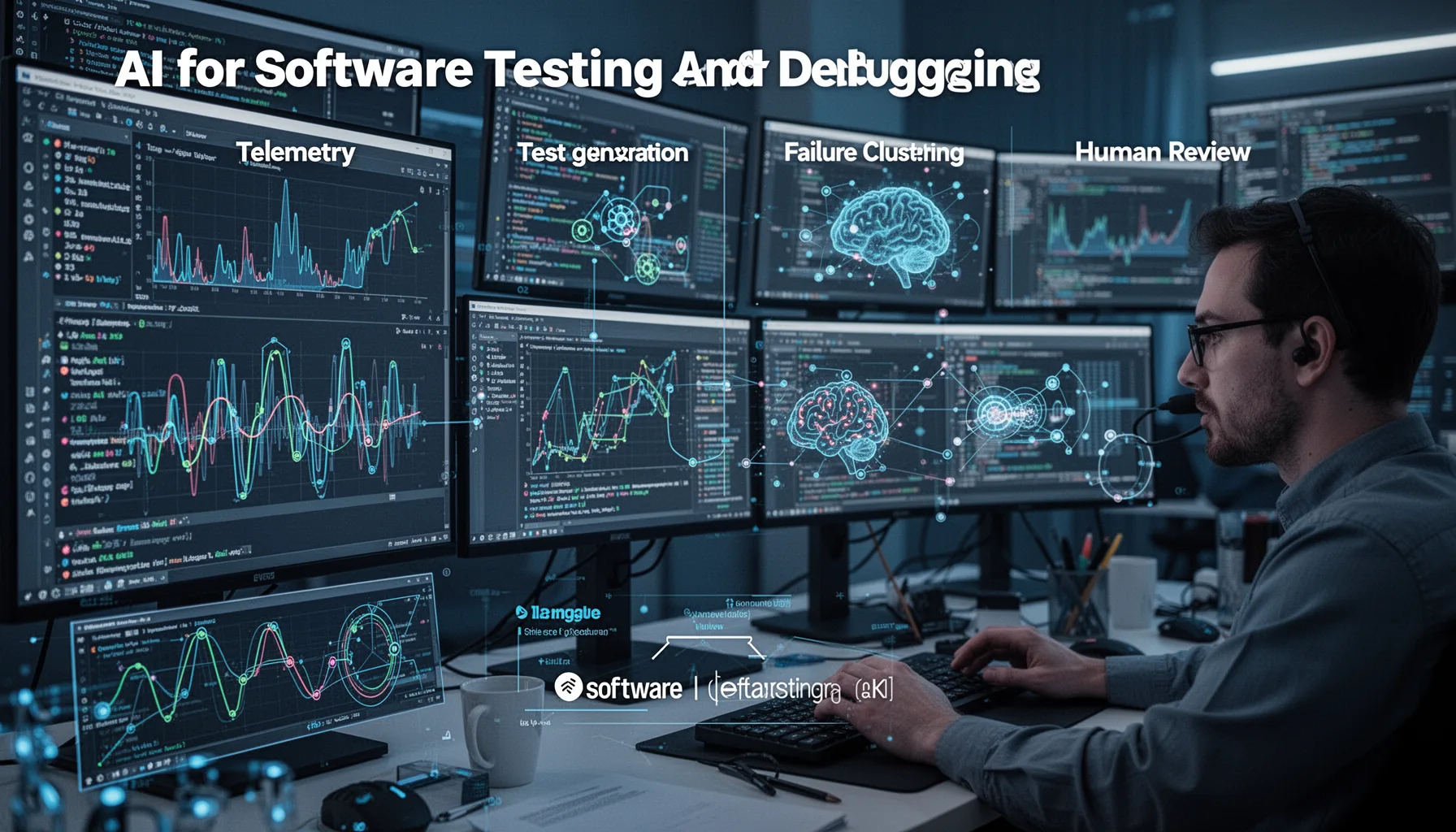
AI for software testing and debugging works best when it combines telemetry, test generation, failure clustering, and human review. The strongest systems don't just say "a bug happened." They attach traces, infer likely root causes, group duplicate issues, suggest tests, and map failures to recent code changes or known flaky dependencies. Companies like Sentry, Datadog, LaunchDarkly, and Elastic have already built the monitoring substrate that makes this possible, and AI layers can now summarize and prioritize what those systems collect. That's the operational foundation. We'd argue the next useful AI testing tools for game development and application teams will sit on top of observability pipelines rather than replace them. That's worth watching. If a model can't connect a crash report to environment state, input sequence, and code history, it won't do much beyond narration. Simple enough. So the winners will be systems that create clear, reproducible debugging artifacts, not pretty dashboards. Sentry is a good example here. The data pipe comes first.
Which AI assisted QA workflow should teams adopt first
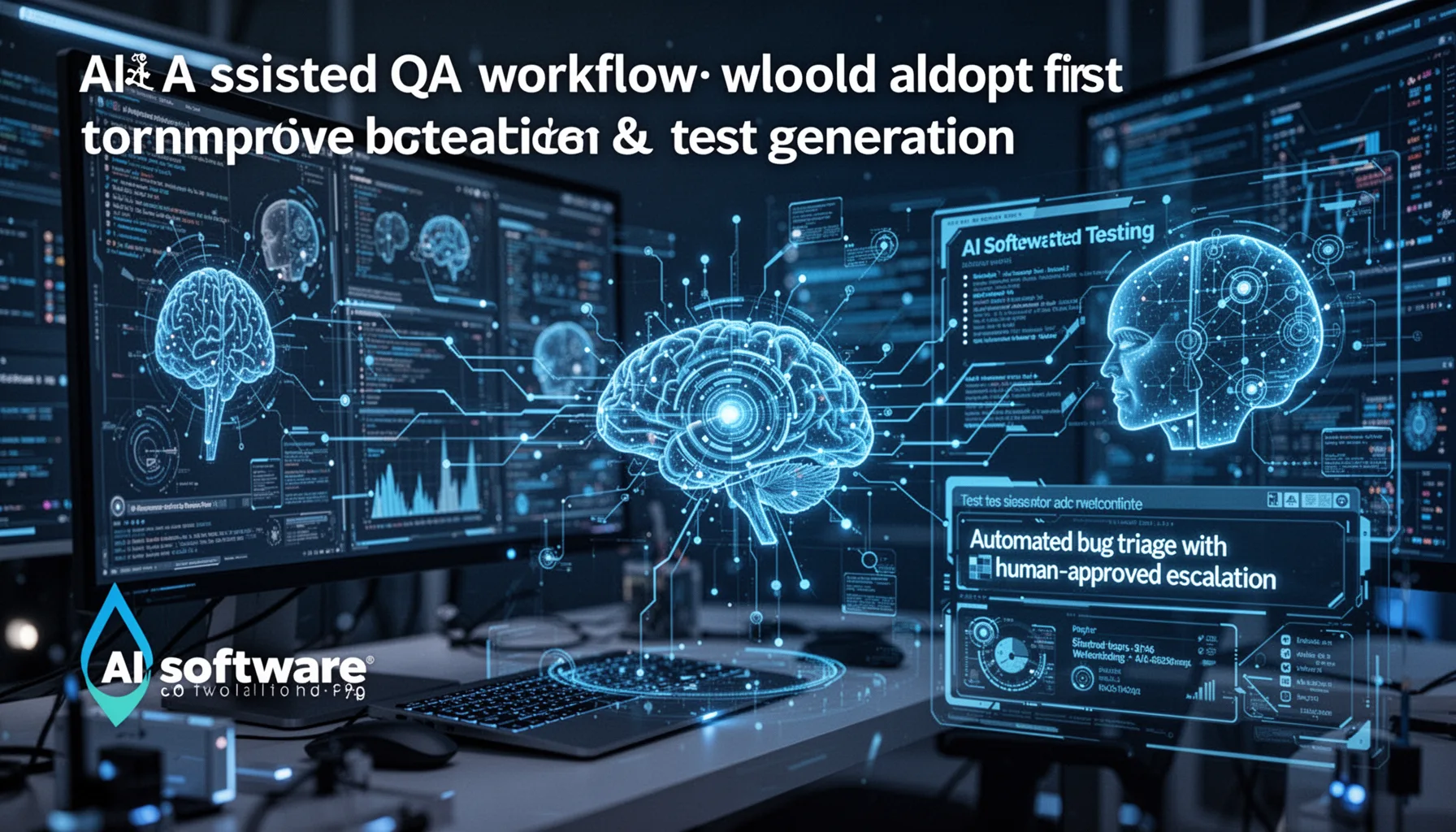
The AI assisted QA workflow teams should adopt first is automated bug triage with human-approved escalation and test generation. Start there. It's easier to trust an agent that drafts a bug ticket, clusters similar failures, or proposes a regression test than one that autonomously edits production code after spotting a defect. A sensible example comes from game development, where telemetry-heavy builds can feed an AI layer that tags rendering issues, performance spikes, or UI failures while QA leads decide what gets escalated. We'd recommend this path because it improves signal quality without removing accountability. That's the safer bet. This supporting article should link back to pillar topic ID 388, and it pairs neatly with sibling topics on local agents, execution guardrails, and production reliability. Here's the thing. The bigger point is simple: why AI code testing matters more than generation becomes obvious once code volume rises faster than a team can verify it. Ubisoft-style telemetry workflows make the logic easy to see. More code means more verification debt.
Step-by-Step Guide
- 1
Instrument the application deeply
Capture logs, traces, crashes, screenshots, and user interaction context before adding any AI layer. Without quality telemetry, the model has little to analyze and even less to explain. Start with observability. Fancy bug summaries come later.
- 2
Route failure data into a triage pipeline
Send runtime issues into a structured workflow that normalizes errors, deduplicates incidents, and attaches environment details. This gives the AI consistent inputs. It also prevents noisy bug spam. Clean inputs make better tickets.
- 3
Ask the agent to draft bug reports
Have the model generate concise bug summaries, probable repro steps, severity hints, and affected components. Keep a human in the approval loop at first. That's wise. Good bug reports reduce mean time to resolution more than teams often realize.
- 4
Generate targeted regression tests
Use the agent to propose test cases based on failure traces and user flows. Review those tests before adding them to CI, especially if they rely on brittle assumptions. The goal is coverage with signal. Not test bloat.
- 5
Cluster similar failures automatically
Group repeated crashes or defects by likely root cause instead of treating each report as unique. This helps QA and engineering teams focus on systemic issues first. It saves time. And it cuts duplicate triage work dramatically.
- 6
Track debugging outcomes over time
Measure time to reproduce, time to resolve, duplicate bug rate, escaped defect rate, and test effectiveness after deployment. Compare AI-assisted workflows against your old process. Then refine. AI testing generated code should earn trust through outcomes, not novelty.
Key Statistics
Frequently Asked Questions
Key Takeaways
- ✓AI testing generated code is where real software quality gains are starting to show up.
- ✓Background AI agents filing bug reports can cut debugging lag and capture richer context.
- ✓AI for software testing and debugging works best with human review and reproducible traces.
- ✓Game development offers a vivid proving ground for AI testing tools and QA automation.
- ✓This supporting piece connects to pillar 388 and related articles on production AI agents.