
Claude Computer Control: What the OpenClaw 3.22 Update Means
Claude computer control explained with OpenClaw 3.22 comparisons, security concerns, and practical guidance for real desktop AI agents.
Table of Contents
Quick Answer
Claude computer control turns Claude from a chat assistant into an action-taking agent that can interact with desktop interfaces, apps, and workflows. OpenClaw 3.22 shows the open-source side of the same shift, making it easier to compare reliability, observability, and security across closed and open desktop agent stacks.
Claude computer control may be the clearest sign so far that AI assistants are becoming software operators. That's a bigger shift than it sounds. A chatbot can fumble an answer and merely irritate someone; an agent that clicks around payroll software or a CRM can create operational chaos in a hurry. Real damage. So the real question isn't whether the demos look slick. It's whether Claude computer control and OpenClaw 3.22 can hold up inside messy, interrupted, real-world workflows, with the observability and guardrails enterprise teams actually ask for.
What is Claude computer control and why does it matter now?
Claude computer control lets Claude watch a desktop environment and act inside graphical software, instead of stopping at text generation. That's the strategic turn. We're shifting from assistants that advise people to agents that can carry out browser tasks, move through internal apps, and finish repetitive UI work when they get the right tools, permissions, and task boundaries. And Anthropic's move belongs in the same general camp as OpenAI's Operator-style work, Microsoft Copilot actions, and research teams building computer-use benchmarks around screenshots, cursor movement, and tool calls. But desktop control only counts if it cuts labor in real workflows, not just in tidy benchmark exercises. We'd argue actionability has become the central product question in AI. Worth noting. Picture a support operations team using Claude computer control to triage tickets across Zendesk and an internal admin console. The value doesn't come from polished prose. It comes from repetitive clicks handled under supervision.
How does Claude computer control compare with OpenClaw 3.22 update explained?
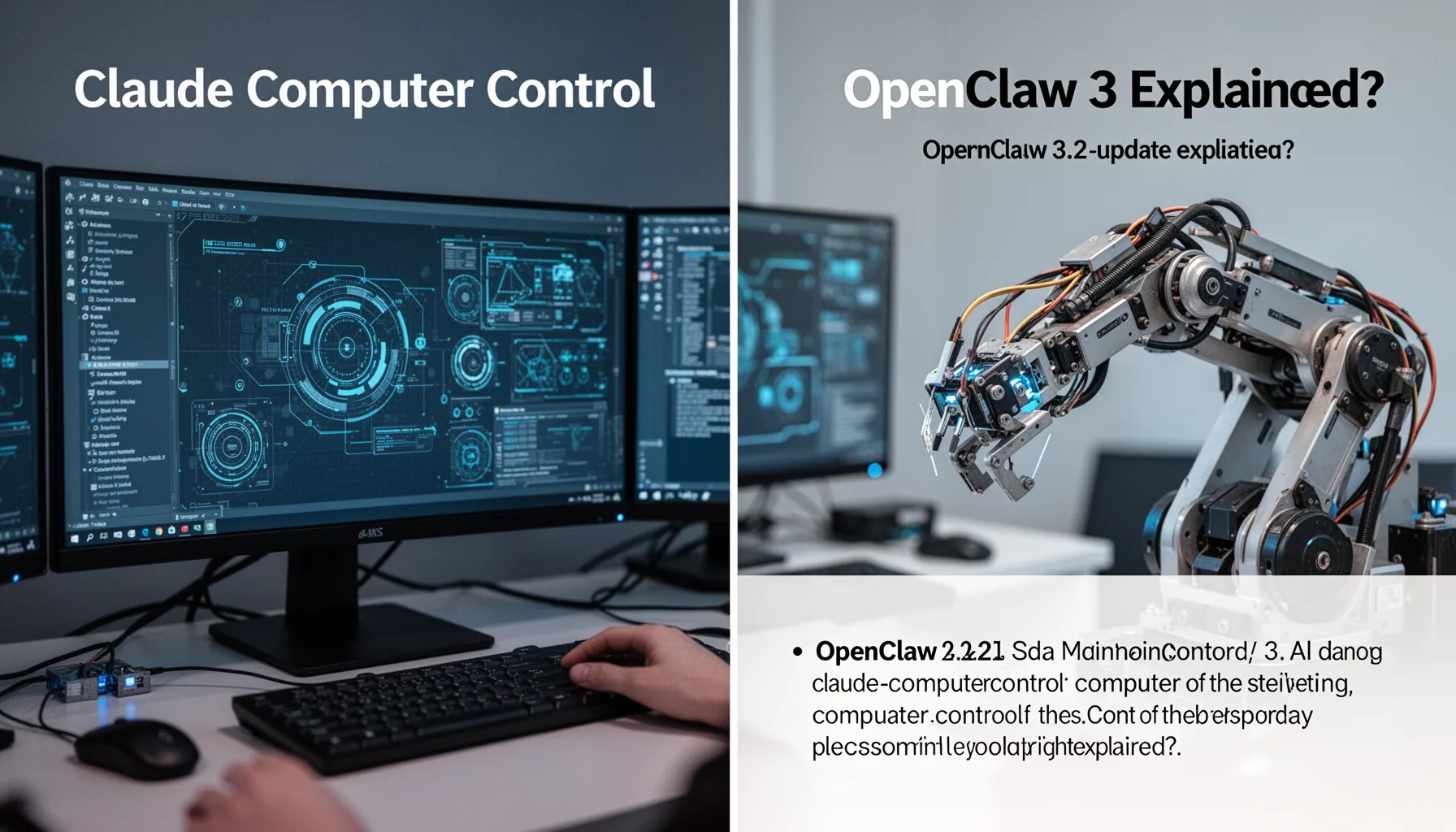
Claude computer control and OpenClaw 3.22 point to two different routes toward desktop agents: one closed and packaged, the other more open and easier to inspect. That's healthy, frankly. Closed systems tend to bring tighter integration, curated safety limits, and easier onboarding, while open systems expose more of the stack for debugging, customization, and local policy control. OpenClaw 3.22 matters because open-source agents make the standard parts under the demos easier to see: planner loops, screenshot parsers, action policies, retry logic, and event traces. Here's the thing. Those internals are exactly what enterprises need to understand before trusting an agent with finance tools, health systems, or privileged back-office software. In our view, observability is where open systems often hit above their class. For example, a team could run the same invoice-processing flow through Claude computer control and OpenClaw 3.22. Then compare step traces, action failures, and recovery after a modal pop-up breaks the sequence.
Why do AI agent computer control use cases fail in multi-step workflows?
AI agent computer control use cases tend to fail in multi-step workflows because desktop environments are unstable, context-heavy, and packed with little surprises that stack up fast. That's the ugly part. Static demos usually hide the mess: loading spinners, permission prompts, fields that shift, stale sessions, hidden tabs, and apps that render differently after tiny data changes. A model might identify a button correctly nine times, then hit the wrong one on the tenth because the UI state changed after an alert appeared. Not quite. Researchers at OSWorld and related computer-use benchmarks suggest that long-horizon desktop tasks are far tougher than single-step interactions, even for strong frontier models. We think vendors should talk about recovery rates, not just completion rates. That's a bigger shift than it sounds. Consider an HR workflow across Workday and Slack. The agent handles the first three actions cleanly, then stalls when single sign-on throws a browser re-authentication screen it didn't see coming.
What desktop AI agents security concerns matter most for production?
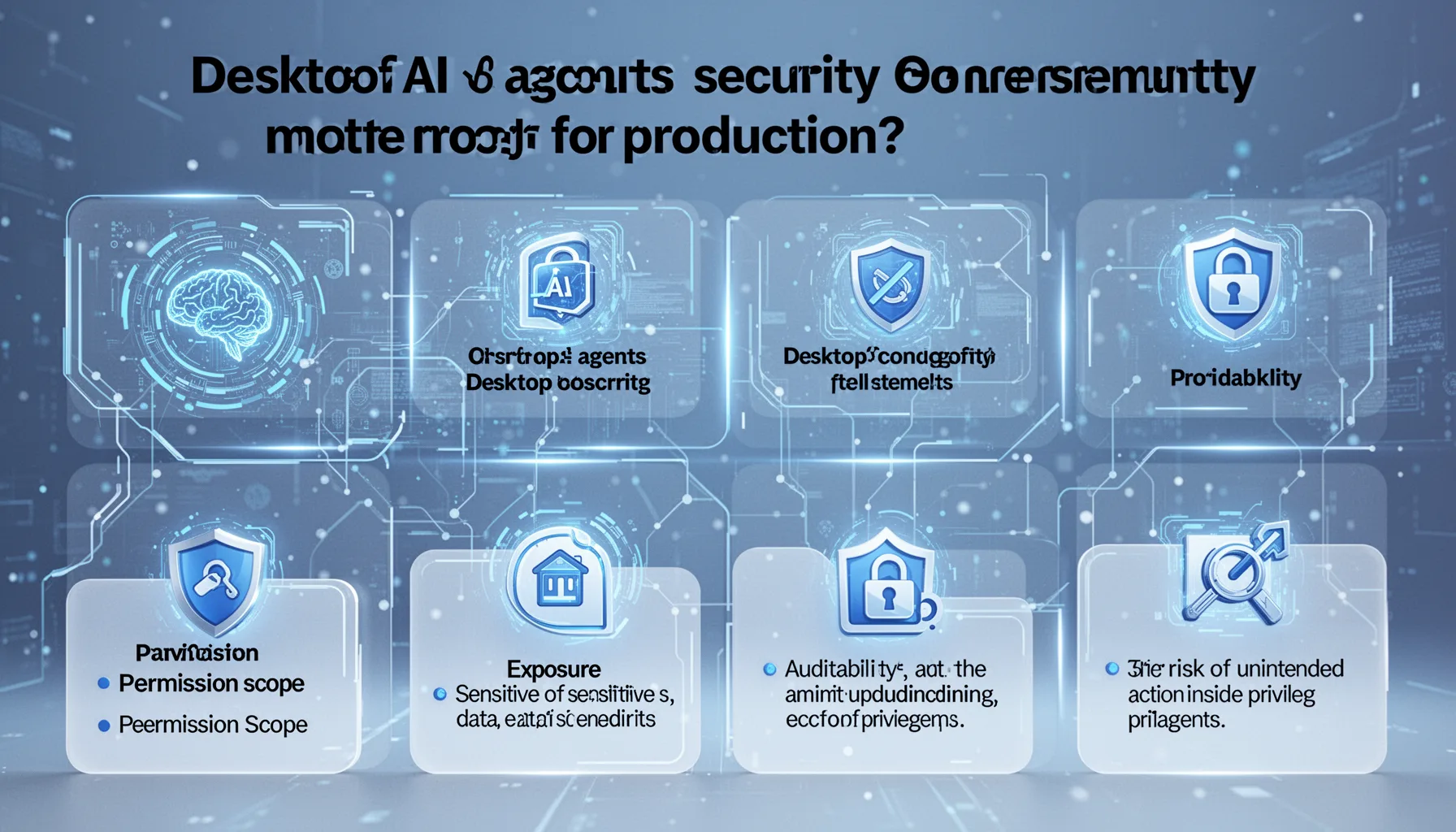
Desktop AI agents security concerns revolve around permission scope, exposure of sensitive data, auditability, and the risk of unintended actions inside privileged systems. This is where things stop feeling theoretical. Once an agent can read screens, move cursors, paste text, and submit forms, it becomes an operational identity with its own blast radius, even if a person started the task. And security teams need the same basics they expect from human-run automation: least privilege, session controls, secrets isolation, action logs, and policy-based approvals for high-risk steps. Standards such as NIST AI RMF and common enterprise controls under ISO 27001 or SOC 2 don't solve everything by themselves, but they do give organizations a governance language they can actually work with. My view is blunt: any vendor selling desktop AI without rich audit trails is selling a toy. Simple enough. Imagine Claude computer control handling refund approvals in Stripe while OpenClaw 3.22 runs a parallel internal test harness. Without screen recordings, tool logs, and approval checkpoints, any post-incident review turns into guesswork.
How to evaluate Claude computer control vs OpenClaw for production readiness
To evaluate Claude computer control vs OpenClaw for production readiness, run both against the same interrupted workflow and score reliability, recovery, observability, and control depth. Demo videos won't tell you much. Use tasks with actual business friction: pop-ups, dynamic tables, CAPTCHAs avoided through policy, timing delays, role-based access changes, and conditional branches driven by live data. Measure more than task completion. Look at action precision, retry quality, human takeover points, and whether the system explains what it tried to do. Since this pillar article should connect to supporting pieces in the cluster, include topic IDs 345, 346, 348, and 357, because desktop control, autonomous coding, and agent governance are starting to merge. We'd also urge teams to compare closed and open agents on the same benchmark instead of treating them as separate buckets. Worth noting. If Claude computer control clears 18 of 20 support-console tasks with strong logs while OpenClaw clears 14 but exposes every failure path for debugging, the choice has less to do with marketing and more to do with whether your organization values time-to-value or stack transparency.
Step-by-Step Guide
Define a common task set
Choose 8 to 12 real desktop workflows and run both systems against the exact same tasks. Include interruptions like pop-ups, timeouts, and changed field positions so the test reflects reality. A fair task set exposes whether the agent can actually operate, not just impress in a clean lab.
Instrument every action
Capture screenshots, cursor events, action traces, timestamps, retries, and final outcomes. If the system can’t explain what it clicked and why, you can’t trust it in a business process. Detailed logs also make closed and open systems easier to compare without relying on vendor claims.
Score recovery behavior
Track how each agent reacts after a failed click, stale page, missing field, or expired session. Good agents don’t just fail less; they recover better. We think recovery quality is the single most underreported metric in desktop AI evaluation.
Set approval thresholds
Require human confirmation for actions tied to money, identity, legal commitments, or customer-facing changes. Low-risk actions can stay more automated, but high-impact tasks need visible checkpoints. This keeps experimentation useful without giving the agent too much operational freedom.
Limit permissions aggressively
Create dedicated test accounts with constrained access, short-lived credentials, and isolated environments. Don’t hand a desktop agent broad production access on day one. Because once screen control enters the picture, overpermissioning becomes a fast route to preventable incidents.
Review results against business value
Compare time saved, failure costs, oversight burden, and system explainability after the trial. Sometimes the better model is not the better product if it takes too much human cleanup. A production-ready choice should earn trust through repeatability, not wow-factor.
Key Statistics
- A 2024 LangChain enterprise survey found that reliability and observability ranked among the top concerns for teams moving agents beyond pilots.That matters because desktop control raises the cost of every failed action, making traceability more than a nice-to-have.
- Research benchmarks such as OSWorld in 2024 showed strong frontier models still struggle on long-horizon computer-use tasks compared with short, scripted interactions.This gap explains why spectacular demos often fail to predict production behavior on messy real workflows.
- Gartner projected in 2024 that agentic AI would become a major enterprise software design pattern over the next three years.That projection frames Claude computer control as part of a wider platform shift, not a one-off novelty feature.
- According to Microsoft’s 2024 Work Trend Index, employees reported losing substantial time to repetitive digital tasks that automation could reduce.Desktop agents matter because they target exactly that waste, especially in systems without clean APIs.
Frequently Asked Questions
What is Claude computer control?
How does OpenClaw 3.22 compare with Claude computer control?
Why are desktop AI agents hard to make reliable?
What security concerns matter most for desktop AI agents?
When should a company use Claude computer control in production?
Key Takeaways
- Claude computer control shifts AI from answering questions to actually completing desktop tasks
- OpenClaw 3.22 gives teams a clearer way to compare open desktop agents against closed Claude systems
- Production readiness depends more on reliability and logs than on flashy screen-control demos
- Multi-step workflows break when agents hit pop-ups, timing issues, or dynamic UI changes
- Security controls and approval gates matter more as desktop AI agents gain real permissions