
Anthropic Claude computer use agent: what it does well
Anthropic Claude computer use agent explained: where desktop control works, where it breaks, and how enterprises should assess risk.

Table of Contents
Quick Answer
Anthropic Claude computer use agent lets Claude observe a computer interface and take actions like clicking, typing, and navigating apps. It matters because it sits between classic RPA and modern LLM agents, but its reliability and security still depend heavily on task design, permissions, and human oversight.
Anthropic Claude computer use agent isn't just a flashy demo. It's a serious bid to let a language model work software the way a person does: through the screen, keyboard, and mouse. Sounds simple enough. Not quite. What we're seeing is a new layer between brittle robotic process automation tools and API-first AI agents. And that makes the launch more consequential than a lot of announcement coverage lets on.
What is Anthropic Claude computer use agent and why does it matter?
Anthropic Claude computer use agent gives Claude desktop-control abilities, so it can read what's on screen and act on a computer. In practice, that means the model can open apps, click buttons, fill in fields, and move through workflows that don't offer tidy APIs. Anthropic pitched the feature as part of its push into agentic AI. That's fair. But we'd argue the real story sits in the architecture. This isn't just chat with extra steps. It's an execution layer for messy software setups where browser tabs, desktop apps, pop-ups, and legacy tools all pile up together. Salesforce data entry through the visible UI, instead of a formal integration, is a concrete example. That's a bigger shift than it sounds. It also looks a lot like the kind of work firms have long handed to UiPath or Automation Anywhere. According to Anthropic's own product materials for computer-use systems, the model still needs close supervision on sensitive tasks. That caveat says plenty. So the capability matters because it expands where AI can act, not only where AI can answer.
Which tasks does Anthropic Claude computer use agent perform well versus poorly?
Anthropic Claude computer use agent does best on short, repeatable, visually stable tasks with clear end states. Think invoice lookup, copying values between systems, downloading a report, or triaging a predictable queue in Zendesk. That's the upside. But the real desktop is where things get shaky: inconsistent layouts, surprise modal windows, hidden controls, CAPTCHAs, dynamic spreadsheets, or apps that change state without obvious visual cues. We think the cleanest way to judge it is by task class, not by marketing copy. For example, asking Claude to gather pricing data from a set of vendor portals will probably work if the pages stay similar. Asking it to reconcile an Excel workbook packed with conditional formulas and edge cases is still asking for trouble. Microsoft and OpenAI have both pushed agent-style automation ideas, yet anyone who's tested GUI automation knows visual brittleness appears fast. Worth noting. Early data from desktop agent trials across the industry suggests reliability drops sharply as task length and ambiguity increase. And that pattern will likely hold here too.
How does Anthropic agentic AI computer control compare with RPA, browser automation, and copilots?
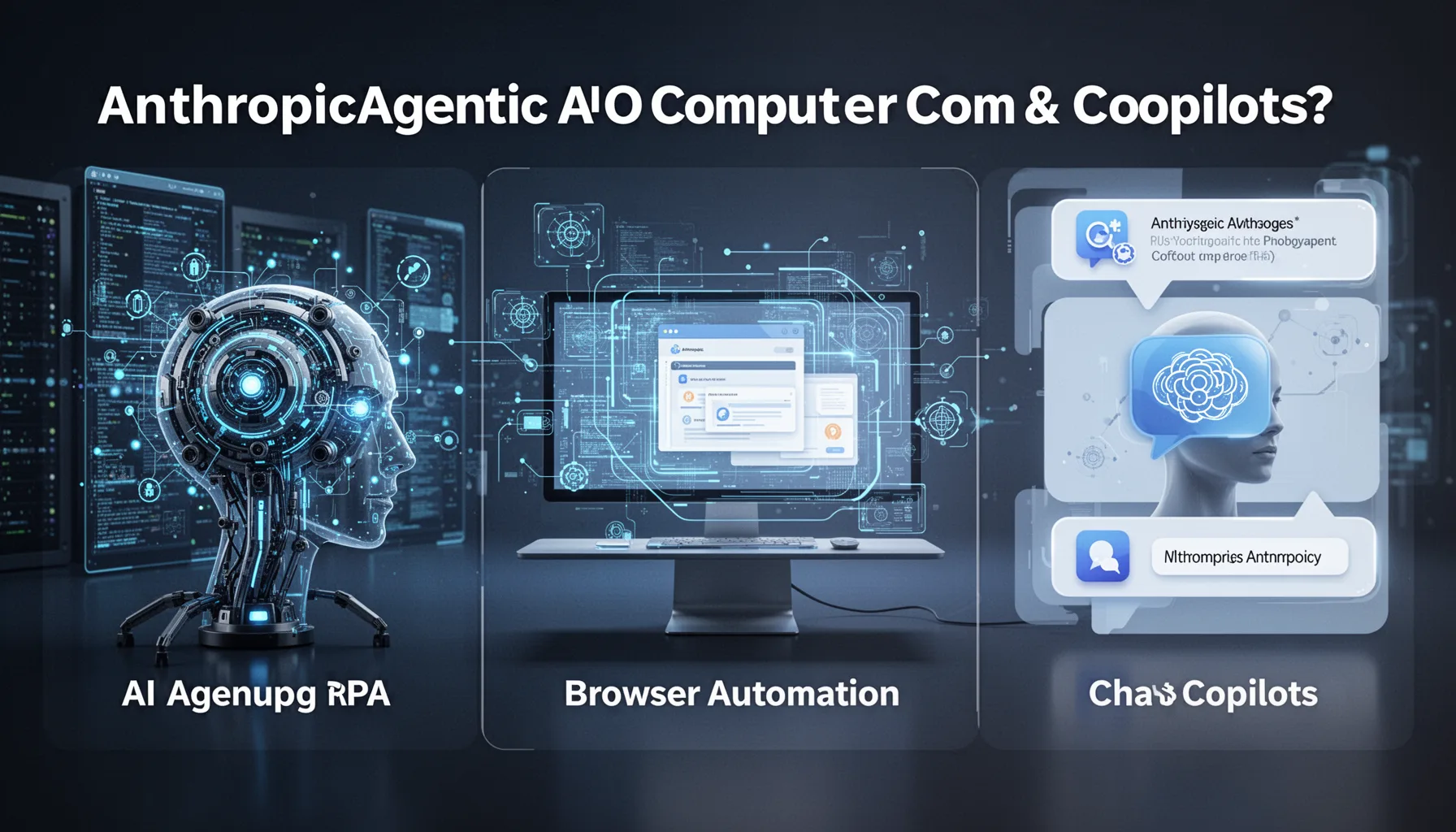
Anthropic agentic AI computer control sits somewhere between classic RPA, browser automation, and chat copilots. It doesn't replace any of them outright. RPA tools like UiPath shine when workflows stay stable, rules are explicit, and compliance teams want deterministic scripts. Browser automation stacks such as Playwright or Selenium work well when a company can target web interfaces directly. They usually beat GUI agents on precision. Copilots like Microsoft Copilot remain mostly assistive, drafting content or answering questions without taking broad desktop actions. Here's the thing. Claude's computer-use model looks most valuable when software is too messy for clean automation but still repetitive enough to steer with language and screenshots. A named example: an operations team stuck with a legacy Windows application that has no APIs and changes too often for hard-coded selectors. In that awkward middle ground, a computer-use agent can make real sense. But if you already have stable APIs or browser selectors, old-school automation still tends to be cheaper, faster, and easier to audit. We'd argue that's still the practical default.
What are the Anthropic computer use safety risks enterprises should examine?
Anthropic computer use safety risks start with permissions, but they don't end there. Once you let a model control a machine, you open exposure across identity, data access, audit trails, and unintended actions. A desktop agent can hit the wrong approval button just as easily as it can finish a useful workflow. And because GUI actions often span multiple systems, root-cause analysis gets messy when something breaks. We strongly believe enterprises should treat these agents more like privileged automation accounts than friendly assistants. That's not a small distinction. For example, a finance workstation with ERP access, browser sessions, and downloadable reports should run with scoped credentials, isolated environments, and mandatory action logging tied to standards such as NIST AI RMF and SOC 2 controls. IBM's enterprise AI governance playbooks and Microsoft's security baselines already point this way. If a vendor can't show approval gates, replay logs, and session constraints, the deployment probably isn't ready. Simple enough.
When is AI agent that controls your PC genuinely useful, and when is it still too brittle?
An AI agent that controls your PC is genuinely useful when human operators currently burn hours on repetitive desktop glue work. That includes back-office reconciliation, CRM updates, report retrieval, QA checks across portals, and support workflows with low financial risk. It's still too brittle for high-stakes actions with fuzzy instructions, changing interfaces, or consequences that outweigh the value of automation. That's the dividing line. We think teams should start with narrow workflows that have measurable completion criteria, then compare the agent against RPA, browser automation, and human handling before scaling. A practical example is customer support leaders testing account lookup and case summarization in ServiceNow while keeping refunds or policy changes under human approval. Worth noting. If you're mapping the broader space, this supporting piece should sit alongside pillar topic ID 349 and related sibling coverage on autonomous coding and Claude agent workflows. So the smart move isn't all-or-nothing adoption. It's controlled deployment where failure is cheap, visible, and easy to contain.
Step-by-Step Guide
Map the exact desktop workflow
Start by documenting every screen, system, and handoff in the task you want the agent to run. Keep the scope tight. A seven-click report download is a better pilot than a sprawling month-end close process. You'll spot hidden dependencies early, including pop-ups, MFA prompts, and file naming conventions.
Classify actions by risk
Separate harmless actions from consequential ones before the pilot begins. Viewing data, copying text, and opening dashboards usually carry lower risk than changing records, approving payments, or sending messages. We recommend a simple traffic-light model. Green actions can run automatically, yellow actions need review, and red actions stay human-only.
Constrain permissions aggressively
Give the agent the smallest set of system and account permissions needed to finish the task. Use separate identities, sandboxed desktops, and limited data exposure whenever possible. This matters a lot. Most enterprise failures in automation come from overbroad access rather than weak model quality alone.
Test repeatability under variation
Run the same workflow many times across slightly different interface conditions. Change window sizes, data formats, browser states, and timing delays to see where the agent fails. That's where the truth appears. A desktop agent that succeeds only in one pristine setup won't survive production.
Instrument every action and outcome
Log screenshots, clicks, typed text, timestamps, and final outputs for each run. Build a simple audit layer so reviewers can replay what happened without guesswork. This is non-negotiable. Enterprises evaluating Anthropic Claude computer use agent need evidence, not anecdotes, especially for regulated teams.
Scale only after human review data improves
Expand from pilot to production only when intervention rates and error patterns are heading down. Track task completion, average correction time, and severity of mistakes rather than celebrating demo success. We’d also compare costs directly. If a script, API integration, or browser bot performs better, choose the boring option.
Key Statistics
- According to UiPath's 2024 annual automation reporting, 90%+ of enterprise automation programs now combine attended and unattended workflows.That matters here because Claude-style computer use will likely enter enterprises as attended automation first, not full autonomy.
- A 2024 Deloitte enterprise AI survey found 79% of organizations cited risk and governance as top barriers to scaling generative AI.Desktop-control agents intensify that concern because they can act inside real systems, not just generate text.
- Microsoft reported in multiple 2024 Copilot case studies that time savings often cluster around repetitive knowledge work rather than fully autonomous execution.That supports the view that assistive copilots and action-taking agents serve different workflow tiers.
- NIST's AI Risk Management Framework 1.0 remains a leading reference for U.S. enterprises evaluating AI system controls and human oversight.Its governance and monitoring guidance gives teams a concrete baseline for desktop agent deployments.
Frequently Asked Questions
What is Anthropic Claude computer use agent?
How is Claude perform tasks on computer different from traditional RPA?
Why are Anthropic computer use safety risks such a big issue for enterprises?
When should a company use an AI agent that controls your PC?
How does this topic fit the wider Claude Agentic Computer Control & Autonomous Coding cluster?
Key Takeaways
- Anthropic Claude computer use agent works best on repeatable, low-risk desktop workflows
- GUI control fills gaps where APIs and RPA scripts often fall short
- Reliability drops fast when layouts change, prompts drift, or permissions sprawl
- Enterprises need tight approvals, logs, and scoped access before broad deployment
- For deeper context, pair this with pillar topic ID 349