
⚡ Quick Answer
Claude Cowork AI agent for Mac and PC aims to automate desktop tasks by observing and acting across apps, files, and browser windows. Its value depends less on novelty and more on whether it can complete repeatable office workflows with fewer interventions than chat copilots or browser-only agents.
Claude Cowork AI agent for Mac and PC sounds like the future of office work. Maybe. But buyers don't need one more tidy recap. They need to know whether a desktop agent can update spreadsheets, move through CRM screens, triage inboxes, and survive the tiny messes that usually blow up automation in real offices. That's the real test. So we looked at the category the way an IT buyer or operations lead would, task by task, interruption by interruption, with safety and audit trails treated as product features, not legal fine print. Worth noting.
What is Claude Cowork AI agent for Mac and PC actually buying you?
Claude Cowork AI agent for Mac and PC gives teams a way to automate cross-application work that chat assistants usually can't finish from start to finish. Instead of stopping at suggestions, a desktop agent can switch windows, paste values, open files, and push a task closer to done. That's the pitch. We think this category matters most in office setups packed with clumsy software handoffs, where people jump between email, spreadsheets, browsers, and line-of-business apps all day. Not quite elegant. A concrete example: updating lead records after reading inbound emails, then logging the follow-up in HubSpot and dropping a note into Slack. Microsoft Copilot can assist with pieces of that flow, but local control has an edge once the job crosses tools that don't connect cleanly. If Cowork cuts human context switching without too many mistakes, buyers will care. If it doesn't, it's just another assistant that demos well. That's a bigger shift than it sounds.
How Claude Cowork automates your computer in real office workflows
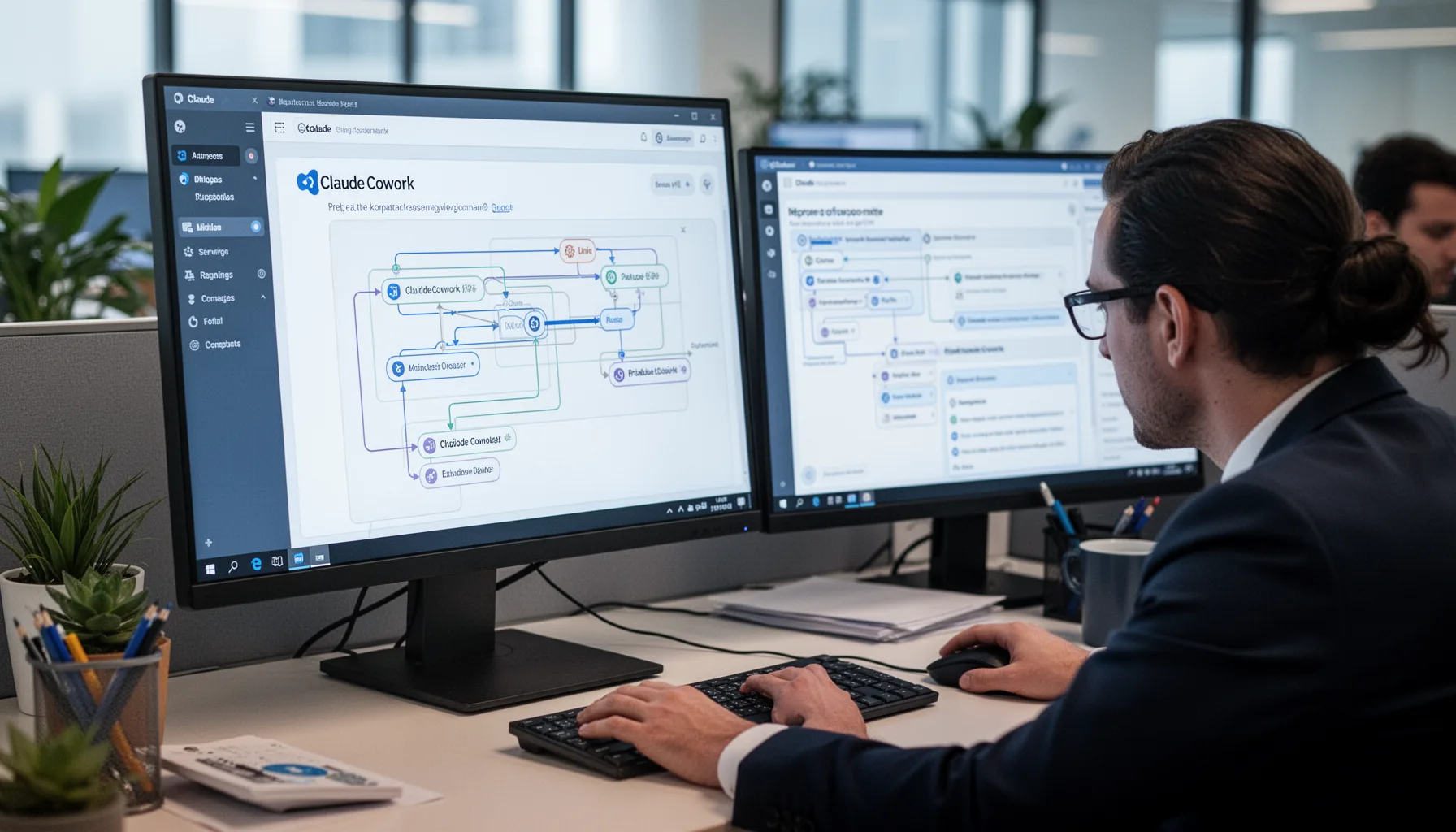
How Claude Cowork automates your computer matters most when you test repeatable workflows, not vague capability claims. The strongest fits tend to be spreadsheet cleanup, CRM updates, research compilation, document filing, and inbox triage with explicit rules. That's where desktop control can outscore chat-only systems. In our view, the right benchmark isn't brilliance. It's intervention rate per task, plus correction time when the agent wanders off course. Consider a sales ops workflow: open a CSV, normalize date formats, copy account fields into Salesforce, and send a draft summary to a manager. Simple enough. A desktop agent may finish most of that if the environment stays predictable, while browser-only agents often stall when files and local apps enter the picture. But once formulas crack, duplicate records show up, or email threads carry odd exceptions, even strong agents start needing a person nearby. We'd argue that's the real line to watch.
Claude Cowork vs computer use agents, browser bots, and copilots
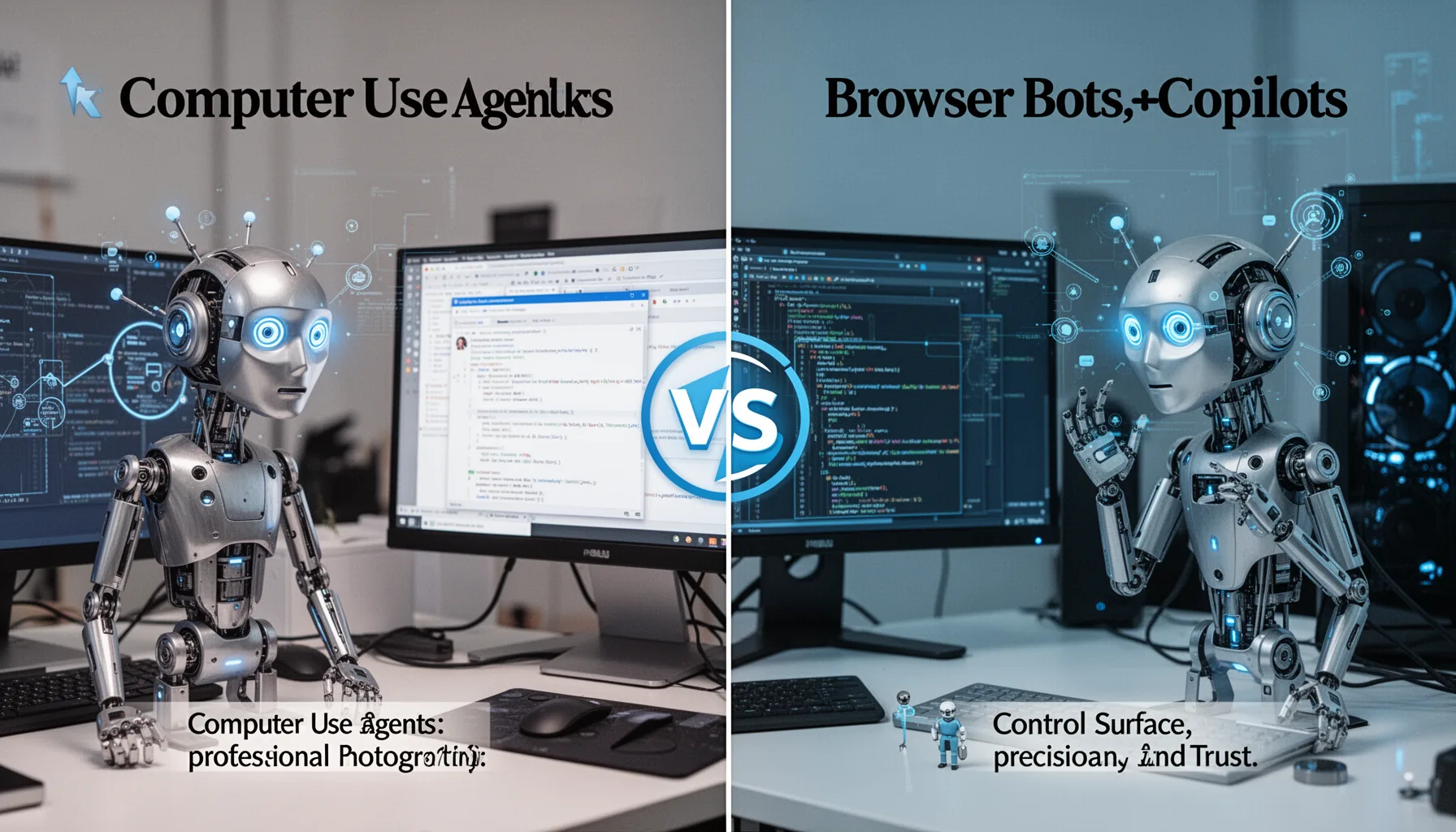
Claude Cowork vs computer use agents really comes down to control surface, precision, and trust. Browser-only agents stay inside the web, and they often do better on structured sites, while desktop agents can move across local files, native apps, and browser tabs in one run. RPA products still win on deterministic business processes. Full stop. We'd argue Cowork-style products compete less with UiPath and more with the growing class of action-taking assistants from Anthropic, OpenAI, and Microsoft. Here's the thing. A useful comparison is OpenAI's operator-style approach versus local desktop automation on Mac or Windows: the first can feel safer for web work, the second tends to be stronger when workflows mix Finder or File Explorer, Excel, PDFs, and internal apps. Buyers should ask a blunt question. Do you need broad desktop reach, or just a better web agent? That answer shrinks the market fast. Worth noting.
What permissions, auditability, and safety controls should buyers demand?
The best AI agent for Mac desktop tasks isn't the one with the flashiest benchmark. It's the one with sane controls. Buyers should ask for scoped permissions, approval prompts for risky actions, full session logs, role-based access, and replayable records of what the agent actually did. That's table stakes. We think vendors downplay auditability because it makes the magic feel less magical, but enterprises need that long before they need autonomy. A real example is a finance or HR workstation where the agent might open payroll files, send emails, or update records with legal consequences. Not trivial. Standards such as NIST AI RMF, ISO 27001-aligned security programs, and SOC 2 control environments all point to least-privilege access and traceability. If a desktop agent can't explain each action path, your compliance team won't approve it, and they probably shouldn't. That's a bigger shift than it sounds.
When does an AI agent to automate PC workflow beat simpler alternatives?

An AI agent to automate PC workflow beats simpler options when the task crosses lots of tools and changes just enough to break scripts, but not enough to confuse a guided model. That sweet spot is narrower than vendors suggest. We see the best fit in operations, support, recruiting, and sales admin work where people mostly move information rather than make high-stakes judgments. For instance, a recruiting coordinator might ask the agent to pull candidate details from email, update an ATS, rename attached resumes, and prepare a scheduling draft. A browser bot may stumble on local file handling, while a chat copilot stops short of execution. Still, if the process is stable and high volume, a classic API integration or RPA bot often remains the smarter buy. So the buyer's-guide answer is pretty plain: choose desktop AI when software sprawl is the actual bottleneck, not because the category feels fashionable. We'd argue that's the practical view.
Step-by-Step Guide
- 1
Define the workflow you want automated
Pick one office workflow that happens often and has a clear finish line. Good candidates include inbox triage, spreadsheet normalization, CRM updates, or routine research collection. Avoid broad pilots. A vague goal like 'help with operations' will tell you almost nothing useful.
- 2
Measure baseline human effort
Record how long a person takes to complete the workflow today, including corrections and follow-ups. Count screens, app switches, exceptions, and approval points. This creates a real benchmark. Without it, you'll end up comparing product demos to memory, which is a bad buying habit.
- 3
Run side-by-side tests against alternatives
Compare Claude Cowork with at least two alternatives, such as Microsoft Copilot, a browser-only agent, or an RPA script. Use the same data and task prompts across each test. Then review intervention rates. The cheapest tool that completes the workflow safely often beats the most ambitious one.
- 4
Constrain access before broader trials
Set permissions narrowly and isolate test environments where possible. Use separate credentials, sample data, and mandatory approval prompts for edits, sends, or transactions. This reduces blast radius. It also reveals whether the product was designed for enterprise deployment or just for demos.
- 5
Track intervention points carefully
Document every moment when a human has to step in, including interface confusion, wrong field selection, or failure to interpret files. These moments matter more than raw completion percentages. Patterns emerge fast. If the same intervention keeps appearing, your workflow may be a poor fit for desktop AI.
- 6
Decide with a cost-to-control lens
Choose the tool that offers the best mix of task coverage, oversight, and operational cost. We’d prioritize control over novelty for anything touching customer data or internal records. Link your findings back to the broader strategy in pillar topic ID 349. Supporting tools should serve the operating model, not dictate it.
Key Statistics
Frequently Asked Questions
Key Takeaways
- ✓Claude Cowork AI agent for Mac and PC stands out on routine office tasks
- ✓Local computer control can beat chat copilots when workflows stretch across many apps
- ✓Intervention rates are the metric worth watching, not polished launch demos
- ✓Audit logs, permission limits, and approval prompts should be default settings
- ✓See pillar topic ID 349 for the wider desktop-agent strategy context