
⚡ Quick Answer
Uber design documentation AI agents now automate design spec creation through uSpec, turning a process that once took weeks into one that can finish in minutes. Uber combines AI agents, Figma Console MCP, Michelangelo, and a GenAI Gateway with PII redaction so teams can move faster without shipping sensitive data outside its stack.
Uber design documentation AI agents offer a crisp example of where enterprise agent systems actually pull their weight. Not in stage demos. In the paperwork that clogs product teams and quietly eats whole weeks. Uber’s answer is uSpec, an internal system that pairs AI agents with the Figma Console MCP to turn design artifacts into usable specifications, while Michelangelo and a GenAI Gateway handle orchestration and PII redaction. We’d argue this reaches past design ops because it points back to the wider governance and workflow story in the pillar on AI Agent Governance, Validation, and Workflows (topic ID: 367).
What are Uber design documentation AI agents and why do they matter?
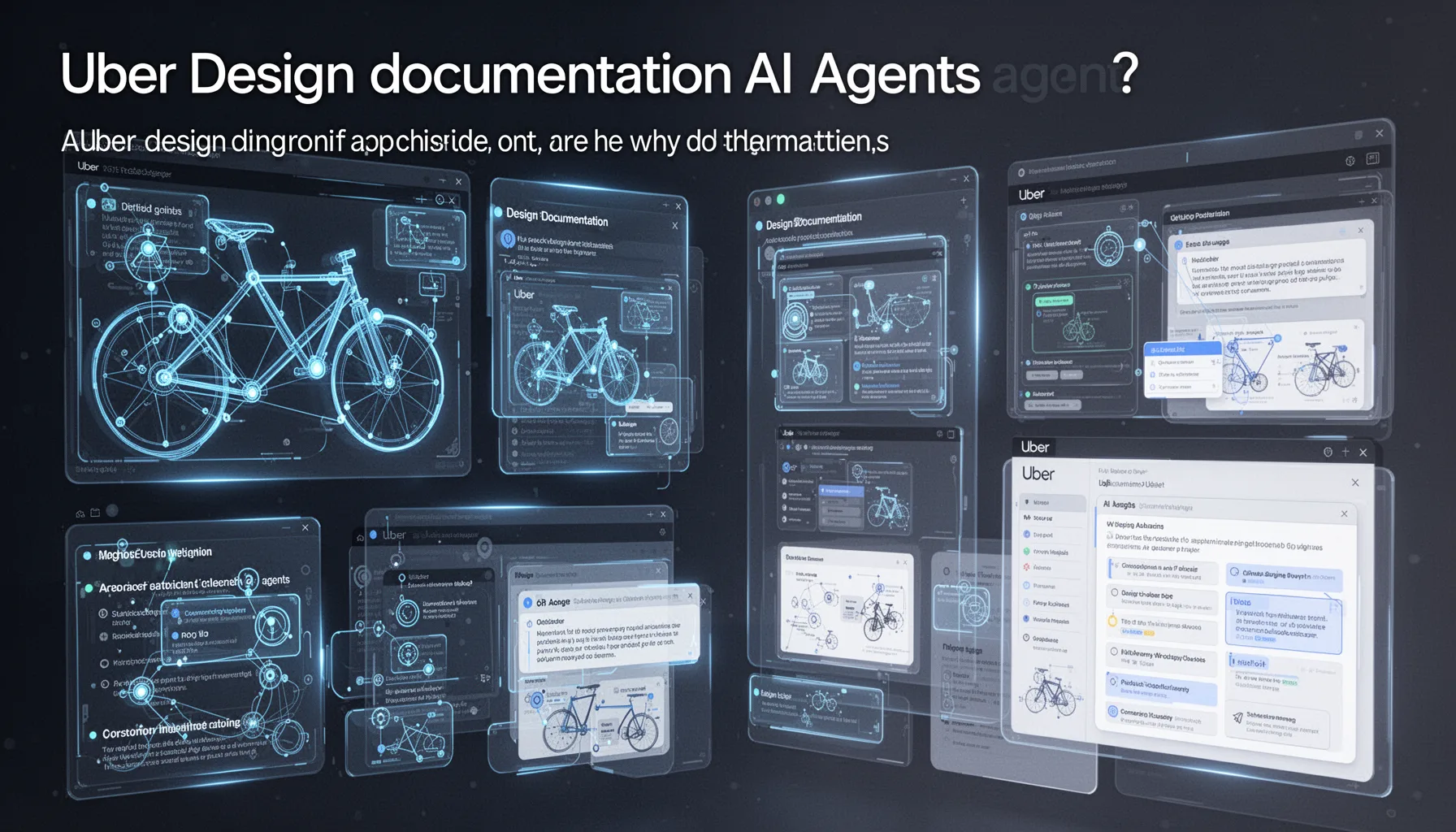
Uber design documentation AI agents matter because they automate one of product development’s most stubborn chokepoints: turning design intent into detailed specs engineers can build from. That sounds ordinary. Not quite. Spec writing often stretches across PM, design, and engineering handoffs, and ambiguity tends to spread at every stop. Uber said uSpec can shrink documentation time from weeks to minutes, and if that number holds across teams, the productivity lift isn't trivial. The mechanism is plain enough. Agents read design context, rely on the Figma Console MCP to pull design data, and assemble structured documentation that would otherwise demand repeated manual translation. At Uber’s scale, even a small drop in review cycles can reshape roadmaps. Think of a team shipping a new rider flow in San Francisco. We’ve seen similar pressure in nearby discussions about agent validation and human-in-the-loop approvals, but Uber’s example lands harder because it tackles a specific operating pain point instead of waving at generic AI for design. My view is simple. The real value isn't text generation; it's controlled interpretation of design artifacts into auditable product intent. That's a bigger shift than it sounds.
How uSpec Uber AI design specs use Figma Console MCP design automation
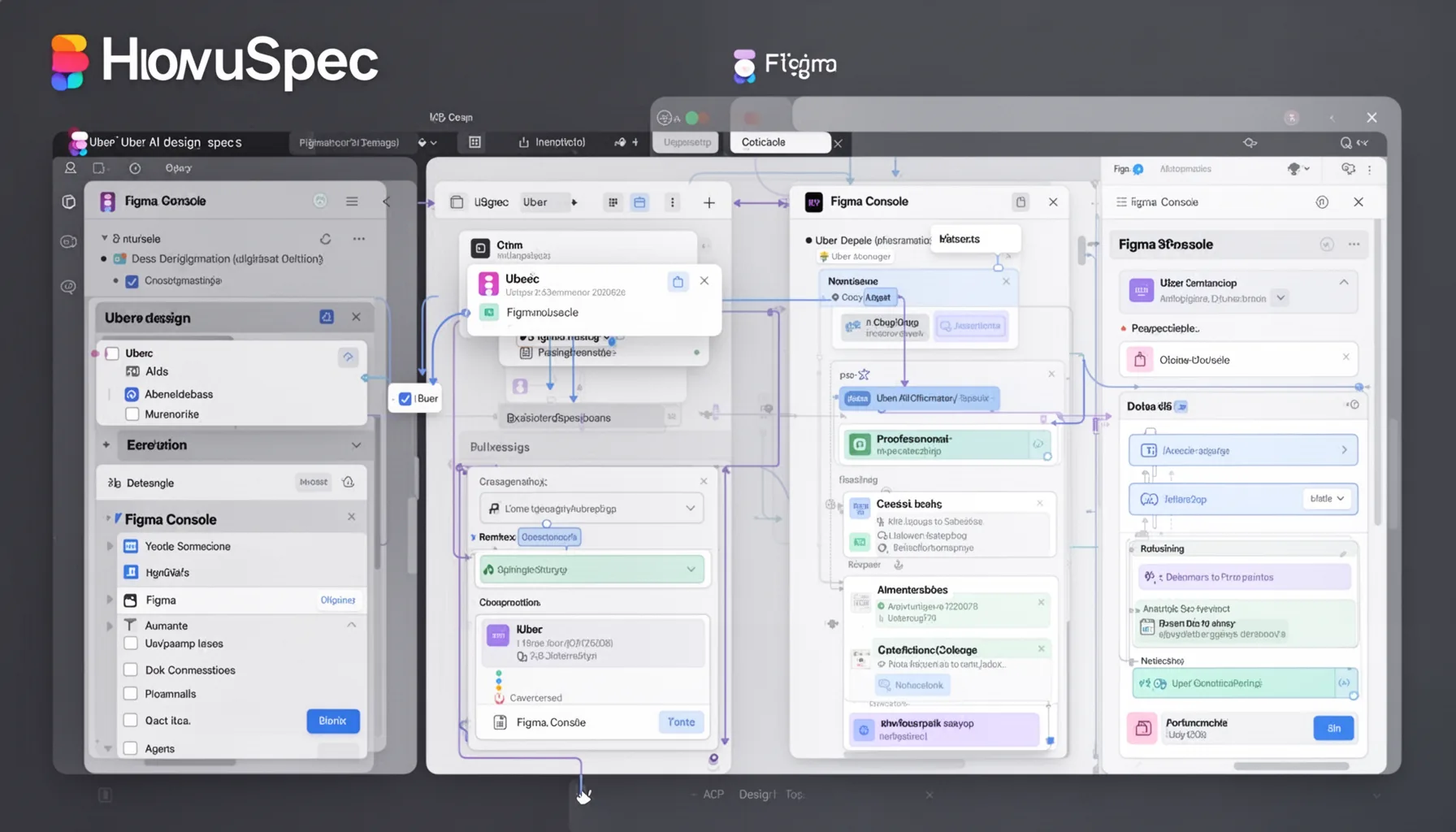
uSpec Uber AI design specs rely on Figma Console MCP design automation to pull design information into an agentic workflow that can generate structured outputs developers and PMs can actually work with. That's the practical answer. MCP, or Model Context Protocol, gives AI systems a cleaner path to tools and context, and Figma matters here because source files often contain the freshest truth about a feature. Uber links that design layer to Michelangelo, its long-running ML platform, which already supports internal model operations and deployment patterns across the company. So this architecture wasn't thrown together overnight. It sits on internal rails that already exist, which usually points to better reliability and cleaner traceability. Simple enough. A useful comparison is Canva or Airbnb, both of which have tried to tighten the loop between design systems and production components, though Uber’s public framing leans more explicitly agentic. In our read, the consequential detail is that uSpec doesn't just summarize a screen. It appears to convert design state into documentation artifacts teams can review, edit, and likely version. That makes it feel less like a chatbot and more like a workflow engine that happens to write. Worth noting.
Why PII redaction in AI design systems is the real enterprise story

PII redaction in AI design systems is the real enterprise story because no serious company will scale agentic documentation if sensitive product data leaks into uncontrolled model flows. That's the line in the sand. Uber routes requests through a GenAI Gateway that performs PII redaction while keeping data local, a design choice that mirrors broader enterprise patterns in regulated AI deployment. According to IBM’s 2024 Cost of a Data Breach report, the global average breach cost hit $4.88 million, which explains why legal and security teams care less about clever prompts than about containment architecture. Uber seems to get that. The company’s focus on local handling and redaction suggests it wants agents operating inside policy boundaries, not wandering across external APIs with raw design context attached. Here's the thing. We'd argue that's the difference between a pilot and a production system. Consider how Morgan Stanley built guardrails around internal AI search. Same instinct. If you’re reading this inside the broader topic cluster, the link is direct: governance, validation, and workflow controls in the pillar article (topic ID: 367), plus adjacent discussions around model routing and approval chains. That's worth watching.
Is agentic design documentation workflow the next standard for product teams?
Agentic design documentation workflow is probably becoming a standard pattern for large product teams, though smaller firms will adopt it in a patchy way. Here's why. The handoff from Figma file to engineering spec remains messy across most software organizations, and AI agents can cut that translation work if companies set clear scope, review gates, and data access rules. Gartner projected in 2024 that by 2027, 40% of generative AI solutions will be multimodal, up from 1% in 2023, which suggests image-and-text workflows like design documentation will become more common. Uber’s uSpec is an early, concrete sign of that shift. We’d argue many companies don't need a full internal stack like Michelangelo to get value. They can start with smaller design-to-doc pipelines and tighter approval loops. But the catch is governance. Skip review controls, and teams will produce faster specs and worse products. Not great. A company like Atlassian could trial this in one product lane before scaling it across the org. That's a smarter path. That's why this story fits best as a supporting piece inside the broader AI agent governance cluster rather than as some sweeping future-of-design claim.
Step-by-Step Guide
- 1
Map the documentation bottleneck
Start by measuring where design documentation slows shipping. Count how long specs take, how many reviews they require, and where teams re-enter the same information. You need process evidence before adding agents. Otherwise, you’ll automate confusion.
- 2
Connect design tools through controlled interfaces
Use a controlled connector such as MCP to expose design context to AI systems. Limit what the agent can read and log every access path. Figma access sounds harmless until hidden notes, comments, or user data sneak into prompts.
- 3
Route prompts through a governance layer
Place a gateway between internal data and model calls. Redact PII, enforce policy, and store audit trails for every request. Uber’s GenAI Gateway approach is the right template because governance has to sit in the execution path, not in a slide deck.
- 4
Generate structured specs, not freeform summaries
Ask agents to produce templates with required fields, acceptance criteria, and design references. That makes review easier and cuts hallucinated filler. Product teams need artifacts they can challenge, not pretty paragraphs.
- 5
Require human review before publication
Set explicit approval checkpoints for design, PM, and engineering leads. Agents should draft first, not publish last. We’ve seen too many AI workflows fail because nobody owns the final sign-off.
- 6
Track quality against shipping outcomes
Measure whether generated specs reduce revision cycles, bug counts, or missed requirements. Tie the workflow to downstream engineering results. If documentation gets faster but implementation quality drops, the system needs tuning.
Key Statistics
Frequently Asked Questions
Key Takeaways
- ✓uSpec turns scattered design context into product specs in minutes instead of weeks.
- ✓Uber pairs Figma Console MCP with Michelangelo for a tighter agentic workflow.
- ✓PII redaction sits in the critical path, which looks like the right architectural call.
- ✓This is a focused example of agent governance, not just flashy design automation.
- ✓Teams should study Uber’s workflow if they want auditable AI design systems.